![HP Smart Tank 6001 Large Capacity Ink Tank A4 Color All-in-One Printer (Printer/Copier/Scanner with Automatic Double-Sided Printing, Dual-Band Wi-Fi, Ink Included for Up to 2 Years) 2H0B9A [US Model]](https://m.media-amazon.com/images/I/61BqVu5O0VL.jpg)




🖨️ Print smarter, save bigger — your all-in-one office powerhouse awaits!
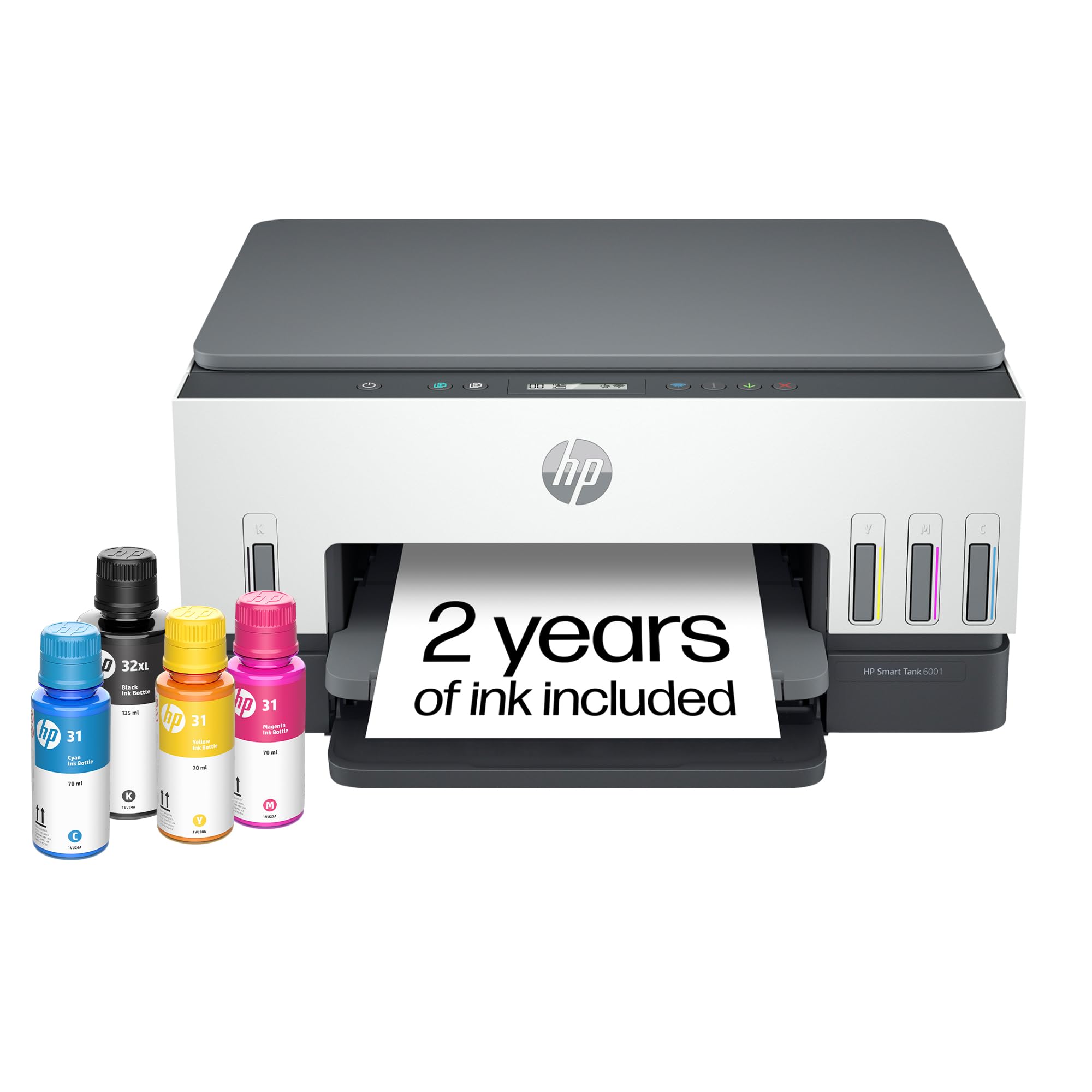
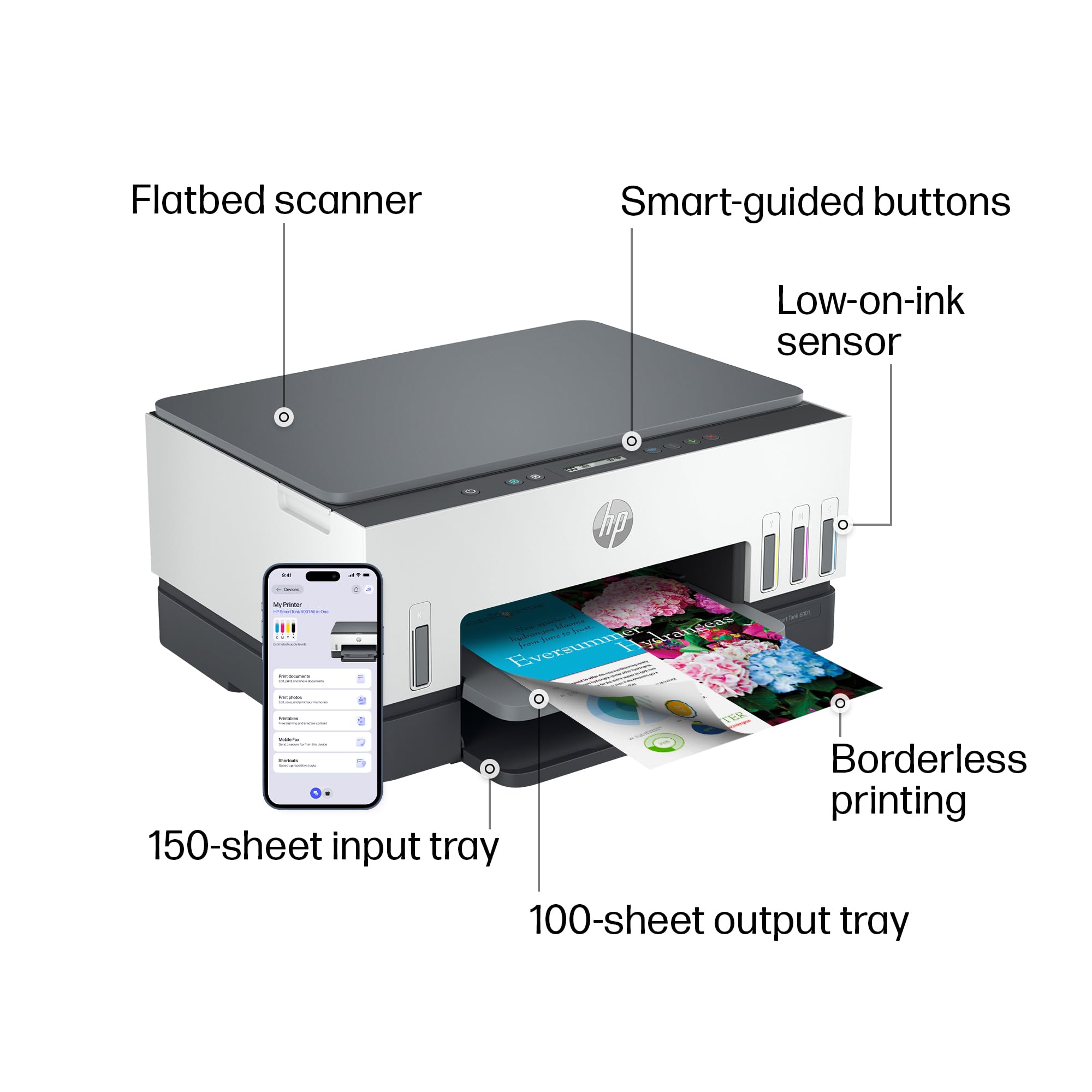
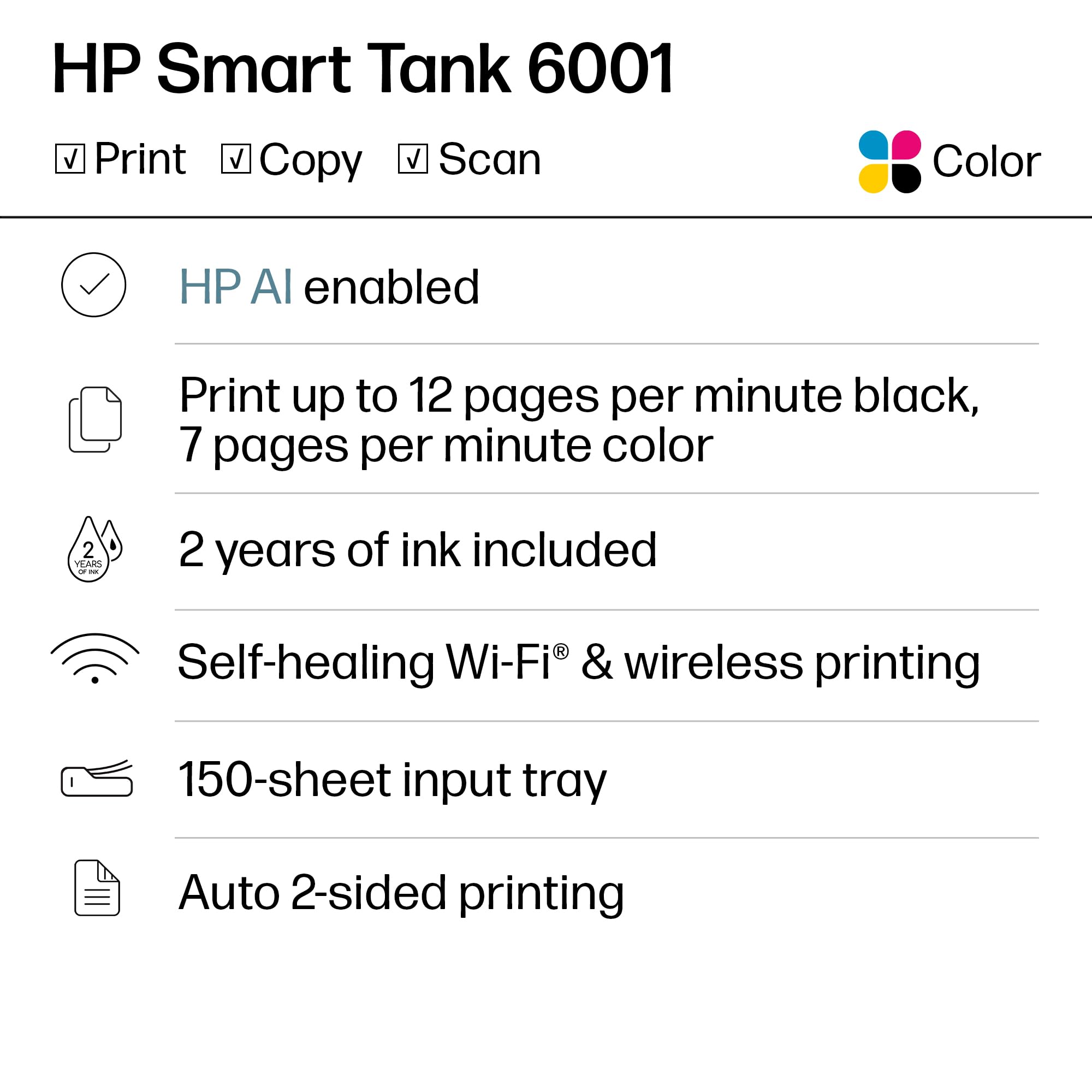
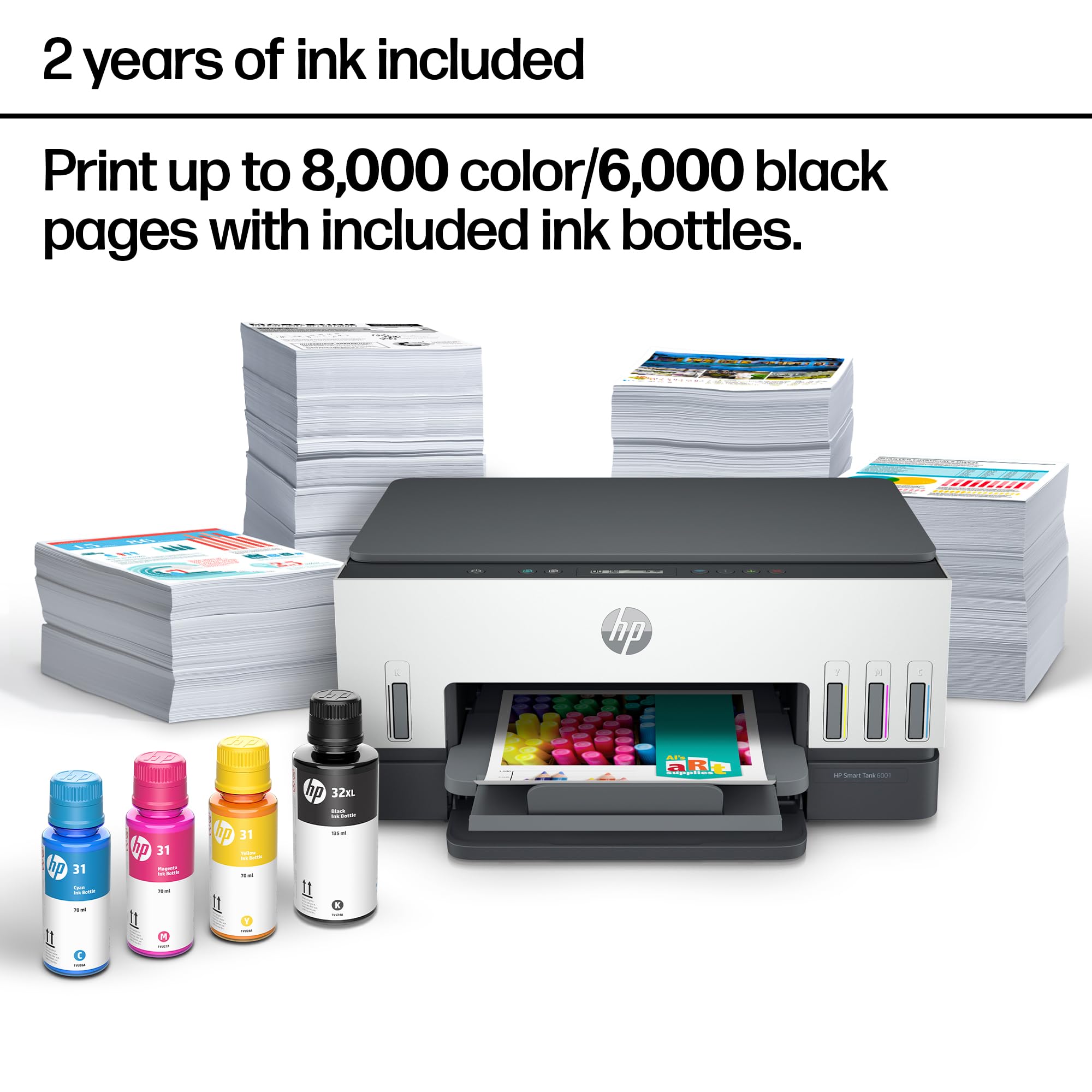
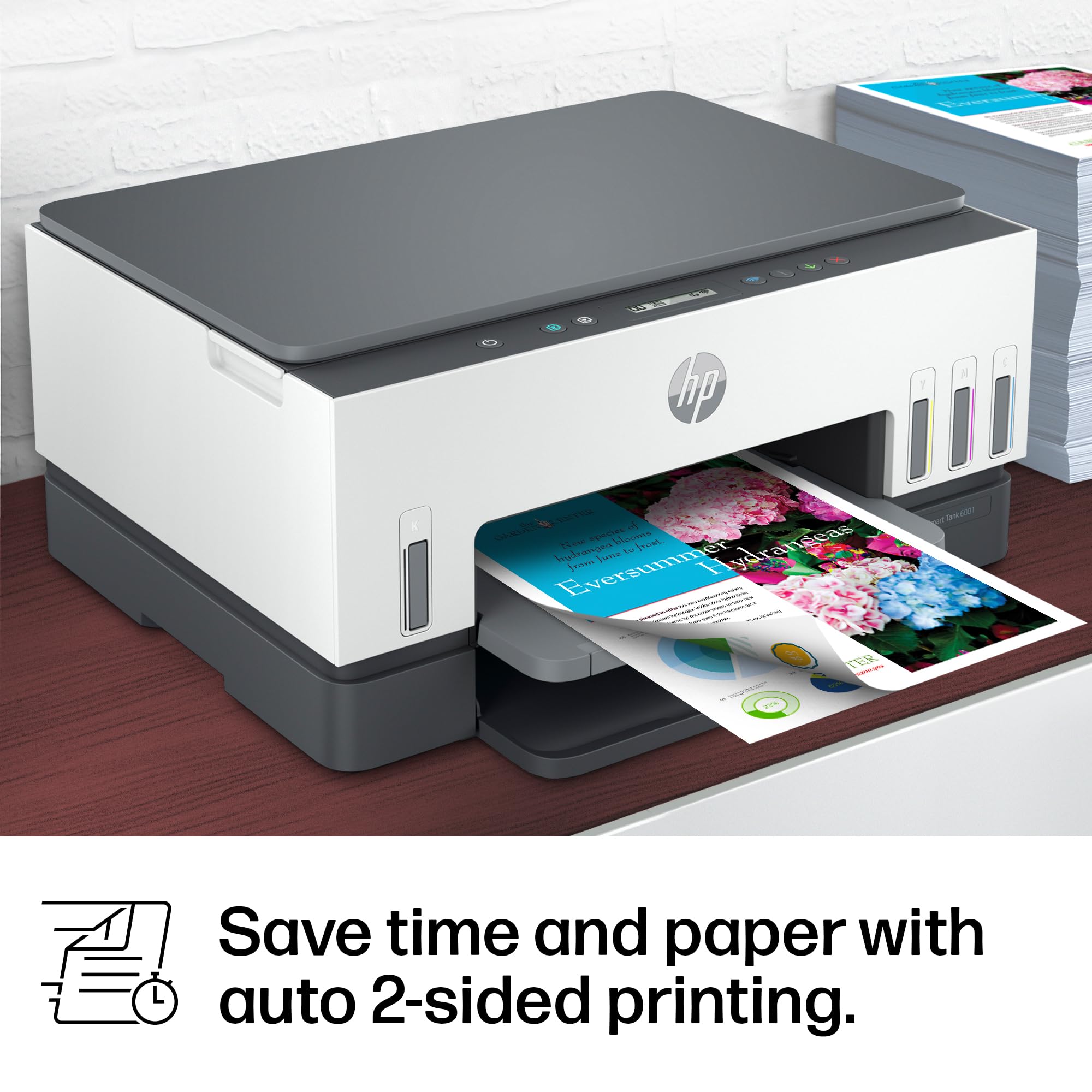
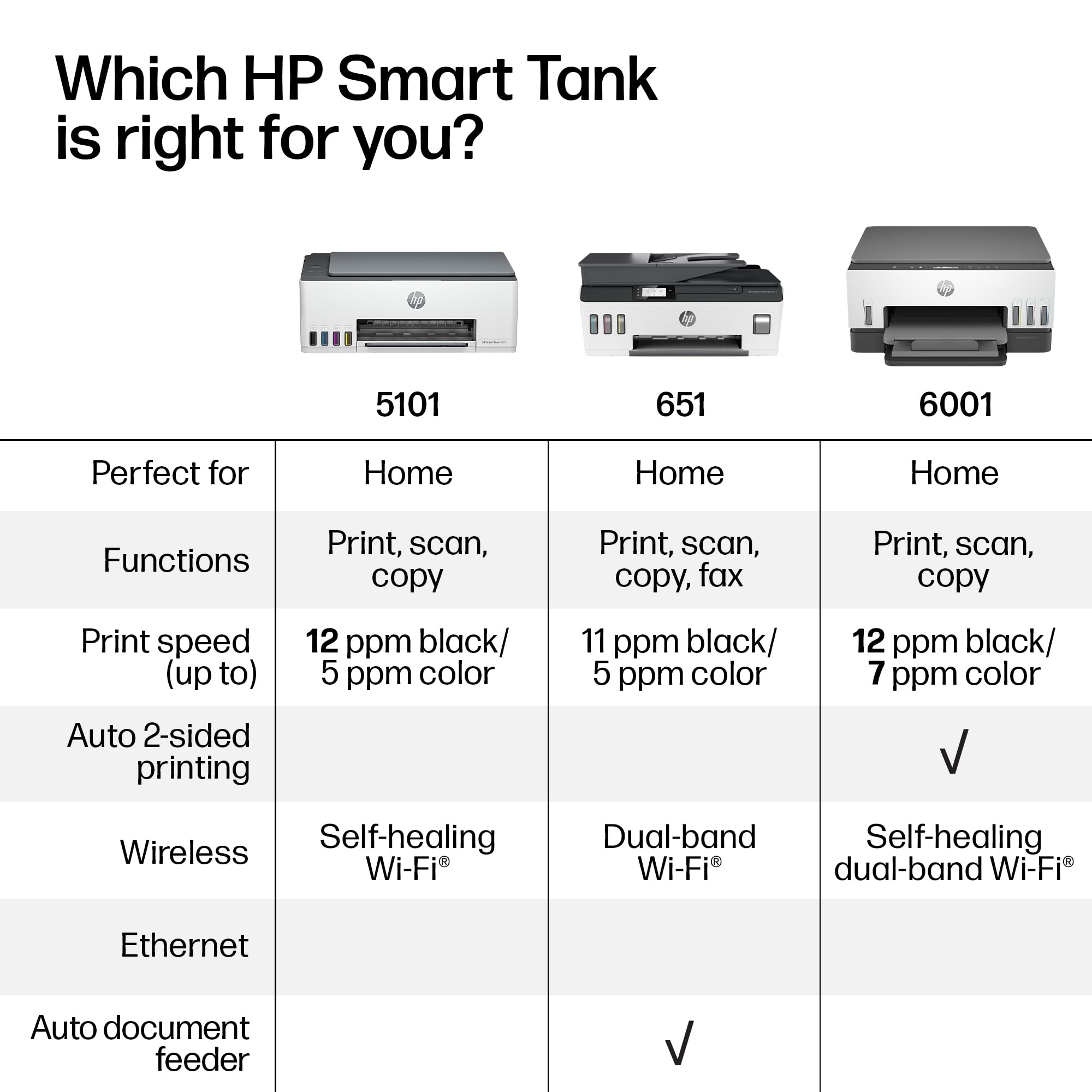
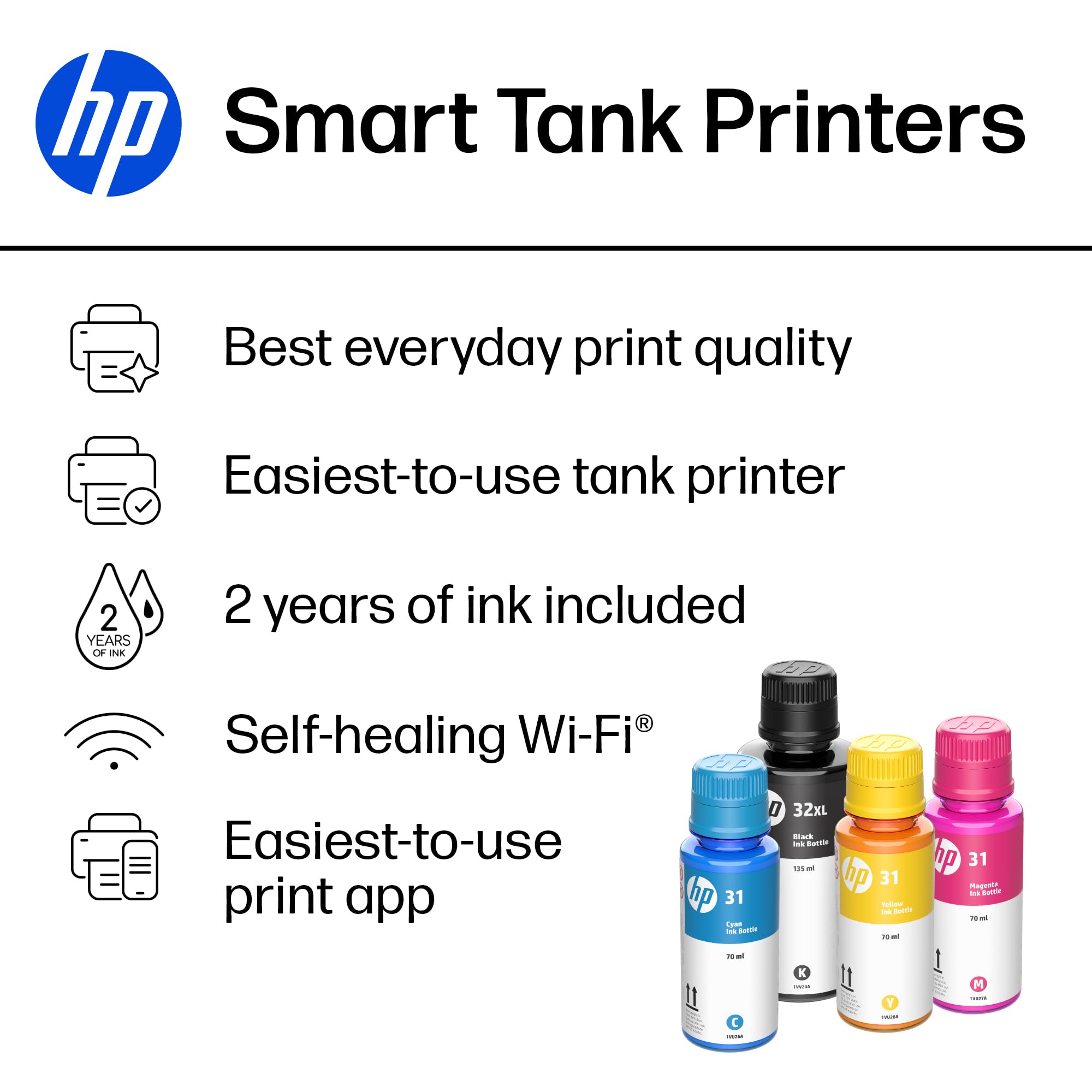
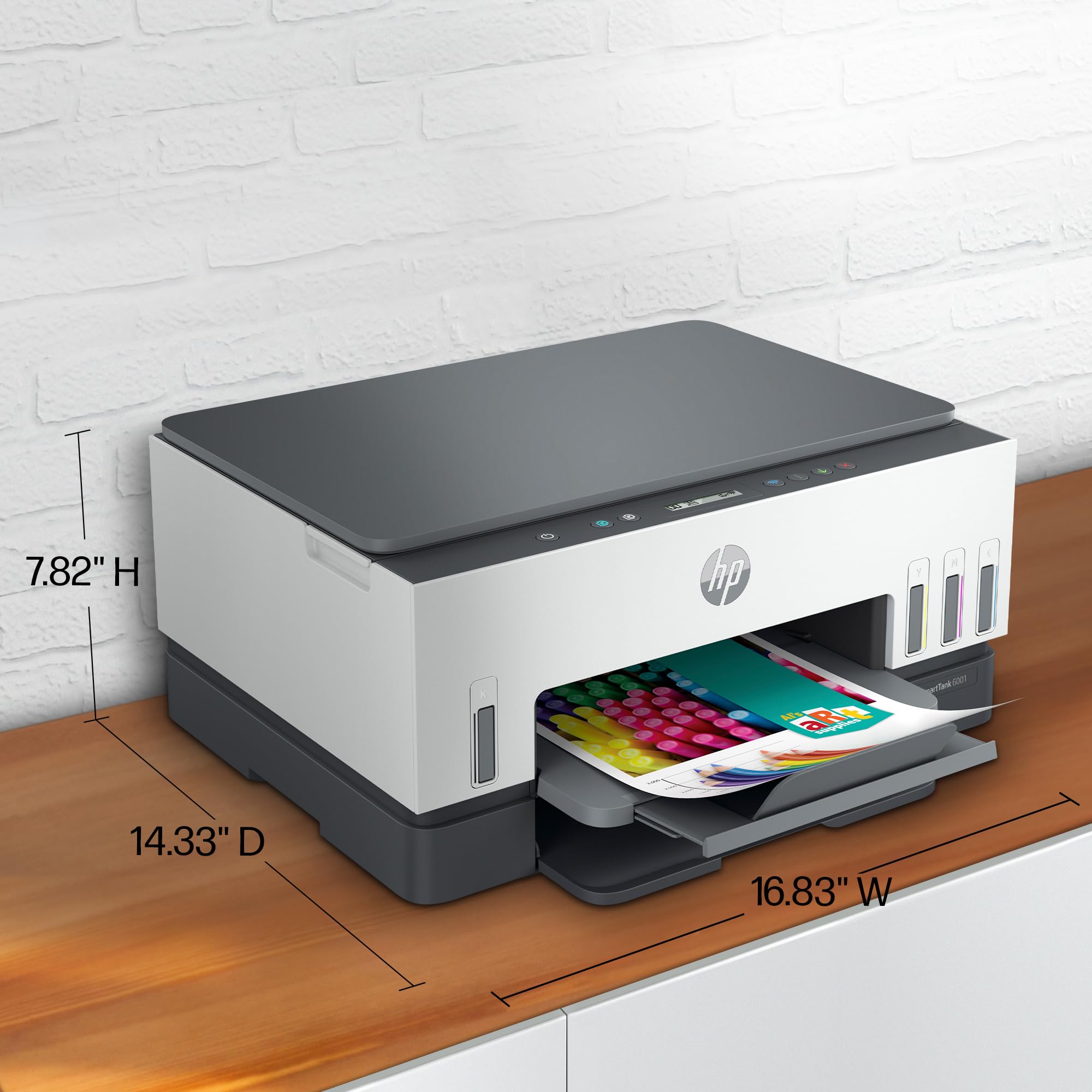
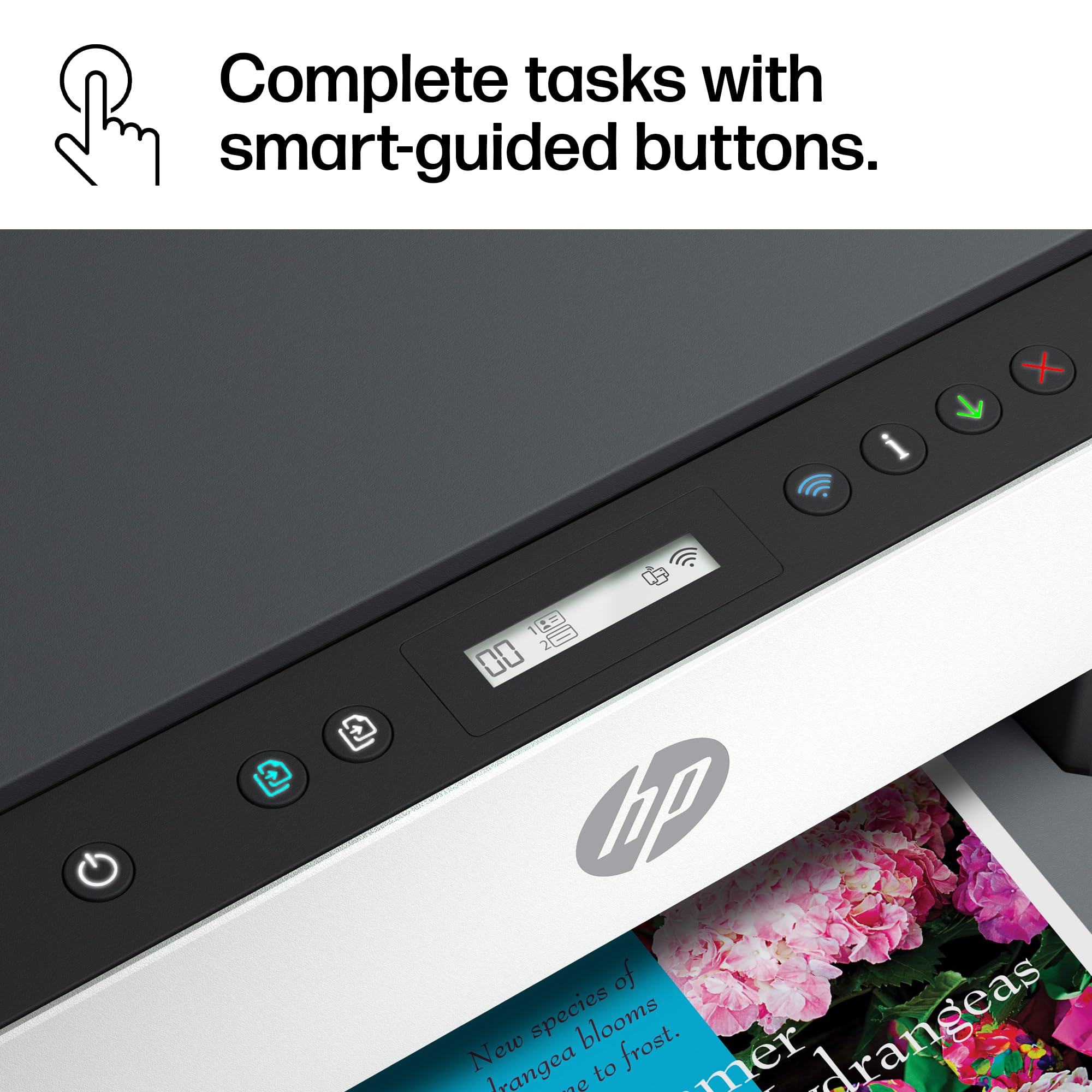
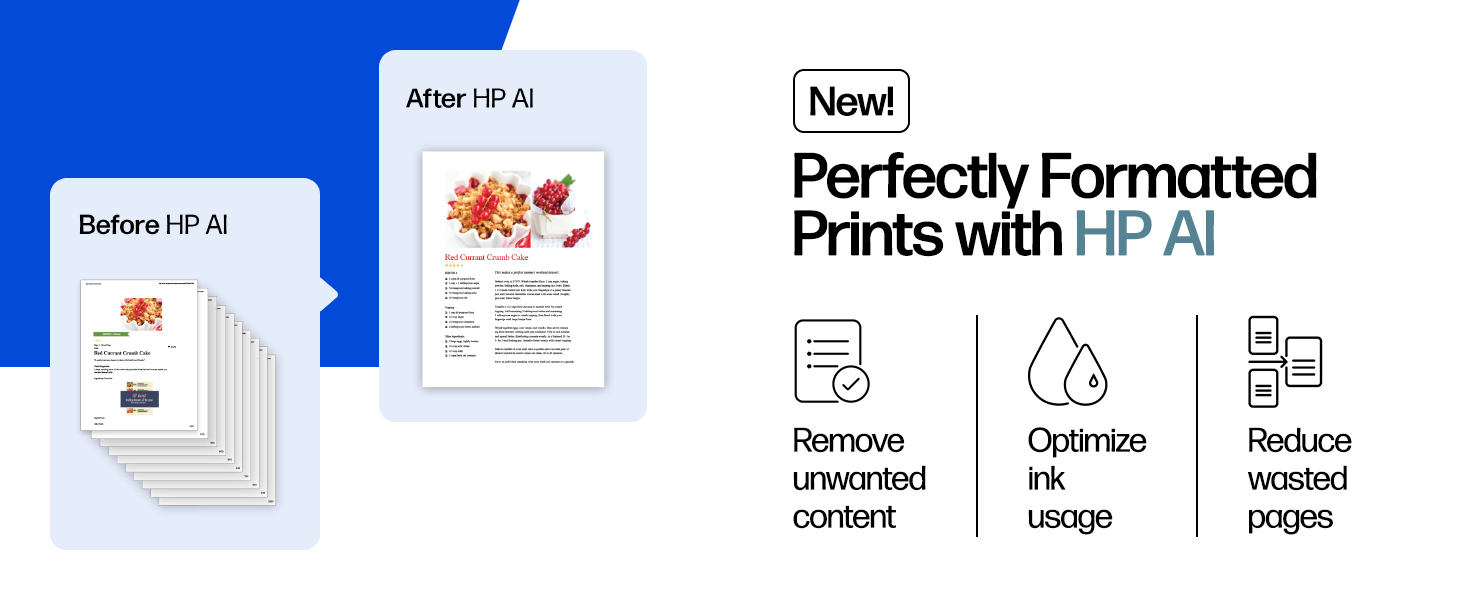
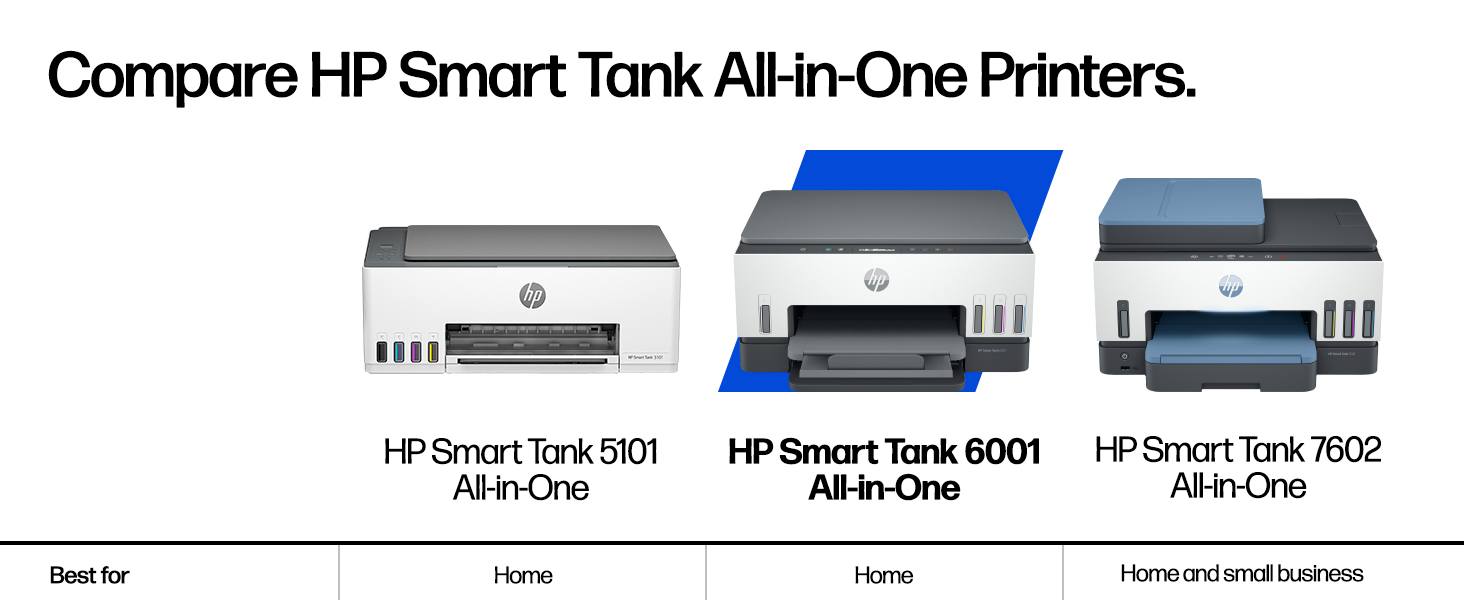
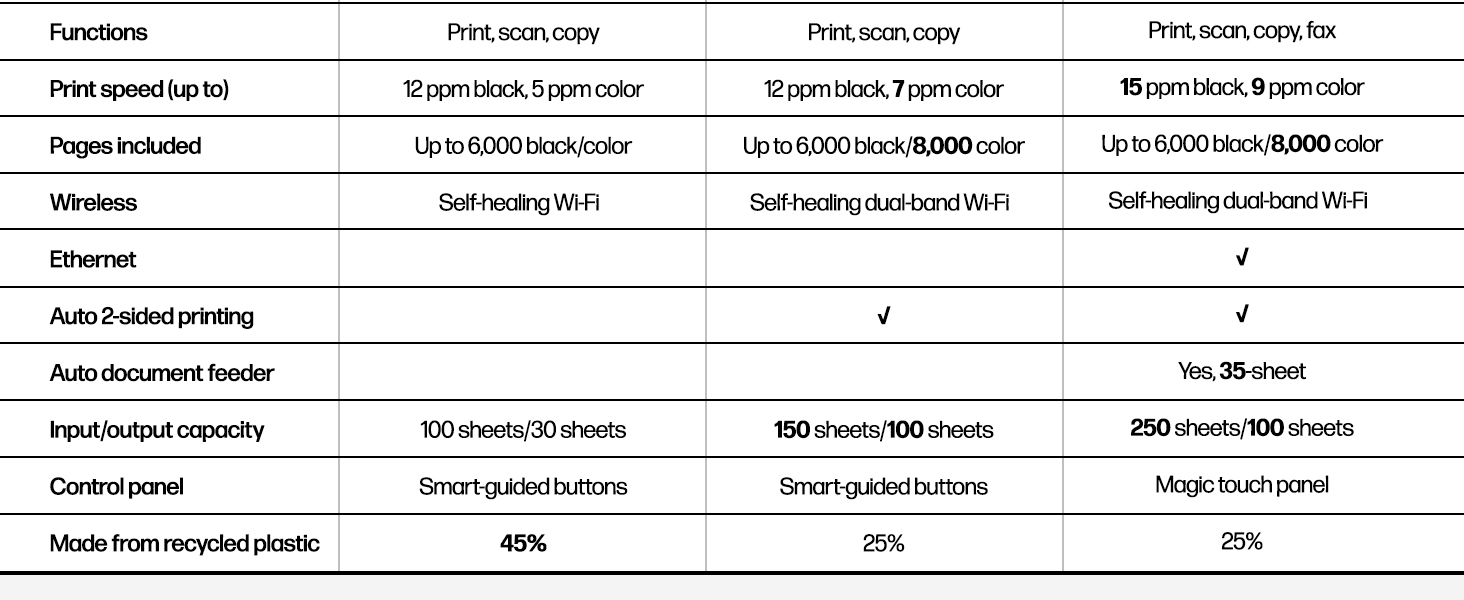
The HP Smart Tank 6001 is a high-capacity all-in-one printer designed for professionals who demand cost-efficient, high-quality printing. It includes enough ink to print up to 12,000 black-and-white or 8,000 color pages, drastically reducing per-page costs by up to 96% compared to cartridge printers. Featuring dual-band Wi-Fi with automatic band switching and a self-healing connection, it ensures reliable wireless performance. The printer supports automatic double-sided printing, high-resolution output (up to 4800×1200 dpi), and advanced mobile features like scanning, OCR, and faxing via the HP Smart App. Its sleek, compact design fits seamlessly into any modern office or home workspace.
| ASIN | B09TPZ3HLZ |
| Amazon Bestseller | #7,328 in Computers ( See Top 100 in Computers ) #44 in Ink Tank Printers |
| Are Batteries Included | No |
| Color Depth | 24 |
| Compatible Devices | Printer |
| Connectivity Type | Wi-Fi |
| Controller Type | Amazon Alexa |
| Customer Reviews | 3.7 3.7 out of 5 stars (3,008) |
| Date First Available | June 12, 2024 |
| Dual-sided printing | Yes |
| Form Factor | All-in-One |
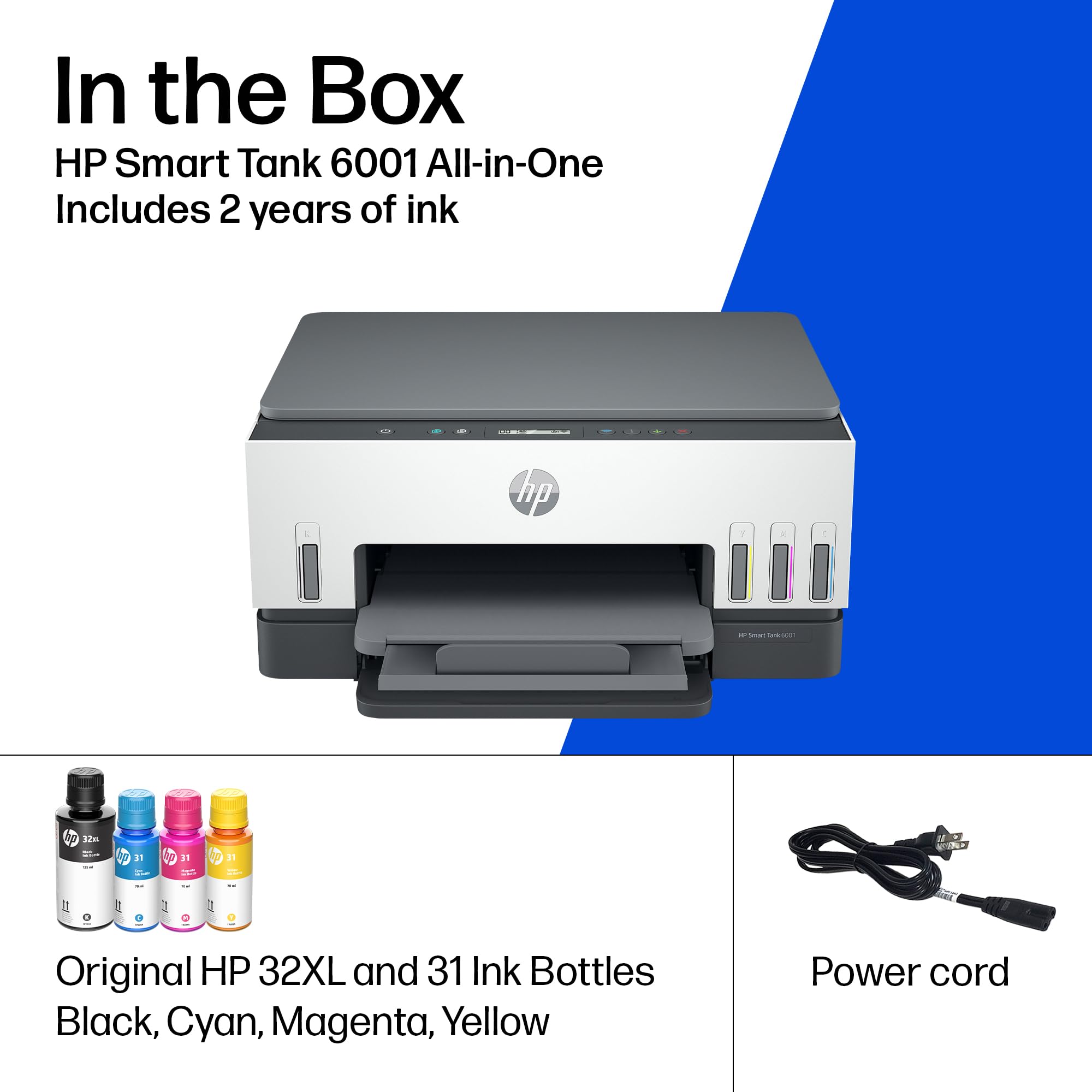
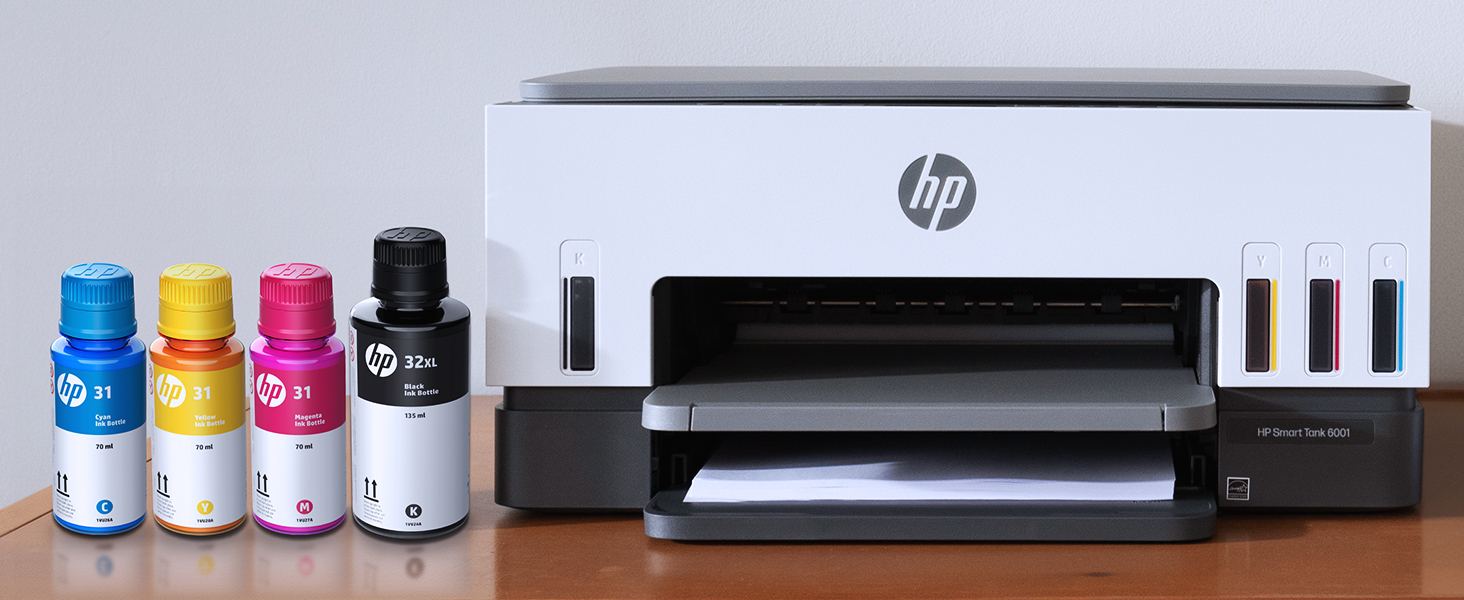
| Included Components | HP Smart Tank 6001 All-in-One Printer, HP 32XL Black Original Ink Bottle, HP 31 Cyan Original Ink Bottle, HP 31 Magenta Original Ink Bottle, HP 31 Yellow Original Ink Bottle, Ink Caution Flyer, Setup Guide, Reference Guide, Regulation flyer, Power Cord |
| Item Weight | 6.38 Kilograms |
| Item dimensions W x H | 42.7 x 36.4 x 19.9 cm |
| Item model number | 6001 |
| Manufacturer | 日本HP |
| Max Copy Speed (Black & White) | 11 ppm |
| Max Input Sheet Capacity | 150 |
| Maximum Black and White Print Resolution | 1200×1200 |
| Maximum Color Print Resolution | 4800×1200 1インチ当たりのドット数 |
| Maximum Media Size | A4 |
| Maximum copies per run | Up to 99 copies |
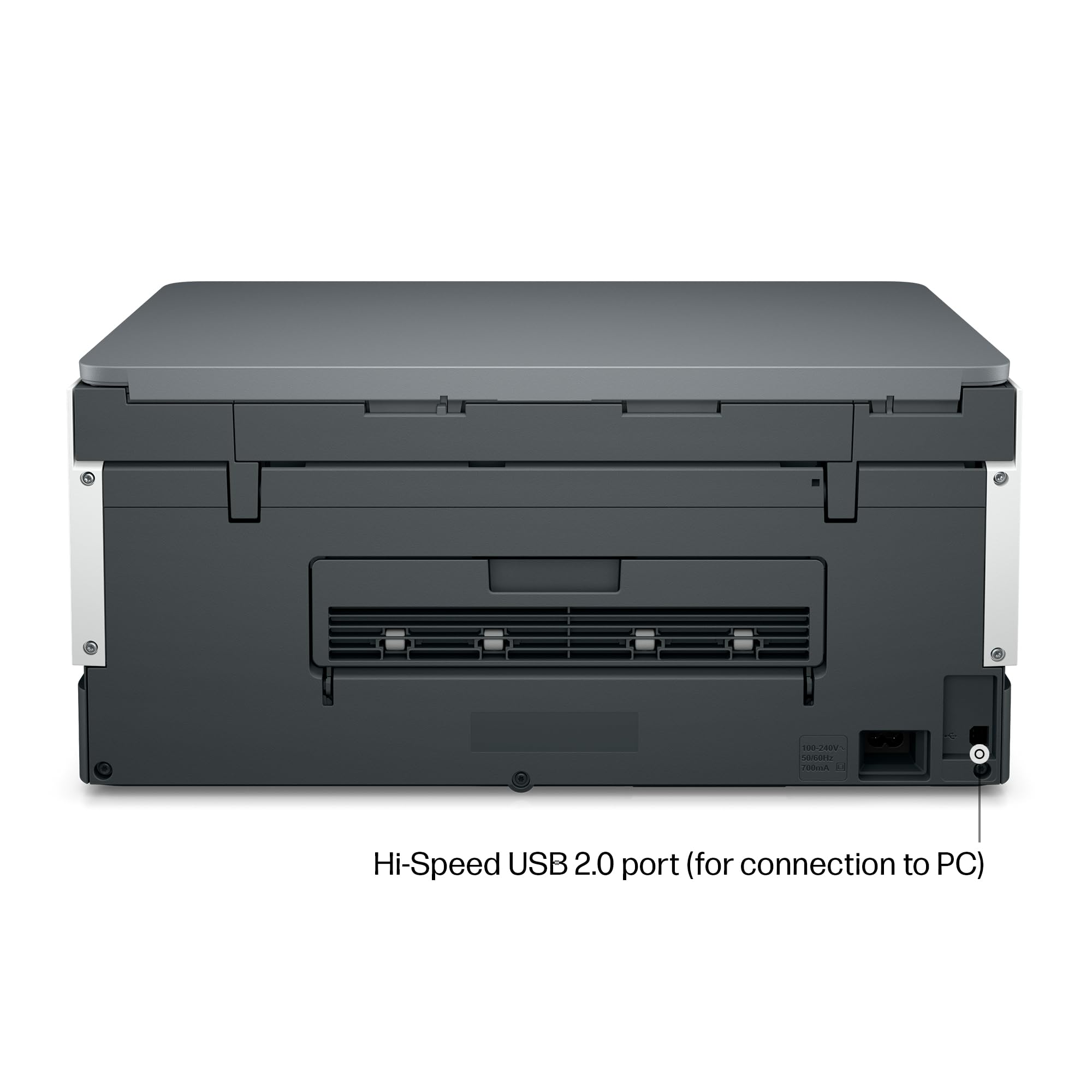
| Number of USB 2.0 Ports | 1 |
| Power Consumption | 2 Watts |
| Power Source | AC |
| Print media | Envelopes, Glossy film, Glossy photo paper, High-resolution paper, Paper (plain) |
| Processor Count | 1 |
| Product Dimensions | 36.4D x 42.8W x 19.9H cm |
| Scanner Type | Portable |
| Sheet Size | A4、A5、A6、B5、封筒(長形3号/長形4号)、はがき、往復はがき、10×15cm、L判、2L判など |
| Standing screen display size | 1.2 Inches |
| Voltage | 240 Volts |
| Warranty Type | Limited |
| Wattage | 2 W |
M**X
コスパが良い 大型インクタンクが良い 印刷も良好
き**ぐ
Wi-Fiの設定に一手間かかったり、ボタン操作がイマイチですが、印刷機能は問題無いです。
タ**き
2025年1月に購入し、散発的にしか使っていなかったにもかかわらず12月に年賀状印刷をしようとしたところで「プリンタヘッドの障害」という表示で使用不能となってしまった。 5ヶ月ほど使用していなかったと思うので、プリントヘッドの詰まりなどは想定していたがそれ以前のトラブルで、上記トラブルのためクリーニングも不可能でした。 プリンタヘッドは交換可能になっているため、接点の清掃などはしてみたものの復旧せず。 いろいろ試していると、BKとカラーのヘッドそれぞれがトラブルと表示されたり、BKのみが表示されたりするようなので、フレキシブル基板のコネクタ辺りの接触不良のようにも感じる。 (当方は元は近い業界の電気技術者なので、それなりのトラブルシューティングは想定しています) HPのサポートはウェブのサポートページやFAQのみで役に立たず、チャットボットに質問しても「カートリッジの機種はどれか?」(ボトルタイプなのでカートリッジは無い)といった的外れな返答ばかり、電話サポートもこちらからかけることはできないようで、電話サポートを申し込んでかかってくるのを待つという方式のようです。 必要事項と不具合内容を入力して送信しても、受け付けたかどうかさえ分からず、実際何の連絡もなかった。 また、2025年1月に購入して1年経っていないにもかかわらず、画面上には「保証期間切れ」と表示される始末です。 保管してあった冊子を後で見返してみると、「保証期間に関する表示は日本向けでは対応していません云々」と書いてあったけど、なんじゃコレ?? ということで、HPからのサポートは諦め、アマゾンのカスタマーセンターに連絡して返品することにし、2025年12月に「EPSON EP-M476T(大容量タンク4色染料)」を発注しました。 Windows95時代からエプソン→エプソン→キャノン→エプソンと使用し、近年では 2011年12月 Canon PIXSUS IP2700(4色ハイブリッド) 2019年11月 Canon PIXSUS TS5030S(4色ハイブリッド) 2025年1月 HP Smart Tank 6005(大容量タンク4色ハイブリッド) という変遷できています。 基本的には写真印刷はせず、年賀状印刷が最も比重が高いので、画質的には概ねエントリーレベルで十分と考えて選択していた。 如何せん、使用頻度がひくいためか、強クリーニングが必要なケースが多くて印刷量のわりにインクの消費は多くなり、カートリッジ価格が高いのが難点。 2019年購入のCanon PIXSUS TS5030Sの電源ユニットが2025年1月に壊れたため、次機種はインクタンクタイプにしようと考えて検討した。 印刷コストは安いが購入コストは高いため、ライフサイクルコスト的にはインク無補給で5年は使いたいというのが希望でした。 HPのプリンタは初めてだったが、セットアップもHPのアプリをインストールしてからWi-Fiで簡単に済ませることが可能とあったが、意外に手間がかかって煩雑なイメージだった。 テストプリントをスキャナで読み込んで自動調整する方式は簡便で良いと思う。 ユーティリティソフトは便利なような不便なような印象だが、本体には申し訳程度の表示・操作ボタンしかないのは不便だし判り辛いと思う。 準備が整っている状態からのプリント開始は早いと思うが、普段h電源OFFしておいていざ使おうとすると、びっくりするくらい待たせられるのは今一つな感じ。 前面給紙の機種は初めてだったが、給紙トレイは排紙トレイの下に隠れているため操作性は非常に悪く、用紙幅規制板の調整もカセットを引き抜かないとできないのはとても不便。 使用しないときでも給紙カセットの長さぶん奥行きサイズが大きいのも設置性からすると不利だった。 給紙経路が反転式のため裏返しでセットするとか、給紙されているかどうかも目で見えないといったところも背面給紙に慣れた身としては何となく不安感を感じた(^^; また、自分の場合は年賀状印刷が主なので、反転式の給紙経路は原理的には不利だったなと思う。 結果的には年賀状印刷せずに故障してしまったので、年賀状印刷の動作や画質なども含めて評価できませんでした。 工業製品なので何らかの不具合が出てしまうのは想定内だし、不具合に遭遇しなければ何の問題もないんですが、仮に何らかの不具合が出た場合のHPのサポートに関しては何となく期待できないなあという印象が強く、やはり日本メーカーのほうがいいなあと思った…
吉**誠
進化を感じさせる器械です。
A**ー
キャノンのG3370が1年1ヶ月で故障。修理に数週間かかりそうでしかたなく購入。印刷コスト重視で見つけたのがこれです。比較対象が昨日まで動いていたキャノンのインクジェットです。 インストールはWiFi利用でスマホで行います。正直、わかりにくい。何かやっているのか、スマホの画面に渦巻きが出て進んでいるのか不安。約1時間かかって終了。次はパソコン。ドライバーインストールも一苦労。WiFi経由が災いしたか、時間がかかり、ようやく終了。いざ、印刷。少し時間をおいて、pc画面に印刷の文字。他に出ている画面の内容が意味不明。 印刷画質は普通。速さはキャノンと同じくらい。ちょっとうるさいかな。スキャナもトライ。読み取りの微調整はあるやらないやら。画質はキャノンより落ちる。文字抽出は英語のみ。日本語の言語パックはダウンロードできず。さすがhp、非日本製。両面印刷は重宝するが、2枚で4枚分の時間が必要。使い込めば評価が上がると思うけど、現段階では不満がたたあり。ランニングコストに期待したいが結果は相当先。あと、耐久性はどうだろう。壊れたキャノンも大容量タンク。簡単に壊れるなら意味なし。ヘッド詰まりも心配。HPと出合って40年以上。期待したい。延長保証不可欠です。当然購入しました。念の為。
C**C
歴代、本体価格のお手頃な大手のプリンターを購入してきましたが、どれもインクがすぐ無くなる上にインク代が非常に高い!割安な汎用インクを購入すると、すぐ詰まる!この繰り返しでした。 今回は、ランニングコスト、使用感の良さに着目して購入すると決め、比較サイトや口コミを調べた上、最後にHPサポートセンターのかたに電話相談し、納得して購入を決めました。 結論ですが、大満足です。 特に、不安だったセットアップが驚くほど簡単で拍子抜けしました。 ①段ボールから出し、商品についている梱包材をとる(5分) ②説明書通りに、インクタンクを補充(10分) ③プリントヘッドを取り付け、用紙をセット(5分) ④アプリを入れ、ナビ通りにセットアップ(5分) 分かりやすいカラー図解の説明書がついており、開封からセットアップ完了まで、およそ25分でした。 動作も印刷も他社と比べて早い!スムーズな使用感に愛着が沸きます。 普通の非加工紙しか印刷してませんが、想定通りの色と濃さでキレイ。インクボトルタイプでインクも長持ちしそうですし、不満は今のところ、何もありません。 ちなみに、前面給紙と背面給紙、前面給紙+ADF(自動原稿送り装置)の3種類があるので、お間違いなく!個人的には、1度に大量にコピーはしないのでADFはいらないのと、置くスペースに限りがあるので前面給紙タイプを購入しました。 初HPでしたが、電話サポートの手厚さと、製品の性能とデザインが高く、安心して使用できています。 過去で指折りの良い買い物でした!
あ**な
躓いたのプリンタのインストール。 これもスマホから設定すれば、わりと楽々でした。 使用初めて、直ぐにインクヘッドの不具合が発生しましたが、サポートは丁寧で対応も早く解決しました 使用拠点の問題から、続けてもう一台追加購入。こちらはなんら問題無くインストールも終わりました。 ★1減は電源を切っていると起動時間がかかることですね。 印刷の発色とか精細具合は、この価格帯でどれだけ納得できるかだと思いますが、ガンガン画像のカラー印刷をする自分としては、用途としては満足しています。
ろ**ん
やっぱりタンク式がいいです。
M**E
I bought this printer after wanting to decrease my ink cost from a laser printer. I expect my print quality to be high, and I figured I wouldn't be able to find a quality printer. Boy was I wrong! After trying a few other brands with liquid ink, I bought this one and it did not disappoint. The ink is super easy to install, and the quality is near laser, but it's difficult to know the difference! I bought this so I could print my own cards for birthdays, anniversaries and anything else. Now I'm printing quality cards that I make myself, and I couldn't be happier! Once my husband found out I wasn't worried about ink consumption and how cheap the refills were, he's printed hundreds of pages of color for his classes, and they come out just beautiful! He wasn't too sure about me wanting to upgrade to a color printer, but now he loves it as much as I do! I have only used the scanner a few times because I have a document scanner that does more. However, the scanner works fine for larger or book scans. If you don't have another scanner, you will like at least having the option to scan. I especially like this printer over its larger models because the paper is SUPER easy to load! The larger ones need you to remove the entire front of the tray before putting paper in. This one you just take a stack of paper and slip it into the front of the paper tray. I can load it very easily from my chair without removing any parts. The printer connected to the wireless network pretty easy, and adding it to our phones and other computers was a breeze! I do notice every once in a while when the network is having trouble, it will scan for wireless networks and disconnect & reconnect. That usually isn't a problem, just something for you to know. After owning the printer a few weeks now and printing about 400 sheets of color AND about 50 greeting cards, the ink still reads full. I'm really looking forward to saving money on ink. I use the IP address to connect to the printers' interface, and I love that more than its software. Both work fine and similar. I highly recommend this HP SmartTank Printer for anyone who wants to save on money and have quality printed products.
S**D
In 2017 I bought an Epson ET-2850, because for years before that Epson never let me down and I was off of HP at the time. Anyway, things have really changed and that printer was a nonstop source of frustration. Fast forward 6 years and I had just had enough. Settled on the HP Eco Tank 6001, and it's just so much better in every way. Prints much, much faster. It can do two sided printing. The WiFi connection is actually usable without jumping though hoops. Photo printing quality is on par but takes less than a quarter of the time. I can say setup wasn't exactly a breeze and was a bit frustrating, but that's a one time thing. Printer had to be online for the setup to complete. My printer's IP is now blocked by my firewall. It will never speak to anything on the internet again. This ensures no unwanted firmware updates that disable functionality, which is apparently an issue some people have faced. The printer didn't come with a USB cable but I had one lying around. It's the old square type. When you set the printer up, you're forced to "choose between USB and WIFI" and it disables whatever option you don't choose. I was able to reenable the USB right after however, and both work fine side by side. This made my life a lot easier because printing from PCs is a pain over WiFi (can't cross LAN segments) and printing over USB is nearly impossible for mobile devices. I can't speak for ink costs as I'm not a heavy user, but once you've used an eco tank type printer, the idea of having to pay for cartridges every few months is just a bad memory. You are saving HUNDREDS of dollars. One of my main gripes with my old printer was trying to clean the print heads when nozzles clogged. At first it was possible, but it got to a point where nothing I did worked. If that ever happens with this printer, the print heads are replaceable, easily.
C**R
I think HP brand name is not something I can trust on now. I bought this printer in Nov 2023, and had some trouble with connecting to Wifi in between. But usually a reboot would fix the connectivity and was able to print again. Another issue was that the Attention LED used to blink occasionally when I try to print and until I disconnect power and power it on it was never able to print anything. I should have complained about it long back but I didn't. And yesterday it stopped working completely. Even factory reset could not make it work. Luckily I was still under warranty so I decided to contact Customer service last night. I followed the instructions and reported this, and got a Case Id. I was assuming someone would email or call me, but This morning I saw email notification that the case is closed. No update, no resolution. Nobody tried to contact me. What are they trying to do?? And today I was trying to contact the customer service, it took me 1 hr to navigate through and get past their stupid chatbot which cannot understand anything at all. Finally once the live agent started they were able to troubleshoot for the next 30 min or so and get an a replacement part ordered. I will update once I get the replacement part to see if it really gets fixed. Another thing with this printer is that you can keep hearing a small squeeling noise continuously from the printer, even when it is not doing anything at all. I am thinking this is one of the other hidden issues I may have to worry about soon. I asked the customer service person, but they just said to contact after the replacement printhead comes and is replaced. I feel they just are not interested in helping to fix issues. Overall I feel like I should stay away from HP printers from now on. (Its sad to see that once such a great brand is falling to this low). Update on 10/16/2024 I got the replacement printheads, and guess what, replacing them did not help to resolve the issues. the printheads are not detected or something else is wrong, I am not able to print anything at all. The LED display still shows the black cartridge missing icon flashing. Contacted HP customer care again today and spent > 1hr to explain this and try to get a resolution for this. And they are sending me a replacement unit, but to send the replacement, I have to get the old one returned first. (They will send me the box and label but its going to take a few days). And then another few days for them to get the printer. Only then they will send you a replacement printer. They said approximately 2 weeks, but I doubt. that. All these days I don't have a printer at all. And now once I get the replacement part, I get the warranty transferred to the new replacement unit, meaning only till the original warranty expires. If this new unit fails the same way or with a different issue after that I am on my own, throwing all that $$ down the drain. At the minimum they should have offered to extend the warranty for the number of days I did not have a printer (from the day the case was opened to a replacement was received). I have now made a decision to stay away from HP printers forever. My last Canon Inkjet was excellent. It never gave me any complaint at all since I bought it in 2009, till now. The only reason I bought a new one was because the Canon printer was end of life already and they dont have drivers that would work with the newer OS. Update 10/25: Waited for 3 days for me to send the box and label and they gave me conflicting information in each email one email with a fedex label said I have to send the shipment first to them, (no mention of box or anything that they promised to send me ). Right after that they send another email stating they will send me the new unit first and I can send back the old one in the same box once I get it. Both of these conflicted with what the customer service said, but I waited for 3 days and since I didn't see any updates I contacted customer service again. After some back and forth they said they will send me a box to send the old one back. But it was too slow, so I was able to scavenge some other shipment box, pack the printer and use the shipment label they sent via email to send the defective unit back. And they received it, but no update even on the next day. So I asked them via customer support chat again and they said it would be updated withing 2 business days. Still no udpate and when I contacted them again, now they are claiming that it will take 15 days for them to process the replacement and that time starts when they received the defective unit (Oct 23rd morning). Which means I am out without a printer till Nov 7th. In my opinion, with this kind of customer "service", there is no point in giving warranty for a product. If anyone out there is in the process of getting a new printer, stay away from HP. In my experience, their printer don't last, and they don't provide any customer service at all. All their customer service department does it create tickets for their service center and there is no way to contact anyone there to see what is going on with your repair order. Better go with any other printer and they should work. Even if it does not work after sometime, its cost effective to return it (and pay the restocking fee at amazon) or even thrown it away and get a completely new one. It would still be cheaper and less stressful than dealing with HP customer service.
A**M
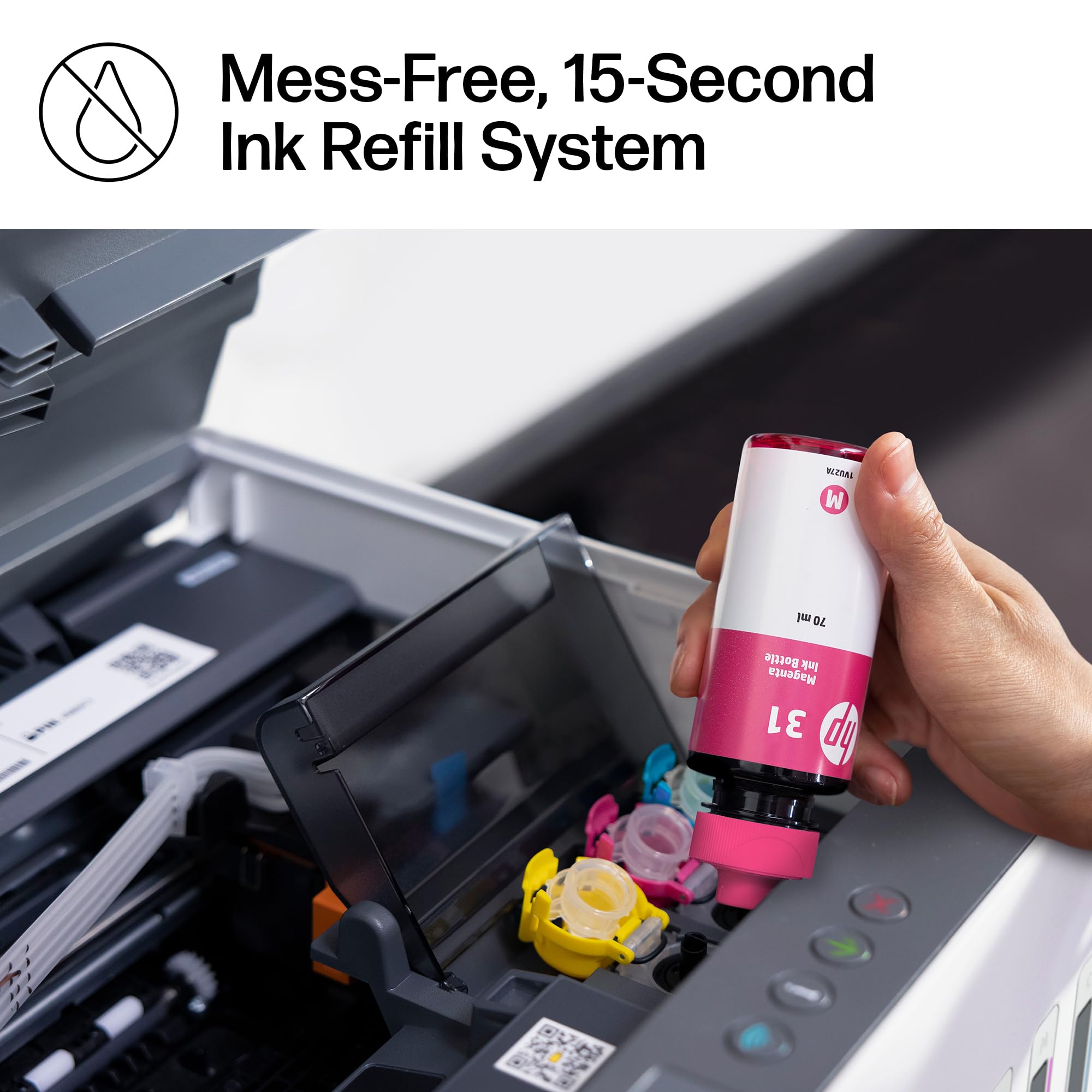
The HP Smart Tank 6001 is a solid all-in-one printer with a lot of great features, but there are a few things to keep in mind before buying. First, the good stuff—the print quality is excellent, and having up to two years of ink included is a huge bonus. Once set up, it works flawlessly for everyday printing, scanning, and copying. The cartridge-free ink system is efficient, and refilling is mess-free compared to traditional cartridges. Wireless printing from my phone or laptop has been smooth, and I love not having to deal with constant ink replacements. Now, the downsides—the printing speed is incredibly slow. If you’re in a hurry, this might not be the best choice, especially for large documents. Additionally, paper jams happen occasionally, which can be frustrating, though they’re not a constant issue. The initial setup was also a pain, taking longer than expected to get everything connected and working properly. That said, once the setup is done, it’s a hassle-free printer that does exactly what it’s supposed to do. If you can deal with slow speeds and the occasional jam, this is a great long-term printer with excellent ink efficiency.
M**K
Love this printer. Great price point and solid performance after a really easy set up. Great colour output and print speed. Trays are a bit flimsy but acceptable at this price point. Now I want to see how long the ink lasts - if it lasts two years I’ll be happy but it’s easy to see HP makes their money when you buy their toner.
Trustpilot
1 month ago
1 month ago



