

Desert Online General Trading LLC
Dubai, United Arab Emirates
Desert Online General Trading LLC
Dubai, United Arab Emirates
🚀 Elevate your multi-monitor game—because your workspace deserves the best!
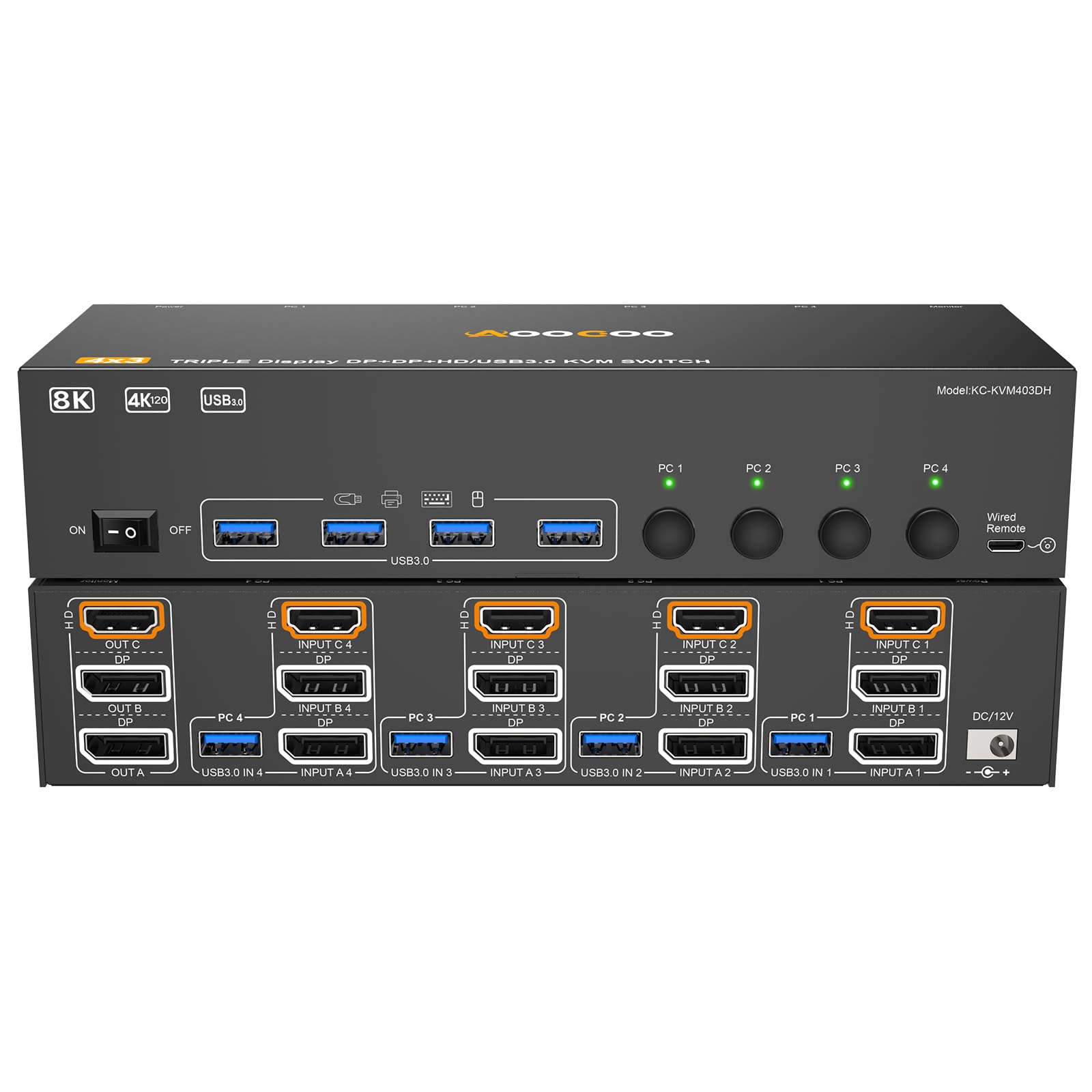
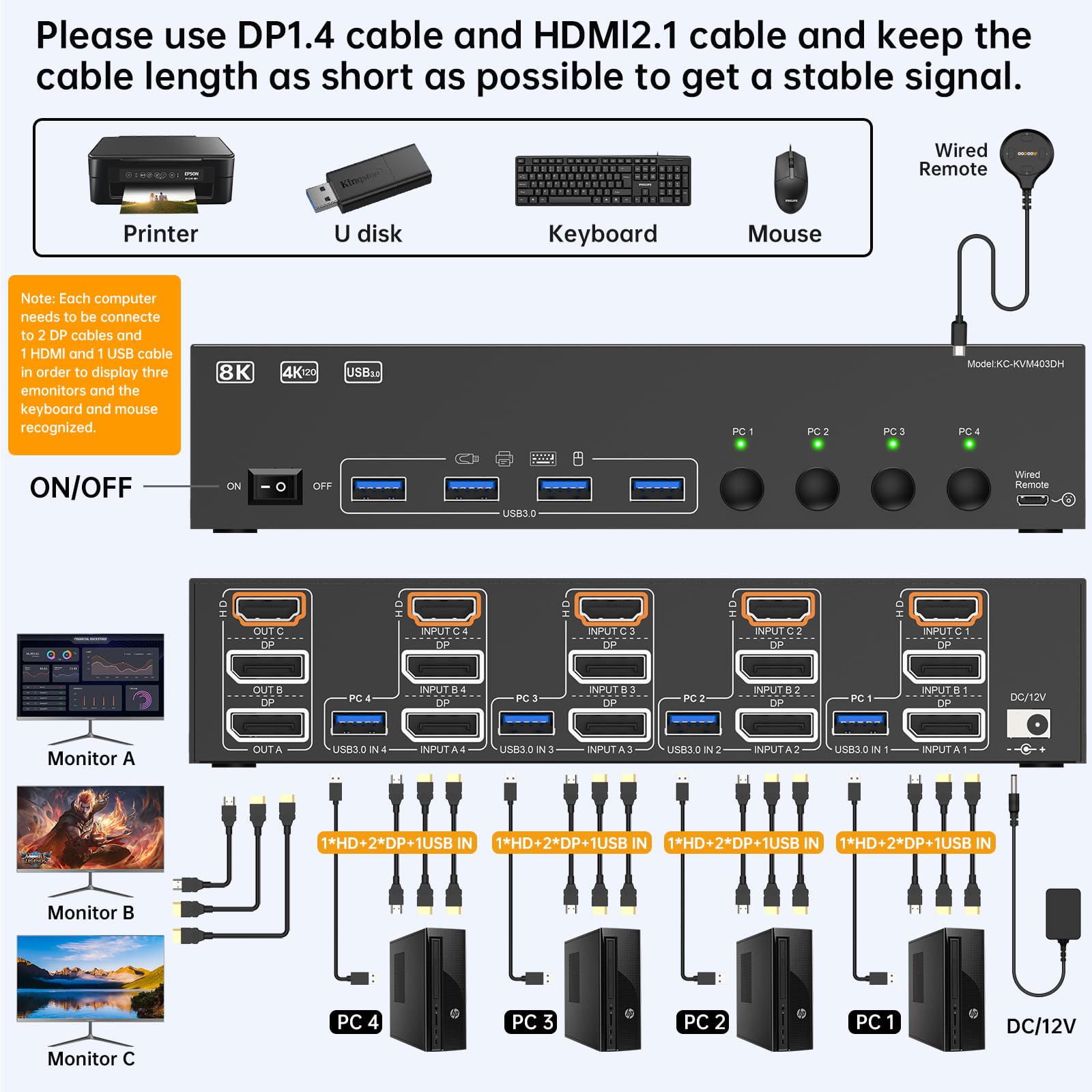
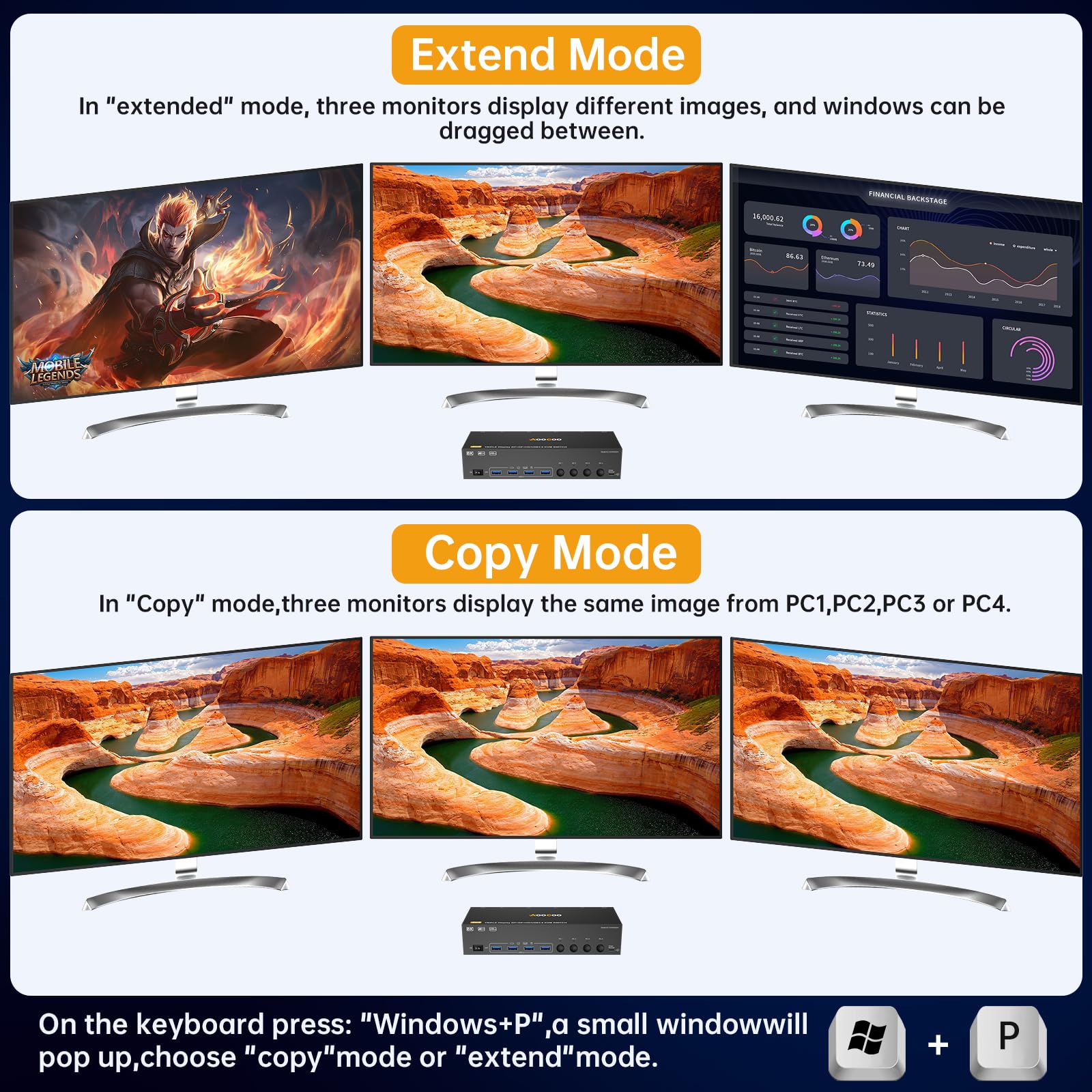
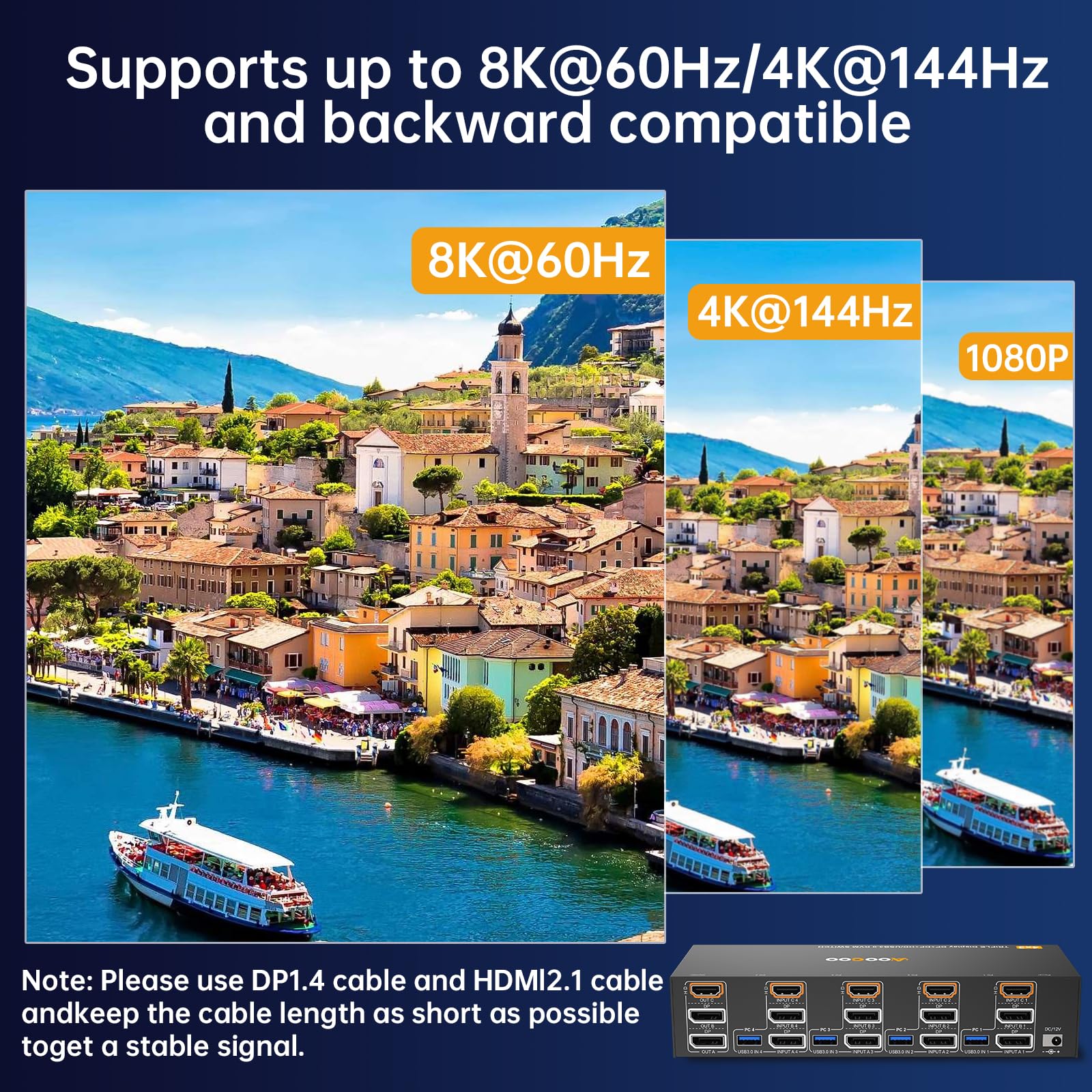
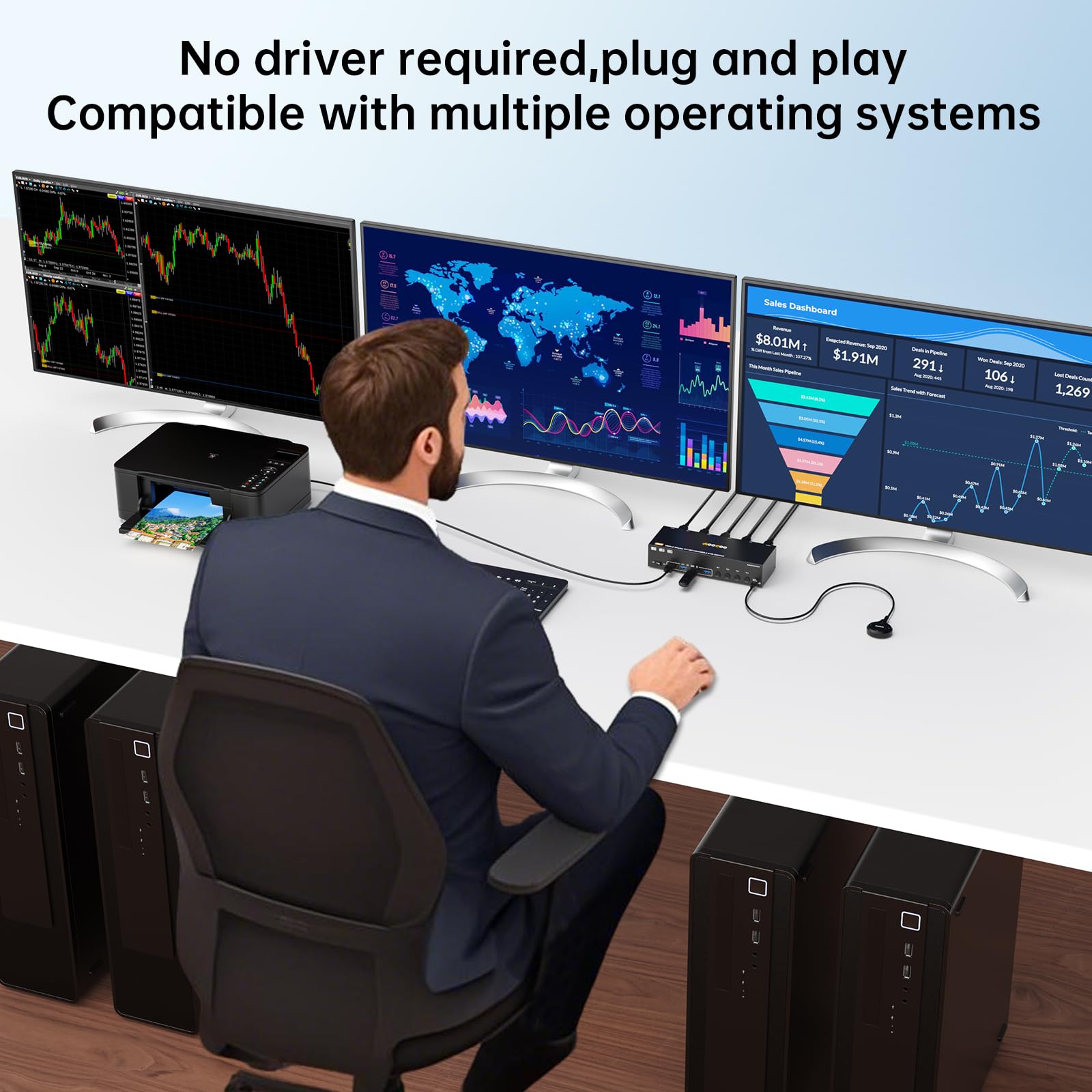
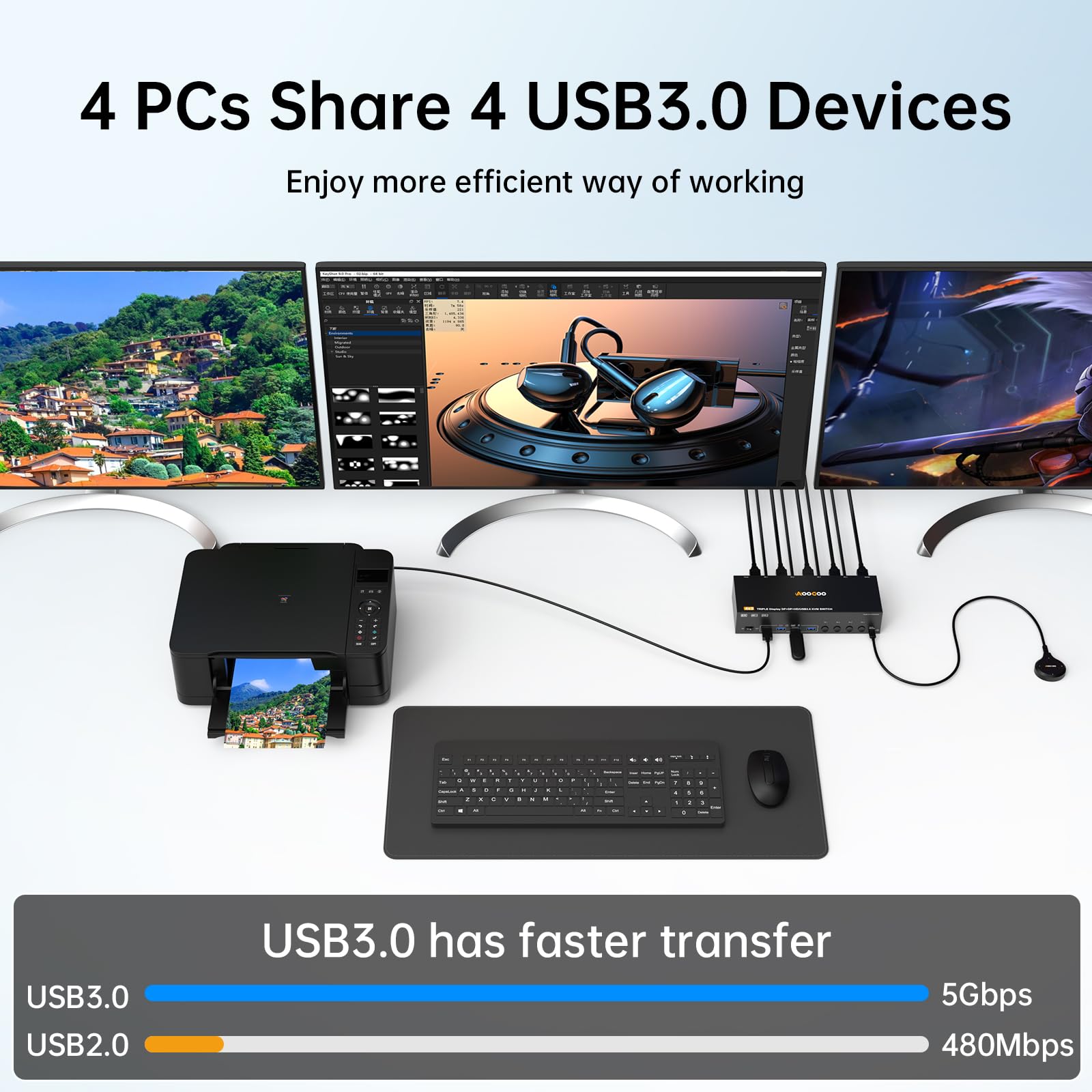
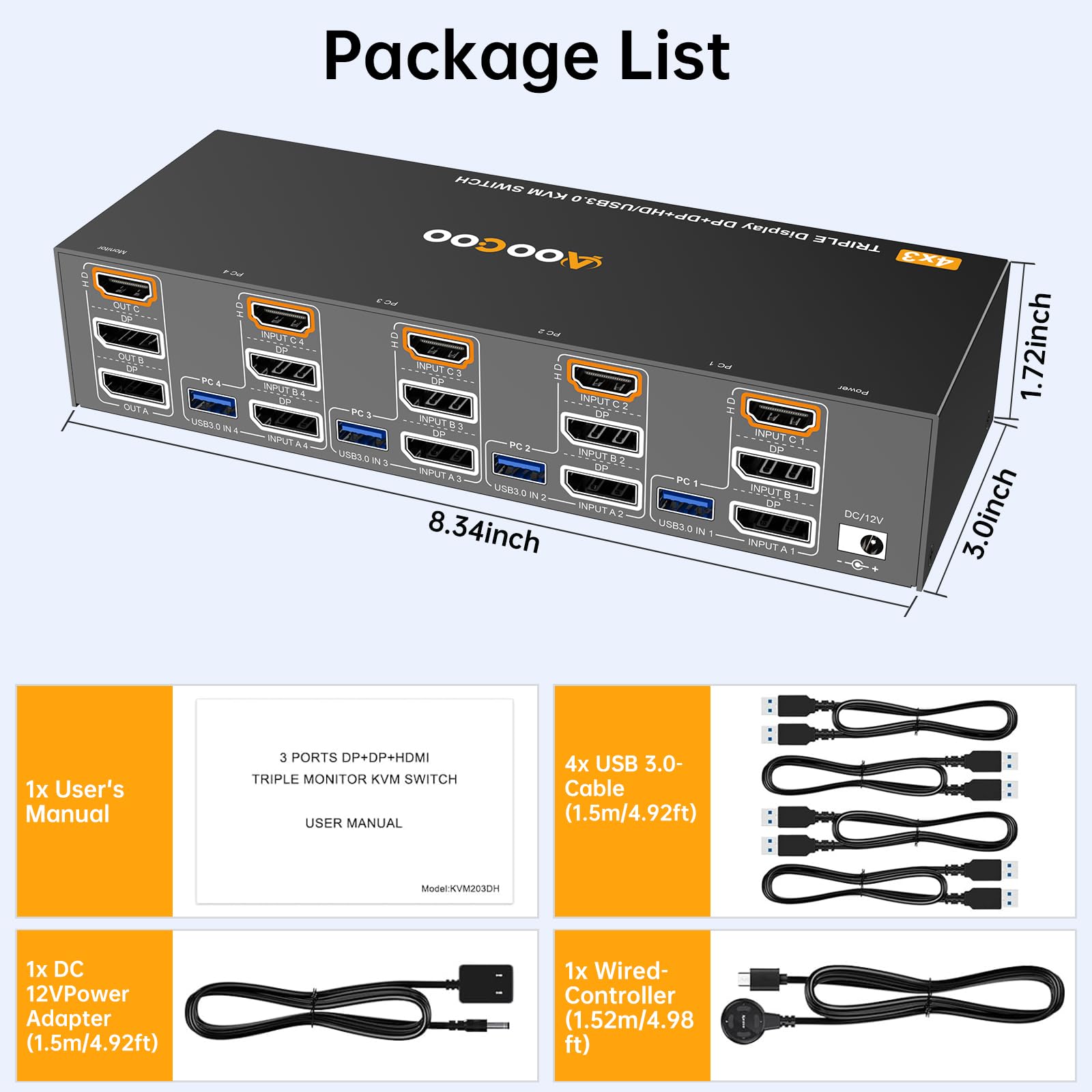
This HDMI DisplayPort KVM Switch enables 4 PCs to share 3 monitors with support for ultra-high resolutions up to 8K@60Hz and 4K@144Hz. Featuring 4 USB 3.0 ports for fast peripheral connectivity, it offers both extended and duplicate display modes. The package includes a wired remote, USB cables, and power adapter, making it a plug-and-play powerhouse for professional multitasking and streamlined workspaces.


E**G
Compact footprint
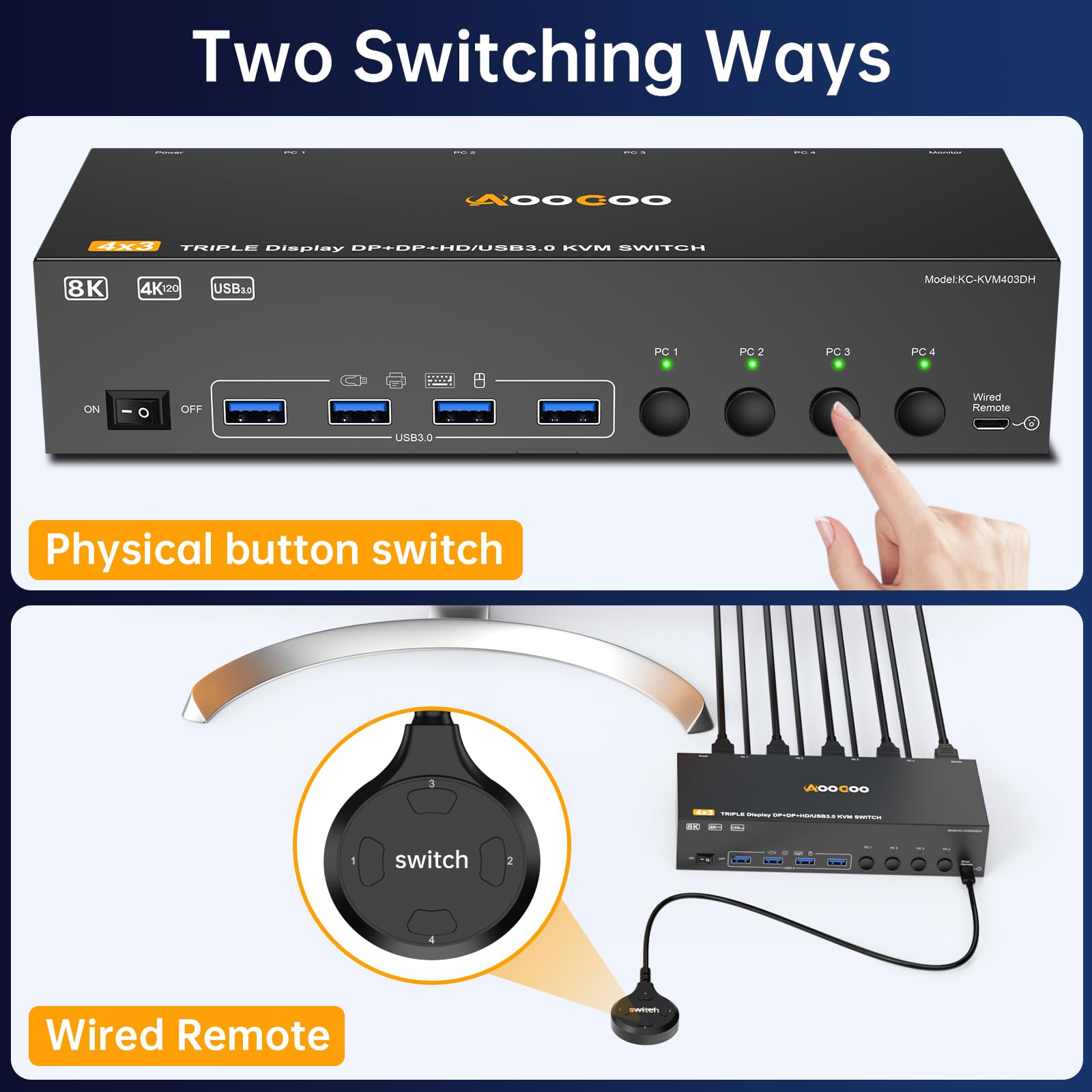
This KVM switch has a compact footprint of roughly 3x5 inches, not counting space for cables coming out of either end of the long sides. It was very easy to install. Everything is clearly labeled and readable looking down at the switch, so the labels are out of the way of the cabling, which is good industrial design.Having three switchable. USB 3.0 ports is a major value-add for me.I used this with HDMI 1.x (up to 1080p) and HDMI 2.x monitors (up to 4K) with no compatibility problems.Switching worked well using the tethered button, or the on-case button.Build quality looks good.
C**W
Good features, switches quickly
I've tried a couple different switched. This one compares favorably in general.The switching is quite fast. I'd say about 3 seconds for monitor to come on after you press the button.The indicator lights are different color, which is nice. However they are extremely bright, and you probably want to tape over them. The extended control also has lights which is nice, some don't and are just a button.Instead of grouping inputs by PC (HDMI 1, USB 1, HDMI 2, USB 2) it groups by type (USB 1, USB 2, HDMI 1, HDMI 2). IMO this is inferior for cable management. The cables going to a computer should be together. They probably did it to make circuit design easier, but it's a flaw.The device itself is quite compact, which is nice, and has a bit of weight to keep it in place.The inputs are on the back and output USB is on the front. Keep in mind for cable management.It has a DC power input. But actually works even with power not plugged in - probably the power is only for specific USB devices that need power. Monitor, mouse, keyboard works without power.
J**K
The ports are labelled so clearly - it makes a real difference.
I love this KVM switch! I just got a new computer and I got this switch so I could easily go back and forth between the new computer and the old computer to see what files I needed to move around without having to unplug wires from the new computer to the monitor and keyboard and plug them back into the old computer and then switch it around again over and over again. That would have been a huge hassle.I intended originally to use this as a one time deal and then throw it out once I finish with my computer move. But seeing how well it works, once I had everything moved to the new computer I decided why not keep the old one next to it and if I ever need it for anything I can just hit the switch and switch over to it. So now I'm keeping the switch and I'm keeping the old computer too! Hey, you never know.One good feature this one has that the others I've seen didn't have and the ones I've used in the past didn't have is that they labeled the ports on TOP of the switch instead of on the side. Other switches I've used always put the labels on the side of the switch where you can't read them by looking down on it, instead, you have to turn it sideways so you can see what ports are what.
J**H
Fast, Sharp, and Seamless Switching Between PCs
I set this up to switch between my work desktop and gaming PC on a single monitor, and it's been working flawlessly. Video quality is top-notch — I’m running it at 4K@120Hz on one machine and 1440p@144Hz on the other, and the image stays crisp and lag-free with no weird artifacts or dropouts. It definitely handles high refresh rates and resolution like a champ, which isn't always a given with KVM switches.Switching between systems is super fast and smooth. The wired remote is a nice touch — I keep it tucked under the monitor for quick toggles without reaching around to hit a button on the box itself. I also really appreciate the inclusion of USB 3.0 ports — peripheral switching has been instant, and there's no lag with my mechanical keyboard, mouse, or webcam.Everything you need is in the box, including all the right cables and even a power adapter, which helps ensure stability especially when you’re running power-hungry devices. If you’re looking for a high-performance KVM that won’t bottleneck your display or input speed, this one punches way above its weight. Great pick for both productivity and gaming setups.
S**X
Solid KVM Switch (supports touch on usb monitors)
I installed the KVM switch in my Jeep. I have 4k touchscreen monitors installed and use switches like this one to switch between an android pc, windows 11 pc, and a linux box that controls it all. I know this seems excessive but I need to connect to my home servers and use my jeep as a mobile workspace. The touchcreen function of the monitors require a seperate usb connection when using hdmi. Not all KVM switches support this function and it's impossible to know without trying it. Most KVM manufactures will state touchscreen functionality is unsupported unless it's a usb-c only switch but this is simply untrue. I not a fan of the remote using micro usb instead of usb-c. USB-C is easy to extend and I needed to add another 10 feet to the remote button. It's a minor gripe but most kvm switches have upgraded to usb-c. I have 8 of these switches now in different configurations and all of them except one seem to be designed and manufactured by the same oem yet they all have different brand names. I know its trendy to hate on products made in China but they make a lot of great products and more importantly the components that go into just about everything.
T**W
Solid KVM, But Bring Your Own HDMI Cables
This KVM switch works great. I have it hooked up to a 4K monitor, a Mac mini, and a Windows gaming PC. Switching between machines is quick and seamless, and the video quality is excellent. The product listing emphasizes that USB cables are included, but it doesn’t mention that HDMI cables are not. That’s something to be aware of—other models in this price range sometimes include them. Still, if you have your own HDMI cables ready, this unit performs exactly as advertised.
Trustpilot
3 weeks ago
1 week ago