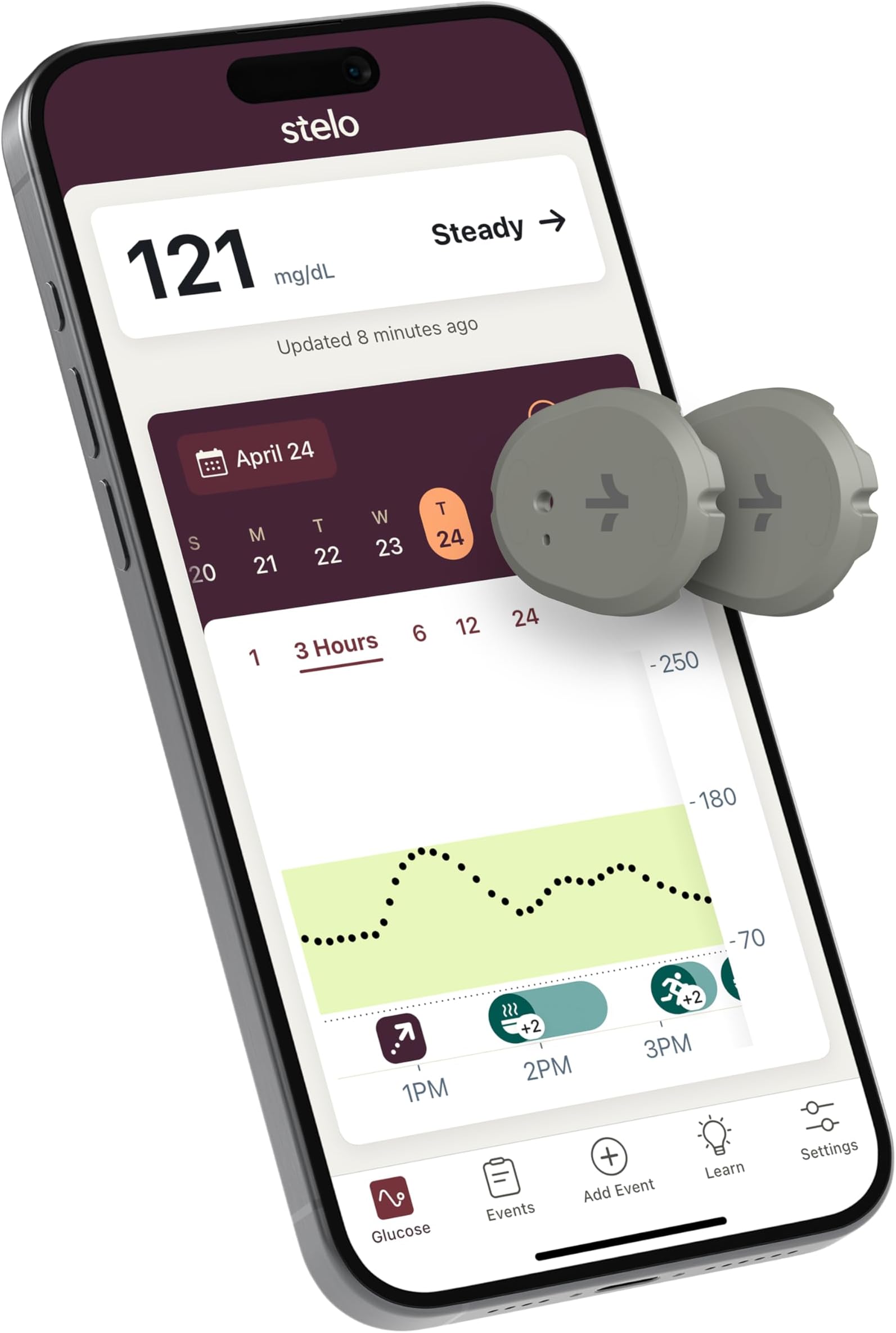
FINAL UPDATE (April 25) I’ve officially finished my journey with the second sensor, and I’m pleasantly surprised! This time it lasted the full 15 days. I had also +12 h, it seems the Grace Period are designed specifically so you can install a new sensor and let it calibrate without losing data continuity. When Stelo recently disappeared from Amazon for a few days, I found a solution and bought another "titan" in the CGM world -Lingo. This will be a great comparison! First impressions of Stelo vs Lingo: Stelo Cons: It is more expensive. Stelo Pros: The kit includes an extra protective overpatch (Lingo doesn’t), and the applicator feels much more premium - higher quality, solid, rubberized plastic compared to Lingo’s simpler construction. This review has already become a "Talmud," so I’ll post the detailed comparison in my upcoming Lingo review. Happy shopping, everyone! ------------‐-------------------------------------- Why that was in my wishlist? Because I wanted to see what is invisible to the naked eye. Stelo is the first CGM cleared for over-the-counter sale. It is officially NOT intended for people on insulin because it lacks active alerts and frequent samplings. However, it is an invaluable tool for biohackers and individuals exploring their own biology to fine-tune their diet and lifestyle. If you, like me, have an irrepressible urge to control everything around you, this device will become your best ally. It lifts the veil of mystery and shows your body’s real-time reactions to food. Installation & Setup: * Placement: I chose the arm I sleep on the least. Look for "the fluff": the sensor must sit in the subcutaneous fat layer. Do not attach it directly to the muscle. Flex your arm to find a spot that remains soft and stays away from joints. * Preparation: Do not use oils or heavy moisturizers on the skin that day. Wipe the area with an alcohol pad and let it dry completely. If the area is hairy, it’s worth using a razor for better adhesive contact. Avoid scars or skin irritations. How it Works: *Update Frequency -data syncs automatically every 15 minutes. * Glucose in the interstitial fluid (where the sensor sits) lags behind blood glucose by about 15 minutes. This is a physiological fact, not a device error. *There can be a slight margin of error. Especially, the first 24 hours, the sensor is "settling in". I installed mine in the evening, and by night, it showed values at the very bottom of the normal range. My Personal Experience: * I took showers and went to the pool, everything was perfect. The adhesive didn't peel or itch. * The "Shot": The needle is hidden inside the applicator and is invisible during the "fire." It’s incredibly fast and painless, which was crucial for me as I fear the sight of blood and needles. *The App Interface. One downside for me is that you can't see specific numbers for past readings, only the current one and the overall graph. The graph lacks a fine grid (e.g., every 10 units); the 70-140-250 spread is too wide for tracking. If I missed a setting for this, please let me know in the comments! I conducted a small experiment to see how different "shields" affect a glucose spike from a "carb bomb" (a can of pineapple juice). Day 1: Just the juice (fast spike). Day 2: Protein first, then juice. Day 3: Fats first (egg yolks), juice. Day 4: Fiber (psyllium husk), juice. Day 5 (The Grand Finale): A complex mix of fats, proteins, and fiber (Avocado + Eggs + Psyllium). The results a little surprised me. The highest spike wasn't from the juice alone, but from juice after protein. Fats and fiber significantly smoothed the peaks. The most intense hunger occurred after drinking juice on an empty stomach, it was actually easier for me to skip breakfast entirely. The most satisfying day was the last one with the complex breakfast. You can see the summarized data in my attached chart. I’ve always known I love fatty foods, despite the common narrative that "fats are the enemy." Now I value them even more—they are delicious and provide long-lasting satiety. Calories matter, but they aren't everything. My Conclusion: Numbers-whether on stelo, the scale, or a calorie counter- are just numbers. What matters most is how you feel. Understanding your internal reactions turns anxiety into awareness. I am not a doctor, so everything described in my experiments is my personal user experience. My charts are an illustration of my body’s reactions, not a guide for yours. Any anomalies in your data or questions regarding your health should be discussed with a doctor, not self-treated. P.S. I have one more sensor left, so my journey isn't over. I think the next part of my research will focus on physical activity! UPDATE (March 26): How I got a FREE replacement. My sensor died on day 14 , just hours after I posted my first review. The app will ask you to toggle Bluetooth and restart your phone. That didn't work for me.I took a screenshot that my session ended early, just in case. I was devastated because I hate English phone calls - they are a nightmare for me. But I found a way to get a replacement without talking to anyone! Here is the step-by-step: Go to Settings -> Support -> Contact in the Stelo app. It will take you to their website. IMPORTANT: Log into your account on the website and add the address BEFORE starting the chat. If you don't, the bot might glitch and ask you to restart the whole conversation because it won't remember chat history. Don't send long texts, the chat bot doesn't like "walls of text", just say: "Session Ended Early." It will then trigger the replacement form. Have your box ready: You will need the SN (found on the side of the box next to the number 21). I checked the installation date in the app, based on the schedule-specifically, when the first entries appeared. The Result: I submitted my claim on the morning of March 23. I got an email with a Case Number immediately, and 30 minutes later - an approval! Today is March 26, and the new sensor is already in my hands in Camas, WA. That is incredible speed! Update (April 19). I know how activity influence blood sugar after a "sugar bomb" (pure pineapple juice) right now. * 1 cup of pineapple juice on an empty stomach. * Compare a sedentary morning vs. two different walking strategies. Day 1: Bed Rest. Ispent the morning in bed reading books with my daughter. Result: My sugar spiked from 115 to 163. Day 2: Walking AFTER the Juice. I drank the juice at home and then immediately went for a 1-hour walk. The peak was still high 165, but the duration was much shorter. Walking AFTER helps clear sugar from the blood faster, but it does NOT prevent the initial peak itself. Day 3: I started my walk first. After completing one-third of my usual route, I drank the juice (which I had in my pocket) and continued walking. Result: This was the most effective method. The peak reached 145. By "pre-heating" my body began burning the energy immediately. Pay attention area under the Curve. I looked at the total glucose load on my body: Day 2 - even with a high peak, the total load dropped by 34% because the sugar cleared so quickly. Day 3- the total load decreased by nearly half (-42%) compared to lying in bed. Bonus Discovery 🥥 I also tested how my body reacts to coconut dark chocolate treats like dessert: 1 candy: Almost no change on the chart. 2 candies: Created a noticeable "hill" toward the top. 3 candies: Caused a full-blown spike. Final Note: The sensor is incredibly sensitive. On the third day you can see chart reversal at the end, because as soon as I returned home and ate my husband's pancake, the reading jumped from 101 to 113.