
DOWNLOAD THE APP


Customer Services
Copyright © 2025 Desertcart Holdings Limited
DOWNLOAD THE APP
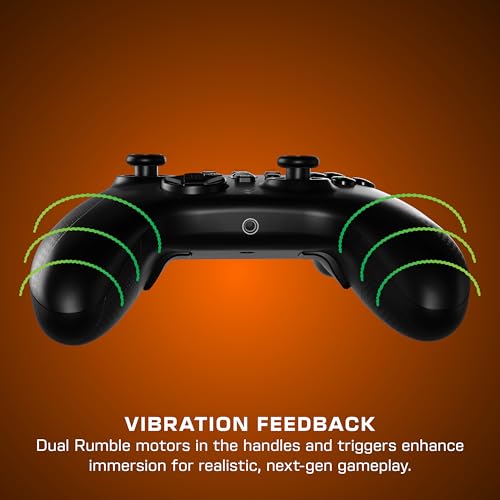
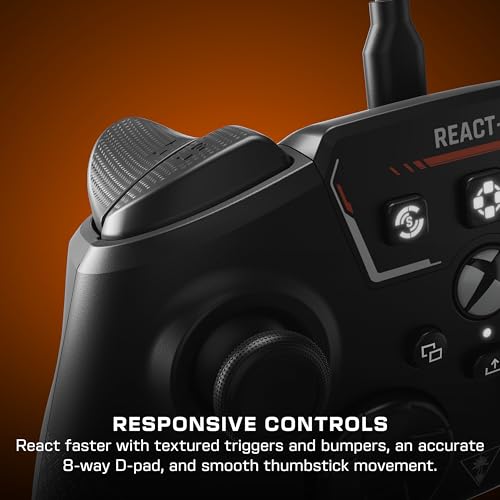
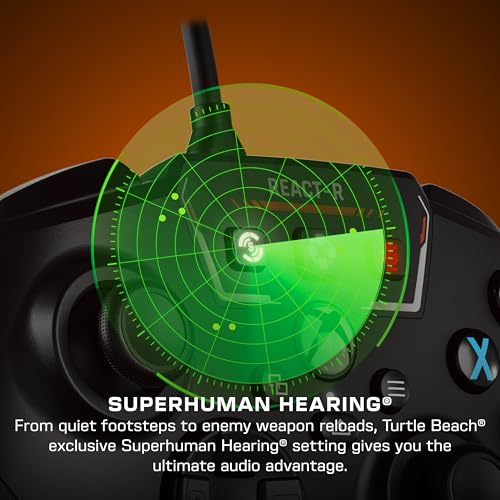
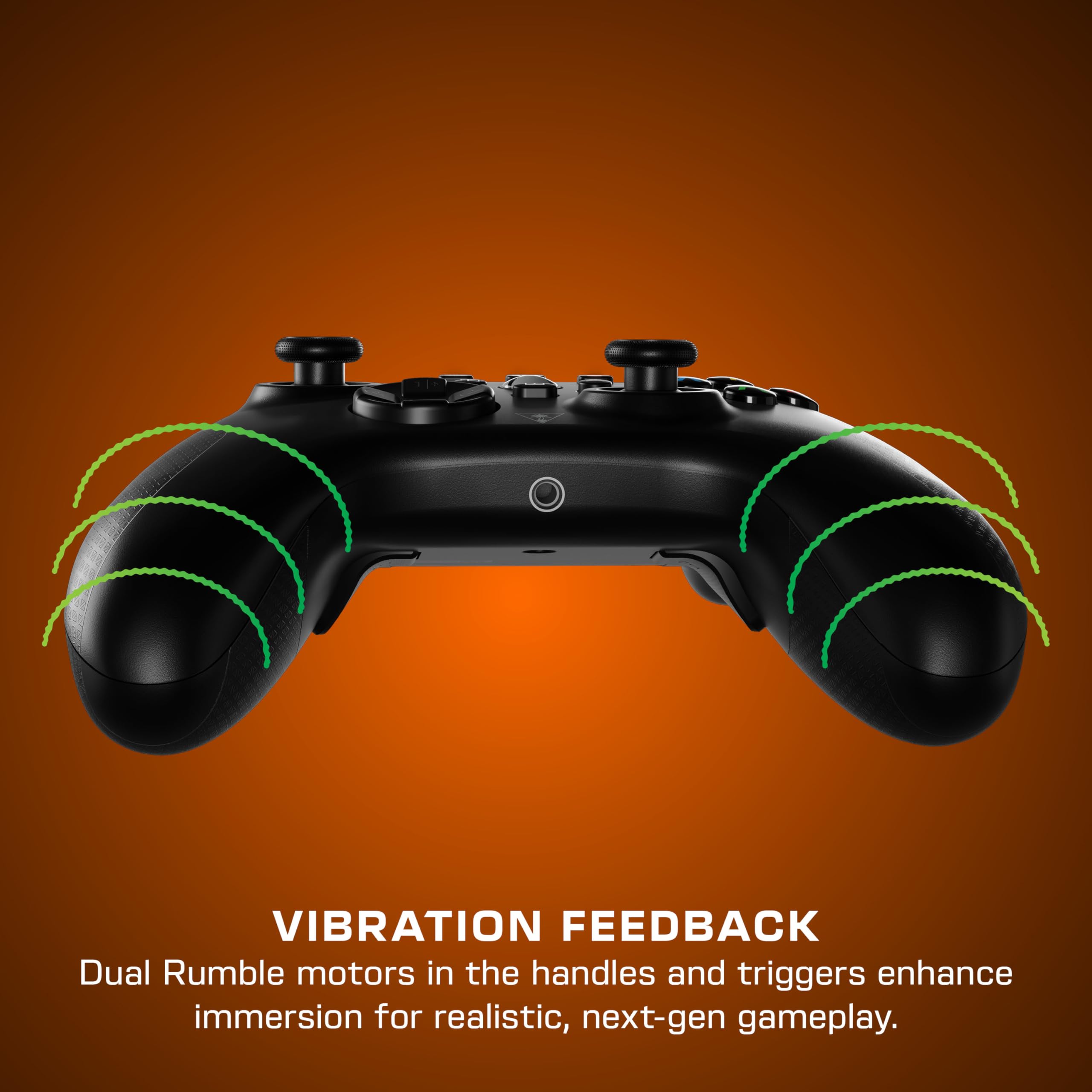
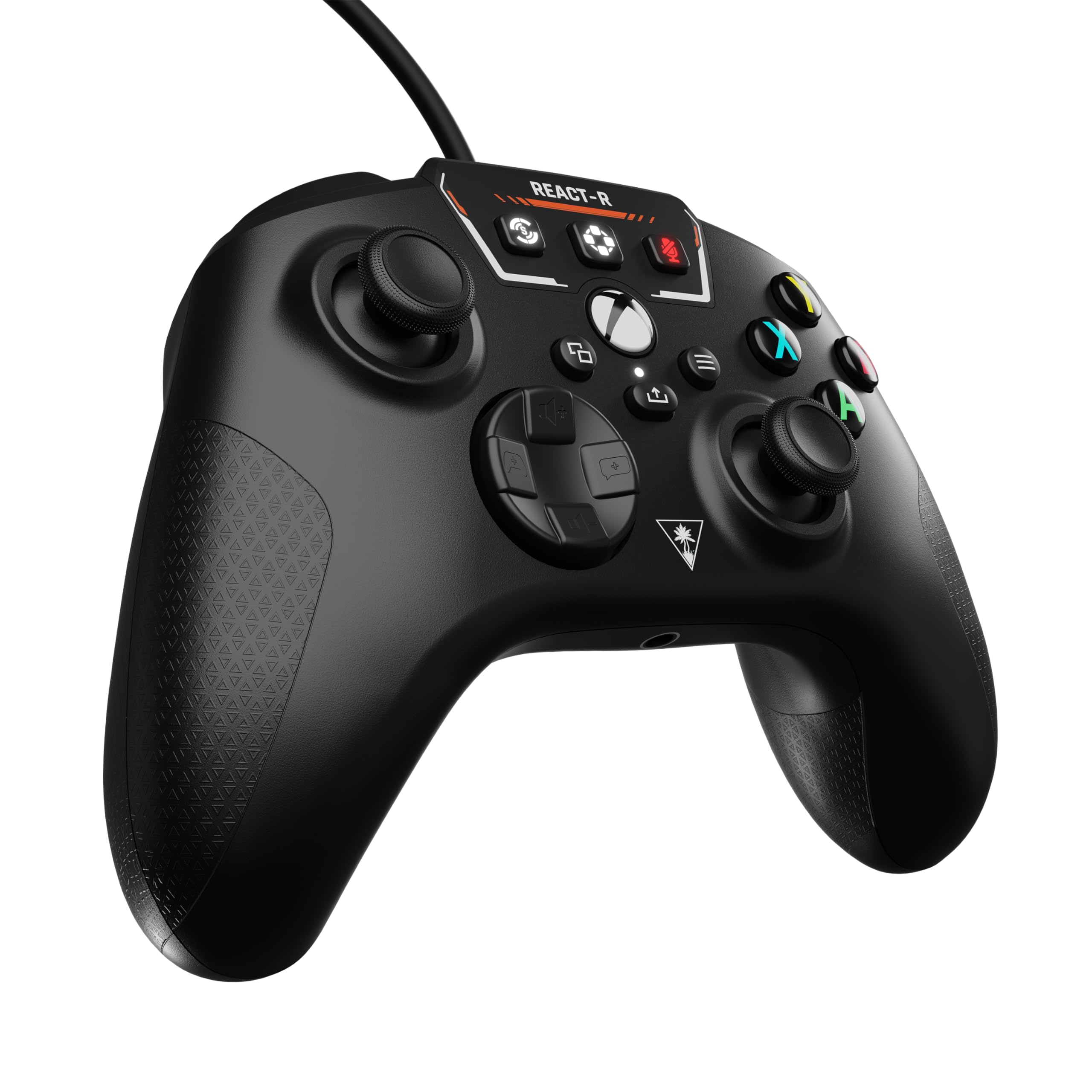
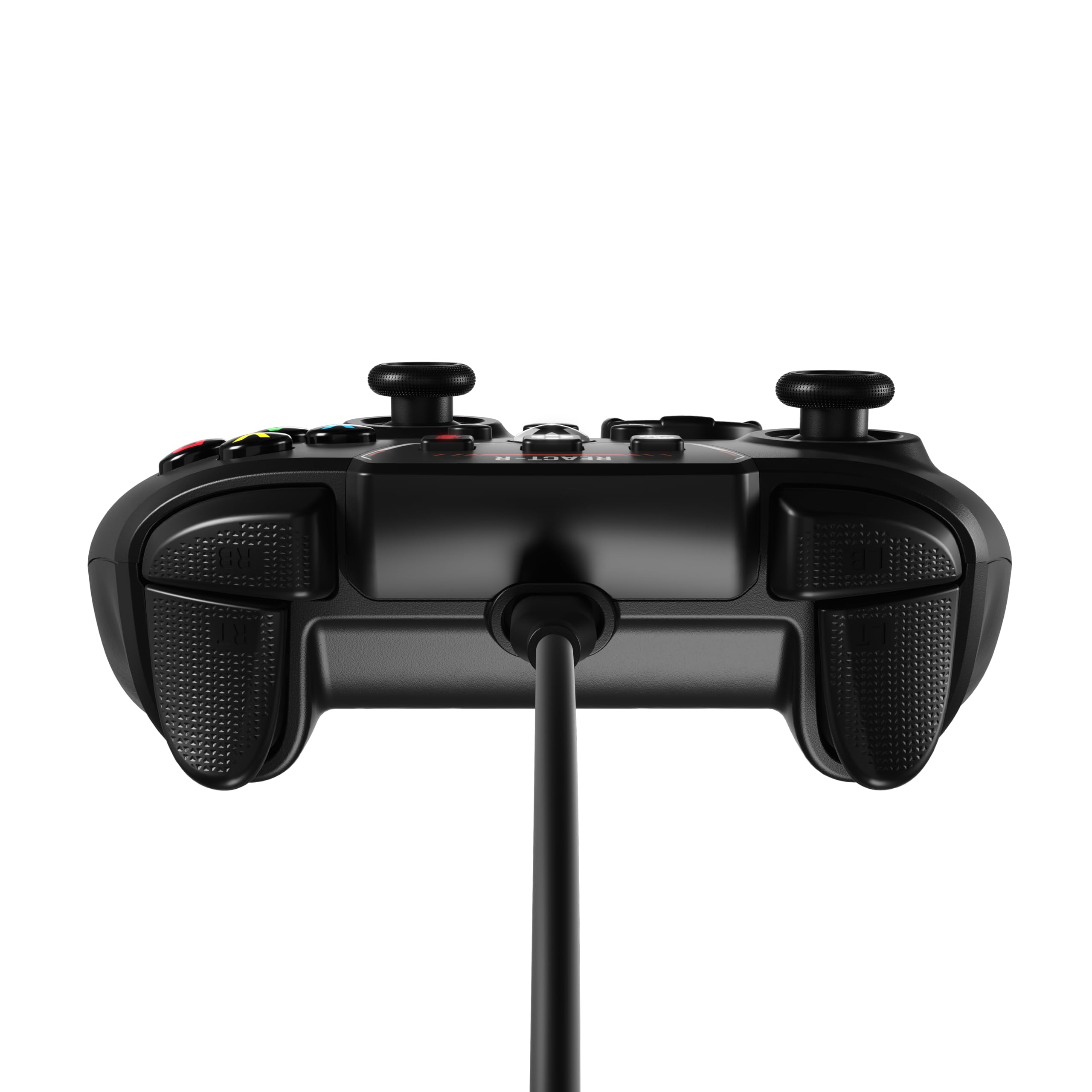

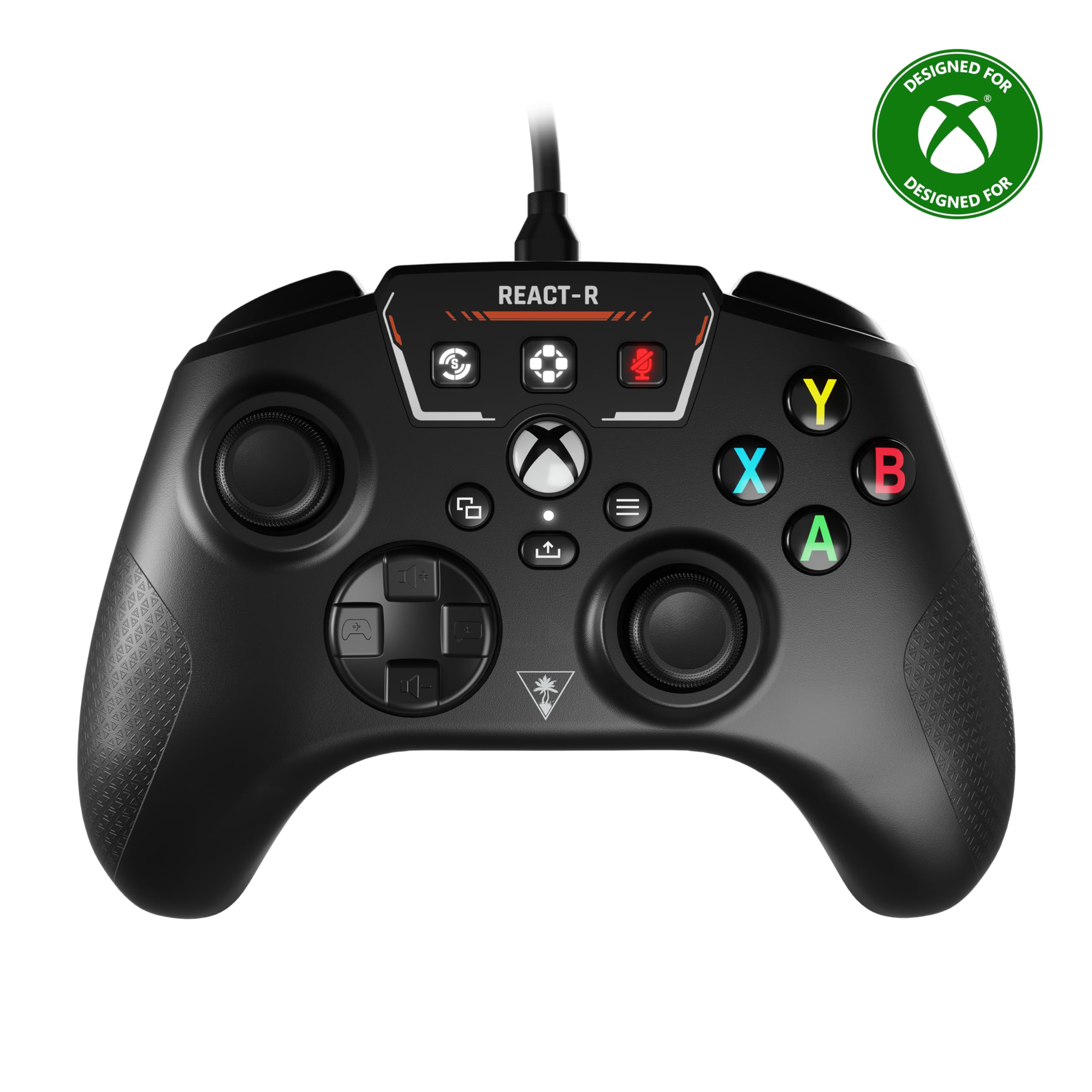
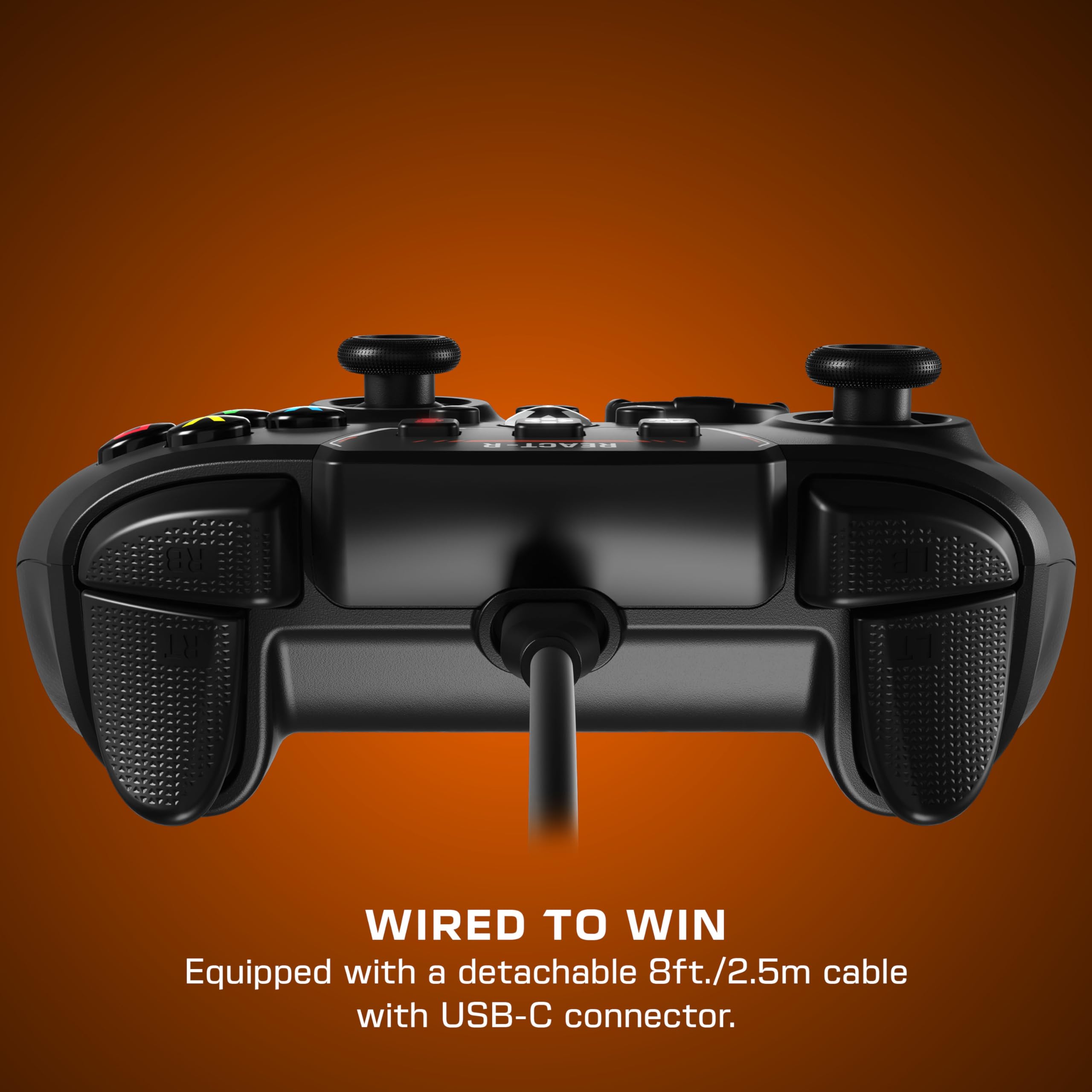
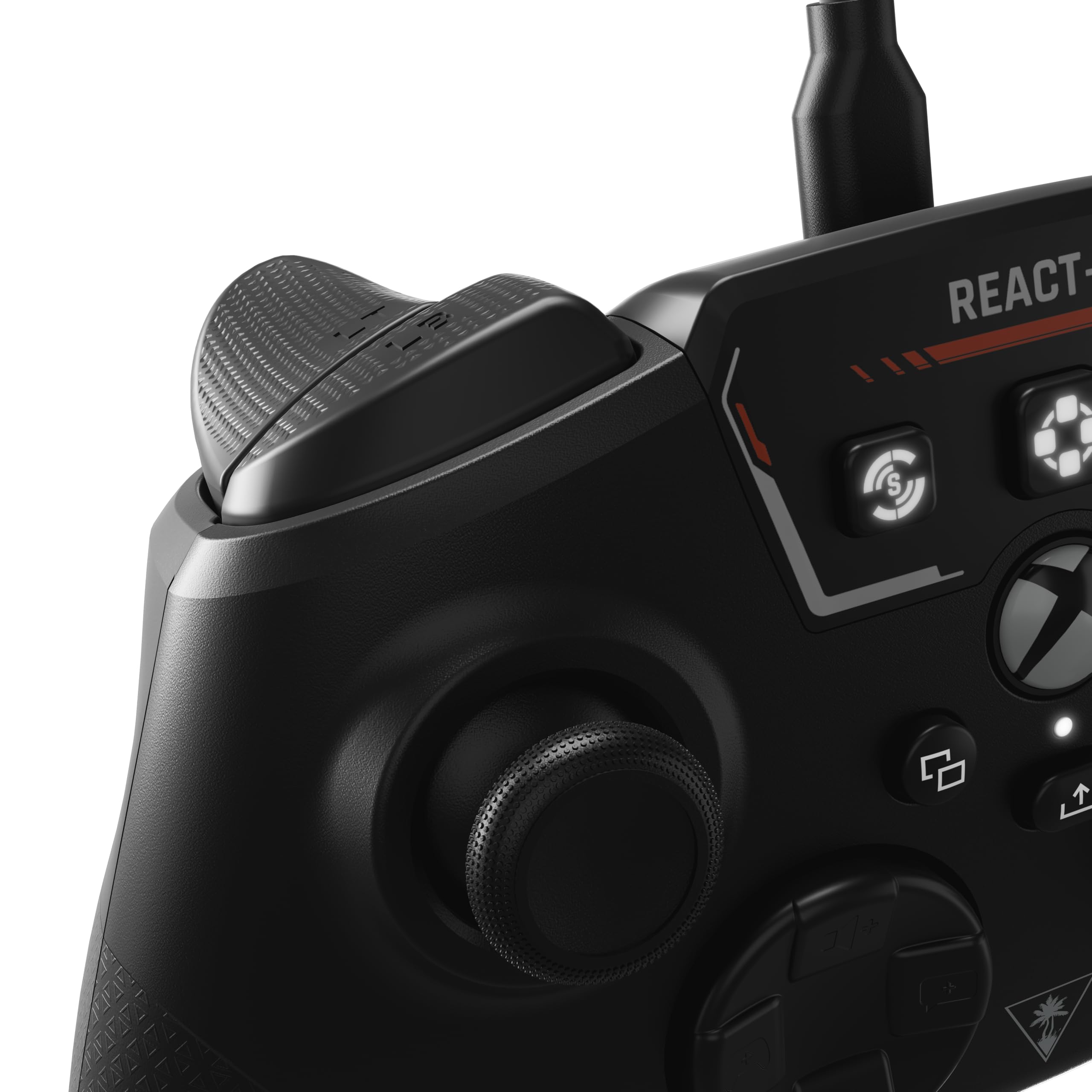


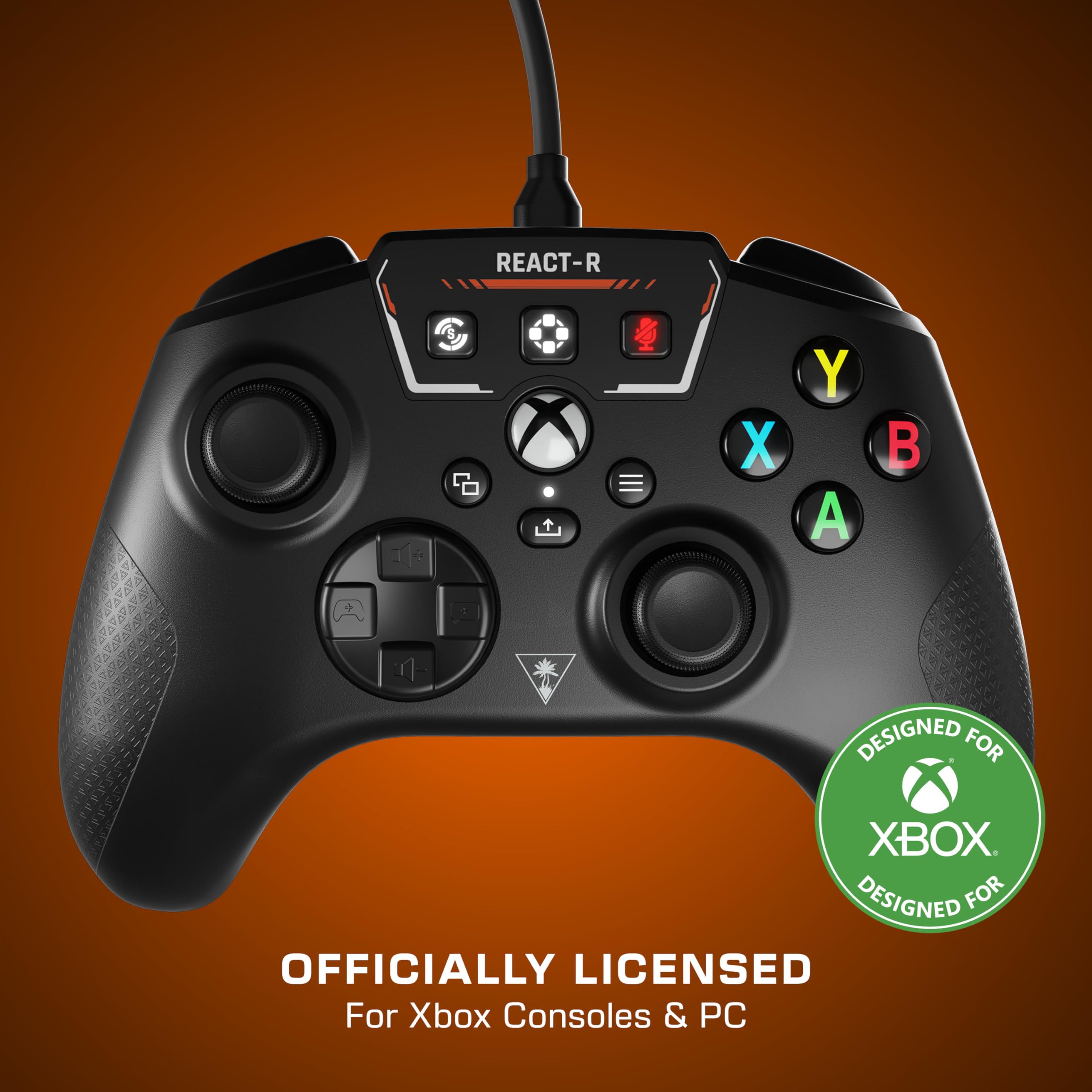
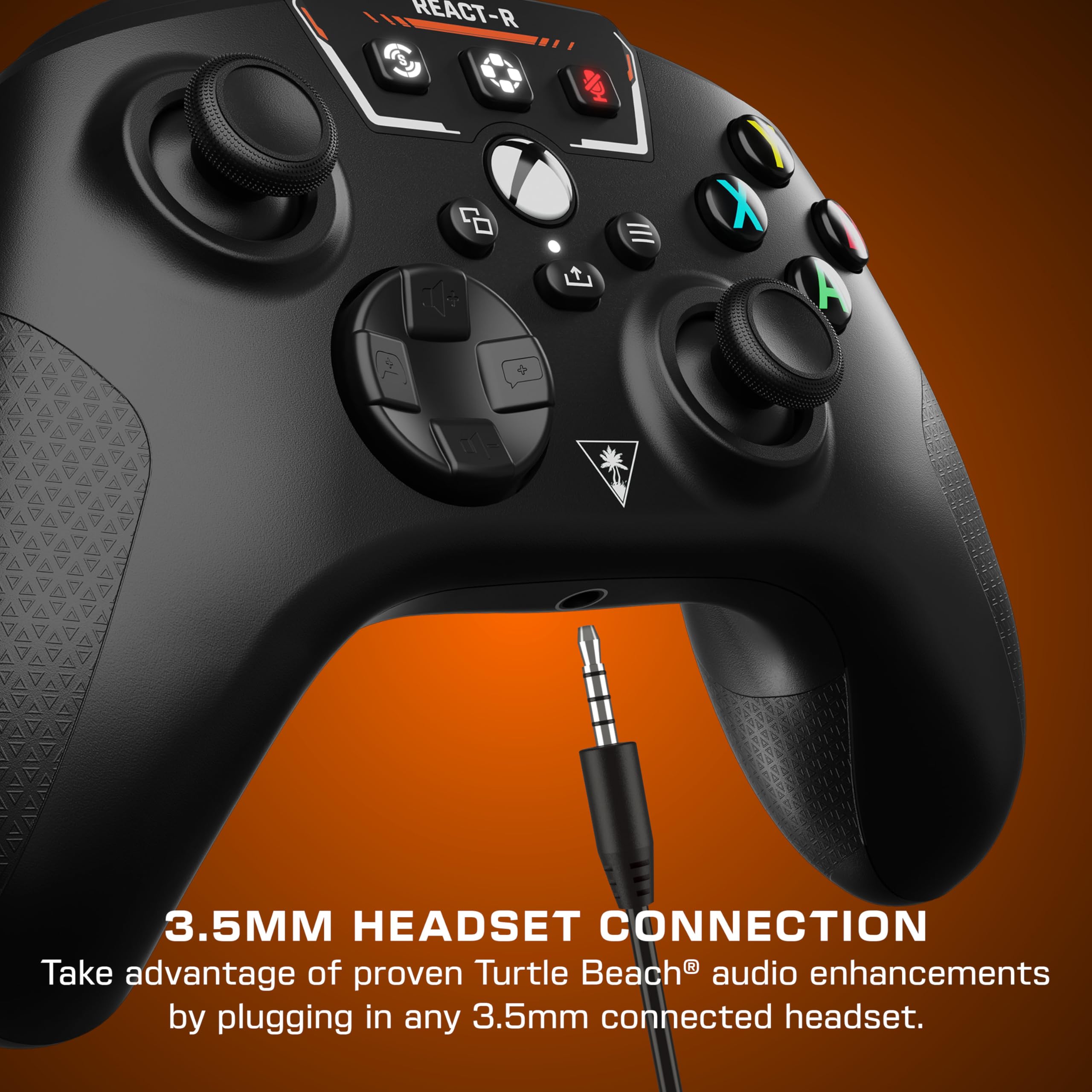
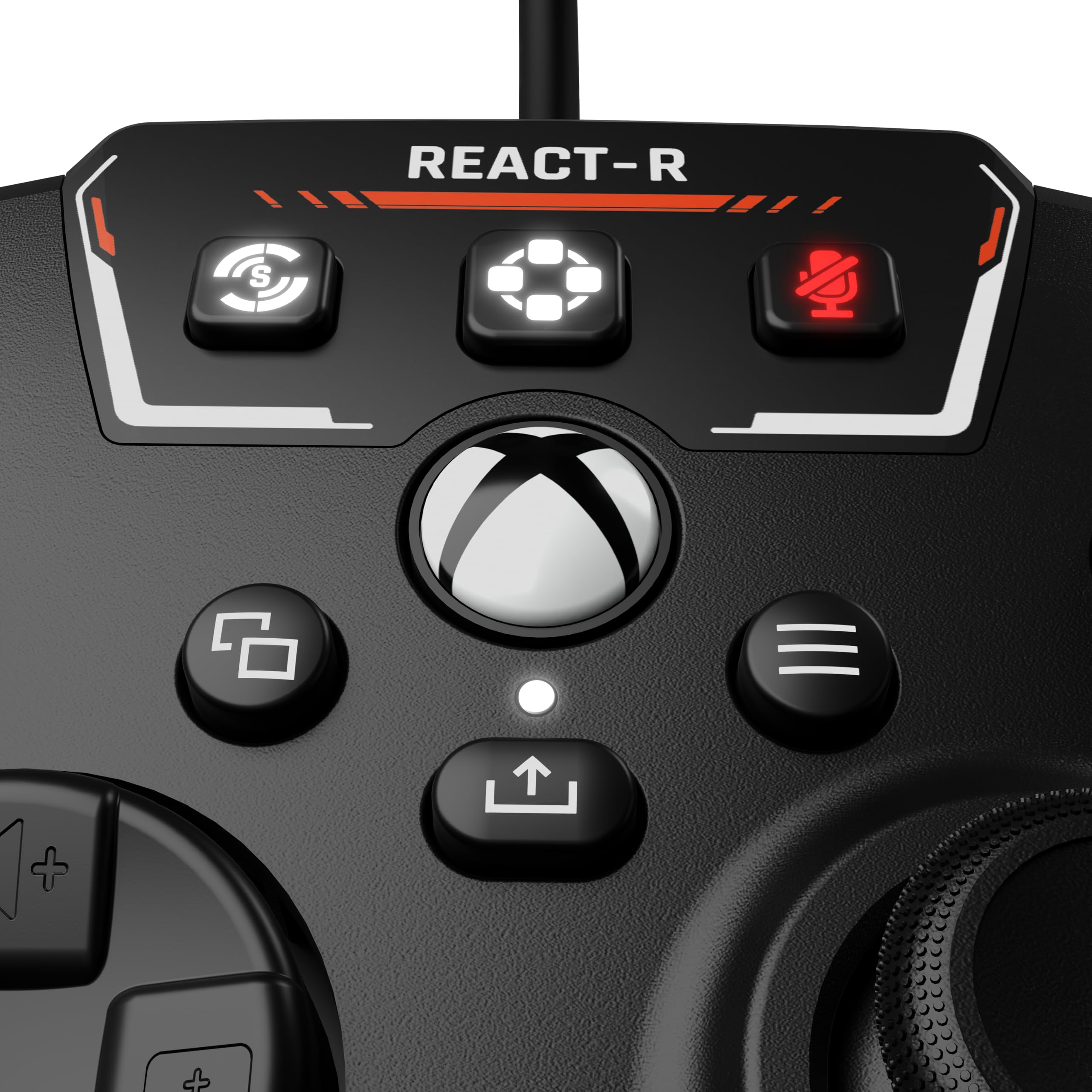
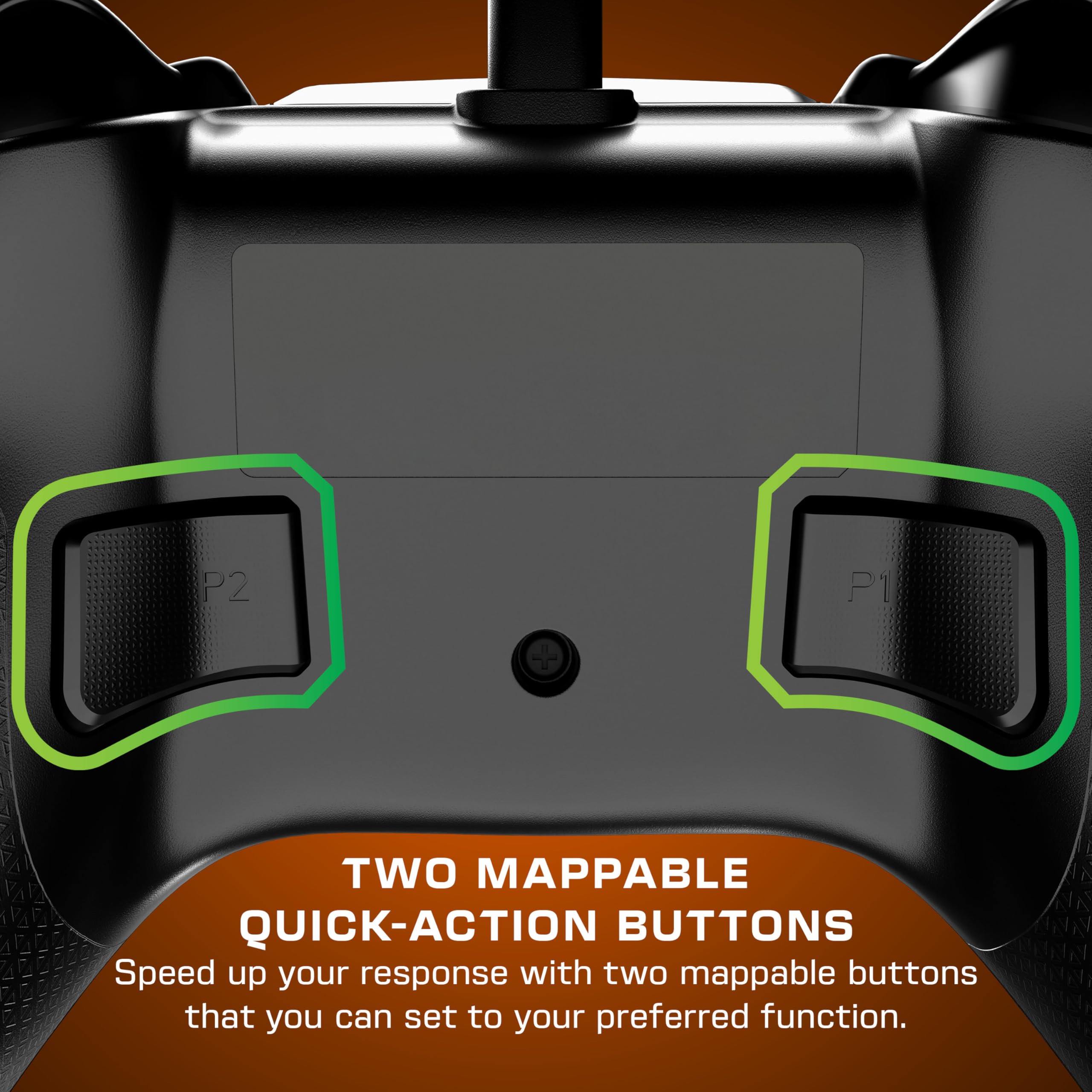

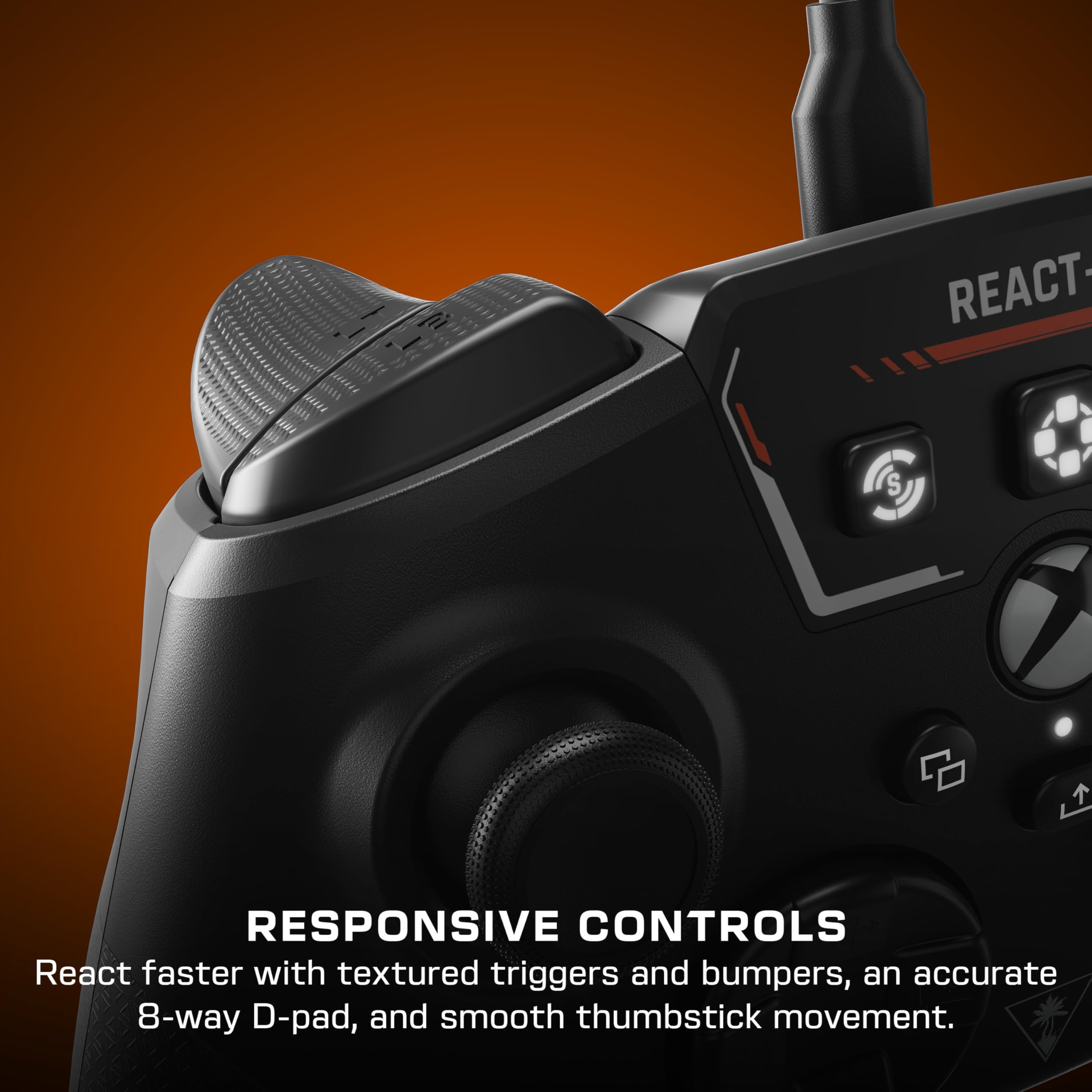

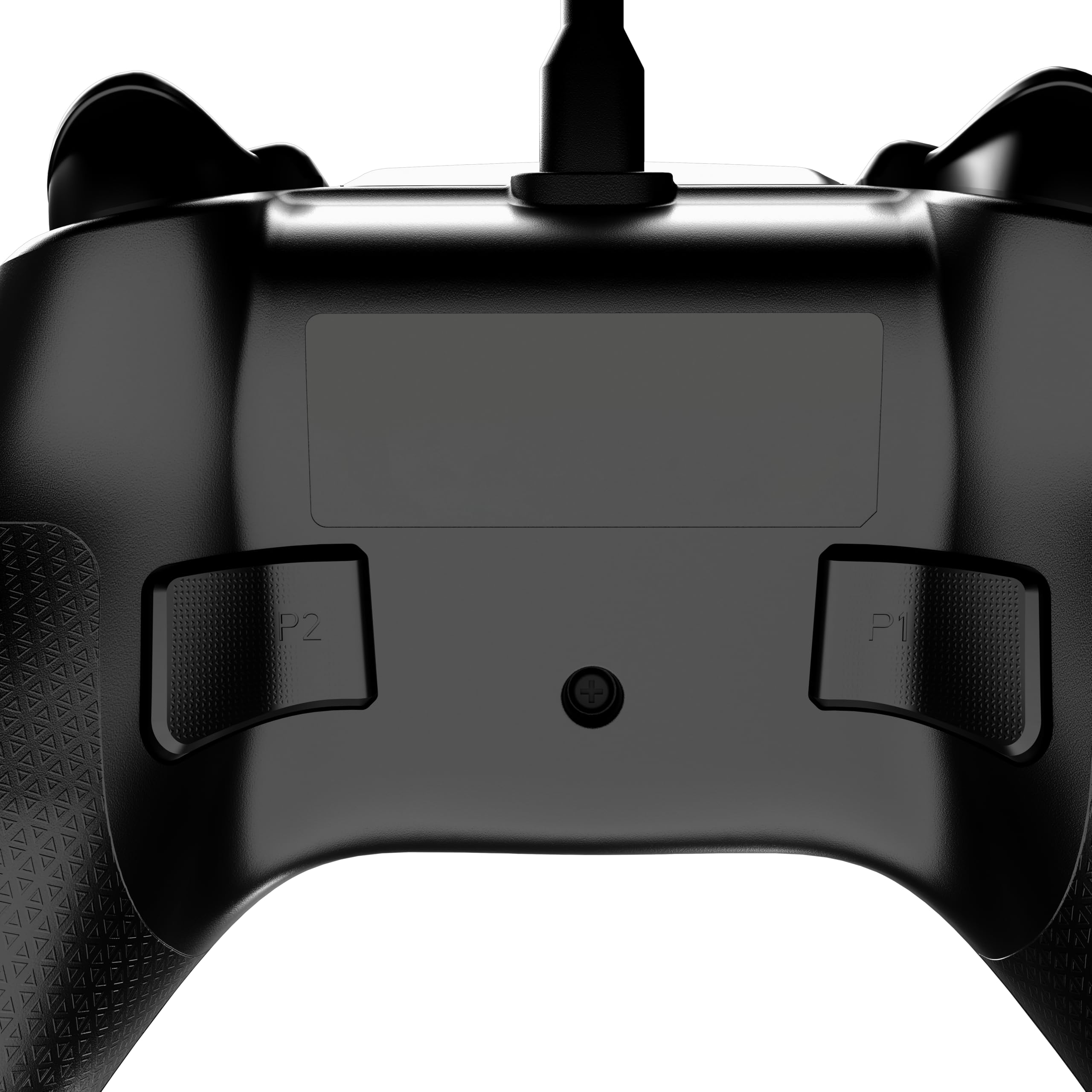
🎯 Wired to Win: Dominate with precision, comfort, and unbeatable audio control.
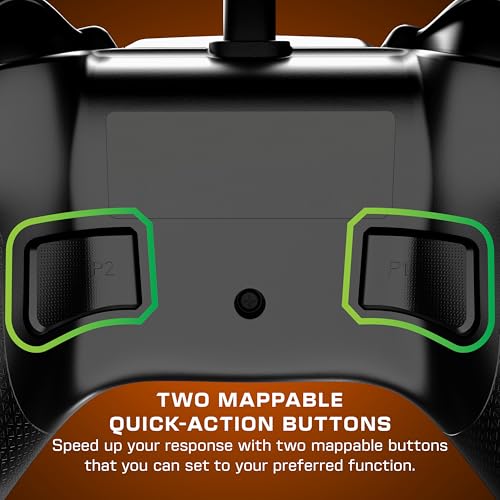
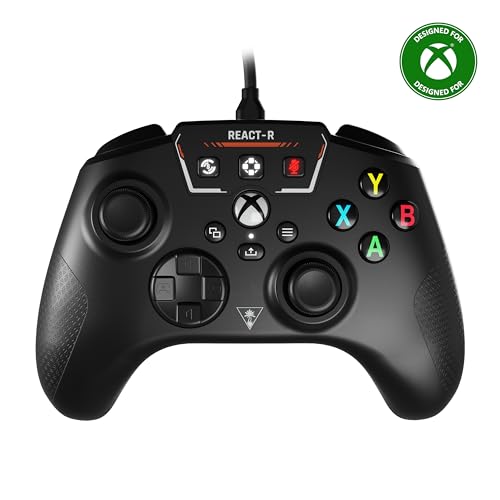
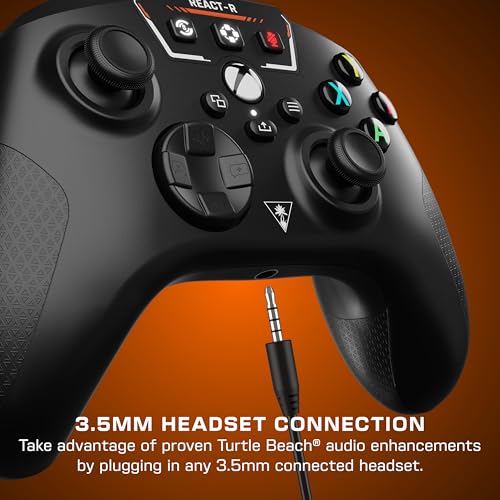
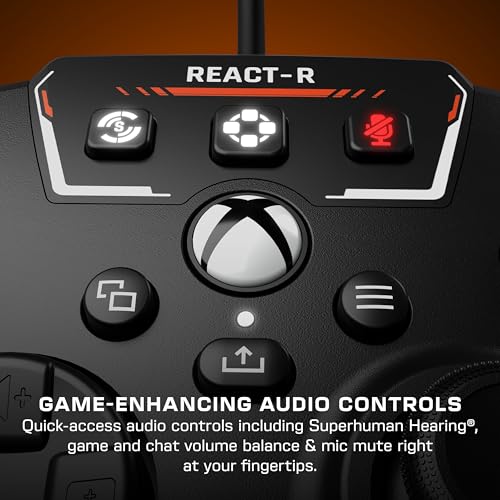
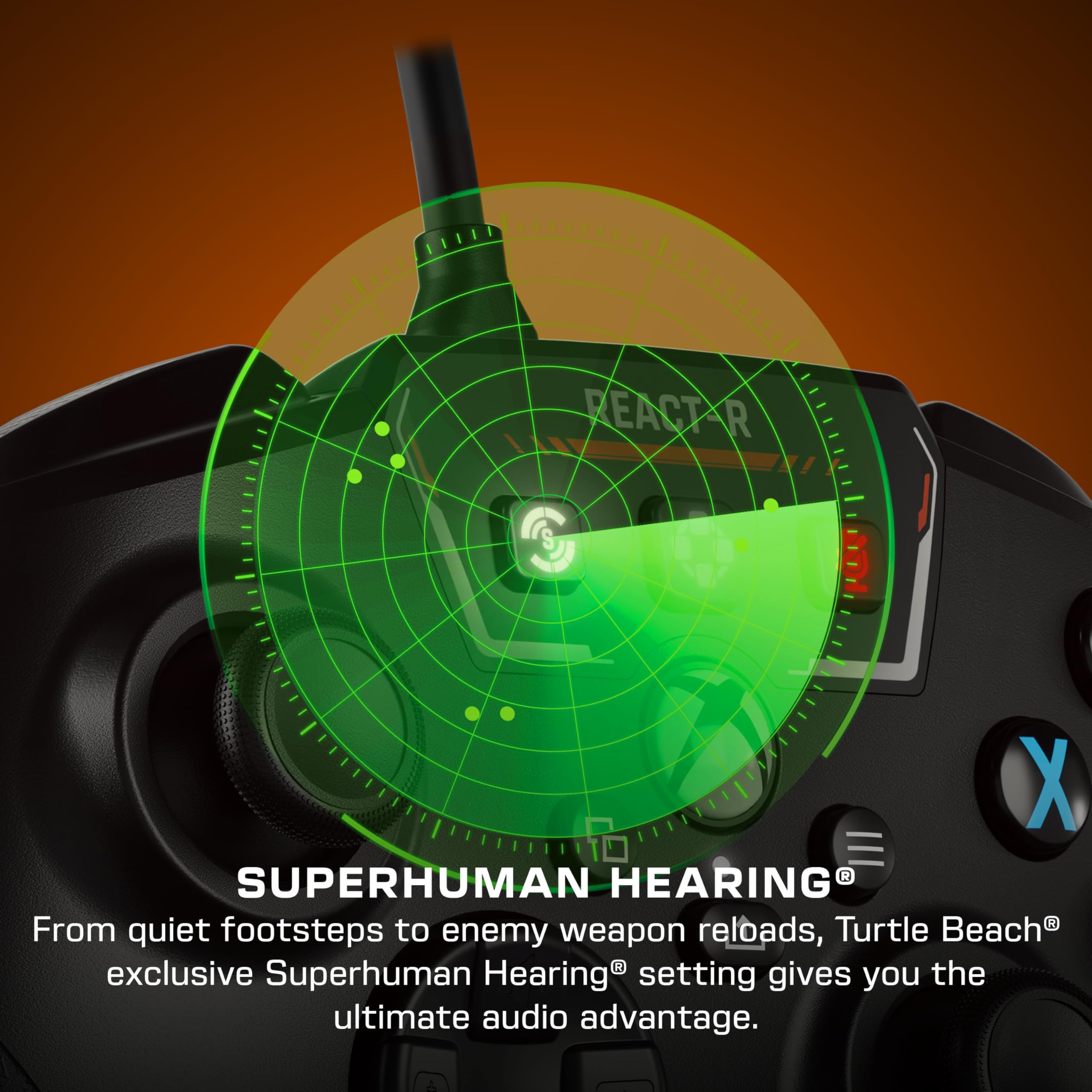
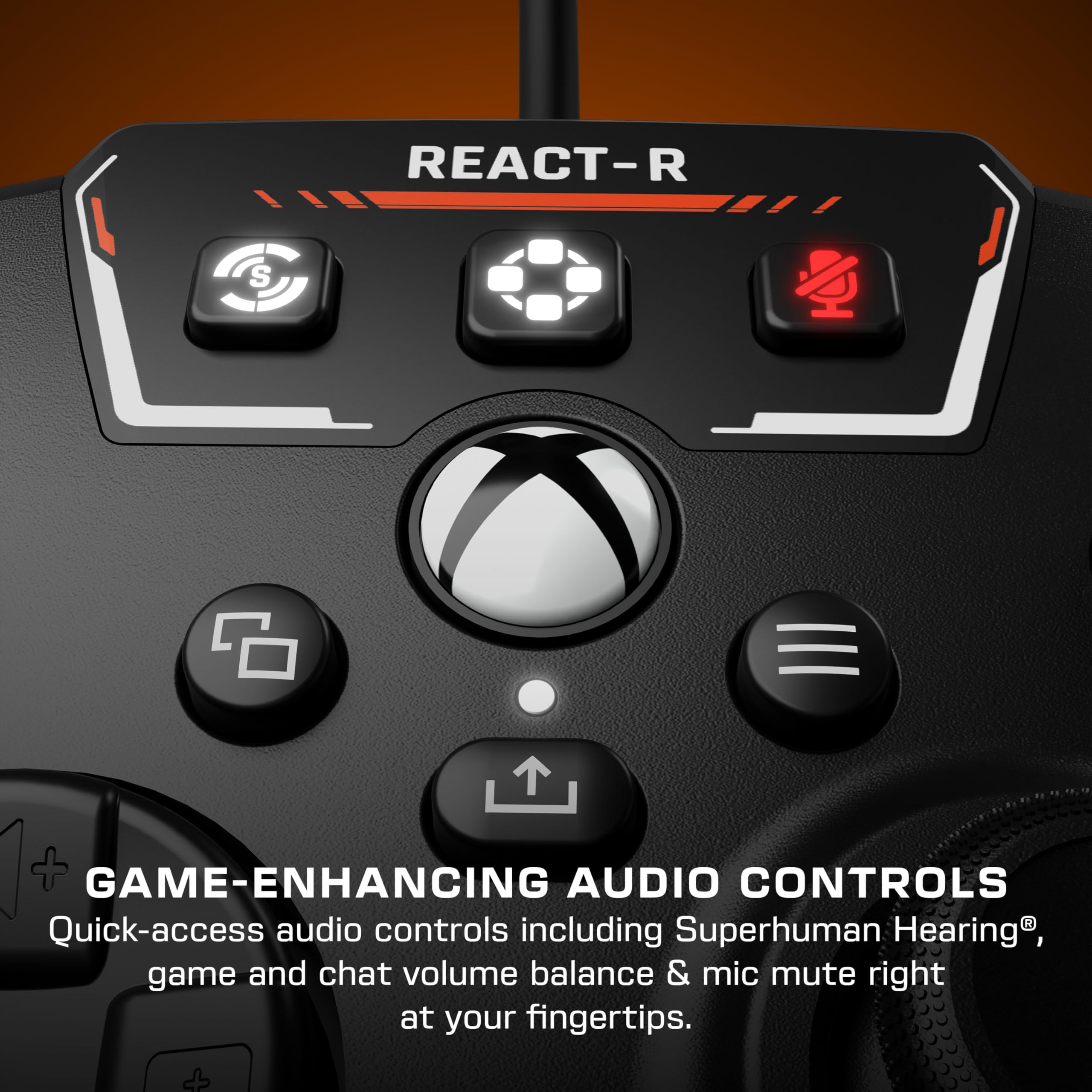
The Turtle Beach REACT-R Wired Controller is a pro-grade, officially licensed Xbox and Windows controller featuring exclusive Superhuman Hearing audio tech, two customizable quick-action buttons, ergonomic textured grips, and immersive dual rumble feedback. Its 8-foot USB-C wired connection ensures zero latency and uninterrupted gameplay, making it a top choice for competitive and casual gamers seeking precision and comfort.


| ASIN | B0CFGF4TGG |
| Best Sellers Rank | #956 in Video Games ( See Top 100 in Video Games ) #24 in Xbox Series X & S Controllers |
| Customer Reviews | 4.4 4.4 out of 5 stars (3,946) |
| Date First Available | December 31, 2023 |
| Item Weight | 13.3 ounces |
| Item model number | TBS-0730-05 |
| Language | English |
| Manufacturer | Turtle Beach |
| Product Dimensions | 6.12 x 2.57 x 4.25 inches; 13.28 ounces |
| Release date | December 31, 2023 |
| Type of item | Video Game |
A**R
REACT-R Wired is an OK wired controller
I got the "REACT-R Wired" version of this controller. Comparing it to the wireless controller that came with my Xbox Series S, I would say this controller has both advantages and disadvantages. First off is the obvious, being a wired (not wireless) controller you have to plug it into your console (and it also can be purchased for around 1/2 of what a genuine Microsoft controller costs). The "wired" aspect of this controller may or may not be a problem in your case (for example, it is not a problem with my office XBox as the machine is right behind my monitor, but it would be a major issue with my bedroom machine as the XBox is across the room from where I play). However, because this controller is powered by the console, you don't have to mess with batteries or "pairing" the controller to the console (nor do you have to deal with other issues that wireless controllers have). Next off, the controller has extra buttons vs the genuine Microsoft controller. In general I've found these extra buttons mostly useless in my case (however, they aren't generally a problem for my gaming experience). In particular the two bottom buttons are all too easy to accidentally press when holding the controller, which isn't a problem for me as those buttons don't seem to do anything on my Xbox Series S (so while I accidentally press them a lot, those button presses don't affect my game play). Another minor annoyance is that the "Start button" is lower than on the official controller, so pressing it risks bumping the right joystick. For those of us playing games that make a lot of use of this button (for example the "Mass Effect" franchise), this is slightly annoying. However, this effect doesn't seem to cause a serious effect on my game play (as I just slightly adjust the behavior of my right hand while playing). However, the biggest annoyance I ran into, is the feel of the joysticks. The hard (and scratchy) plastic used in the joysticks makes it uncomfortable (on the thumbs) to play with this controller. I would have said this was a "fatal flaw" with this controller, except the "fix" for this is trivially easy. I just bought a set of "joystick caps" and put them on top of this controller's joysticks. For just over $8 I got 20 of these caps, and the controller only needs 2 (one for each joystick on the controller). With the caps in place the joysticks are nicely padded, so it no longer feels like my thumbs are sitting on sand paper. ------------------------------------------------------------------------------------------- Update/edit 1: After using this controller for a while, I have discovered that it "wears out" quicker than the official Microsoft controller does. In fact I discovered my first problems with this controller after only about 2 months of use. Thankfully these problems turned out to be easy/cheap to fix, so I'm still happily using this controller. The first problem I ran into was the joysticks starting to "stick" in place (vs automatically springing back into the "neutral" position). This did have an effect on my gameplay, as my games thought I was continuing to move the controller in whatever direction it "stuck" into. Thankfully this was easy/cheap to fix. Since the problem was insufficient lubrication at the base of the joystick, I just bought a can of spray "silicone lubricant" (for under $5) and did a couple of quick squirts at the base of the joysticks (wiping off the excess with a paper towel). After doing that the controller's joysticks no longer "stick" and in fact have more fluid movement than when I first bought the controller. This appears to have totally resolved this problem. The other problem was the controller intermittently stopped working entirely. After trying various fixes, the one that worked was replacing the USB cable I was using with the controller. Apparently the cable that came with the controller was of lower quality and just wore out with about 3 months of use (where I naturally move the cable around a lot while using the controller it's attached to). But since I had a spare USB-C cable around the house (originally purchased as a charging cable for my phone), I just tried swapping to that cable and was very happy that the controller immediately started again working correctly). In my case the cost of this "fix" was $0, as I already owned the cable I swapped to. However, even if I had to buy a new cable, this would still have been a cheap fix (as I've previously bought such cables on Amazon for as little as $5 each). While these problems did show up quicker than I got problems with the genuine Microsoft controllers I own, so far every problem has been easy and cheap to resolve. And I find that I actually prefer to play with this controller than with any of my genuine Microsoft controllers. So I'm actually considering buying a 2nd one of these controllers for "2nd player" use on my (office) xbox. BTW: I don't actually have this controller plugged directly into my XBox. Instead I have a (powered) USB 3 hub plugged into my XBox, and this controller is one of the devices plugged into that hub (along with an external disk drive, and a 2nd USB hub that I have a keyboard and mouse on). Even with all this USB "sharing" going on, my XBox Series S is still happy to fully use this controller (including being able to use this controller to start or shutdown the XBox). ------------------------------------------------------------------------------------------- Update/edit 2: I previously said that the extra controller buttons were mostly useless to me. However, I've since changed my mind on this issue, as I've found some very handy uses for those extra buttons. Among other things, those extra buttons can control a headset plugged into this controller. With a headset plugged in, you simply need to press the correct buttons on the controller to easily (and directly) adjust the headset speaker volume to whatever you prefer for listening. With most other controllers (including the genuine Microsoft XBox controller) you do not have this direct control of sound level. Also this controller has a dedicated microphone "mute" button, which makes it trivial to enable/disable your headset's microphone. In my case, I usually (for "privacy reasons") prefer to keep my microphone off most of the time, but I still want the option to "chat" online. This is trivial to do with this controller, as I just keep the microphone "muted" normally, and just press a single button on the controller when I want my microphone to pick up my voice. NOTE: Since I now now find some of the unique features of this controller (lacking in most other controllers on the market) useful to me, I have raised my review from 4 stars to 5. ------------------------------------------------------------------------------------------- Update/edit 3: I've now had 2 of these controllers for some time (the 1st for over 2 years and the 2nd for almost 2 years) and they are still going strong. Considering the fact that I often play 2+ hours/day gaming, this is saying something. Yes, I do sometimes swtich which controller I play with, but these controllers still get a lot of workout (even with me sharing that workout between 2 controllers). Now I did notice the start of "joystick drift" on both controllers. So I was thinking of just treating the controllers as the start of being "worn out" (from use) and buying another one of these for my gaming setup. However, I decided to try "fixing this issue" first, before buying a new controller. Since I still have the open spray can of "silicone lubricant" I had used eariler in the life of these controllers, I tried again spraying the lubricant at the base of the joysticks (and again wiping the excess off with a paper towel). And I'm happy to report that this procedure not only made the movement of the joysticks more smooth, it also appears to have eleminated the joystick drift I was experiencing.
D**N
Had for over a year now
Got much use out of this already, good quality controller. Ordered another to put away…
J**S
Good set
Bang for your bucks this controller has no malfunction
G**C
Is this made by THE Turtle Beach? Why the hype? (Updated)
Absolutely unimpressed. This contraption holds the record for all controllers I have ever owned to get a drift. A month? I wish! 3 weeks? Not even close. On day 3! Yes, on day 3 the right stick began to drift. This stick is for your camera in 99% of games with camera control which also is used for aiming. For a sticks left to right movement when testing it, it is 0 for all the way left 50 dead center and 100 all the way right. It is only reading 54 which for anything not requiring pinpoint accuracy of the camera for aiming isn't much of an issue having dealt with way worse. 3 days? That is manufacturer's parts or choice to put out a product in this state. Many other's mentioned the drift and being able to correct it in the settings. I bought it to use on the Steam platform. All of my other controllers have been able to adjust deadzones for the sticks in the Steam settings and the controllers executed them with no issues. This is the very first to not do so. I cranked the deadzone to maximum so a measly offset of +4 should not register at all, yet whilst standing still, I watch as the camera slowly rotates... Another issue is the button location like other's have alluded to. It. Is. Bad. I have hit every center button just trying to press the options/start/menu (I haven't owned an Xbox in a decade so I admittedly don't know what they refer to these buttons as). You can't just slide your thumb up because the useless buttons they could have put next to the headphones port or on the back are where those buttons would be perfectly positioned. Instead, you have to dip the tip of your thumb almost straight down. It is so annoying. The other button with the up arrow causes the controller to disconnect when using it on Steam. I tried what I could to figure out how to get it to reconnect. I pressed it again. I held it. I tried the Xbox button. I unplugged it and plugged it back in. In the end, I found restarting my computer to be the surefire solution. I have never purchased made by Turtle Beach before. I wasn't expecting miracles from gold from straw but this was a terrible introduction to the brand. If someone has steps I can try to get the thing to use the deadzone adjustments on Steam, please share. Update: So... in all my frustration with how quickly the controller joystick developed the stick drift, I overlooked an important resource: the internet. Out of sarcasm I decided to search 'how to set deadzone on turtle beach react-r' expecting everything be Xbox related or something I already tried... the very first suggested site was for the turtlebeach.com support article for the react-r controller. By following the steps to factory reset the controller, it is no longer drifting! The button placement issues haven't changed so I have changed from 2-Stars to 4-Stars.
J**Y
Ergonomic controller💯
These controllers work great!! Only issue is that through time it always seems to be the left analog stick that gets the drift😂 not a major flaw.. but who wants stick drift.. I know I don't.. I play cod a lot and the controller definitely goes through a lot of stress.. but at the same time it's also rigged and durable. Super responsive and very comfortable.
O**E
Great controller but drifting after 7 months of use
The controller is great and works amazingly when you first get it seven months later, I have massive drift to the right. Just ordered a new one and bought the repair plan which I highly recommend because it doesn’t look like the last even one year.
D**L
Better than official?
This controller is great, it comes with 2 back buttons, and a whole Xbox specific volume control, so you don't have to press 100 buttons to change your volume in the middle of the match, including party and game priority buttons, a quick share button like the elite controllers, a quick mute, and a super sound button that actually amplifies your audio. The grips are tapered correctly, feels good, the cord it comes with is long and strong, and there's a 3.5mm headphone jack on the bottom (duh) overall, I love this more than the strike pack, even if I only have 2 extra buttons.
S**.
Turtle B
Best Controller
K**Ç
Düşünen varsa kesinlikle alsın yaklaşık iki aydır kullanıyorum herhangi bir sıkıntısı yok şuana kadar sekiro elden ring gibi oyunları gayet iyi bir şekilde oynadım sekiro gibi bir oyunda önceki kontrolculerimde aynı tuşa çok fazla ve hızlı basınca takılma gibi şeyler oluyordu ama bu kolda hiç öyle bir sıkıntı olmadı öneririm
T**S
Manette légère, belle et fournie avec un câble d’une longueur très correcte. La sensibilité des palettes n’est pas parfaite mais niveau rapport qualité prix on ne peut pas faire mieux et on s’habitue rapidement au léger manque de sensibilité de la palettes. J’aurais cependant aimé qu’il y ai un petit papier pour expliquer comment configurer les palettes plutôt que d’aller voir sur le site de la marque mais bon ce n’est qu’un détail pratique. Je le met donc en photo. Je recommande le produit! Et moins cher que les manettes officielles.
K**N
Great controller; it feels very well made. I've been using it for a while, and it works very well. No issues yet, and the response time is very fast. The grips are also very nice, and the cable they give you with it is very long, so you don't need to get your own. 10/10 would recommend.
A**A
Excelente compra es muy cómodo e innovador se ajustan los gatillos a tu manera el control es un poco más chico lo que da mejor comodidad y tiene una textura muy buena aunque no es inalámbrico es una muy buena opción
A**I
m
Trustpilot
5 days ago
2 months ago