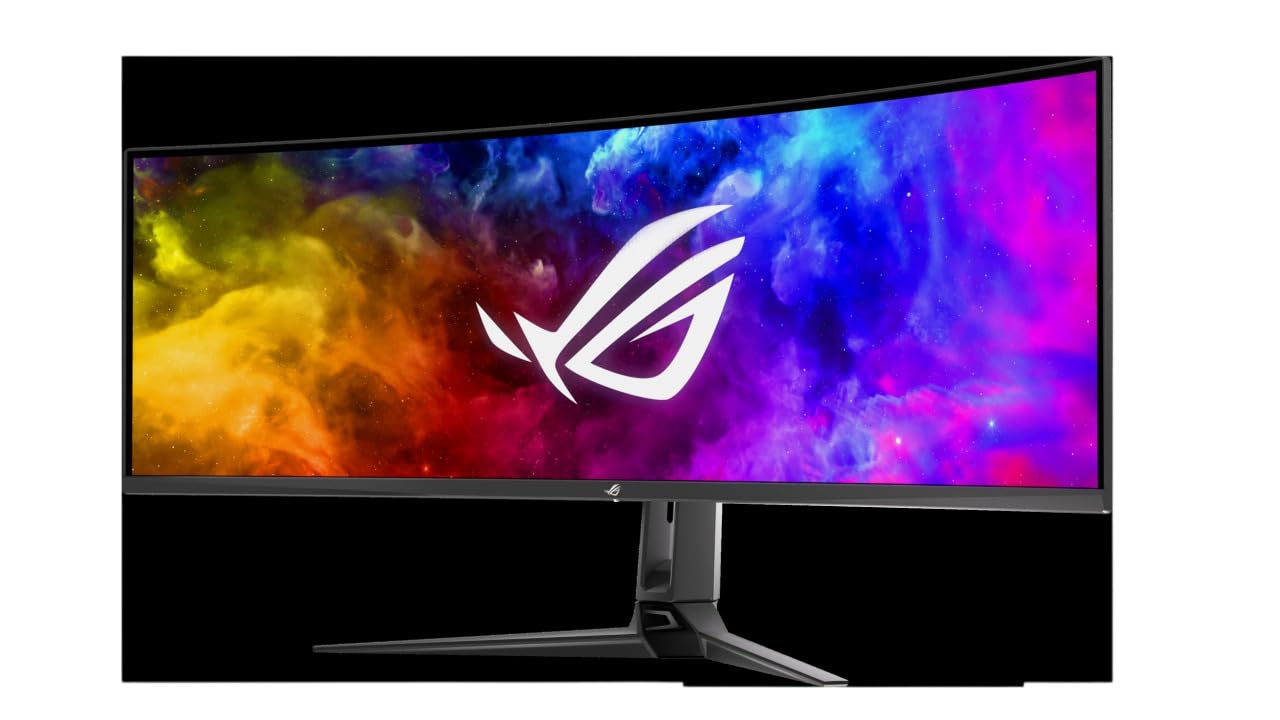
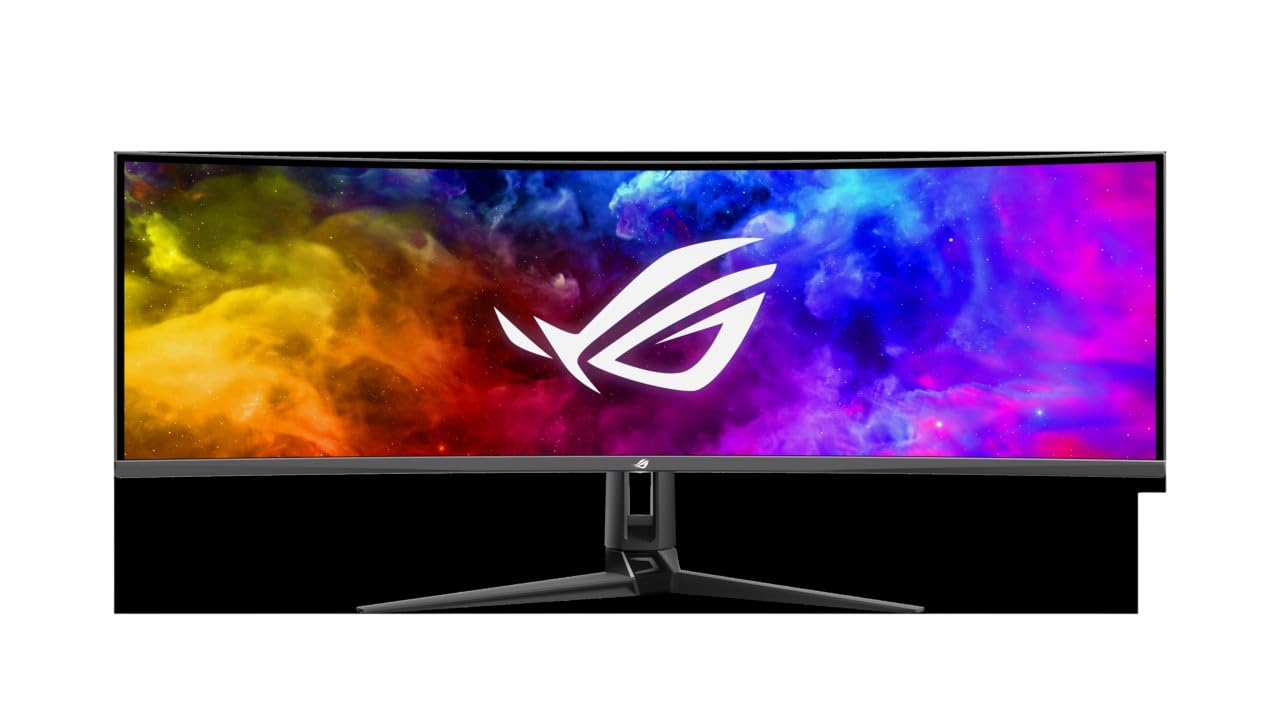




🚀 Elevate your game and workflow with the ultimate 49" curved QD-OLED powerhouse!
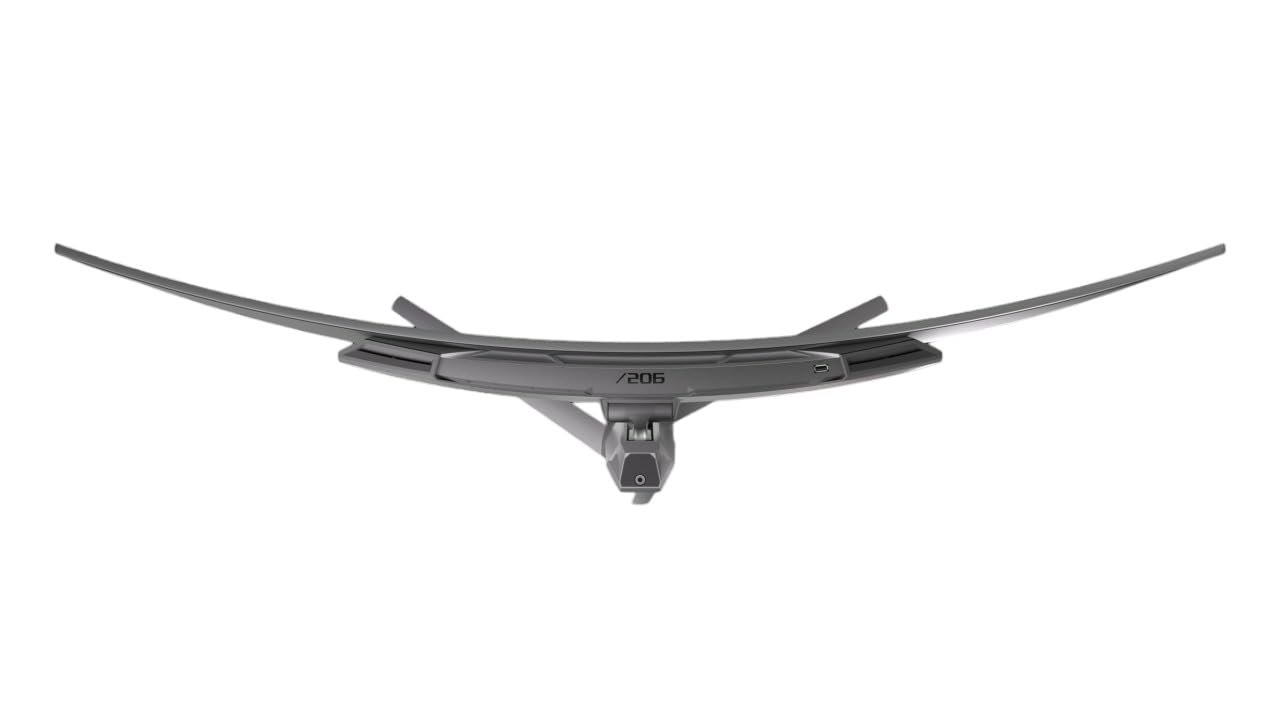
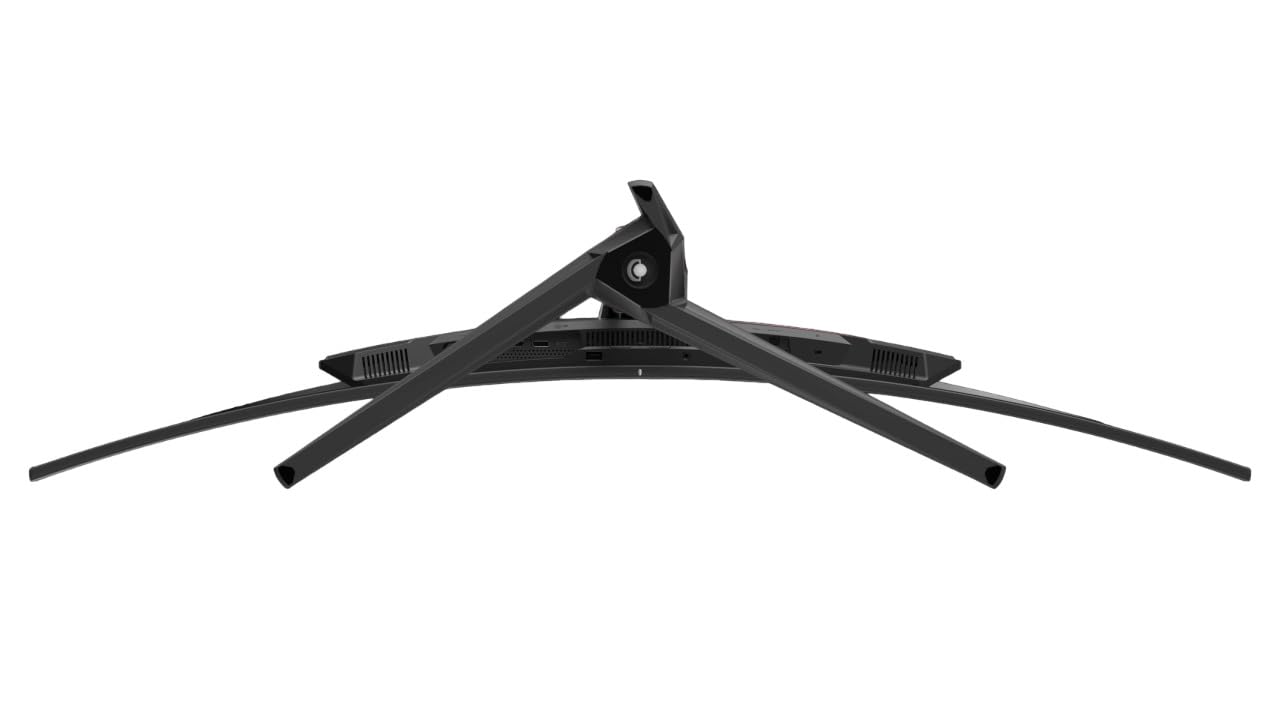
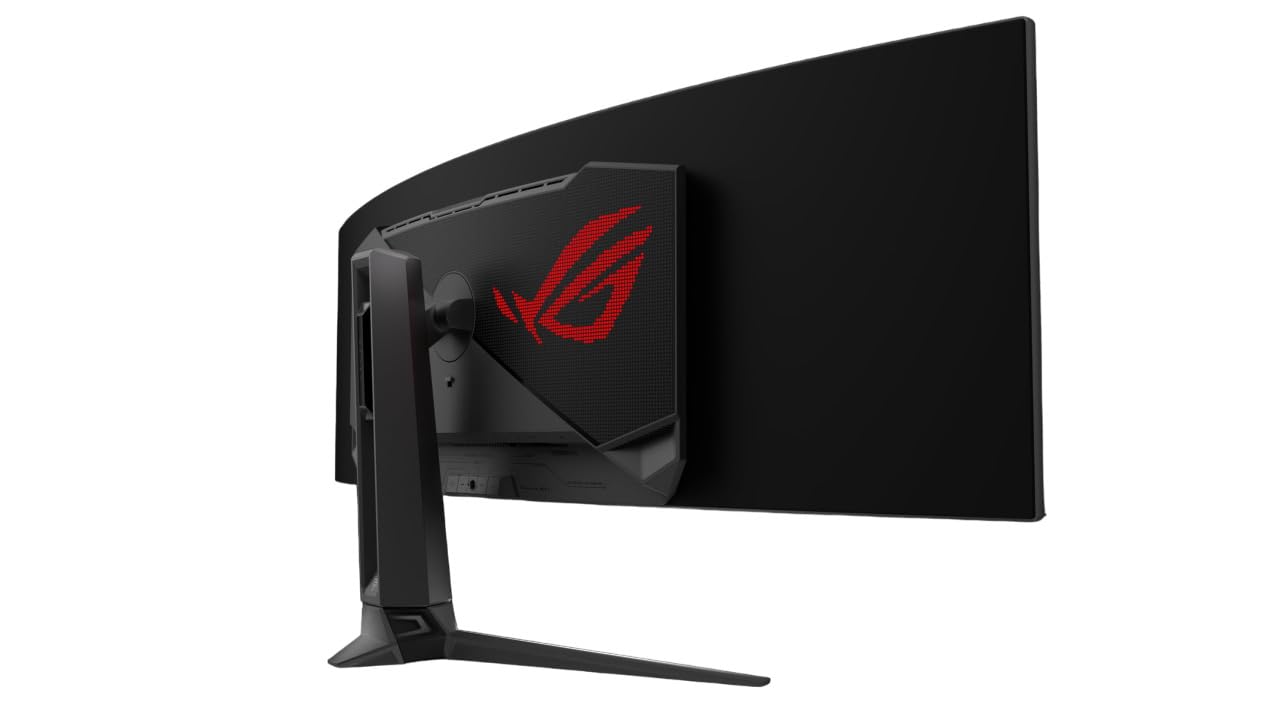
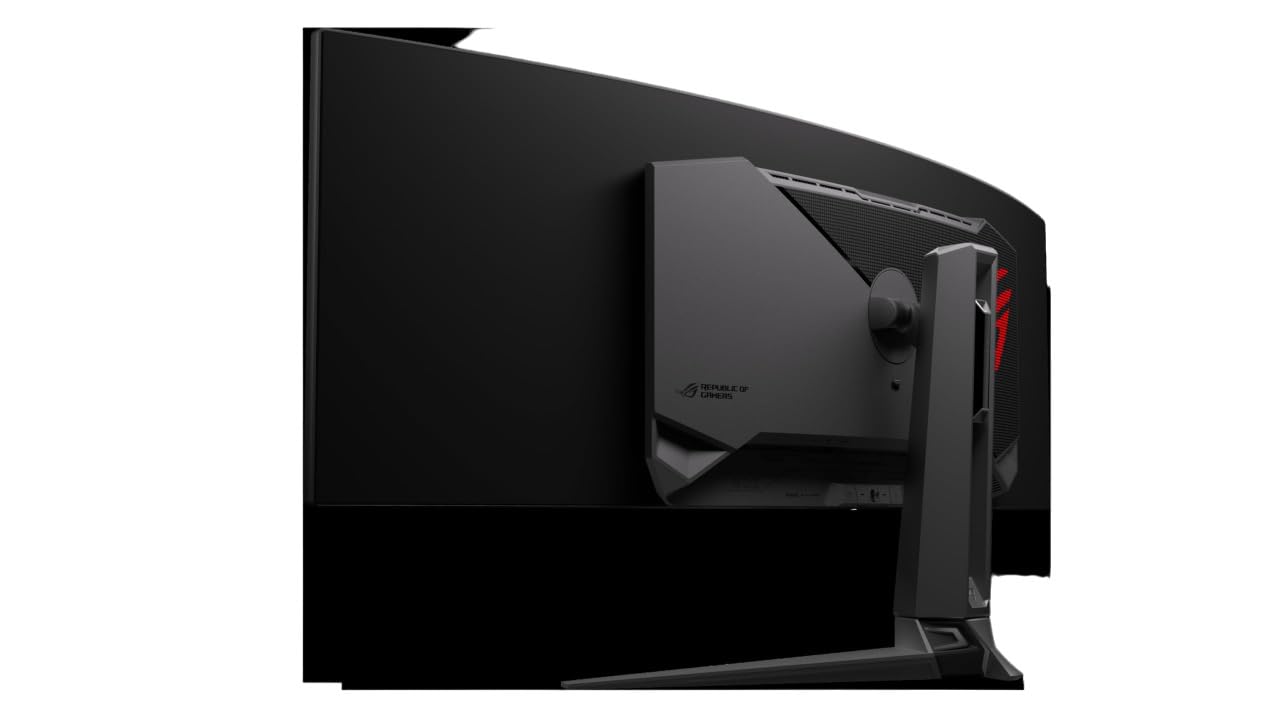
The ASUS ROG Swift PG49WCD is a 49-inch curved super-ultrawide QD-OLED gaming monitor featuring a 5120x1440 dual QHD resolution, 144Hz refresh rate, and ultra-fast 0.03ms response time. It incorporates advanced heat management with a custom heatsink and graphene rear to reduce burn-in risk, supports G-SYNC for tear-free gaming, and offers Smart-KVM for seamless device switching. With 1000 nits peak brightness, 99% DCI-P3 color gamut, and extensive connectivity including 90W USB-C PD, it’s designed for professionals and gamers seeking immersive visuals and productivity in one sleek package.


| ASIN | B0CDFHY8TP |
| Adaptive Sync | G-Sync |
| Additional Features | Blue Light Filter, Curved, Eye Care, Flicker-Free, QHD 144 Hz 0.03ms response time |
| Aspect Ratio | 32:9 |
| Best Sellers Rank | #157,404 in Electronics ( See Top 100 in Electronics ) #3,217 in Computer Monitors |
| Brand | ASUS |
| Brightness | 1000 nits |
| Color | BLACK |
| Color Gamut | 70.0 |
| Connectivity Technology | HDMI, 2x USB 3.2 Gen 1 Type-A, display port, USB 2.0 Type-A, USB-Type C |
| Contrast Ratio | 1,500,000:1 |
| Customer Reviews | 3.9 out of 5 stars 80 Reviews |
| Display Resolution Maximum | 5120x1440 Pixels |
| Display Technology | OLED |
| Display Type | OLED |
| Hardware Connectivity | USB Type C |
| Has Color Screen | Yes |
| Image Contrast Ratio | 1,500,000:1 |
| Item Dimensions D x W x H | 47.1"D x 11.1"W x 16.8"H |
| Item Height | 16.8 inches |
| Item Weight | 25.7 Pounds |
| Manufacturer | ASUS |
| Model Name | PG49WCD |
| Model Number | PG49WCD |
| Mounting Type | Wall Mount |
| Native Resolution | 5120x1440 |
| Number of Component Outputs | 3 |
| Picture Quality Enhancement Technology | TÜV Flicker-free TÜV Low Blue Light (Hardware Solution) G-SYNC Compatible |
| Power Consumption | 90 Watts |
| Refresh Rate | 144 Hz |
| Resolution | QHD Ultra Wide 1440p |
| Response Time | 0.03 Milliseconds |
| Screen Finish | Matte |
| Screen Size | 49 Inches |
| Screen Surface Description | Matte |
| Shape | Curved |
| Specific Uses For Product | Business, Gaming, Desktop |
| Total Number of HDMI Ports | 1 |
| Total USB 3.0 Ports | 2 |
| Total Usb Ports | 2 |
| UPC | 197105266698 |
| Viewing Angle | 178 Degrees |
| Warranty Description | 3 years |
| Warranty Type | 3 Years Manufacturer Warranty |
B**E
ISSUE FIXED! The OLED monitor you’ve been looking for
Update - firmware V028 fixes the blackout bug reported here and elsewhere online. Original review: Maybe not, depending on how big you can tolerate. But if you can, this monitor will pay you back with outstanding picture quality & stellar response times. I had a C1, but the over aggressive ABL for desktop use did end up being distracting. This monitor can set a static brightness (SDR only) so that issue disappears without having to access a service menu and risk warranty issues. It also has a the newest WBE panel and a heat sink like the G series to keep it cool and extent the life of the panel. And though I don’t have calibrating equipment, using the windows HDR calibration tool, I reach about 880 nits without blowing out highlights. The big divider, the matte screen, is up to your personal preference. In a light controlled room, it won’t matter, but even with lights on, I appreciate the diffuse look of matte for office work. The pin-sharp reflections of glossy displays may localize the reflections to a smaller part of your screen, but these spots will be particularly tough to see content on, especially if ABL has lowered the brightness. The matte coating here will help keep things legible, and when you’re doing office work, the minor loss in contrast isn’t a bit deal. When the lights are off, I challenge you see a difference between the two screen finishes. Speaking of picture quality, I really appreciate the included factory calibration report. The screen will change characteristics over the course of a couple hundred hours though so calibrating will still be required for picture and video editing. Regardless, it’s nice to see the attention from ASUS knowing they aren’t artificially blowing out colors and contrast out of the box like many other manufacturers. Also - this is a proper monitor with display port and all the features you’d expect from one. Plenty of HDMI options, USB hub, and a neat camera mount on the top for your web cam (wish it came with an extender though). Has great build quality too, and the included stand tilts a bit which is a nice touch. A couple minor cons: 1) The pixel refresh indicator is annoying. It’s small and temporary, but its position may interfere with HUD elements of your games. Perhaps ASUS can issue a firmware update to make it optional. 2) The speakers pick up interference from who knows what. I muted them, but if they’re your primary, you may have to do some troubleshooting to figure out where that noise is coming from. So good job, ASUS. It’s the monitor I’ve been looking for, and I bet it will meet the needs of most in the market for and OLED display.
J**U
Worth it so far
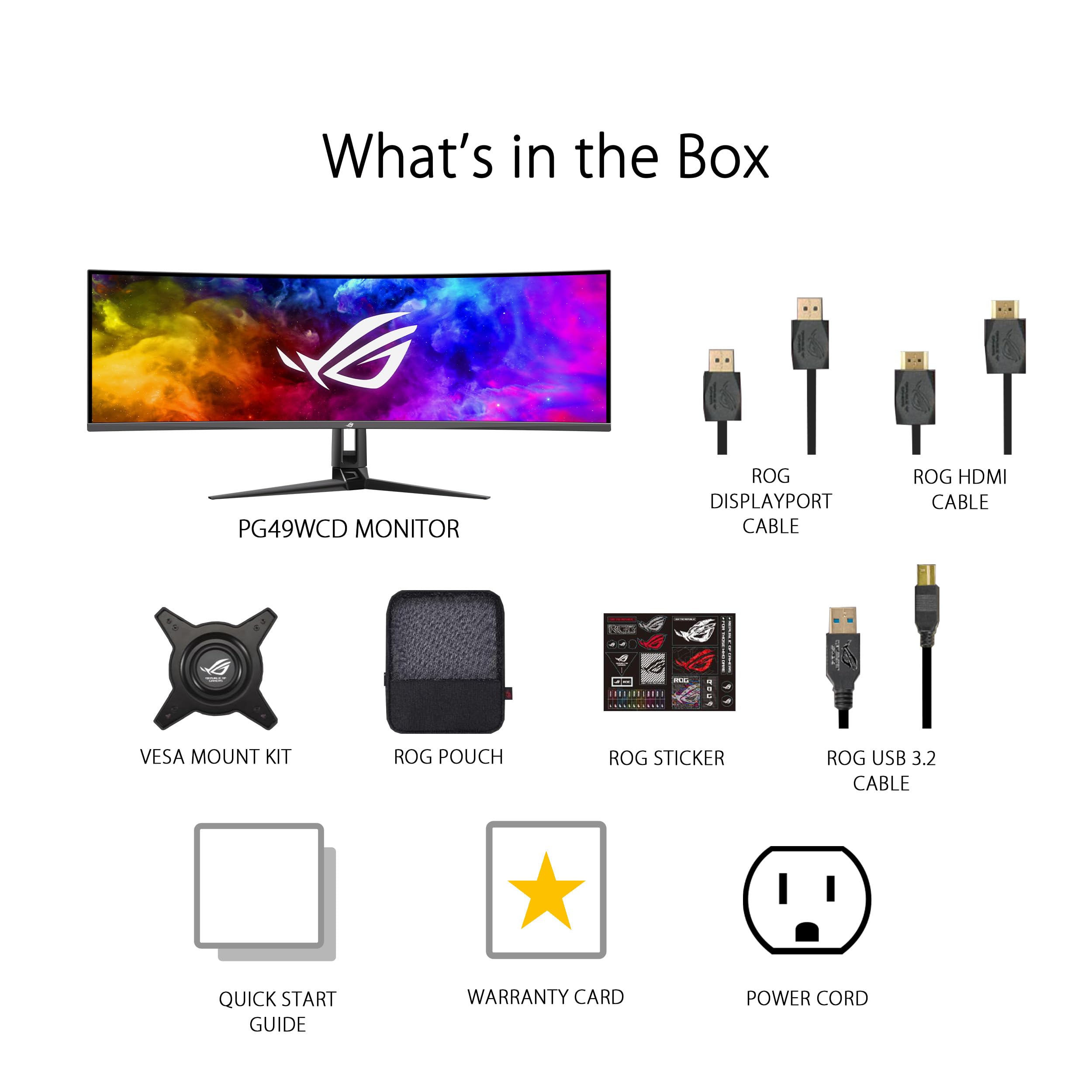
I love that I can switch up the resolution and settings on this monitor it’s nifty. The picture quality is absolutely amazing I was missing out on this. I’m glad I got it wouldn’t trade it out hands down. Love how easily I can do things with it and love that it came with, a high end hdmi, a dpcable along with a power c cable holy man and a usb 3, HOLY! and it runs up to 120hz 😲 and little free bag haha love it love ASUS thanks yall honestly. Dude I love how I can swivel my screen and it so easy to assemble the mechanics are insane love the product. The Dynamics and the weight the refresh rate. I’m eventually getting a PC from y’all but let me tell you the reason why I love this company so much and its products because they are hands down top quality they last years if you take good care of them. I’d like to say thank you and you make it so easy and accessible like your routers are amazing I’ve had one for over 10 years and it survived my daughters baby years that’s how good your technology is. Thank you once again ASUS you never disappoint. You can see the images are the screen resolutions adjusted the ps5 they only allow aspect of 16:9 and yes you can change it like the image from fallout you can see the difference although you can not use the variable refresh rate when in this mode it has to be completely on full screen but if you do that it’ll stretch and look bonky and give you a headache. So avoid the headache because the graphics will mess you up. Just a heads up but other than that I’m so far impressed and fascinated. By the way the only problem I’m having is the sound it’s not working I had to connect my subwoofer because I wasn’t sure if it had build in audio.
J**Y
Okay monitor, bad KVM
I bought this to use as a gaming monitor that I could also use as a dual 1440p screen for working from home via the KVM functionality. The function is identical to the wormhole cable that I was using before I got the monitor (as in, the software is exactly the same except the branding), but the hardware is extremely finicky, dropping connections at random and requires unplugging the USB from both computers and restarting the software to fix it. This is on Asus' end because my wormhole cable has always worked great. The other big problem is that if you want to run a game in any aspect other than 32:9, the screen will stretch rather than letterbox the screen. You can go into the monitor and force it into a mode that makes it not do that, but you need to do it and change it back every time and it's annoyingly deep in the menus to get to, plus doing it disables the high refresh rate. Honestly I wish I had just bought a regular 4k OLED TV or monitor, and I recommend you do the same.
T**.
Great Super Ultra if you don't want the G9
I have this and the G9. I like both, but this one has an edge in terms of productivity. You can use a USB C cable to power and connect to a laptop. You can also run keyboard and mouse to the monitor instead of to the pc. So the monitor becomes a hub for your laptop. Gaming is great on this monitor also. With it being an OLED - You have the deepest blacks and zero light bleed. Once you go OLED, you'll never go back to anything else.
S**Y
Nice Display, terrible terrible KVM implementation
I really needed a monitor that had good KVM functionality connect my personal and work computers. I read all the reviews of this monitor before I purchased it and the multitude of complaints people had with the way that this feature was implemented. I figured that with all of the ways it could be configured surely there would be a way to make it work the way I needed.... Should have listened to the previous reviews. I can't fathom how Asus could put so much work into a gorgeous display only to miss so badly on the basics. To be fair, I can not test the "Smart KVM" feature as my work computer will not allow the driver to be installed. I do have rights to install some software so I thought I might be able to overcome this, however because the "SmartKVM" feature combines keyboard/mouse control and data transfer that's a no go on most corporate machines. I was hoping that I would be able to just setup a hot key to switch the input source and USB output together but there is no functionality for this. In addition, I tried to use the favorites feature in the OSD to see if I could assign a shortcut with the video input and USB output but that also did not work. My advise if you are looking to buy this monitor to use with a corporate computer and the KVM functionality...don't.
B**G
Nice - when it works
PC with a GTX-2080 Super on DP - Supports the 5120 quite nicely. (HDR turned on) Laptop with built in HDMI - Supports only 4k (not fault of monitor) KVM- is terrible, unlike like my older 34" dell. All plugged in items work with DP, but not when switching to HDMI. Tried a USB hub and connected to the monitor, again. KVM doesn't work on HDMI. Have to uplug everything needed and plug into Laptop manually, - Very counter to the KVM idea right? There is no, I mean absolutely no help on the Asus ROG web site for this monitor. Like Zilch, Nada, Bumkins! - which means you're on you're own. The web site is slick looking though, as if that's important. The downloadable software for managing inputs - don't work. OSD choices seem quite forward (been doing IT for 40 years), but it's not. When you select KVM, it automatically changes your screen to Split Screen - Not what a KVM is supposed to do and still doesn't work correctly. So in a nutshell, 1 Pc with proper hardware, it's great. Multiple PC, No. It's horrible.
A**R
Wow...
I'll admit I was a little disappointed to see full screen movies running in a 27" section of the screen horizontal (centered) however, the color clarity of said images are astounding. I have only been playing with it for a short while but, I will and must give it a thumbs up high five fist bump for the quality of the screen, it has an amazing depth of darkness and the light is supernatural by comparison. This monitor will give you whiplash if you have not experienced a new OLED in several years. Worth every penny!
B**S
Panel is junk just buy the Samsung
This is a lame monitor. The best way to use a monitor like this is dual input borderless split screen but in pip mode everything is disabled. No variable refresh rate, no HDR and the panel is stuck at 59hz per screen. Limited connection options, literally only a DP and HDMI port for video, I had to run out and buy a DP to HDMI cable since my pc does not have hdmi. No cable management, I can see cables under my monitor from the normal use position. Firmware update page defaults to Chinese, driver installation fails but running it again shows correct new fw installed. Screen scratches easily, there was a stain on the screen when I opened the box. Using the cloth for my glasses to clean it off left scratches behind but can’t see them with the panel on. Zero provisions for the ROG light bar, the bar is not compatible with this monitor. For some weird reason Plex app does not play SD or HD video when connected with this panel. It is lightweight and I like the quick release vesa mount but not enough to want to keep the monitor. Screen is beautiful so I know I’ll be happy with the Samsung.
Trustpilot
3 weeks ago
1 month ago



