Desert Online General Trading LLC
Dubai, United Arab Emirates
Desert Online General Trading LLC
Dubai, United Arab Emirates



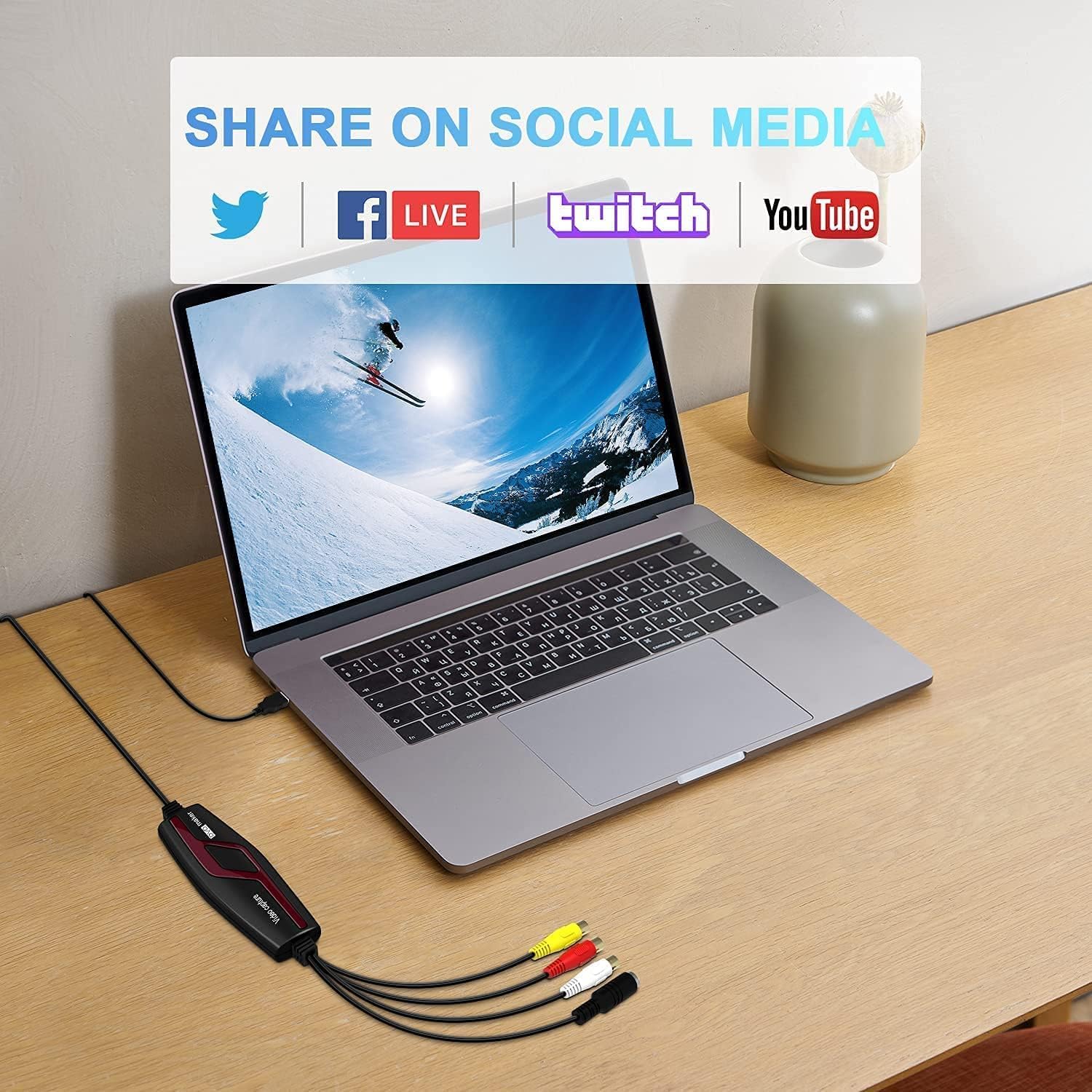


🎞️ Relive & Revive Your Memories in HD — Digitize Like a Pro!
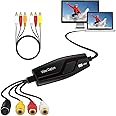
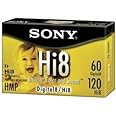
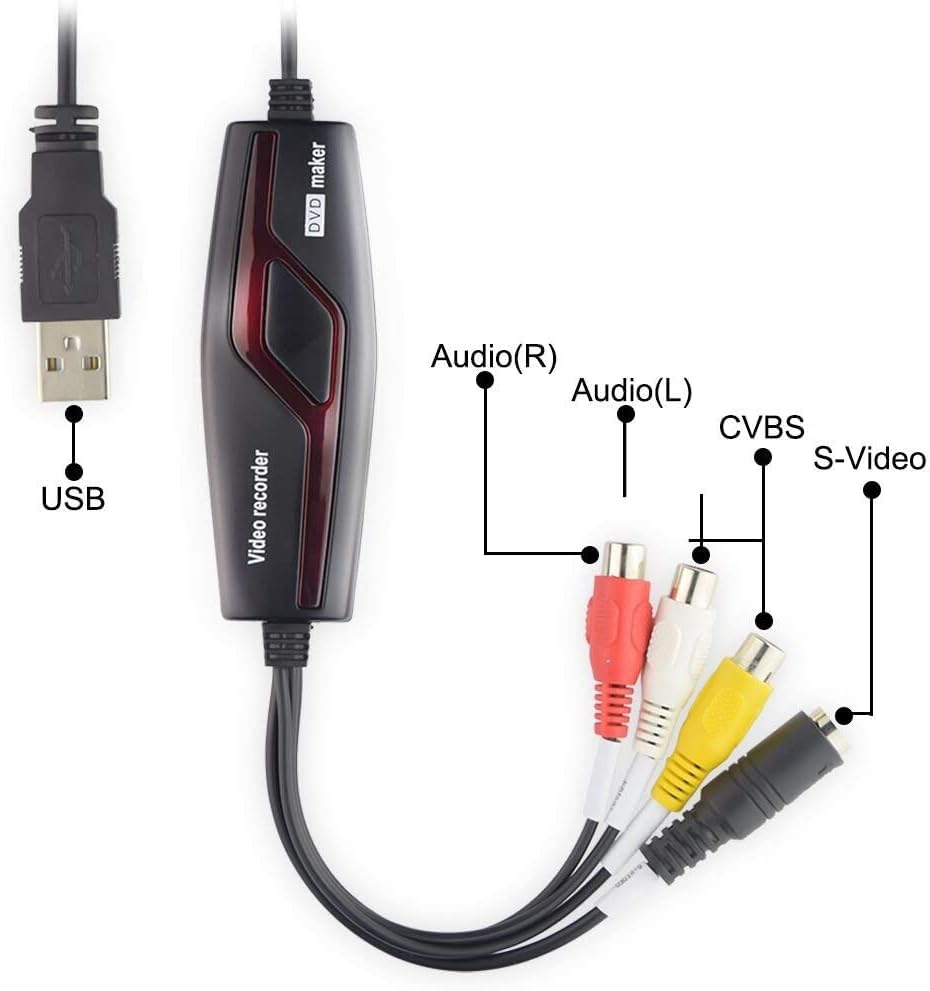
The VIXLW VHS to Digital Converter is a compact USB video capture device that effortlessly converts analog video sources like VHS, Hi8, and Mini DV tapes into HD 720P digital files. Compatible with Windows and Mac OS (excluding Mac OS 10.14+), it supports global video formats (NTSC, PAL, SECAM) and offers professional-grade video enhancement tools. Plug-and-play design ensures quick setup without extra power or drivers, making it the ultimate tool for preserving and sharing your cherished memories.


| Brand | VIXLW |
| Item model number | BR117 |
| Operating System | Windows 7, Mac OS |
| Item Weight | 5.6 ounces |
| Product Dimensions | 4.37 x 1.38 x 0.51 inches |
| Item Dimensions LxWxH | 4.37 x 1.38 x 0.51 inches |
| Color | black |
| Manufacturer | VIXLW |
| ASIN | B0CJ929H6S |
| Date First Available | September 18, 2023 |
B**O
Amazing device!
I have to admit, I was skeptical at best that this would work, but it does and it is so easy! The hardest part is figuring out whatever program you choose to use with it on the computer, but you'll be able to figure it out after playing around with it a bit.So much cheaper than sending it to a company to do if you can still get a VCR
K**B
Plug and Play
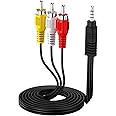
I am using this device with OBS Studio to digitize old VHS tapes. It is connected to the RCA audio and composite video jacks on an old VCR, and to a USB port on my PC. Windows recognizes and supports the device without installation of any additional drivers.The manual included with the device is very useful, it tells you which devices should appear in the Windows Device Manager when it is connected, and has very clear instructions for setting up the video capture device in OBS Studio. I'm capturing my first VHS tape right now, it is working very well.
A**R
Works well, BUT.......
This device is a replacement for an older version. It works well, however the instructions are less than helpful. I finally figured out how to use it, (I could not get the video to record). All is well now but again, the instruction could be more detailed and simpler!
D**Z
VHS Video/Audio Import Works Well!
Surprisingly easy to use on my MacBook. I had to restart the QuickTime recording a couple of times because I couldn’t get the Audio Source to switch to the device, but after 2 fries it worked great! The imported movie is not the greatest quality even though I’m using the S-Video input, but this is way easier than what I was using before (Dazzle Hollywood DV that had to be imported into iMovie). I like it and I hope I can get all of my VHS tapes digitized!!
J**A
Video capture device
Did not have any success with this product.
K**R
Truly excellent hardware for its intended purpose
Bought this for the same reason you all did-converting old home videos from 30+ years ago. My husband is tech savvy and had no issue with either hardware or software. I will admit, I was very skeptical that a product so inexpensive would work, but it really did! And it worked well. Got the job done and I'm very pleased. Used OBS software. Converted 8 VHS and gifted a USB stick with them all on there to my siblings and mother for Christmas. One or two of the tapes have some reverb which is annoying but that could be the tapes because the remaining tapes did not have that. If you're on the fence, please try it! For the price you really can't go wrong! Thank you for a great, affordable product to create such a precious gift!
N**Y
Buyer Beware: Not appropriate for digitizing 4:3 aspect ratio
If your goal is to digitize VHS, VHS-C, 8mm, or Mini DV cassettes, this device won't support outputting the original aspect ratio of 4:3 on the computer side but only 16:9 (720p). This means your home movies will appear stretched/distorted and everyone will look fat. Shame on the seller for putting images of VHS and DV in their advertising.For converting 4:3 ratio media to digital, you'll need a product that outputs on the computer (USB) side in the same ratio. Some products give you the option of 4:3 or 16:9 output. This one does not, so beware. I chose the "Elgato Video Capture – USB 2.0 Capture Card Device, Easy to Use, Convert Analog to Digital, with VHS VCR TV to DVD Adapter, for Mac, Windows or iPad" on Amazon and it works great. Gives you the choice of 4:3 or 16:9 using their provided video capture software.I will say that if you only need 16:9 output, this VIXLW does a nice job (at least on Mac Sonoma, Intel), has clear documentation, and is a small fraction the cost of the Elgato device I chose.
A**S
THE BEST
best and easiest way to digitize tapes
Trustpilot
3 days ago
1 month ago