We remain fully operational. Our teams are working around the clock to ensure your deliveries continue safely.

DOWNLOAD THE APP


Customer Services
Copyright © 2025 Desertcart Holdings Limited
DOWNLOAD THE APP

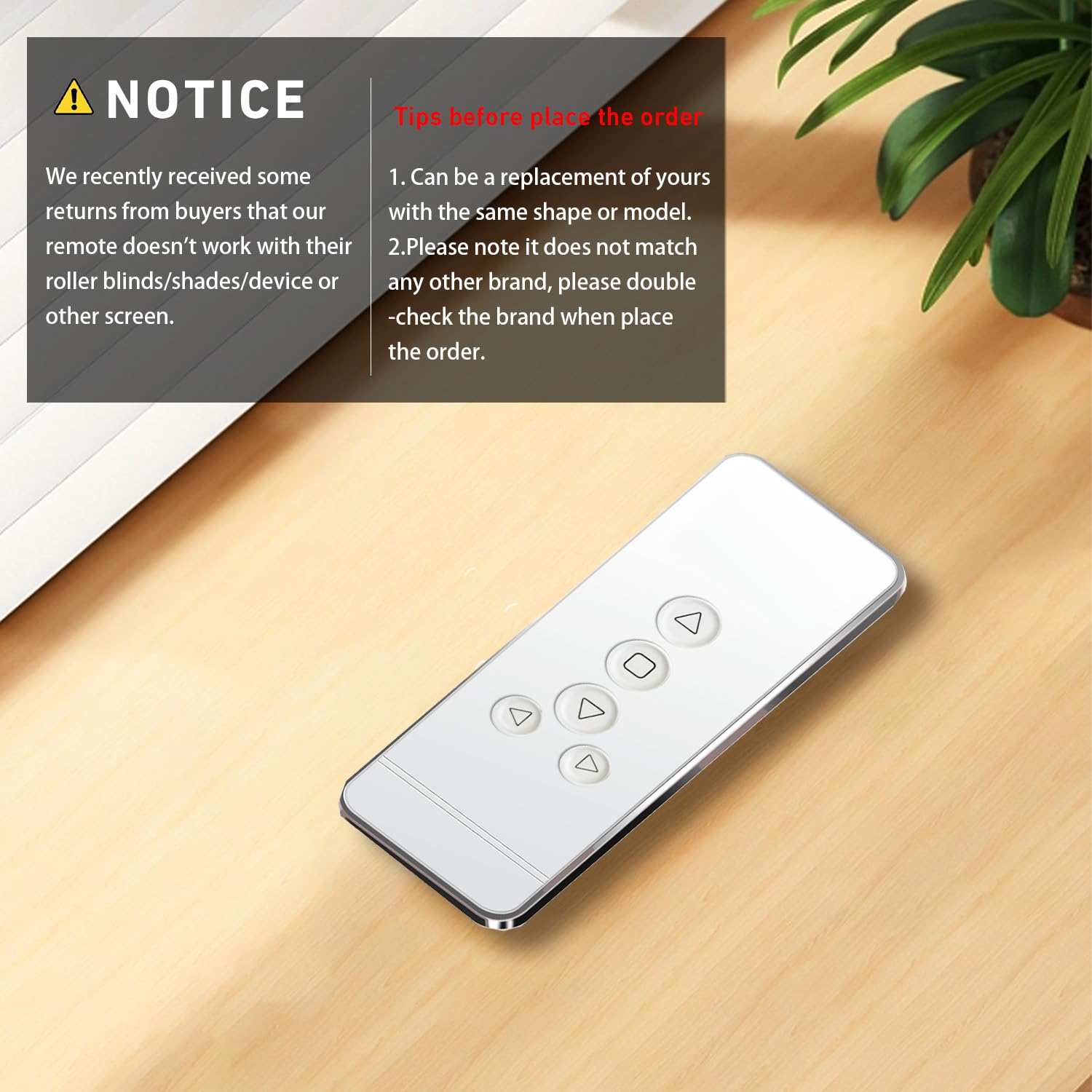

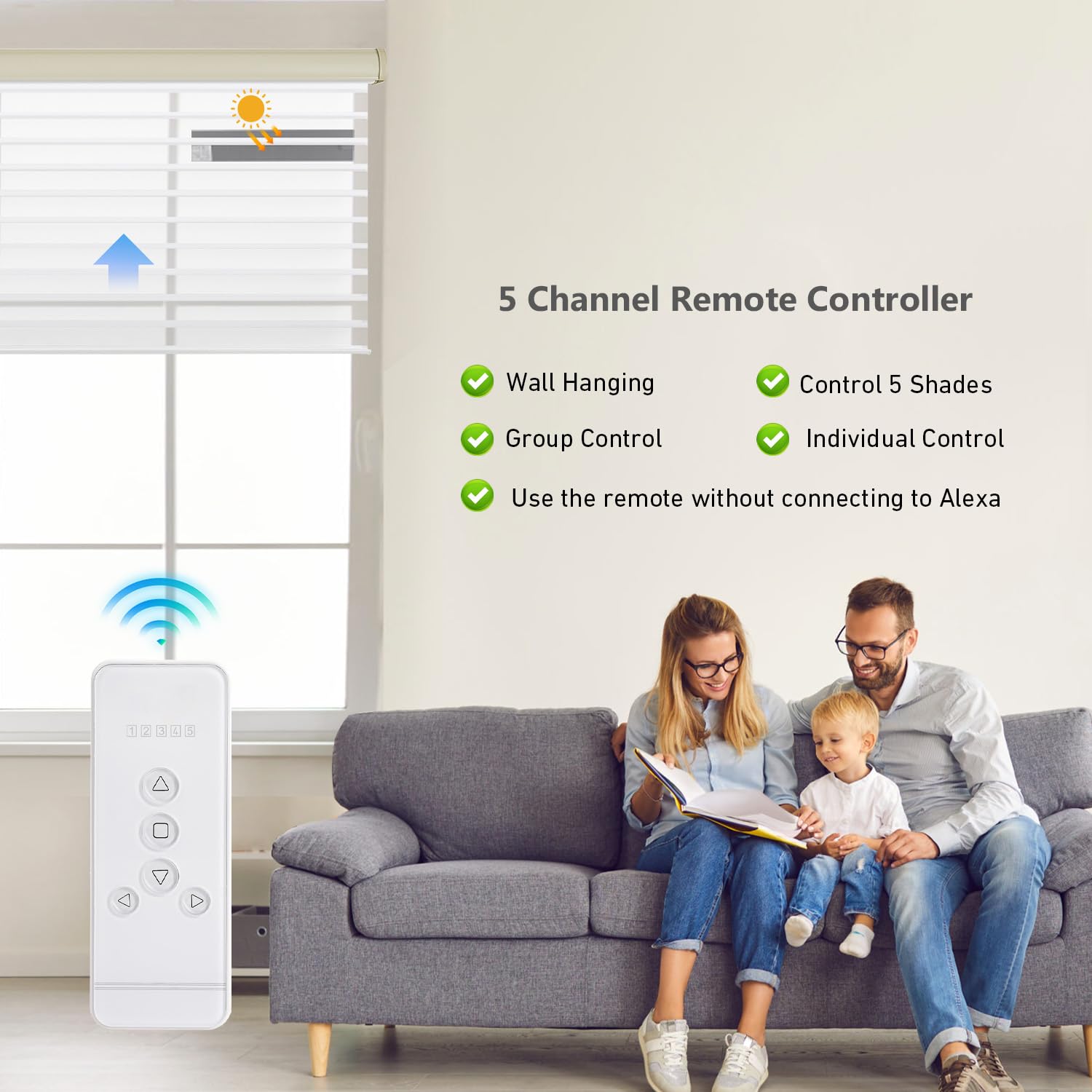
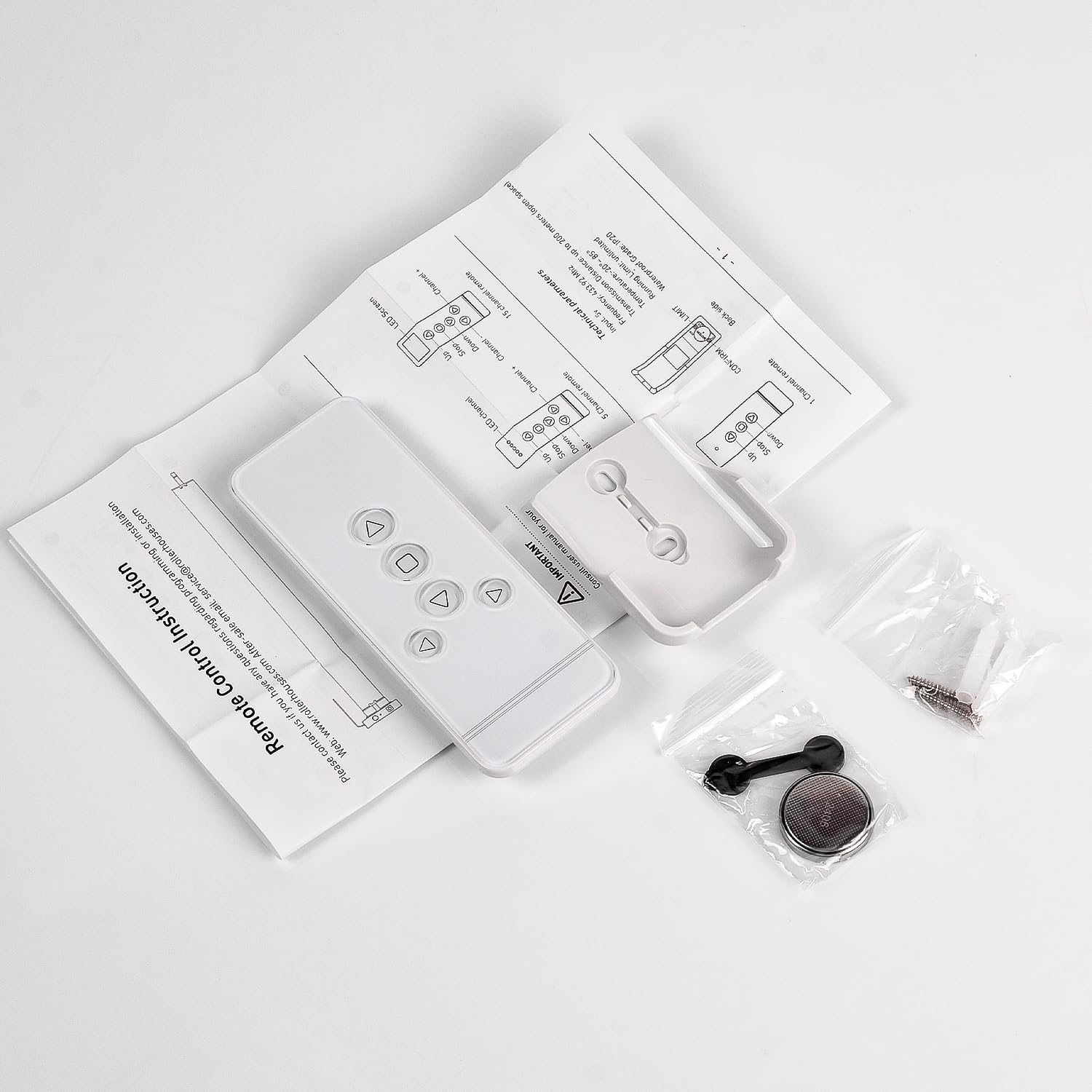
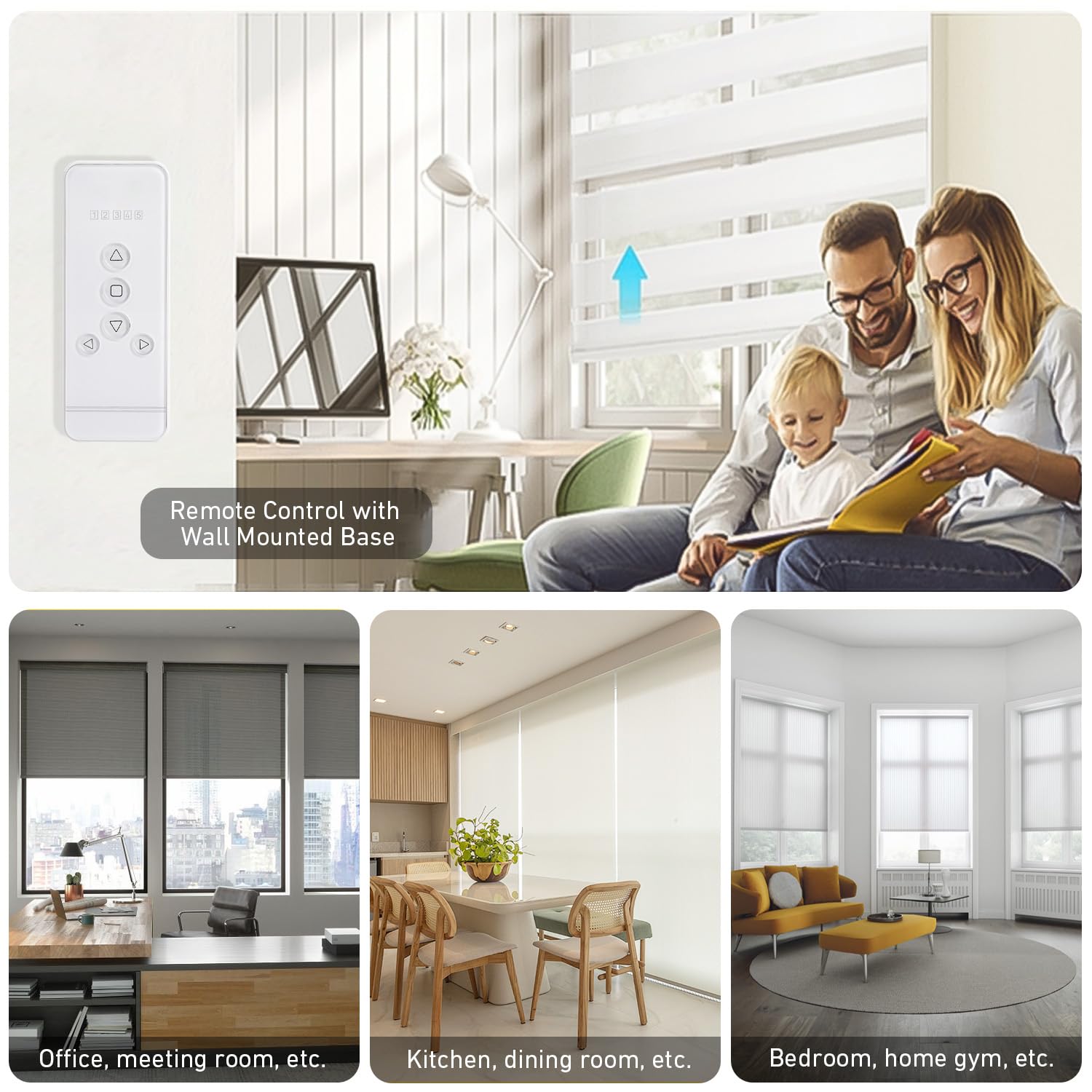
🎯 Precision control for your blinds—because your space deserves smart simplicity.
This Replacement Remote is engineered specifically for Rollerhouse ERB22/ERB25/EY1612/EY2512 motorized roller blinds, offering 5-channel independent control with a strong 20-meter RF signal. Pre-programmed for hassle-free pairing and powered by an included lithium metal battery, it ensures reliable, interference-resistant operation. Note: Verify your original remote model before purchase as this is not a universal remote.


| ASIN | B077P7YWQH |
| Additional Features | rollerhouse rf 433.92 |
| Battery Type | Lithium Metal, Lithium Ion |
| Best Sellers Rank | #45,175 in Electronics ( See Top 100 in Electronics ) #2,542 in Remote Controls (Electronics) |
| Brand | Rollerhouse |
| Built-In Media | 5 channel remote&User Manual |
| Button Quantity | 5 |
| Color | white |
| Compatible Devices | Motorized Window Shades and Blinds |
| Connectivity Technology | Radio Frequency |
| Controller Type | Button Control |
| Customer Reviews | 4.0 out of 5 stars 326 Reviews |
| Item Weight | 0.07 Kilograms |
| Manufacturer | Rollerhouse |
| Max Number of Supported Devices | 5 |
| Maximum Number of Supported Devices | 5 |
| Maximum Range | 20 Meters |
| Model Name | 5 channel remote |
| Model Number | 5 channel remote White |
| Number of Batteries | 1 Lithium Metal batteries required. (included) |
| Special Feature | rollerhouse rf 433.92 |
| UPC | 612289935647 |
A**R
Very compatible
Replaced our original Smith & Noble remote. It works very well, no issues and is quieter!
M**O
Slightly bigger than my original remote.
I was unsure if this replacement remote would be compatible with my blinds. After I dropped my original remote, it was damaged and barely functional, so I searched for a replacement on Amazon. I am very pleased with my purchase. My boyfriend was able to get it working seamlessly with our blinds. However, the remote fits so tightly in the holder that we will need to replace the holder that came with it. Aside from that, it works exceptionally well with my blinds. I am a very happy customer.
P**E
Two years and time to replace
I bought this remote for one of my Selectblind motorized shades. The remote is a little different than the stock remote but setup was just like the original and functioned well for about 18 months. The buttons started getting harder to push and would not always work. I replaced the battery thiinking that might be the issue but that did not help.
H**W
Remote controller
Works great out of the box. A bit larger than thought but not an eyesore. Good product. I will buy it again when the other one goes.
D**A
Works Great!
Works perfectly! Great Customer service! You won’t be disappointed.
T**N
Works great to control multiple shades - very convenient
I have a room with 6 shades adjacent to another with 2 - we mounted the individual remotes at each window then use this one to control them all centrally. It works great and has a good range. Super easy to program too.
A**I
It works fine
The remote control works fine and was easy to set up. However, it doesn't stop right away when you press stop.
S**S
Works Fine With SelectBlinds
My 2 year old took the original remote control that came with my SelectBlinds roller shades and I have no idea where he hid it. This remote looked the same as my original one so I ordered one and thankfully it works fine and was really simple to pair up with each of my four shades. I'm pretty sure it's identical to the SelectBlinds remote.
Trustpilot
5 days ago
1 month ago