We remain fully operational. Our teams are working around the clock to ensure your deliveries continue safely.

DOWNLOAD THE APP


Customer Services
Copyright © 2025 Desertcart Holdings Limited
DOWNLOAD THE APP

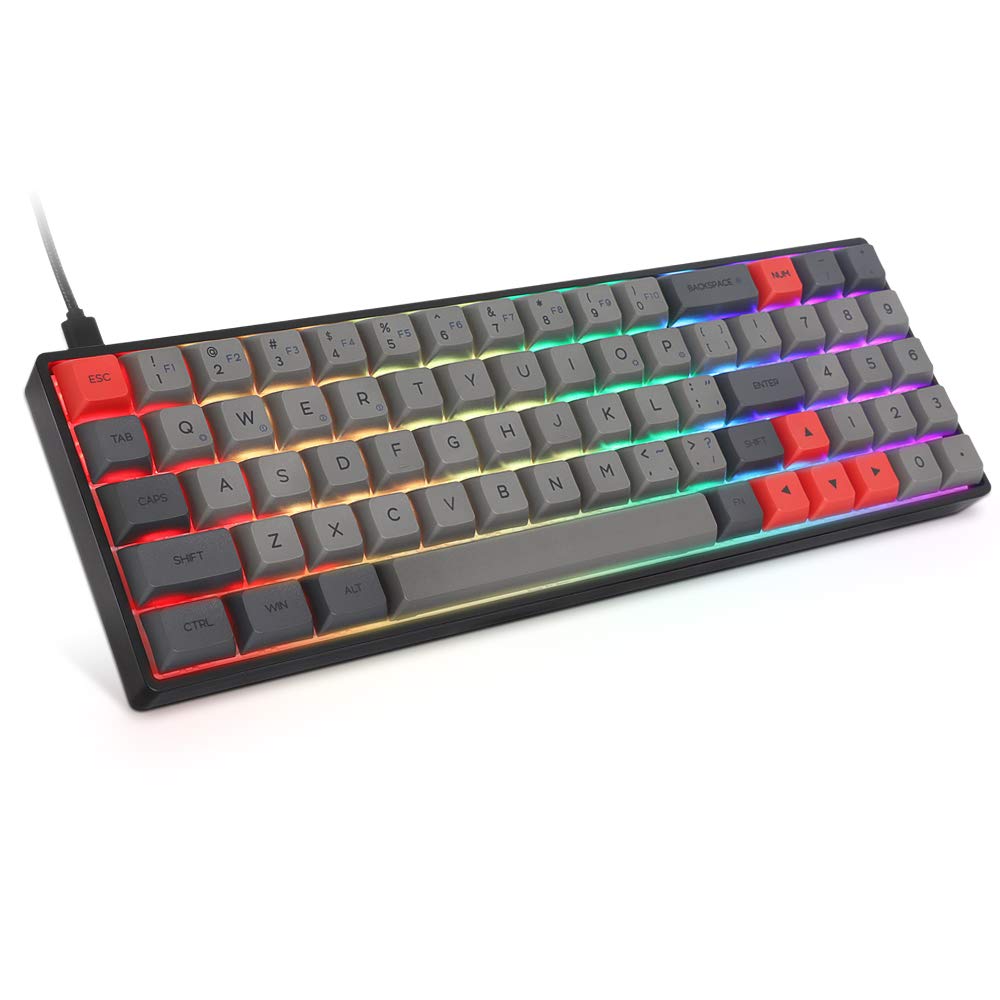
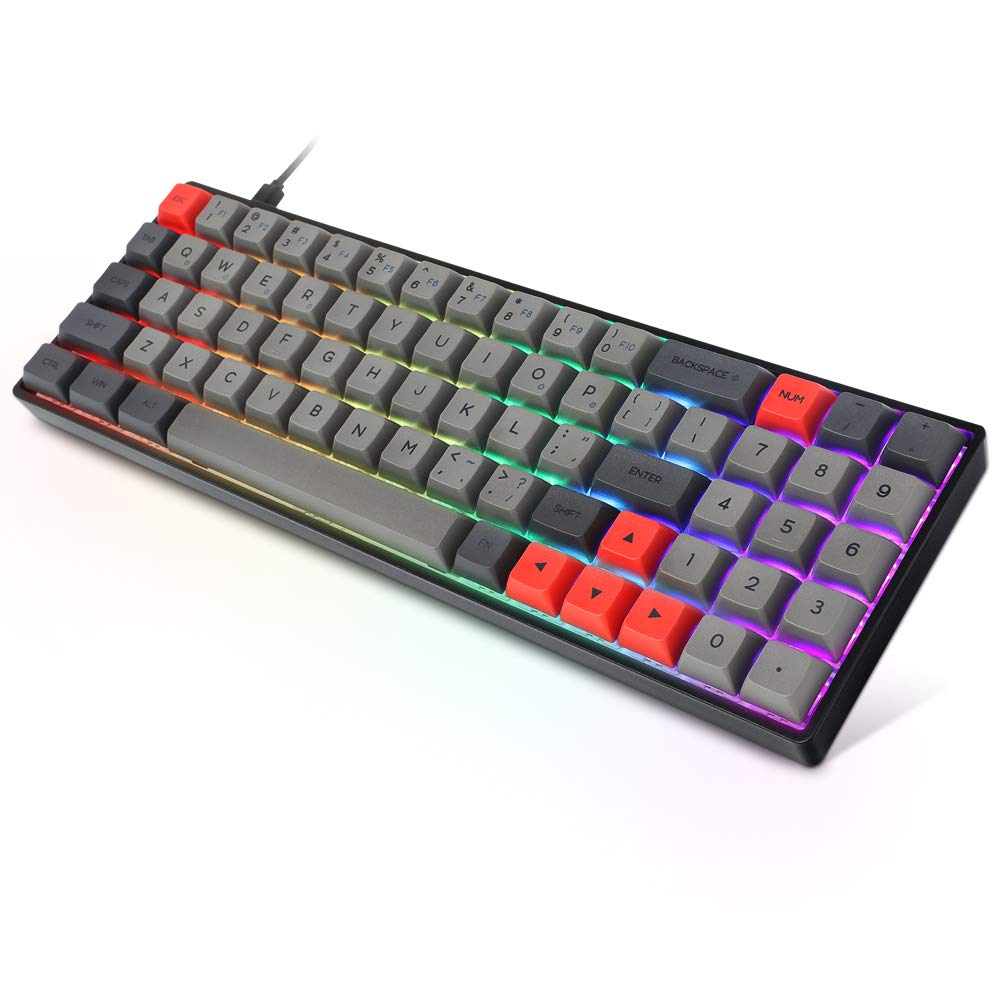
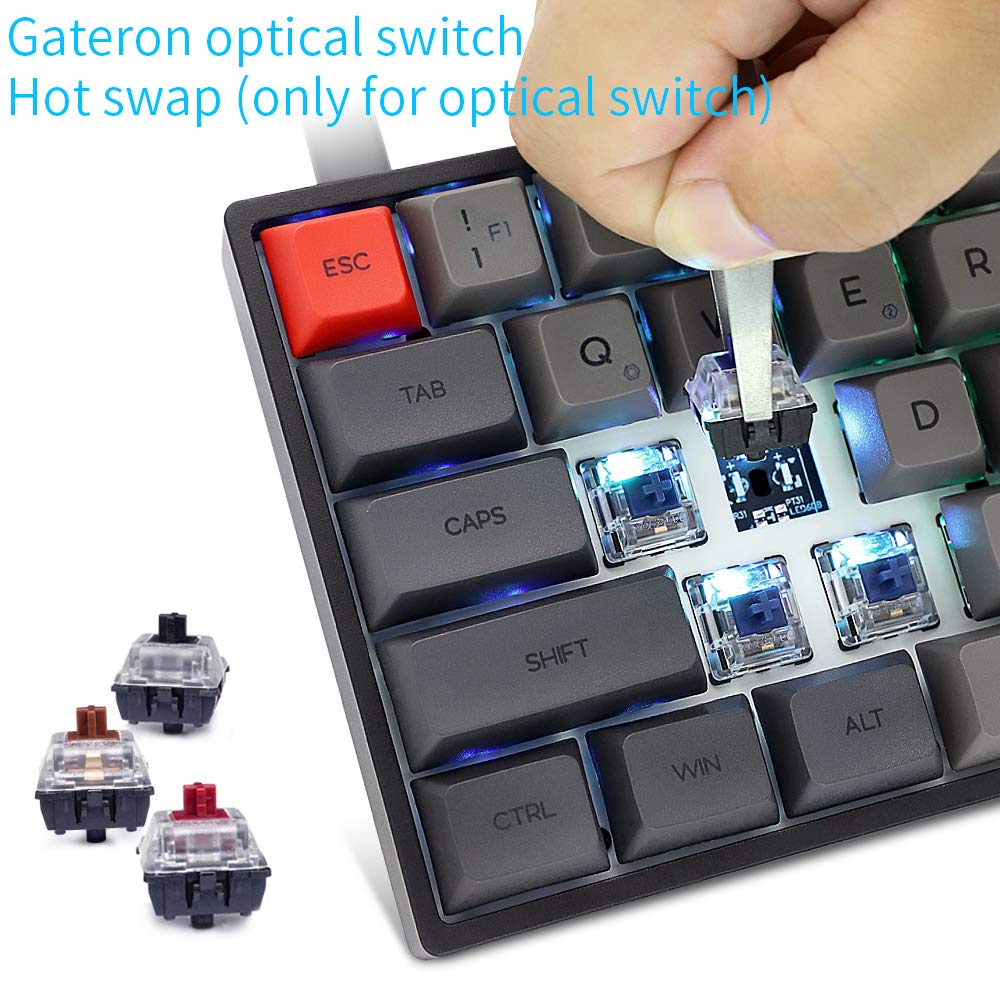
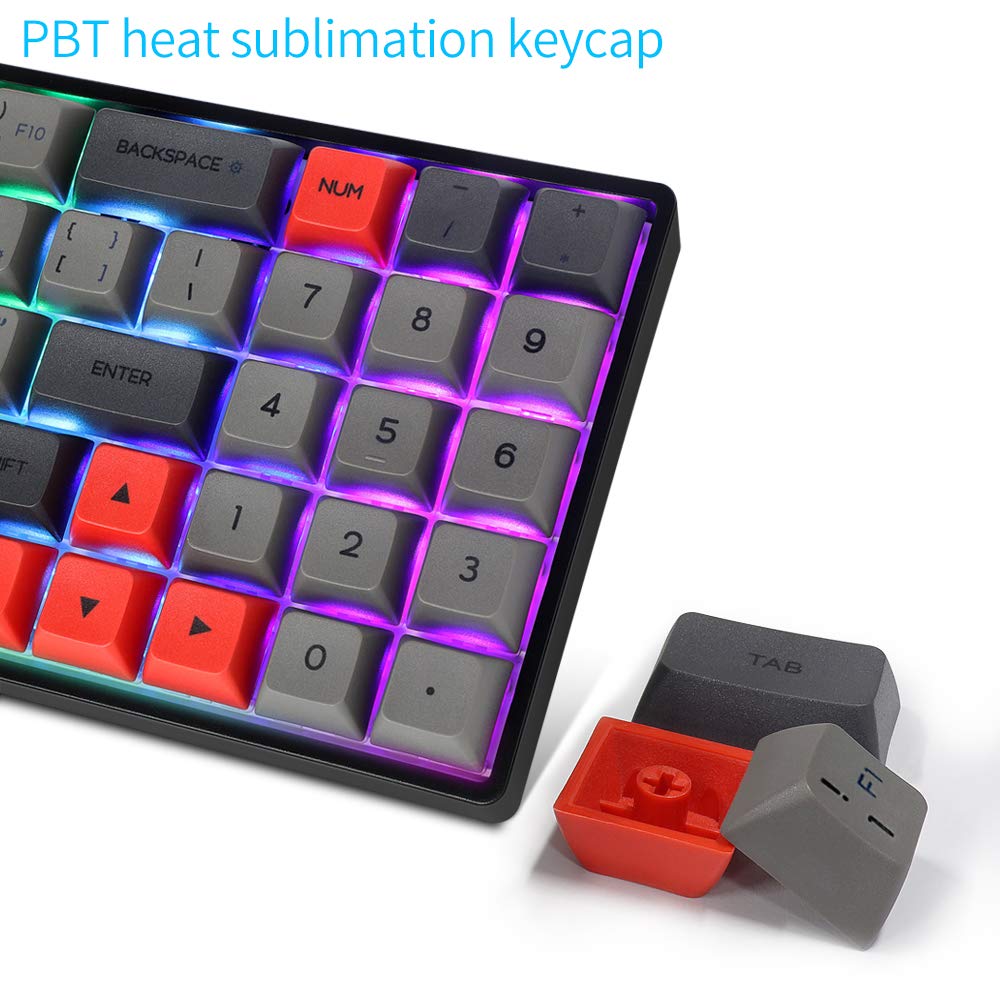

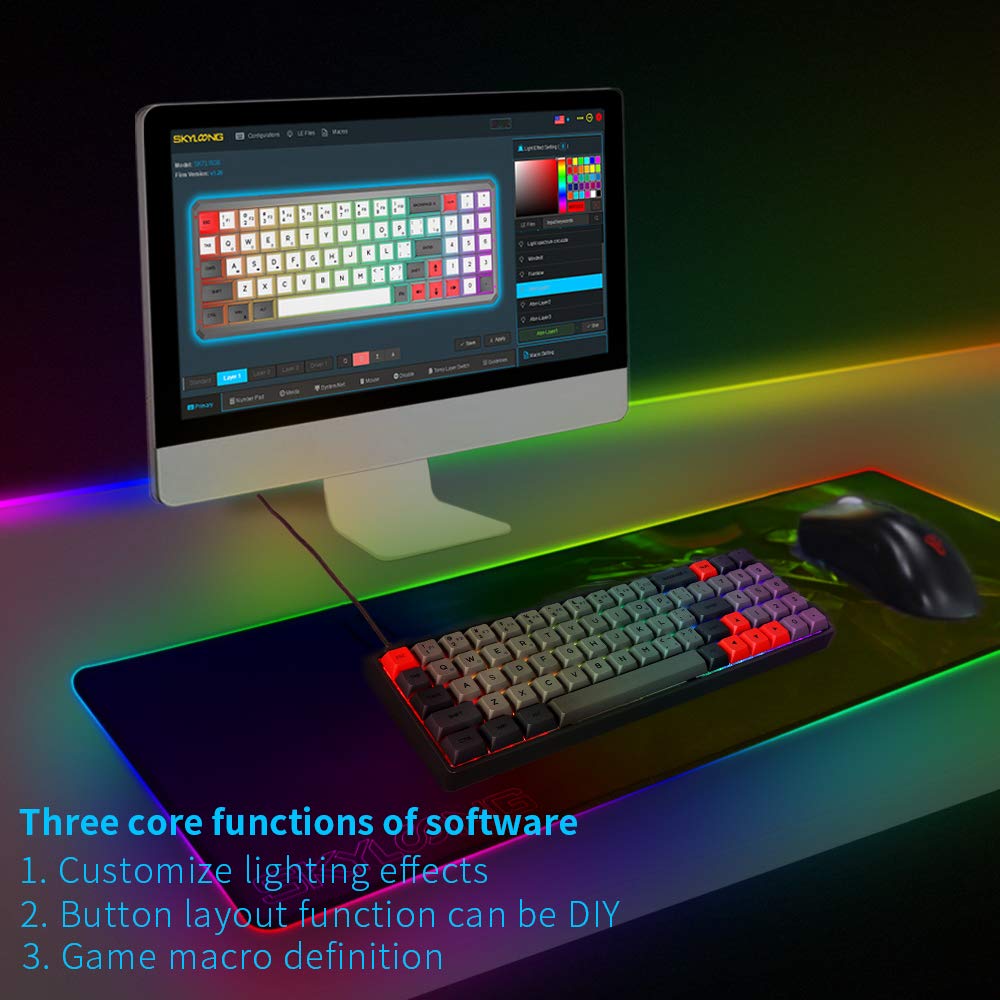
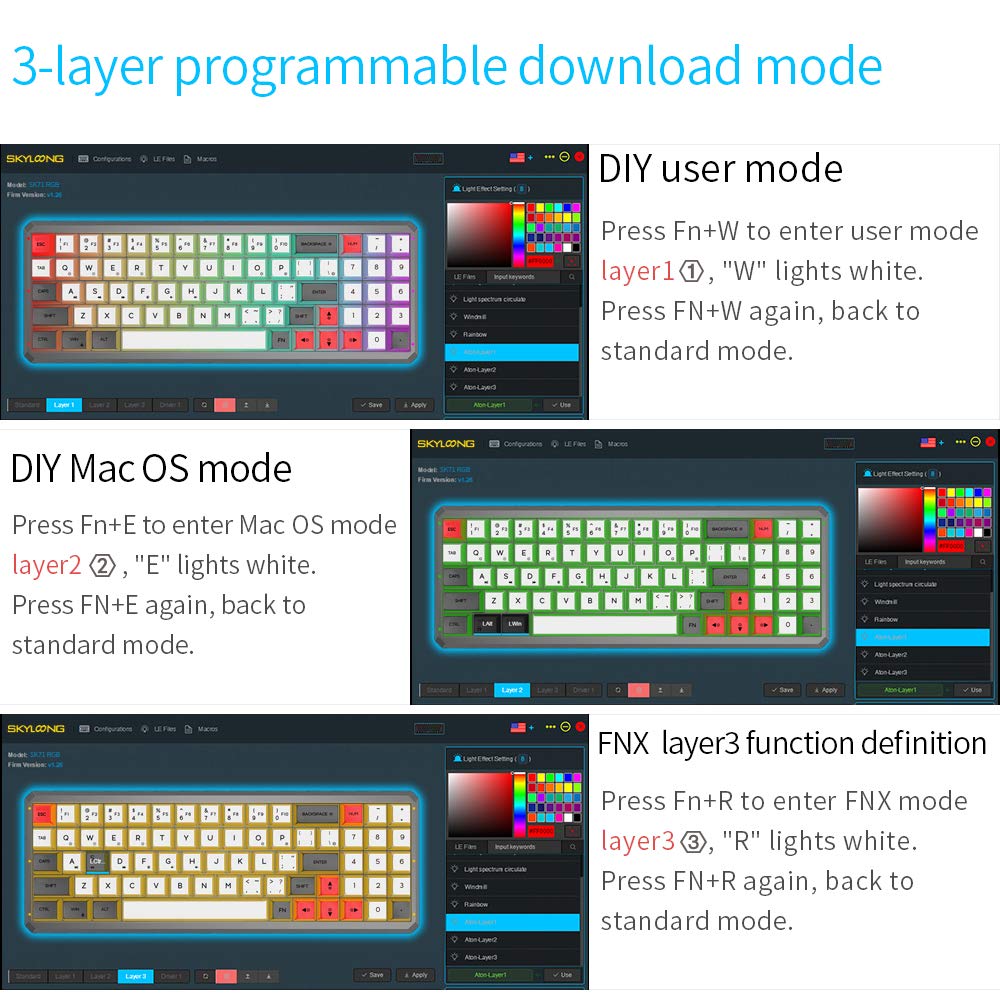
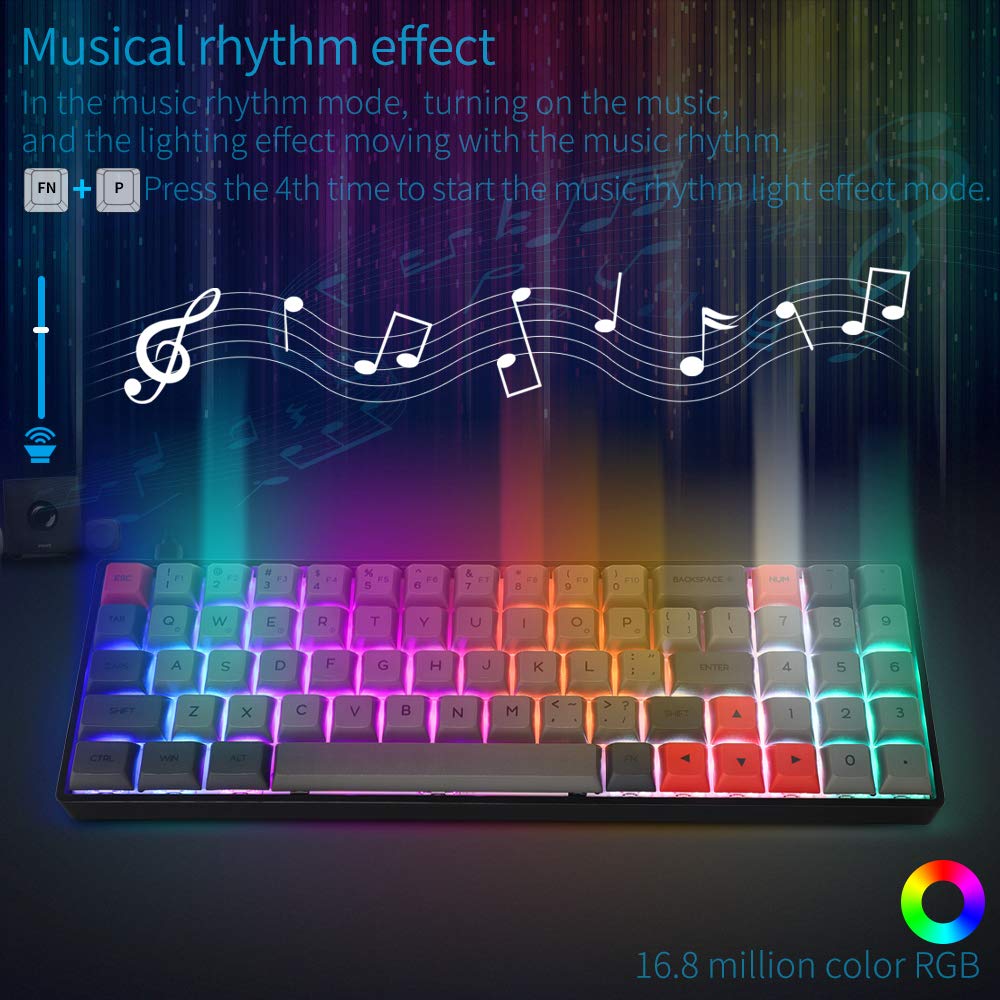
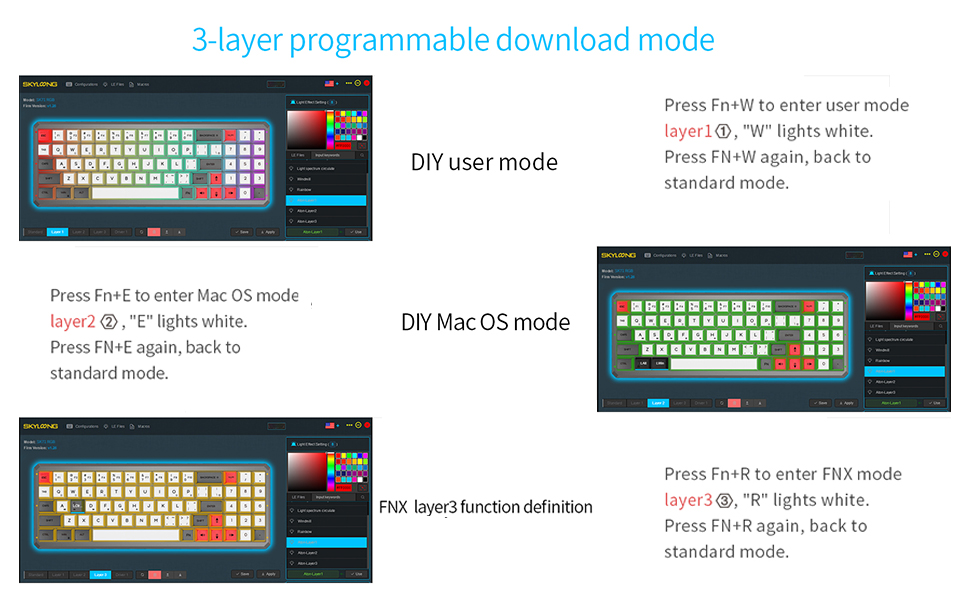
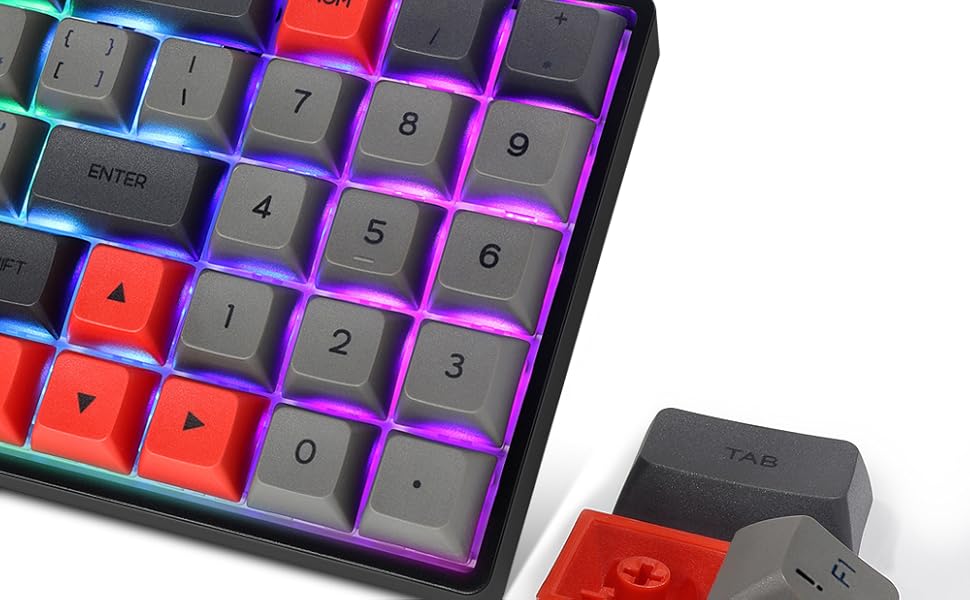
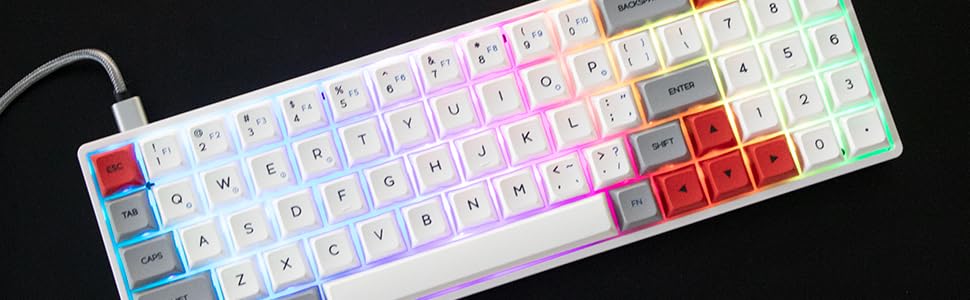
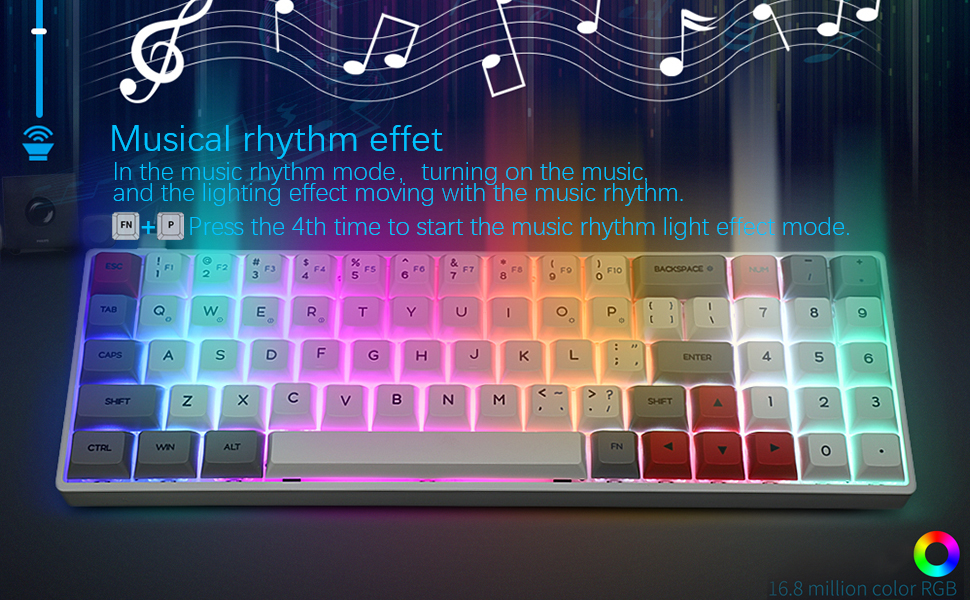
Product description Key Features of SK71 Mechanical Keyboard -N-key rollover, anti-ghosting -16million RGB lighting effects, available for customizing, updated continually -Win&Mac layout supported -PBT GSA keycaps -Type C interface -3 layer programmable download mode, FN1/FN2/FN3 user-defined -Slim and portable, compact and lightweight 16.8 million RGB Backlight Powerful Keypad Area It not only has a 68% compact layout and also comes with a powerful keypad area. Number keys, arrow keys are all included. The traditional layout of the letter area will satisfy most people's touch sense and habits. If you want a compact, functional keyboard, the SK71/SK71S is pretty much what you need, and you can use it anywhere you want. Review: Worth it! - This is a great buy for gamers that need a little bit more room for mouse control. Smallest keyboard with arrow keys and a numpad!!!! Review: good overall with some caveats - This is a good keyboard, especially for its small size and including a numpad, however, they had to make some layout changes to make it work. You need to get used to the backspace key being a bit farther to the left, and the keys with - and + are further to the right. Also, those 2 keys are a little different, with one of them being + without holding down shift, and the symbols _ and = are moved elsewhere on the keyboard, with = being fn plus the numpad . and _ being shift fn numpad 0. There also isn't a f11 or f12 key by default. You have to add those with the downloadable software if you want to be able to use them. The software seems kind of limiting because it seems like you can only change what a key does by itself without other keys held down, and it changes the normal function to be done while holding the fn key, but if you want to make a change to a key that also already does something with fn held down, you will lose the ability to use that. So if you changed 1 in the top number row to be something else, you will get 1 if you press it with fn held down, but you won't get to use f1 anymore. Something else to also get used to is the combined punctuation keys, because they had to remove 3 to keep the small size of the keyboard. You will have to use fn for ?, ', and right brackets. It's a good keyboard if you can get used to the layout changes and the build quality also feels nice. It's also angled good even though it doesn't have adjustable feet. The backlighting also looks good enough to me and the keys are nice too. I just think they should have made them shine through for the backlighting.



| ASIN | B089YNRM4R |
| Additional Features | Lighting |
| Brand | EPOMAKER |
| Built-In Media | Keyboard, Keycap Puller, mac keycaps |
| Button Quantity | 71 |
| Compatible Devices | Laptop |
| Connectivity Technology | USB-C |
| Customer Reviews | 4.5 out of 5 stars 10 Reviews |
| Enclosure Material | Polybutylene Terephthalate |
| Hand Orientation | Ambidextrous |
| Keyboard Description | Mechanical |
| Manufacturer | EPOMAKER |
| Number of Keys | 71 |
| Special Feature | Lighting |
| Style | Modern |
| Style Name | Modern |
| UPC | 751433626694 |
J**.
Worth it!
This is a great buy for gamers that need a little bit more room for mouse control. Smallest keyboard with arrow keys and a numpad!!!!
Y**A
good overall with some caveats
This is a good keyboard, especially for its small size and including a numpad, however, they had to make some layout changes to make it work. You need to get used to the backspace key being a bit farther to the left, and the keys with - and + are further to the right. Also, those 2 keys are a little different, with one of them being + without holding down shift, and the symbols _ and = are moved elsewhere on the keyboard, with = being fn plus the numpad . and _ being shift fn numpad 0. There also isn't a f11 or f12 key by default. You have to add those with the downloadable software if you want to be able to use them. The software seems kind of limiting because it seems like you can only change what a key does by itself without other keys held down, and it changes the normal function to be done while holding the fn key, but if you want to make a change to a key that also already does something with fn held down, you will lose the ability to use that. So if you changed 1 in the top number row to be something else, you will get 1 if you press it with fn held down, but you won't get to use f1 anymore. Something else to also get used to is the combined punctuation keys, because they had to remove 3 to keep the small size of the keyboard. You will have to use fn for ?, ', and right brackets. It's a good keyboard if you can get used to the layout changes and the build quality also feels nice. It's also angled good even though it doesn't have adjustable feet. The backlighting also looks good enough to me and the keys are nice too. I just think they should have made them shine through for the backlighting.
J**J
Pretty good for the price
It's a awesome keyboard, it has a weir noise when tiping but I put tape under the PCB and now has no echoes and the rgb looks pretty awesome and have diferent modes I totally recommend if you looking for a budget mechanical keyboard
Trustpilot
2 weeks ago
2 weeks ago