We remain fully operational. Our teams are working around the clock to ensure your deliveries continue safely.

DOWNLOAD THE APP


Customer Services
Copyright © 2025 Desertcart Holdings Limited
DOWNLOAD THE APP
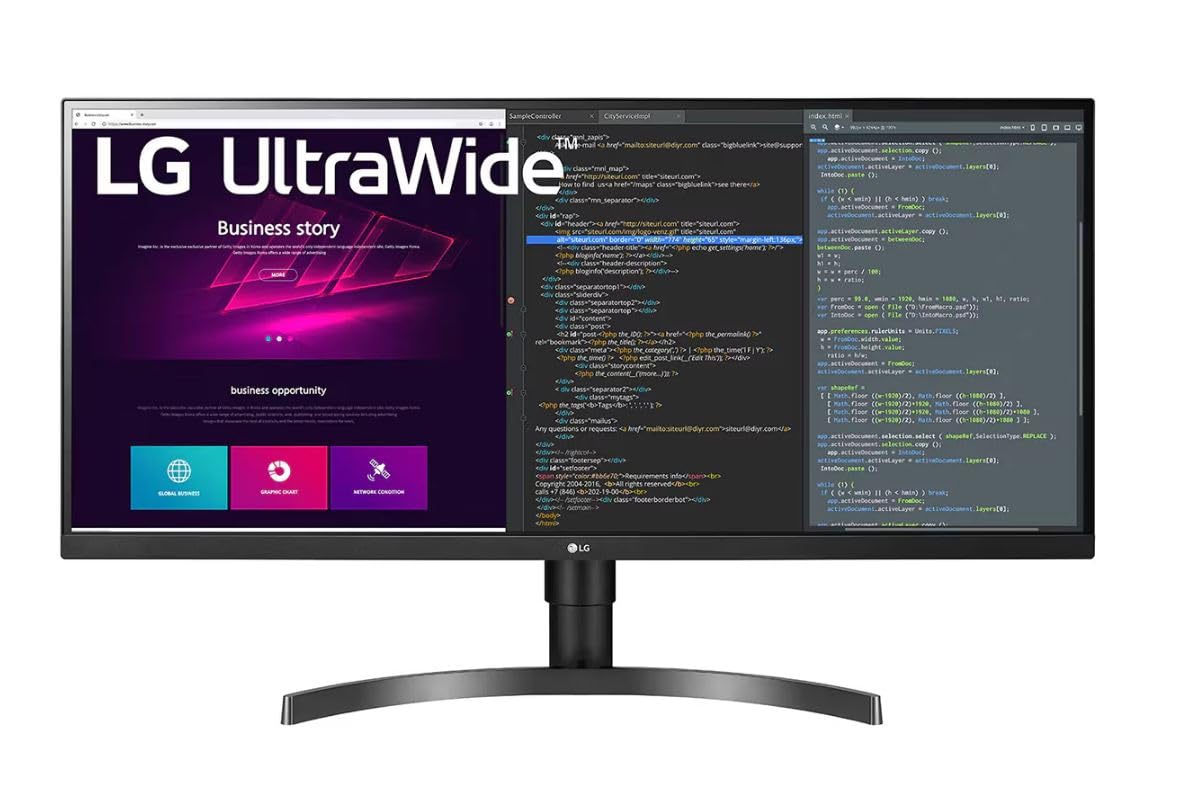
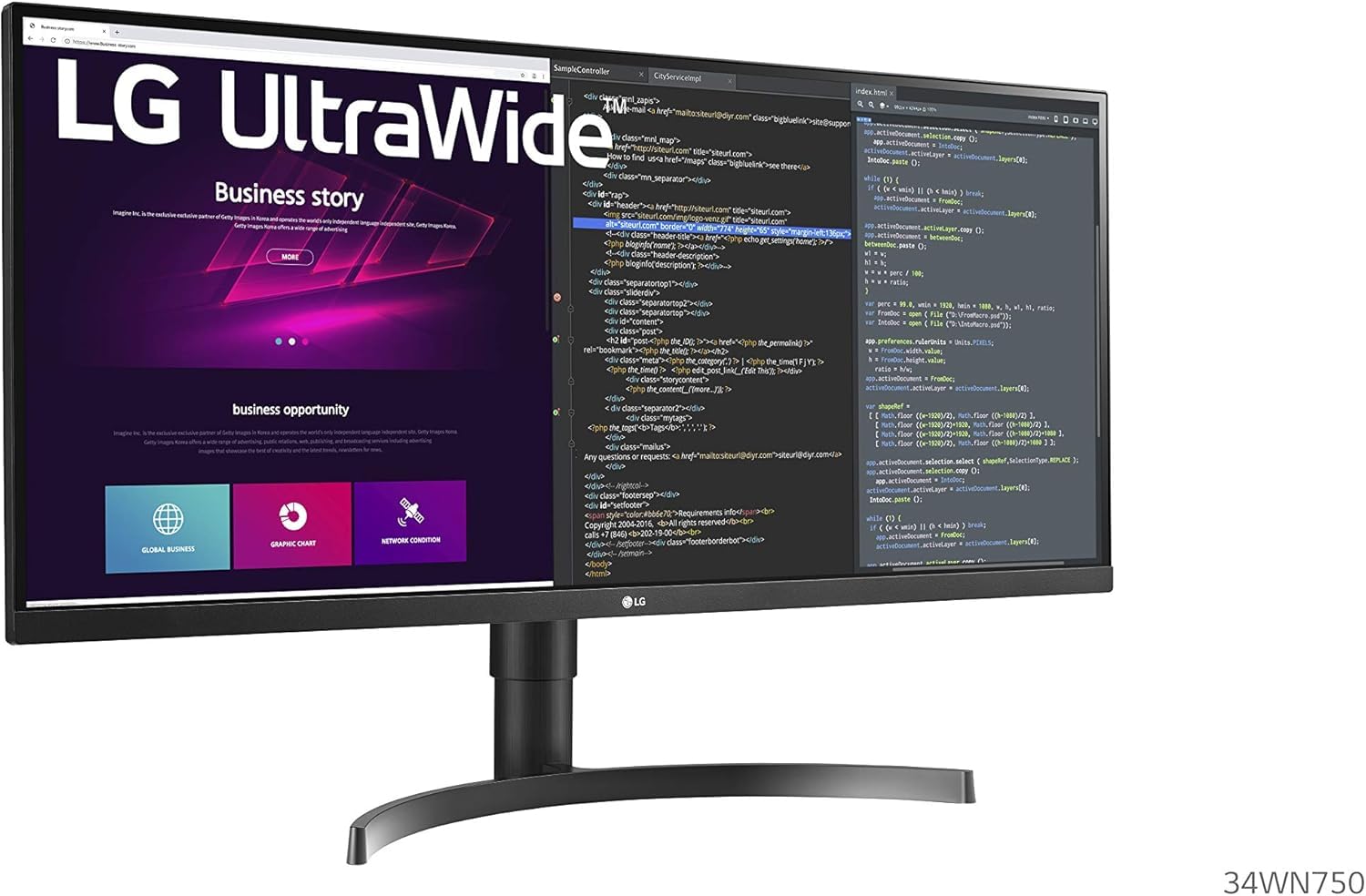

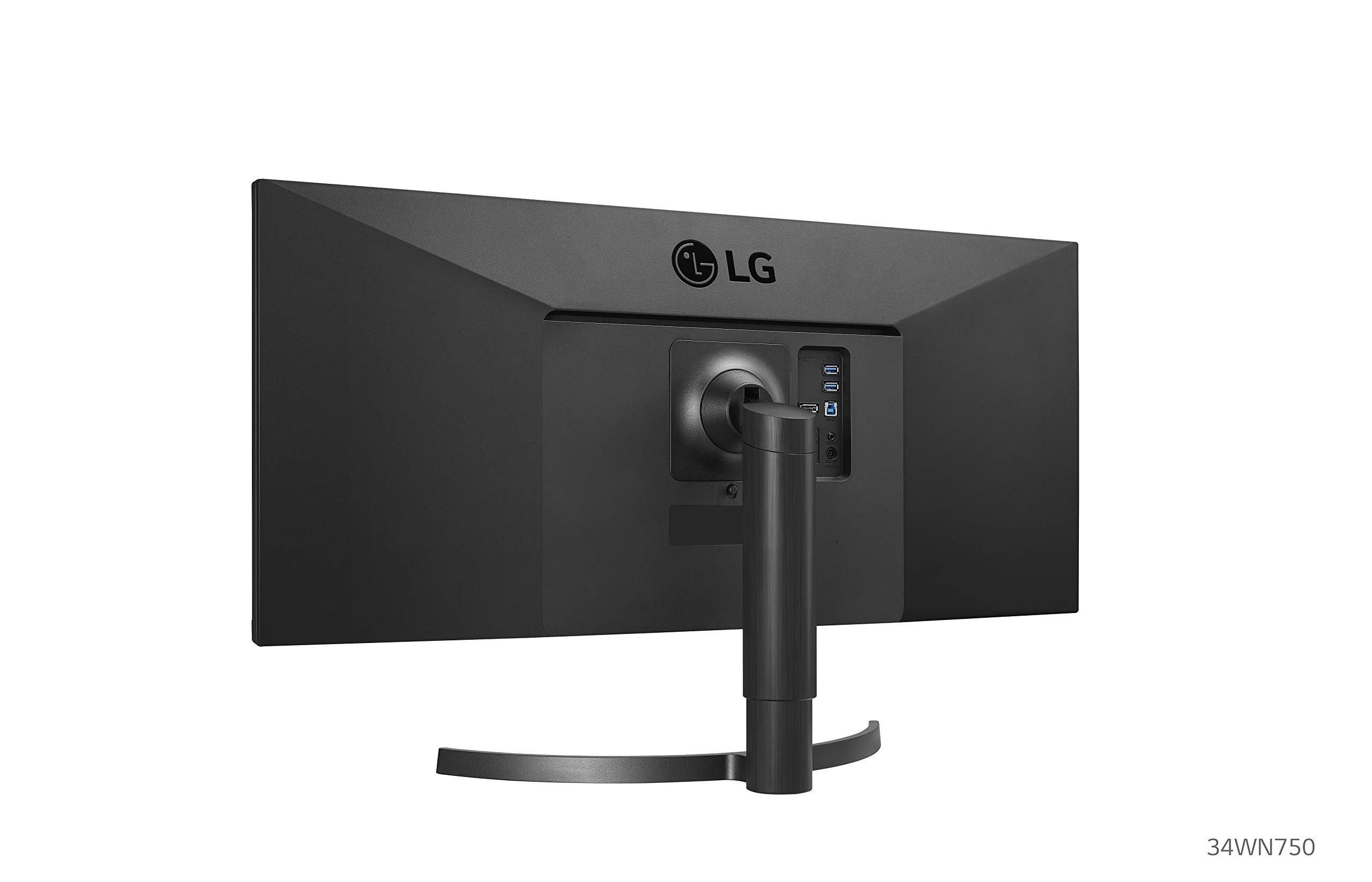

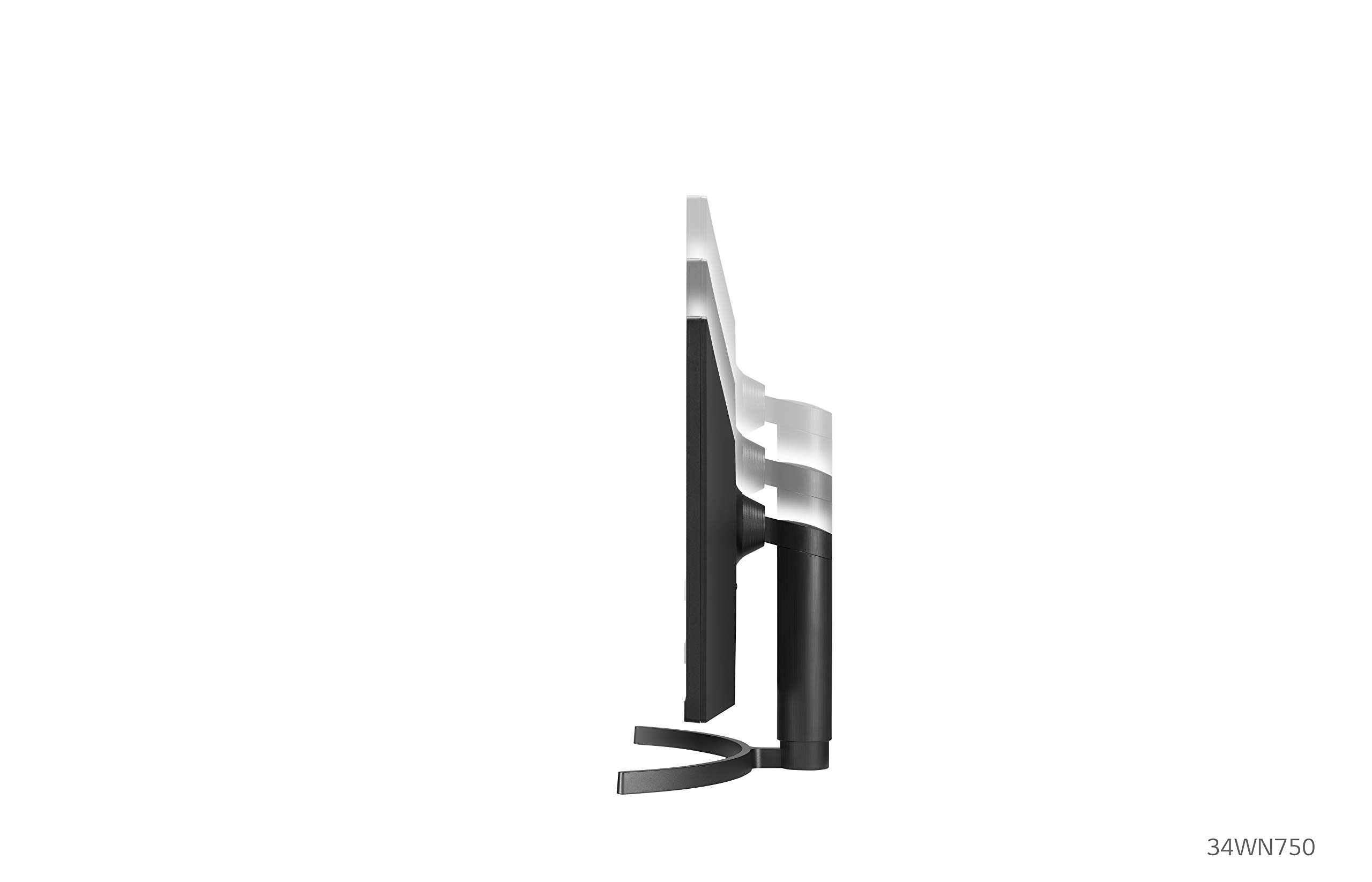
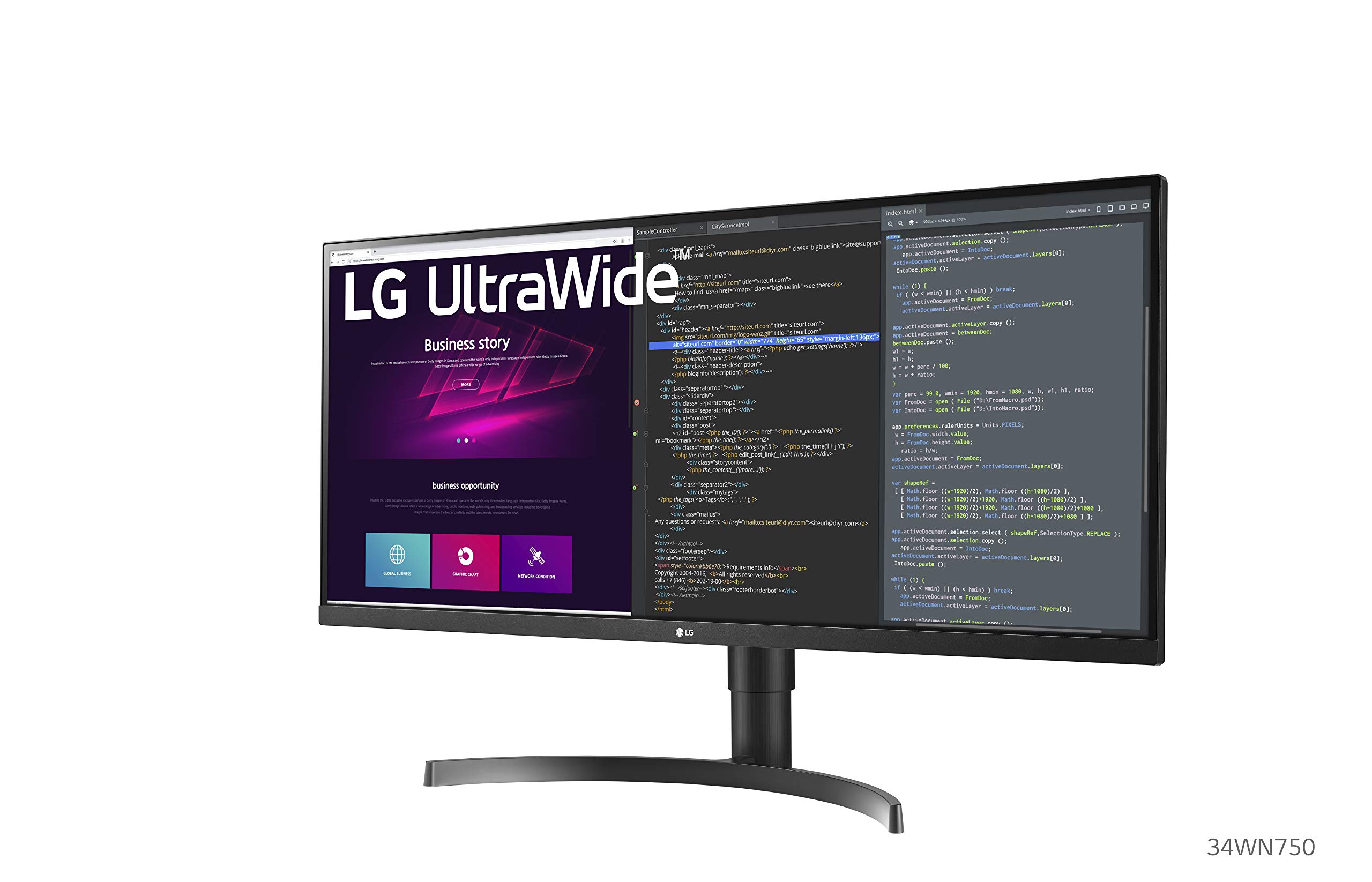
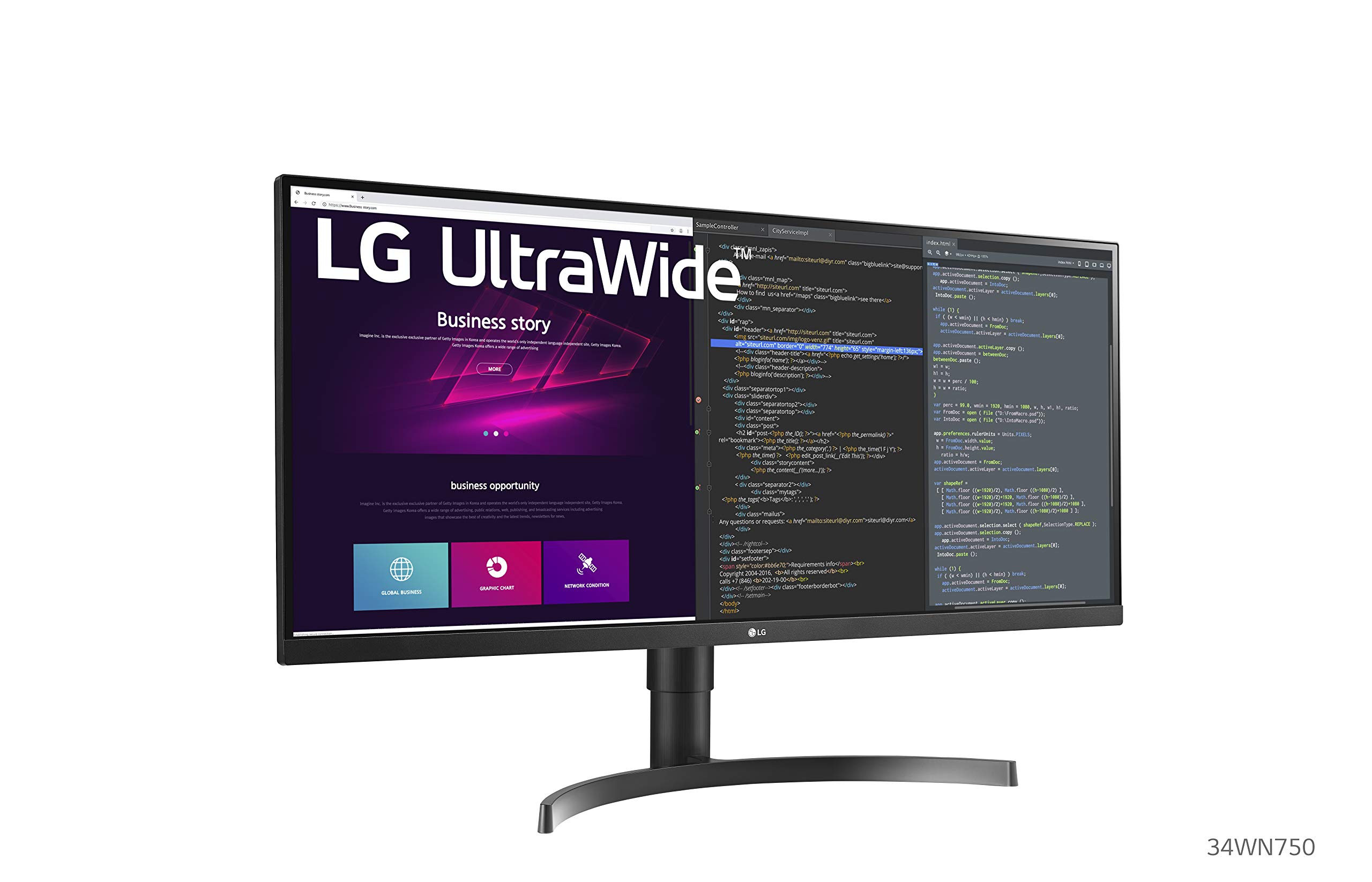
🌟 Elevate Your Workspace with LG's UltraWide Monitor!
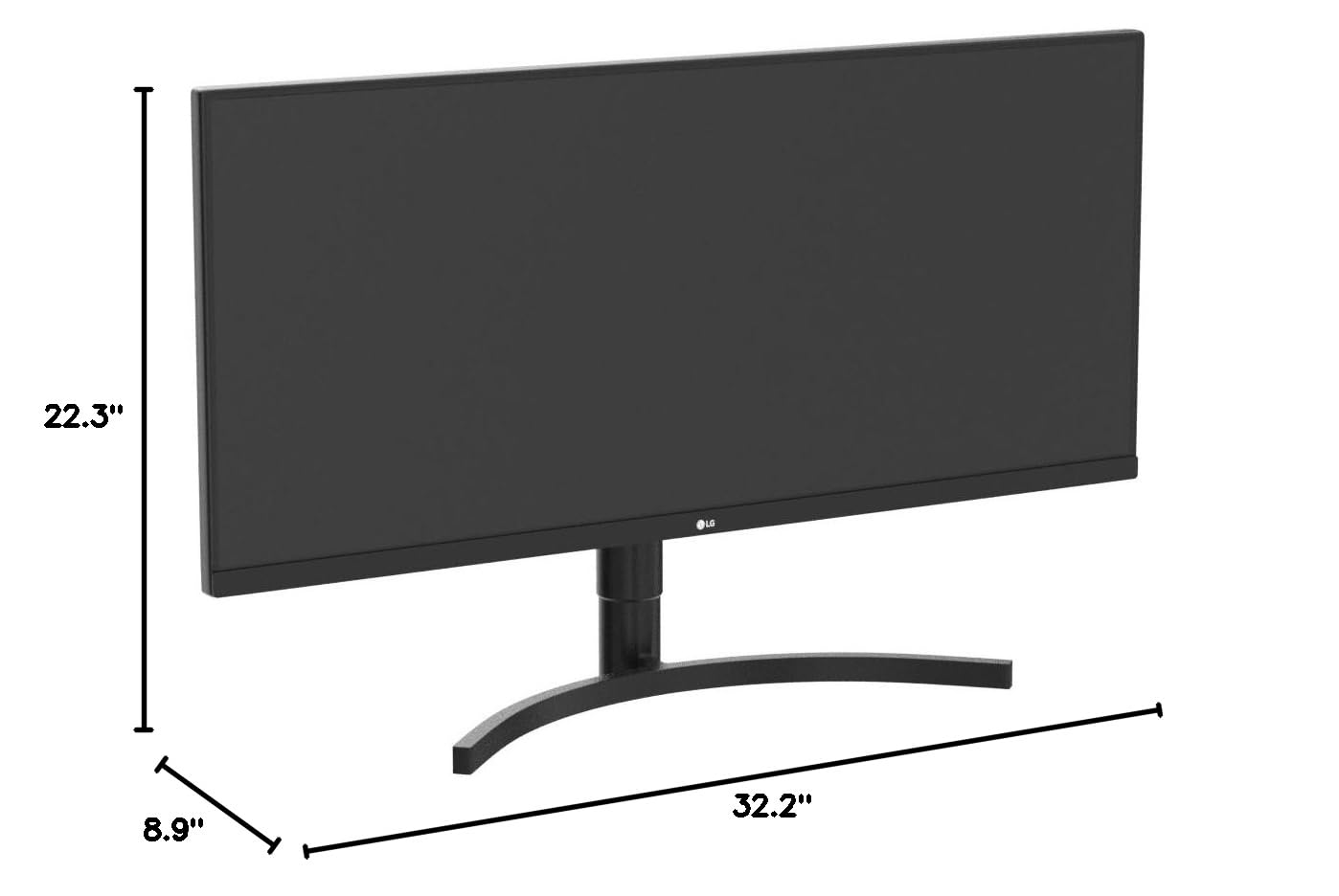
The LG34WN750-B is a 34-inch UltraWide monitor featuring a 21:9 WQHD resolution of 3440 x 1440 pixels. It boasts a 99% RGB color gamut and HDR10 for vibrant visuals, along with advanced multitasking capabilities through Dual Controller and OnScreen Control. The monitor is designed with a 3-side virtually borderless display and offers multiple connectivity options, making it an ideal choice for professionals seeking an immersive and efficient workspace.


| ASIN | B08BCR1SJS |
| Best Sellers Rank | #220,134 in Electronics ( See Top 100 in Electronics ) #4,465 in Computer Monitors |
| Brand | LG |
| Color | Black |
| Customer Reviews | 4.4 4.4 out of 5 stars (577) |
| Date First Available | June 24, 2020 |
| Item Dimensions LxWxH | 8.9 x 32.2 x 22.3 inches |
| Item Weight | 18.9 pounds |
| Item model number | 34WN750-B |
| Manufacturer | LG Electronics |
| Max Screen Resolution | 3440 x 1440 Pixels |
| Number of Processors | 1 |
| Number of USB 2.0 Ports | 3 |
| Number of USB 3.0 Ports | 3 |
| Product Dimensions | 8.9 x 32.2 x 22.3 inches |
| Screen Resolution | 3440x1440 |
| Series | 34WN750-B |
| Standing screen display size | 34 Inches |
| Voltage | 240 Volts |
M**T
Literally as described!
I wanted to wait a week to review this product. When it arrived the set up was very easy and straightforward (some people may need assistance with the desk mount as it is fairly heavy/sturdy). As I am starting medical school very soon I wanted an ultrawide monitor for all the tasks I know will be demanded of me. After literal WEEKS of research (ie, youtube, Reddit, google, amazon reviews, etc) I decided that this monitor was in the "sweet spot" of price and quality -- boy was I right! I connected this to my M1 Macbook Pro (see picture) and the factory settings are very very good. However, I ran a calibration on the screen and it adjusted the monitor even better! I love this monitor so much and I do not think I can go back to regular monitors after this. I wish it had a USB-C connection, but I cannot complain still since I use a USB-C to DP 1.4 cable. NOTE: M1 Macbooks may have issues with external monitors -- this is not the monitor issue it's a Mac issue. The workaround I use is hot corners (google it if needed) as well as extending my screen time out time to like 30 minutes. Additionally, manually putting the MacBook into "sleep" mode when leaving allows you to wake it up on the external monitor without having to plug/unplug the USB-c and/or restart like so many people have been having issues with. Lastly, get a USB-C (thunderbolt) -to- Display Port 1.4 cable if you are using a Mac. This allows you to obtain the 75hz that is advertised; otherwise, if you use the USB-c to HDMI connection you will be capped out at 50hz (still looks good IMO).
D**Y
Wonderful Monitor. Spectacular clarity
There is everything to love about the 34 inch 780. The support arm is so flexible, perfectly counterbalanced for easy adjustment. I will never buy a monitor on a stand again. The image is calibrated spot on . Colors are clear, strong and detailed. The 1440 resolution is the 'sweetspot'. 4k is an awful drag in the system if you do video conferencing. GO-TO-Meeting runs like a dog when my colleagues with 4k monitors share their screen. The 1440 resolution has no problems. The wide screen allows two windows open for app and data comparisons which is very helpful for software implementation . You need to use a DP cable to get the 75 HTZ rate, but 50 that I got with HDMI seems equal to the 75 htz rate. I switched from HDMi to Dp and saw no difference. I would buy this again in a heartbeat. I love the 34 inch and am very very glad I did not buy the 27 or 32 inch versions.
Z**A
LG 34WN780-B 34 Inch
Much better than the LG 34" 1080p version that sells for around $300. This 1440p IPS has much better color and the resolution is much better suited to a display of this size. The desk mount stand is worth $50-$100 by itself. This panel is only 60hz so would not recommend for gaming, but it's perfect for productivity. With the LG On Screen Control software you can customize window layouts beyond the standard Windows snap layouts. I like to split the screen into thirds. Speakers are acceptable, better than most laptops. I would've preferred a curved screen, but it's not a deal breaker. Comes with HDMI cable. This monitor is a great buy under $500.
A**E
Works great for working from home
I bought this for working from home during the day as a software engineer and using this at night for digital art. This was my second test of a 34" ultrawide, the previous samsung was terrible for digital art, but it was also a cheaper VA model. Pros: This has made work so much better being able to see multiple windows next to each other. There is very little glare compared to the previous monitor I tried and the button for settings being on the bottom in the middle makes it so much easier to change inputs then if it were on the back. I was on a bit of a budget so I have not tried a curved monitor for comparison, but I don't find any problem with it being flat, but I also don't use this for any gaming. The color on this is great for the price. As a hobby artist I'm not looking for the best of the best, but it did need to be relatively accurate compared across multiple devices which I have found it's acceptable. Cons: I personally think that the stand isn't the best in both quality and function. It's mostly plastic. Moving the monitor up or down was just okay. The stand really depends on the weight of the monitor and I don't know if it would hold up for a long time or not. I decided to put it on a VESA mount instead for more desk room anyways but still could have more thought into the provided stand in my opinion. Side note: It was a weird set up to get the resolution correct with Mac OS. It's not so much the monitor but Mac OS but it was still a bit frustrating trying to google what the issue was. Also, who gives the user manual on a CD? The manual wasn't helpful at all but also had to search for my old external CD drive to even tell if there was anything useful in it.
S**Y
Super easy installation, great appearance
Currently my main monitor with a couple ancillary ViewSonic monitors. Mounted this one pretty low and it takes up too much space for me to keep the laptop lid open — 3 displays are enough and the 13” MBP from work is an eye strainer anyway. Beautiful display — be warned if someone starts screen sharing and they don’t use dark mode for whatever reason, it’s BRIGHT! I ended up turning the brightness down to 50% during a meeting and I haven’t set it back, still very vivid and easy on the eyes. It’s connected to a DisplayLink hub to get the multiple monitors working on the M1. Had no issues getting this monitor to cooperate with the software and I can easily adjust the arrangement natively.
D**O
Excelente monitor. El brazo es bastante firme soporta bien el monitor. Bastante grande, no se notan los pixeles a menos que realmente los busques. Pros: - Bocinas suficientes para skype / zoom, me evito la bocina adicional sobre el escritorio - Monitor muy amplio mucho espacio de trabajo - El brazo ahorra mucho espacio en el escritorio y permite acercar y alejar el monitor según se necesite - IPS. Mi monitor anterior era un VA bastante decente, aún sí es una gran mejora en el ángulo de visibilidad - 2xHDMI y DP, tiene ambos - Resolución vertical 1440 - punto medio entre 1080 y 2160, tanto en resolución como en precio Le falta: - Ser curvo - Carga de laptop con USBC, - Side by side, para ver una PC del lado derecho y la Mac del lado izquierdo - Accesos rápidos para cambiar modo video e input. solo tiene un botón para controlar. sería muy bueno un par de botones adicionales para estas funciones Hubiera preferido el 34wp88c-b - similar, con brazo ergo, curvo y USBC, pero no está disponible todavía
C**N
Awesome widescreen for multitasking. It is a decent price to value ratio. The sound from the monitor is decent considering it is just coming from the screen. I wished they had more PIP and PBP capabilities but otherwise I am happy with this screen. I haven't found a easy way to auto switch between available signals. I'm happy with the screen quality and build quality.
S**E
El monitor ultrawide, te da muchas ventajas, este monitor llegó en perfectas condiciones y se ve increíble! Lo recomiendo 1000% para la productividad de oficina esta excelente! Lo único que no dice LG, es que debes de bajar una aplicación que se llama OnScreen Control, para dividir la pantalla en varias ventanas a tu gusto, también hay otra aplicación que se llama Dual Controller para ver los fuentes de video en el monitor
E**G
Yo lo compre en 11mil pesos. Modelo 34 pulgadas consideró yo el tamaño mínimo bueno para ultra wide ya que estos monitores son aplastados entonces el de 27 es muy enano. Ventajas incluye el software para dividir pantallas hasta en 6 pero son demasiado pequeñas prefiero la mitad para la principal y la otra mitad dividida en 2, aclaró no soy gamer es para trabajo. Incluye bocinas internas 2 usb y 2 hdmi con ajuste de inclinación y altura que es vital para luego no andar usando libros para ajustar el tamaño. Buen monitor
I**N
Realmente es un buen monitor, me sirve mucho para mi trabajo como programador, los colores se ven muy bien al ser de panel IPS. Lo uso todo el día para productividad, tanto en windows y mac se ve bien la resolución, queda bien para tener varias ventanas abiertas al mismo tiempo y dividir tu trabajo. Si eres programador no dudes en que este monitor te ayudará a visualizar más cosas como código, documentación y navegador ya que la resolución es de 1440p con eso es suficiente. En windows lo he usado para algunos juegos como age of empires IV, Valorant y LOL, a pesar de que no es destinada a juegos va bien con 75hz :D
Trustpilot
2 weeks ago
1 month ago