


🚀 Elevate your workspace with seamless visuals and ergonomic mastery!
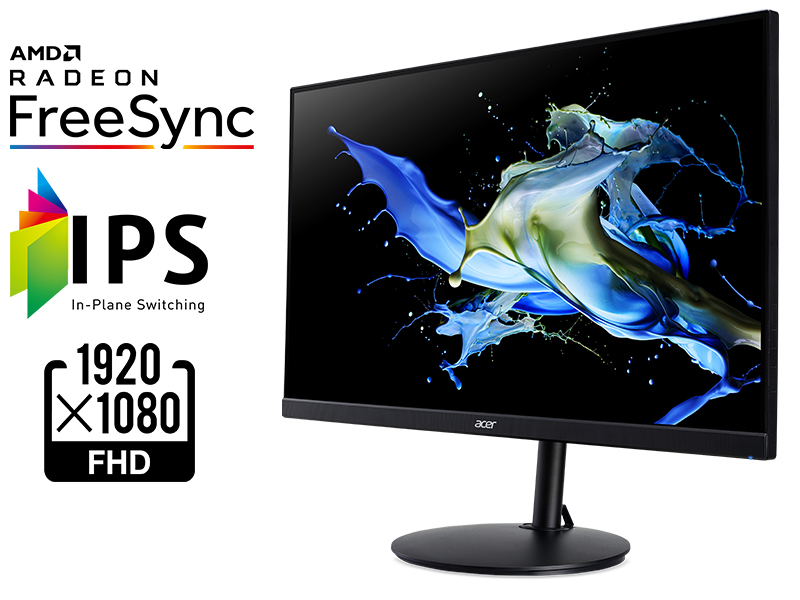
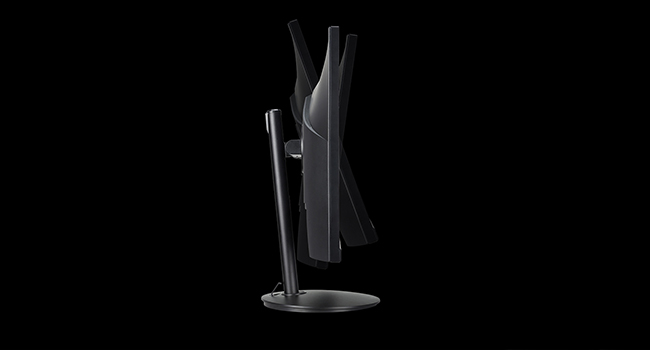
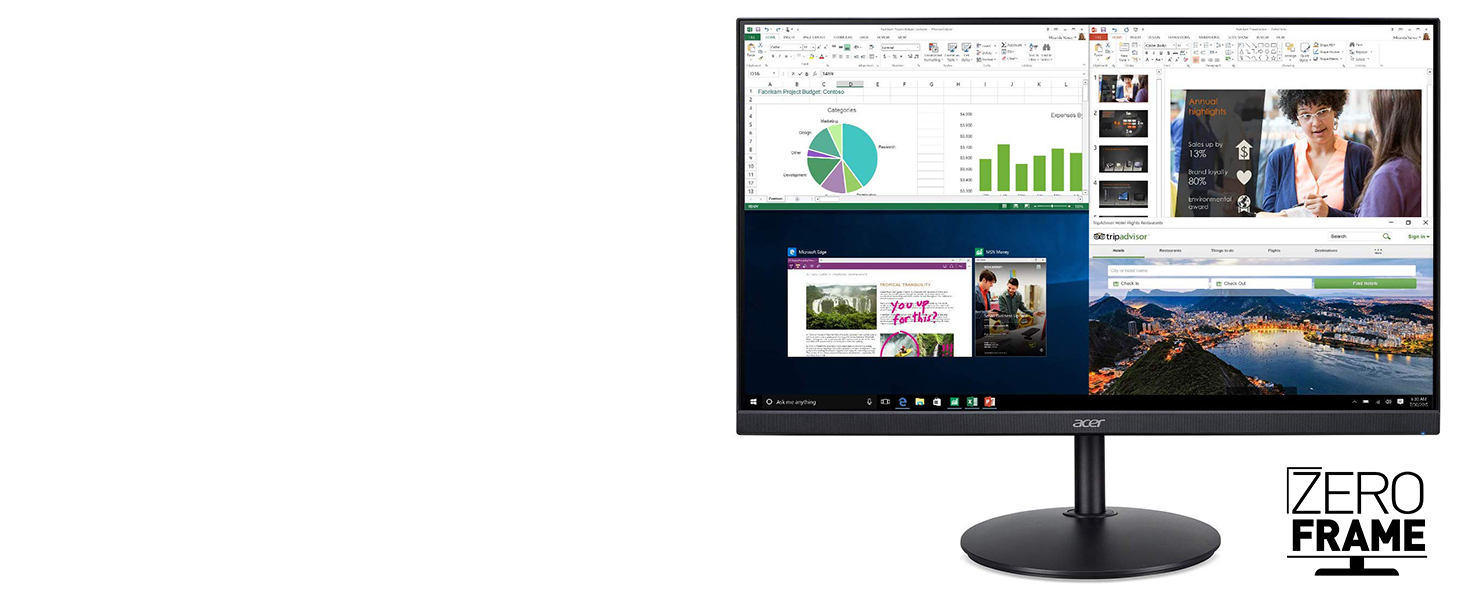
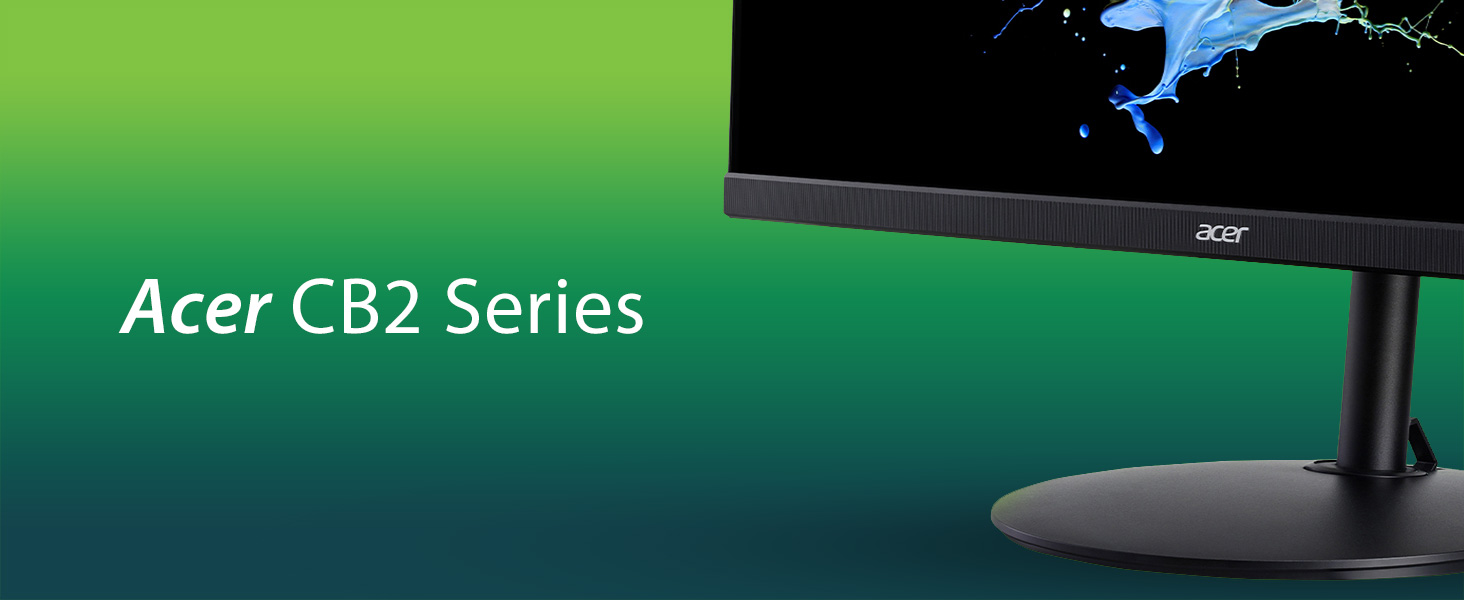
The Acer CB272 bmiprx is a 27-inch Full HD (1920x1080) IPS monitor designed for professionals and prosumers seeking vibrant colors, fast 1ms VRB response, and smooth 75Hz refresh rate with AMD FreeSync. Its zero-frame design and ergonomic stand with tilt, pivot, and height adjustment enable a sleek, comfortable multi-monitor setup. Equipped with HDMI, DisplayPort, VGA, and audio ports, it’s a versatile, budget-friendly choice for home office productivity and casual gaming.



| ASIN | B07WMTLW2R |
| Best Sellers Rank | #158,880 in Electronics ( See Top 100 in Electronics ) #3,079 in Computer Monitors |
| Brand | acer |
| Color | Black |
| Customer Reviews | 4.4 4.4 out of 5 stars (2,987) |
| Date First Available | September 1, 2019 |
| Item Dimensions LxWxH | 9.2 x 24.5 x 20.8 inches |
| Item Weight | 12.4 pounds |
| Item model number | CB272 bmiprx |
| Manufacturer | Acer |
| Max Screen Resolution | 1920 x 1080 |
| Product Dimensions | 9.2 x 24.5 x 20.8 inches |
| Screen Resolution | 1920x1080 |
| Series | CB272 bmiprx |
| Standing screen display size | 27 Inches |
| Voltage | 240 Volts |
J**E
Perfect for my needs
I bought two of these monitors to replace my old 27" 60hz BenQ panels that I've had for years, because they didn't mesh well with my newer LG 34UM69G-B ultrawide. I game on these monitors, and I needed something that matched the same specs: IPS, 1ms response, FreeSync, Display Port, 75hz (mixing refresh rates can cause some weird things with Windows, like if you're watching a video on one monitor while gaming on another, it can cause the game to stutter and lose FPS regularly) as my ultrawide. The price is also a huge plus. Swapping to these has resolved my issues. Games on the ultrawide no longer stutter and drop FPS while watching a stream or YT video on another monitor, and the games that I span across all monitors are now fluid on all monitors with no weird hitching. Height adjustable stand was also a must. My setup has different uses, normal gaming, and sim racing. I needed to be able to lower and raise all my monitors depending on what I'm doing at the time. I previously used a triple monitor VESA stand to hold all of my monitors, but it was bolted to it's height, and in order to change it I had to remove the monitors, unbolt it, adjust it, bolt it back together, put the monitors back on. That was just too much work, so in order to simplify things I decided having each monitor on it's own stand that they could easily be moved. These raise and lower very easily, and hold their height with no issue. I've read a lot of reviews complaining about the screen door effect. That's something you're going to get with this resolution at this size. The individual pixels are larger than a 1440p or 4k panel, so if you look close enough you can see those individual pixels. I personally don't have a problem with this, sure I can see it if I get close enough to the monitor, but at a foot away or more, it disappears. If you're using your monitor that close, you may want to change how you do things. Calibrating the monitors to match my ultrawide did take some work, out of the box the settings were pretty bad. I used a combination of getting it as close as I could with the monitor settings, then fine-tuned it in the Nvidia Control Panel. This would be easier to dial in with a screen calibration tool, but I was able to match them all pretty close just by eyeballing it. Both monitors match at the same settings, so that was nice, being able to adjust one and simply copying the settings to the other. No fussing around trying to fine-tune them individually. The settings I settled on: Brightness - 100 Contrast - 50 Black Boost - 0 Blue Light - Off ACM - Off Super Sharpness - Off Gamma - 2.4 Color Temp - User R Gain - 55 G Gain - 50 B Gain - 80 (I prefer a cooler, whiter image) All Bias - 50 I have FreeSync enabled on all monitors, and it's working fine with a 2070 Super. I'm also using Display Port on all monitors. Nvidia Color Settings: Use Nvidia Settings - Enabled Settings were done under All Channels, I didn't have the need to fine tune individual channels. Brightness - 62% Contrast - 0% Gamma - 0.80 Digital Vibrance - 75% Conclusion: These monitors are a steal for the price. It has great specs, and once you tune it, a pretty good picture (I can't speak for professional work, but if that's your goal you're probably looking for something more high-end than this with better color accuracy). Add to it that you get a good height adjustable stand, with the ability to go portrait, and this is a real winner. For a gaming/general use/media consumption monitor, you can't really go wrong with this one.
D**D
Very good monitor
I like the 27" monitor I got for my work pc I am using at home. The stand is really solid and can easily be adjusted up and down and stays in place. The screen also rotates vertically. I had to adjust the brightness as it was set too high but once I did I saw more color/shading effect detail in the programs I use. Colors and brightness & contrast make everything look real good. Your text will be determined by the video card and the work pc I have has a cheap one meaning lousy. I know the text could look better as my home pc has a better graphics card. Monitor has a small joystick on right side in back you use to get to the settings. Easy to use once you get the hang of it. The power button is the 4th on top of 3 others plus a power button I/O in back on the underside. The power cord and DVI cable needed to be pushed more firmly in the socket and port. The only con would be the location of the buttons as you naturally would put your hand on the side with your fingers touching them as you adjust the height of the monitor which I do several times a day as I sit in front. I paid about $150 for the monitor. It is inexpensive and you won't regret it. Just adjust the settings and you will be happy.
R**R
Great Home Office monitor for the price!
For the price of $150, this is a great monitor for working from home! Currently bought two so that one of the monitor can be in portrait mode (FYI: monitor can only rotate clockwise 90 degrees) and the other in landscape. Definitely can confirm that pixels are noticeable when having a 1080p on 27 inch. However, if you always been using a 1080p monitor and your eyes are not 6 inches away from the screen, you barely will notice the "low resolution" due to the less PPI (pixel per inch). Not a gamer so I cannot really state whether or not the 1080p will impact performance during a competitive game but I can confirm, that it works just fine for casual gaming. Watched plenty of streams on this and the quality was fine. However, I do admit that the video image is not as sharp as it would be on a 21 inch 1080p monitor. Since this monitor is mostly for work purpose for handling documentation, coding, and creating prototypes through Figma, these monitors do plenty for productivity work. Currently, using these monitors with a MacBook Pro M1 connecting through a Display Adapter like "Wavlink".
J**Z
Great gaming monitor
UPDATE: Despite the manual not offering any solution that worked for a dead monitor (no display, no power indicator light) I managed to bring it back to life! With the power switched on I held the three buttons in the back + the nipple down for several seconds, until maybe 15 seconds later the monitor lit up once more and I got an amber power indicator light. What a relief, I really didn't want to wait for a replacement! This display produces beautiful and accurate colors once you turn down the brightness significantly, which I set to 30. The contrast is good but nothing to write home about. I use this primarily for gaming, so the first thing I did was enable GSync from nvidia control panel, and set a framerate limiter of 72 using rivatuner (3 less than the 75hz refresh rate of the monitor, as is recommended). And I am really impressed, motion is fluid and responsive like I've never seen before as I'm coming from a 60hz TN panel, significantly better than just Vsync on that. Works perfectly on every game I've tried on it, including Far Cry 5, GTA, Modern Warfare, The Witcher 3, Shadow of the Tomb Raider, FIFA etc. I would have gone for a 144hz display but given the capabilities of my 1070ti for the games I play, 75hz seemed like the sweet spot for me. Highly recommended Original review* DOA. Worked for 10 mins or so, then simply turned off while I was tweaking picture settings on its OSD. Tried swapping the power cable, flipped the switch and waited a few seconds but nothing, no power indicator light at all. I feel like giving this model another shot, will update once received.*
I**A
es muy buen producto, lo malo es que no te dan factura ni garantía
D**.
I bought this to use as my third monitor. I have a Gigabyte G27Q and an LG 24GL600F-B already, the latter of which is a TN monitor. I won't compare it to the G27Q - that's a monitor in a different price class, but this IPS panel somehow has worse colors than LG's TN panel. I think the picture looks closest to my other monitors when the brightness and saturation are both set to maximum, but then very light and very dark scenes in games and videos look very washed out. The peak brightness and contrast of this monitor is very poor. I find this completely unacceptable for me personally, but do note that if this is your only monitor and you don't have any good monitors to compare it to side by side, it probably isn't so bad. 75 Hz is nice, definitely an improvement over 60, but I would definitely recommend looking elsewhere if you want to game. 1080p at 27" makes for very visible pixels, but that doesn't bother everyone, and it was my own fault for not going for 1440p, so I wouldn't count this as a strike against them. The stand is a highlight of this monitor, it allows for height adjust, tilt, rotation, and unlimited swivel. Even far more expensive monitors lack such a good stand. However, even so, a good stand doesn't make up for a poor display. Plus, the little clip that appears to be intended for cable management on the base of the stand was broken when it arrived. The entire stand requires no tools to assemble and attach to the monitor. Design wise, the monitor itself has a kind of "double bezel", where there's an outer plastic trim, but that's not the whole bezel - the actual display doesn't stretch as close to the corners as you'd think if you just saw the monitor in its off state. The bezel isn't that big, even so, but it does seem a bit bigger than the product pictures show. Some other reviews complained about this monitor only coming with a VGA cable, not HDMI or DisplayPort, but they seem to have gotten confused about the listing since it clearly stated that only a VGA cable is listed, and HDMI and DisplayPort are both only mentioned as available ports, not included cables. I do wish that they included an HDMI or DisplayPort cable, but considering the non-gaming target customer of this monitor, this is understandable. Overall, I think this monitor is good as a home office monitor, as it is advertised, so I won't be too harsh on it for being unsuitable for my specific purpose. However, I will be returning it and getting something more suitable elsewhere.
F**N
En temps de pandémie, ç'a pris une éternité pour recevoir l'écran (1 mois). Juste pour ça, j'aurais probablement dû l'acheter ailleurs que sur Amazon. L'écran en soit est très bien. J'adore le fait de pouvoir l'ajuster en hauteur et basculer du mode paysage au mode portrait; parfait pour lire des rapports et naviguer sur le web. Attention, il n'y a pas de fil HDMI inclus.
T**V
I absolutely loved this monitor for the time I used it. First of all, the stand is amazing; highly adjustable in every direction you could thing of and feels very sturdy. The monitor itself looks great, very fast response time, 75hz refresh rate and large surface make it a great contender for gaming as well as any other professional task. HOWEVER, mine stopped working after a little more than two years. It was still under warranty from acer and so they offered to repair it for free, I just had to ship it to them. I had thrown out my box, and with a new box to ship in and protective packaging + shipping I would have paid over 150$ just to get it repaired. I decided to buy a new one instead... Might just be my unit, but be weary. That aside, this thing was a beast. Would recommend (if you're willing to gamble)
P**S
First, this is a Zero Frame monitor in that ONLY THE FRAME ITSELF is thin. The pixels are in fact half an inch away from the frame. Second, be aware that this monitor doesn't support Mac OS. For me, it worked with my macbook pro 2017 for like 2 months, than suddunly, the screen started randomly turning on and off. I called the Acer tech support, and they said indeed that the monitor didn't support Mac OS so they could not provide any help. I started having the same issue using my PC laptop on Windows 10. Acer tech told me to turn the monitor off and hold the power button for 30 seconds, which seem to have solved the issue for now. Finally, I'm really disapointed by the image quality. Really doesn't feel like full HD to me. I wouldn't buy this monitor again, nor recommend it.
Trustpilot
3 days ago
2 months ago



