
DOWNLOAD THE APP


Customer Services
Copyright © 2025 Desertcart Holdings Limited
DOWNLOAD THE APP
🎨 Scan. Protect. Create. Elevate your craft game with every cut!
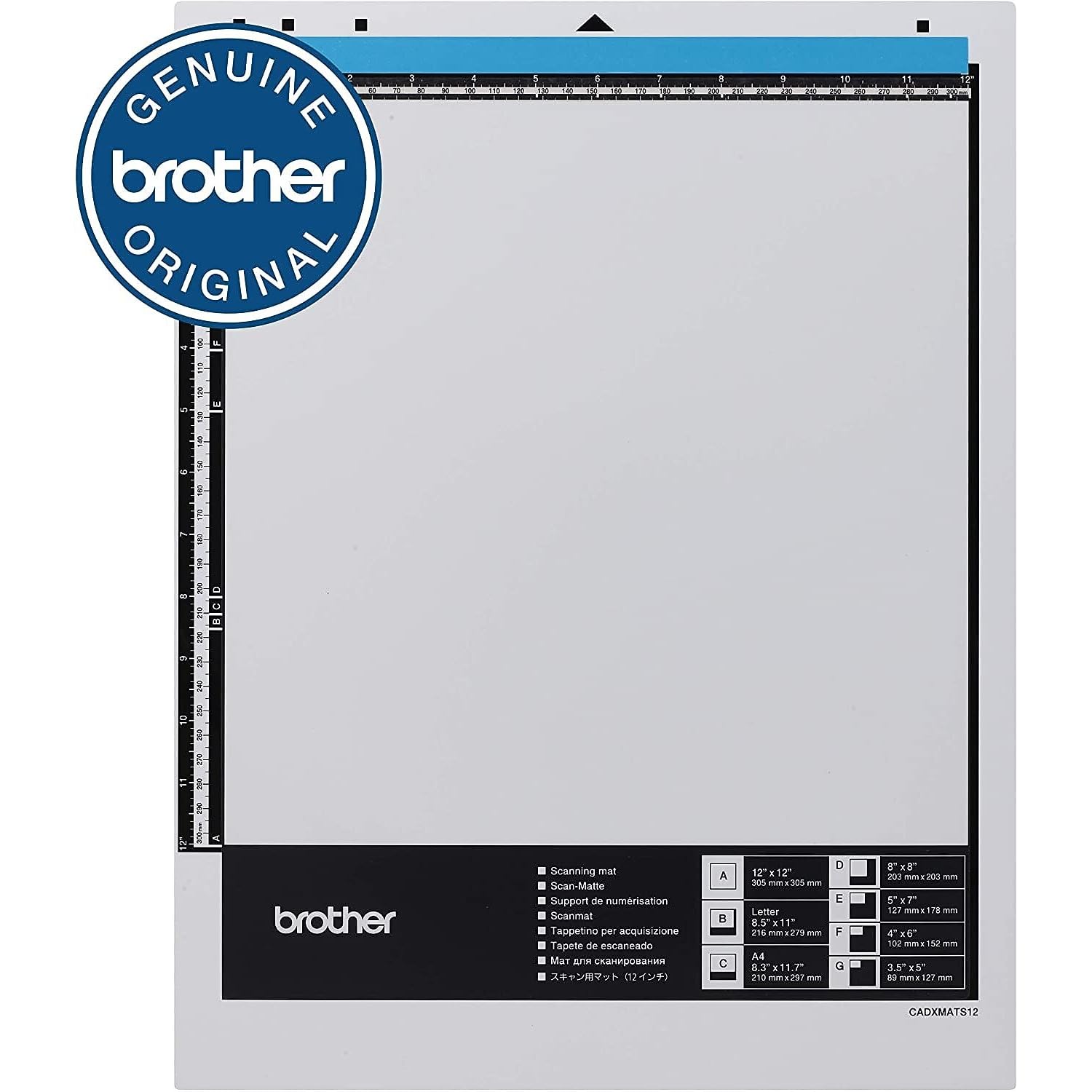
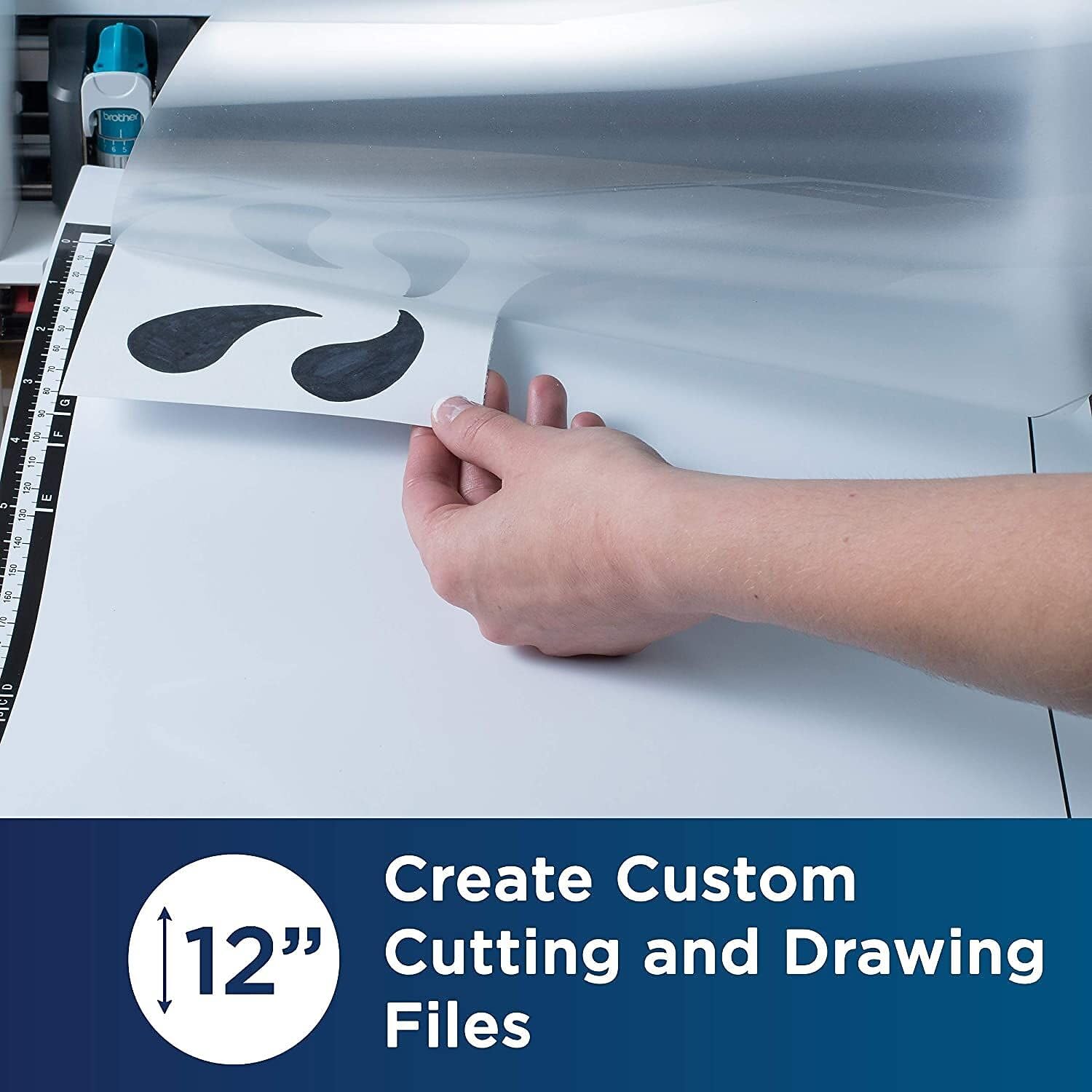
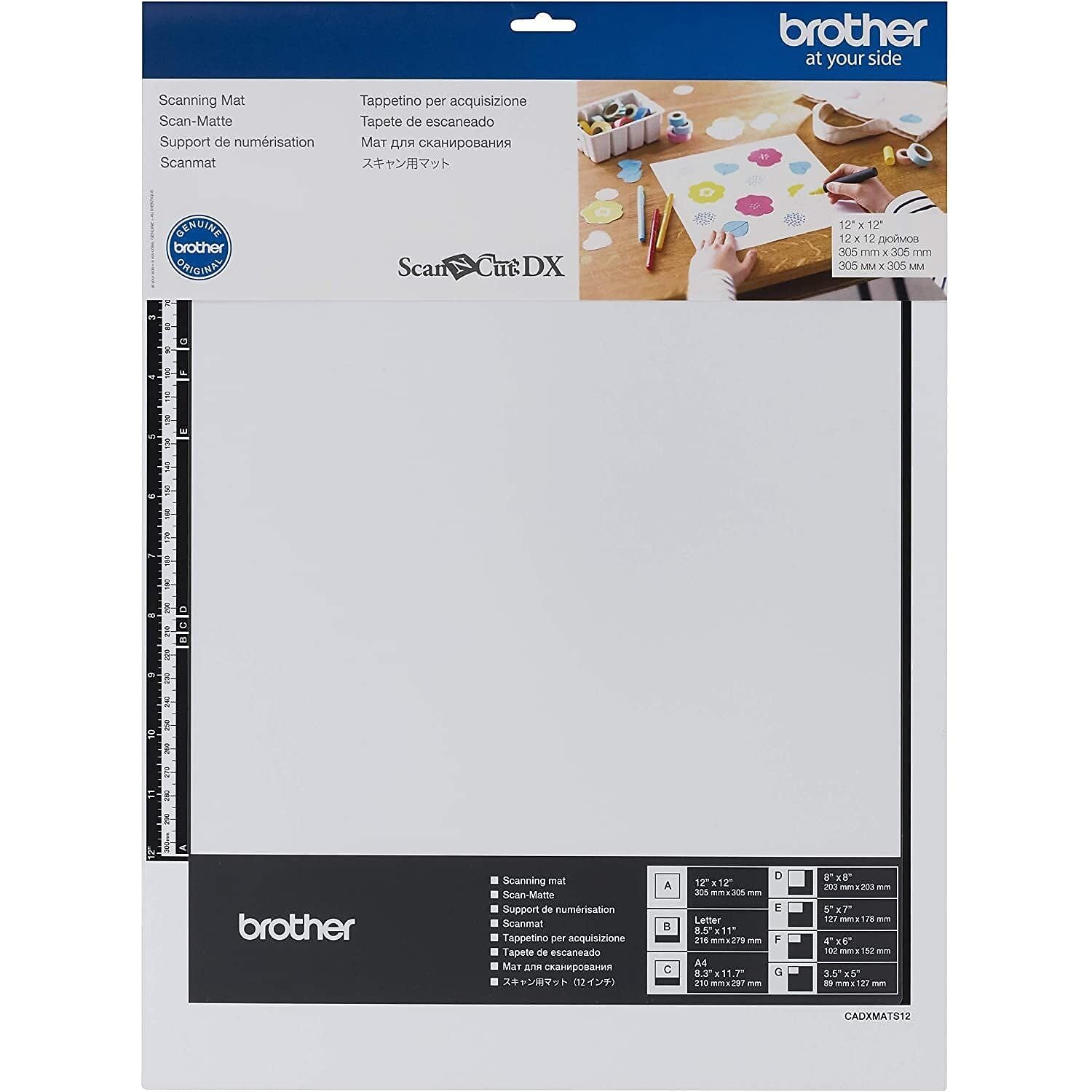
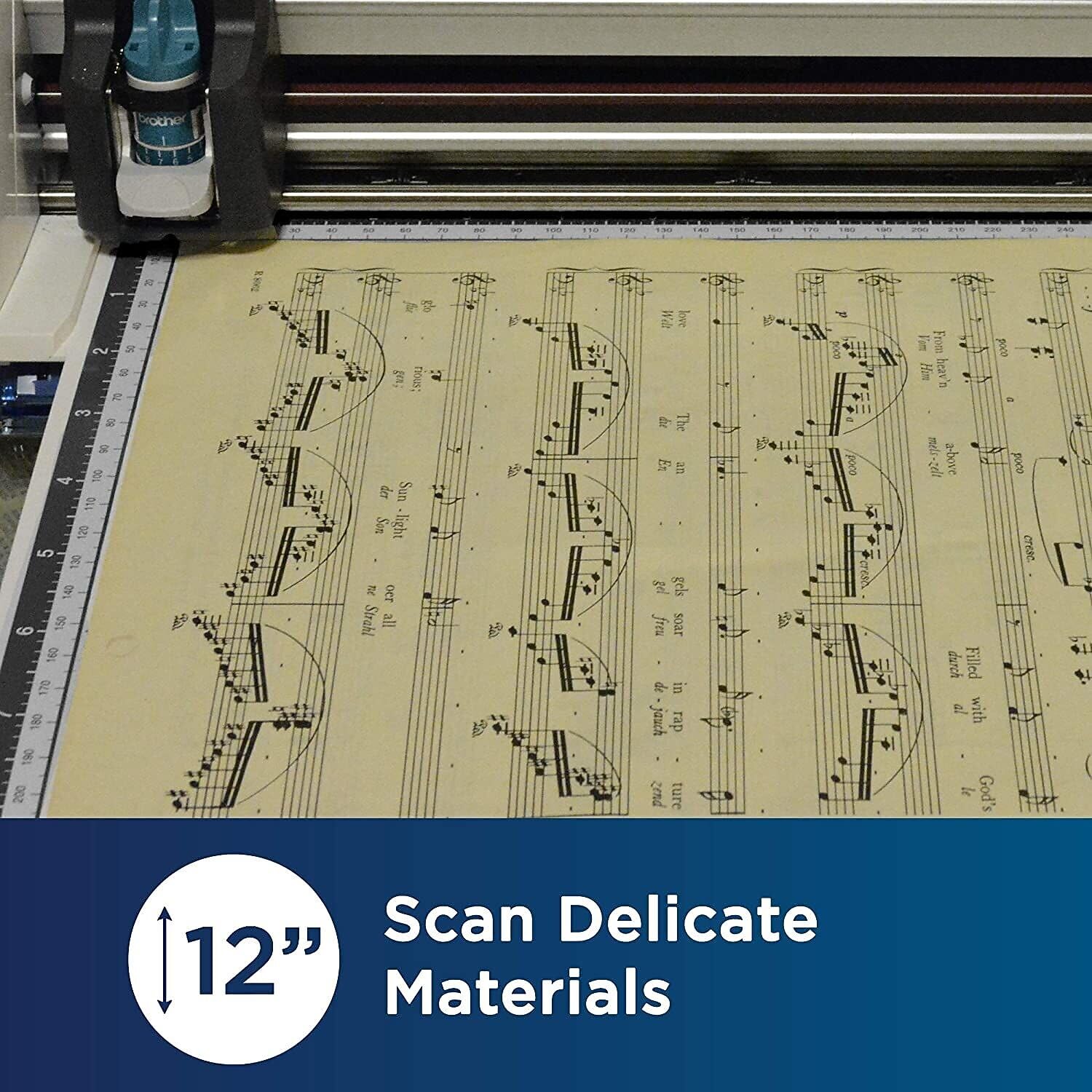
The Brother ScanNCut DX Mat CADXMATS12 is a 12 x 12-inch reusable, non-adherent scanning mat designed specifically for Brother ScanNCut DX machines. It features a transparent protective cover that allows you to scan delicate and sensitive materials—such as vintage posters, handmade laces, and original drawings—without damage. This mat converts your physical designs into precise cut files, expanding your creative possibilities while ensuring compatibility and durability.


| ASIN | B07J9RB4G5 |
| Best Sellers Rank | 512,725 in Home & Kitchen ( See Top 100 in Home & Kitchen ) 245 in Cutting Mats (Home & Kitchen) |
| Item model number | CADXMATS12 |
| Manufacturer | Brother |
| Product Dimensions | 35 x 44.98 x 0.25 cm; 90.72 g |
C**C
A very useful add on for the scan n cut
This one is a must have if you wish to scan in your own designs and turn them into cutting files. Comes with easy to follow instructions. Price was good on this. Delivery was quicker than expected in these strange times.
D**D
Available and at a reasonable price
Not much stock amongst the craft suppliers and what little was very expensive -bizare that the SCANncut msashine does not come with a scan mat! Well done Amazon again.
S**R
Brilliant
How clear the image is on the screen after scanned in
D**Y
Too make sure you order the correct item
People keep saying it does not work, these people very often say will not fit/work on the sdx900 that because this one's for the sdx1200 just check??? ¿¿¿ The sdx1200 is a brilliant machine
L**A
I ordered the wrong item
I was meant to order the SDX 1200, I must have ordered the SDX 900 as it did not recognize the mat
S**R
Unusable in SDX900
Liked good price and speedy dispatch - didn't like the ScanNCut SDX900 screen saying not usable in this machine - bought in virtually the same order as the machine itself!
T**Y
Permite un scaneo sin manchas y define mejor los cortes
F**N
This mat is used to scan in hand drawn pictures, photos, and anything you want to scan and save and or cut with your Brother scan n cut machine. This mat should work with all the DX machines. This mat will not work with CM scan n cut machines. There is a separate one for those machines. Scanning mat is not a cutting mat. It has a permanent plastic cover attached to it, to hold your scanning item down to be put through the machine. It is a sturdy scanning mat and works great with all the DX Scan n Cut machines. You place your item you want to scan on the mat. Lift up the plastic and place your item in it. This mat is not sticky, nor should it be. Then push the scan button and away you go. You will see it come up on your screen on the machine and you can manipulate your scanned item the way you want. You can save it to the machine or to a usb or to canvas workspace. Where you can manipulate your scan all the more. It is up to you what you want to do with it once you scan it in. You can scan with the low tack mat or the standard mat. With the scanning mat you get a cleaner scan. As on the other mats you might have some dust particles that will be picked up by the scanner. You will then have to clear them out of your scan so that you get a clean scan. This mat eliminates that as it is kept clean because it has the plastic cover attached to it. This mat cannot be hung up like the DX cutting mats. Keep this one in its original plastic bag. Store it in a flat location to protect it and keep it in perfect condition. You can store this like all the mats in the rolling scan n cut trolley. There are nice compartments to hold all your mats etc. You can also hang up your cutting mats on a hook if you wish too. All these mats only go in one way. I have the mats for the CM machines, and they are the only ones that can go in both top and or bottom, With the exception of the scanning mat for the CM machines. No scanning mats DX or Cm can be scanned Upside down only one-way top side up. As you see in the pictures The scanning mat comes in a very nice plastic bag. I keep my scanning mat in that bag when not in use. There are instructions as how to use the mat. When you are getting ready to scan you just lift up the plastic and place your item on the mat. Once you have that set then you place the mat in the machine and pick you scan. Then once it scans in you can then save it to your machine or computer or a usb stick. You can save it to canvas works space too. When I am done, I take my scanning mat place it back in the plastic bag and put it back in my scan n cut trolley. I like the mat because it scans in clean, and I do not have to worry about my scanned item sticking to my low tack or standard mat. I do not have to worry about deleting bits of dust of the mat before I save my design. If you are thinking about getting this mat for scanning your designs in, then go for it you will really like it.
P**A
👍
M**.
Item as expected.
G**U
Natürlich bin ich zufrieden
Trustpilot
2 weeks ago
1 month ago