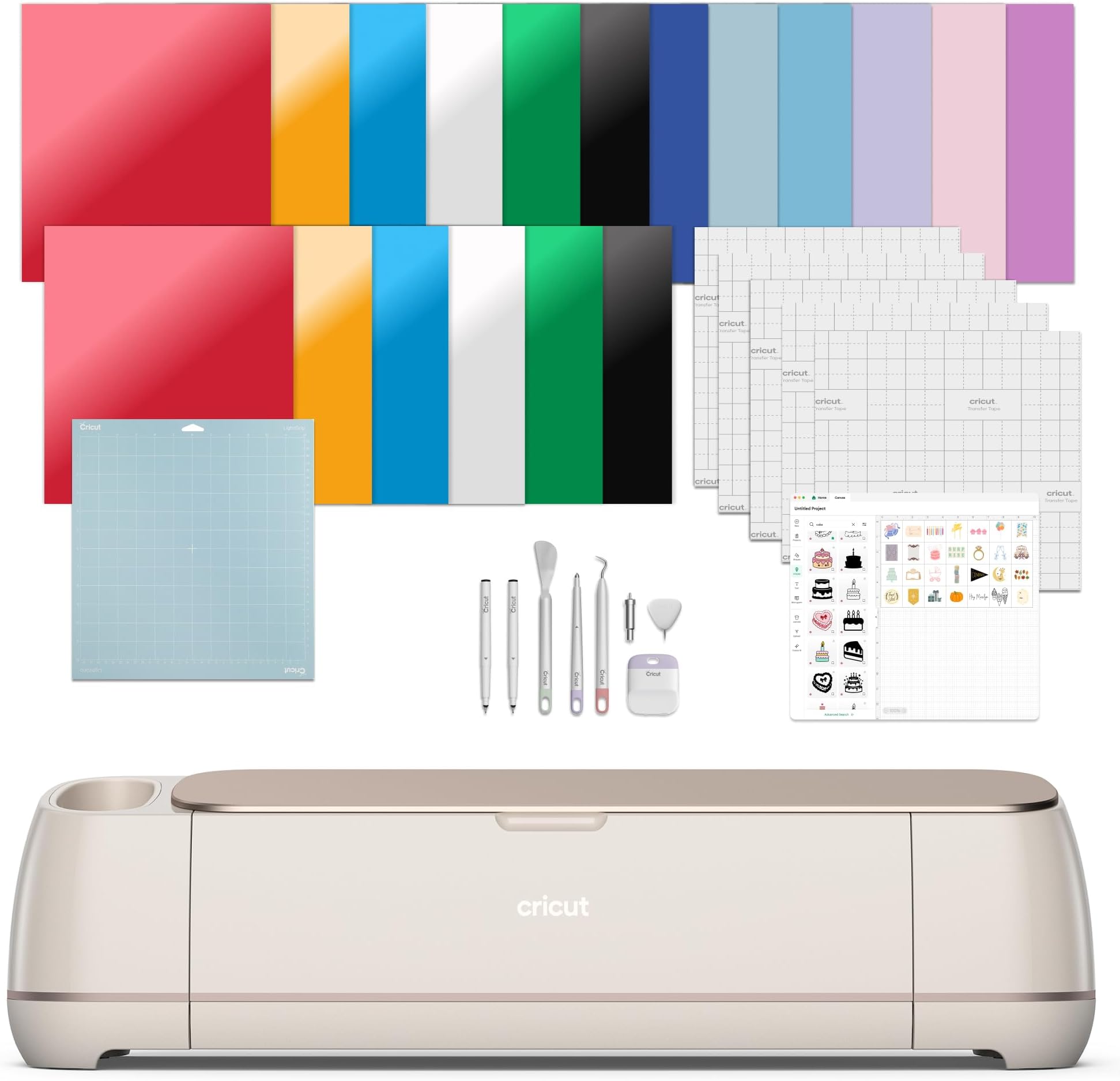
I bought this to do custom small batch stickers with complex shapes, and I've found the software to be borderline unusable. I'm new to sticker production, but I'm not new to manufacturing, and the software is of unacceptable quality compared to prosumer and professional solutions in the CNC space. I'm not sure what the quality of the hardware is because the software's problems make it so difficult to use the device. Getting specific: - It's an Electron app, basically rendering a web page as though it were an app, instead of a native app. Because it's just a web app under the hood, it consumes a lot of power, and performs very poorly on computation heavy tasks, like calculating the path for a cut. This gets worse the more complex your designs are. It's not impossible to get decent performance in electron apps w/ web assembly, but I get the sense that selling their subscription service is a higher priority for Cricut than the quality of their software because... - Its built as a cloud first app. A huge amount of data is being sent to Cricut for processing, a lot of the latency in the app comes from downloading/uploading. I have privacy concerns, but I haven't done a deep enough analysis on the data to know if this is for nefarious reasons. Regardless, it's a poor design choice from a usability perspective. The dependency on the cloud adds tons of latency to every task, like preparing a job or uploading an image. This problem becomes fatal when using large images, the application starts hanging and timing out, and having beefy PC hardware does nothing to help because its all on the cloud. Most other apps in manufacturing are local first w/ cloud features, players who tried to go cloud first got thoroughly rejected, and they're more responsive and snappier for it. On MacOS especially, it's baffling that the app isn't using iCloud for its application data since this would speed up operations by leveraging the local file system and would also be privacy preserving. - The app uses primary colors to advertise and try to goad you into purchasing a Cricut Access subscription. Features of Cricut access are put higher in lists for basic tasks like image uploading to apply further pressure. Advertisements for the service reappear when you first open it. It's disruptive with default settings, but even with all in-app notifications turned off, the frequency and presence of the ads is ridiculous they appear on nearly every screen in the app. When you choose not to purchase the subscription, you should stop showing the ads. As mentioned before, what this communicates to me is that the subscription, and not the software, is the priority for Cricut. - The image upload workflow is very stiff, which further hurts usability for graphic stickers. You can't drag and drop images onto the canvas, you have to go through 4-5 menu dialogues to initiate an upload, optionally remove backgrounds, confirm how to cut it, and then load it onto the page. Image uploading is slow again because its being uploaded to the cloud, and tbh, I don't want to upload my images to Cricut's server (another reason why iCloud, and therefore Advanced Data Protection is a nobrainer). What's worse though is that after uploading, the app doesn't let you adjust the settings of your upload after you go through the dialogue. Missed a spot on manual background removal? Now you have to start from the beginning. The better workflow would have been allowing drag and drop, and then putting settings into a context menu on right click and allowing adjustments on demand. My needs for the device are very specific and also very simple, its the bread and butter for the device. Custom stickers with complex shapes. Because of the size and variety of cuts I want to make with my stickers, cutting by hand is not an option. I can't speak for other workflows, but given how basic my needs are, I can imagine there's additional frustrations in other crafts. What I can say is that the software for the device is very poor compared to adjacent industries, and that the process of simply printing and cutting a sticker has too many steps that take too long to complete because of Cricut's choice to be a web first product. Unwinding design choices like this require an internal shift in focus and a significant amount of time, it's not likely to get better any time in the near-medium future. I'm going to give the device another week or two, but I'm already seriously considering switching to a CNC setup, which would give me a better machine with better performance, around the same price point, with much better and tunable software.