Buy anything from 5,000+ international stores. One checkout price. No surprise fees. Join 2M+ shoppers on Desertcart.
Desertcart purchases this item on your behalf and handles shipping, customs, and support to Italy.
🔌 Bridge the old and new with flawless HD clarity!
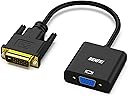
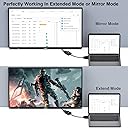
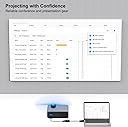
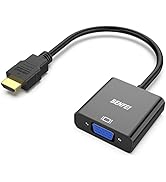
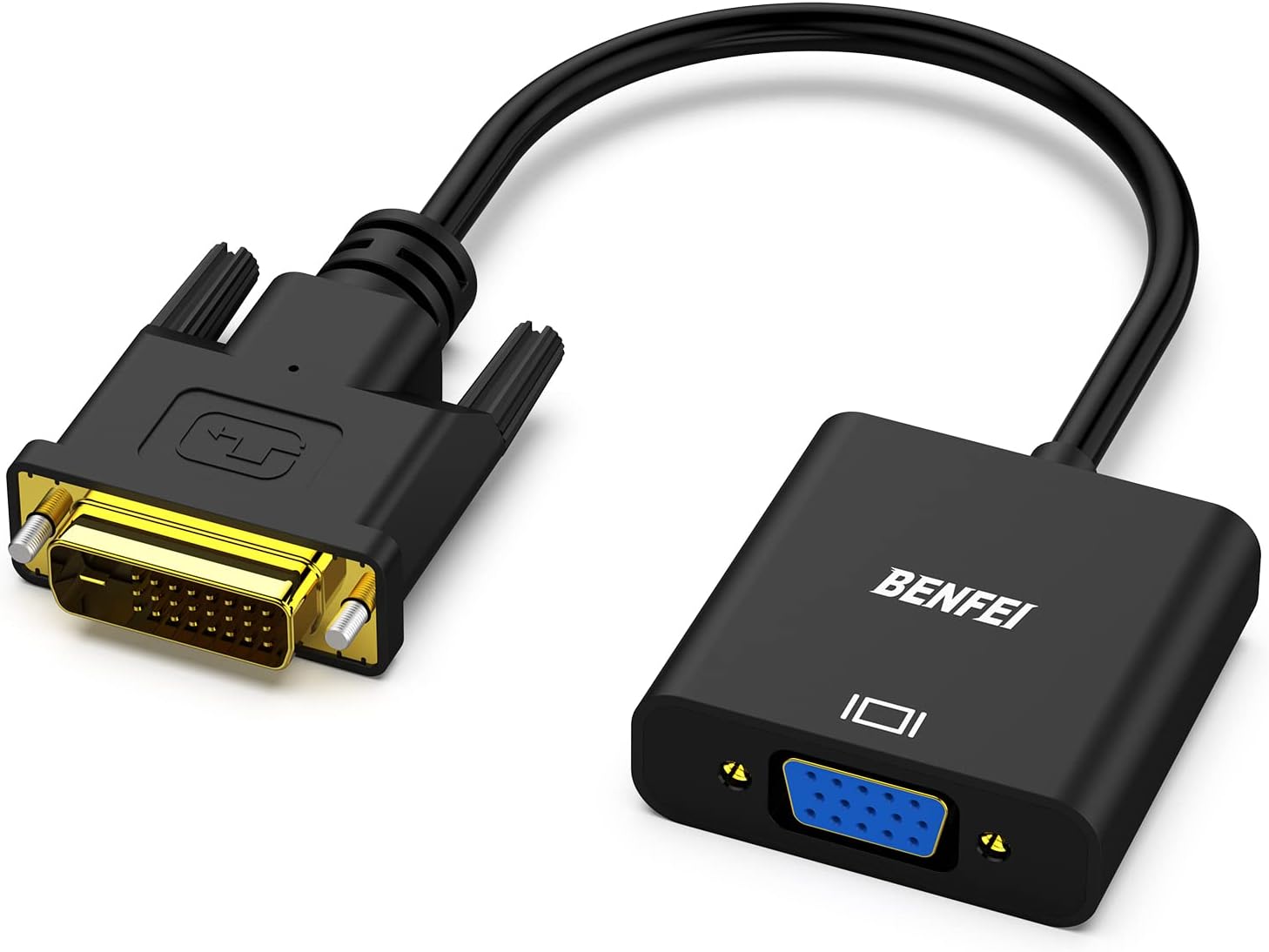
The BENFEI DVI-D (24+1) to VGA Adapter effortlessly connects modern DVI-D desktops and laptops to VGA monitors, supporting full HD 1080p resolution at 60Hz. Featuring a quad-shielded PVC jacketed cable, it guarantees reliable, interference-free video transmission. Designed for plug-and-play convenience, it requires no software installation and is compatible with all major brands. Perfect for professionals upgrading their multi-display setups, it comes with a 30-day money-back guarantee and an 18-month warranty for peace of mind.


| ASIN | B07D3XZ9SD |
| Best Sellers Rank | 10,634 in Computers & Accessories ( See Top 100 in Computers & Accessories ) 20 in DVI to HDMI Adapters |
| Brand | BENFEI |
| Cable Type | DVI-D, VGA |
| Colour | 1 PACK |
| Compatible Devices | Monitor, PC, Television |
| Compatible Phone Models | No Compatible Phone Models |
| Connector Gender | Male-to-Female |
| Connector Type | VGA |
| Country Of Origin | China |
| Customer Package Type | Rigid Box |
| Customer Reviews | 4.5 4.5 out of 5 stars (6,094) |
| Data Transfer Rate | 1.65 Gigabits Per Second |
| Frequency | 60 Hz |
| Indoor Outdoor Usage | Indoor |
| Item Shape | Round |
| Item Weight | 1 Ounces |
| Manufacturer | BENFEI |
| Model Name | 000185black |
| Model Number | 000185black |
| Number of Items | 1 |
| Number of Pins | 40 |
| Other Special Features of the Product | Data Transfer |
| Outer Material | Polyvinyl Chloride (PVC) |
| Recommended Uses For Product | Office use, Home entertainment, Conference room setup |
| Specification Met | CE |
| UPC | 606682479006 |
| Unit Count | 1.0 count |
K**R
It is a connector....
Nothing much to say - it arrived next day, good and solid quality, works perfectly. Was worth the money so happy
O**R
Just works - What's not to like?
This is one of those simple, bargain price adaptors which you plug in and it just works! Full marks (so far! - no reliability info yet) for fitness-for-purpose. My requirement was to be able to use an old VGA-only monitor with my new DV/HDMI graphics card, as a second screen. I plugged in this device, made a few adjustments to the Windows 10 screen graphics properties for the VGA monitor (chiefly resolution and refresh rate) and away it went. Note the variant I received has male DVI-D connector and female VGA connector. I would recommend this device as good value.
A**S
Does the Basic JOB
I had a basic Action Cam and wanted to double up the Value as a you tube cam.... Great,,,,Perhaps you dont need the Elgato Premium cam link.
S**L
Good quality buy
Don't throw away a decent monitor just because your graphics card doesn't have a vga output. Buy one of these adaptors and save yourself some cash. This is a sturdy good quality adaptor and I have been very happy with mine. Great buy.
A**R
A great way to hook up two monitors if you have only one VGA port
I was trying to connect two monitors to a computer which only has one VGA port. This is an excellent solution. Using the DVD-d port (make sure you get the right device incase you have a DVD-I port), with this cable, I got another VGA port and hooked up a 2nd monitor with the monitors both able to have different display settings. It's just plug and play. Very easy to use. Excellent product. Great picture quality
D**.
Excellent Signal Adapter
I bought this adapter in December 2018 to help pair an old Dell monitor with a Radeon RX 460. Right out of the box, it has worked flawlessly. I've had zero issues with picture quality or the physical quality of the product itself. I haven't had any issues with interference with both of my Wi-Fi adapters, whether USB or PCIe based.
M**N
Incorrect video levels
Digital video signals for computers use 0 to represent black, and 255 to represent white (full video levels, a.k.a PC levels, a.k.a. full swing). Digital video signals for televisions use 16 to represent black, and 235 to represent white (limited video levels, a.k.a. TV levels, a.k.a. studio swing). DVI is a computer standard, never used for televisions, so it should always use full video levels. This device assumes you're using limited levels, so all shadow and highlight detail is lost ("crushed blacks"). However, I was able to mitigate this to some extent. I'm running Debian, so I used the "xcalib" utility to adjust the graphic card to output TV levels: xcalib -d :0 -alter -b 6.25 -co 91.25 Squeezing 256 brightness levels into 221 brightness levels causes ugly banding, but my graphics card supports dithering, which makes the banding less obvious. I enabled dithering using xrandr: xrandr --output DVI-1 --set dither=on The result isn't perfect, but it's a big improvement over the default, and IMO acceptable for a low cost device. I assume it's possible to do the same calibration in other operating systems. Note that the incorrect levels aren't all bad, because it means you can watch videos encoded with TV levels without scaling the levels, which gives you slightly higher quality. Reset the calibration to defaults with "xcalib -d :0 -alter -c", and tell your video player to output limited levels (e.g. using MPV "--video-output-levels=limited"). Theoretically this could be automated with MPV's lua scripting.
M**.
Enabled Virtual Super Resolution (VSR), now perfect image
I had recently had a bad experience with a dongle type converter which had an intermittent fault and then failed within a few days. I didn't want a cable converter like this BUT I am converted (excuse the pun), as the plug into the graphics card is shorter there is less lateral strain on the socket. I've used this make for similar converters at work and they are fine which gave me reassurance with this. Out of the box it worked 'OK' and was a little deflated as I noticed a little shimmer on vertical lines in Windows, BUT I turned on VSR in the AMD drivers and now perfect!
J**.
Fungerade utan problem
F**R
L’ho preso per risolvere un piccolo problema di connessione: avevo un monitor VGA ancora perfettamente funzionante e un PC con uscita solo DVI-D. Questo adattatore mi ha permesso di riutilizzare il vecchio schermo, collegandolo in pochi secondi senza bisogno di driver o configurazioni. Il collegamento è immediato (plug & play): basta infilare l’adattatore nella porta DVI-D e poi collegare un normale cavo VGA (che non è incluso, ma nel mio caso ce l’avevo già). Lo uso per visualizzare il secondo schermo, utile per tenere aperte email, fogli Excel o browser mentre lavoro sul principale. L’immagine è stabile, nessun tremolio o sfarfallio, e anche la risoluzione (fino a 1080p) è più che sufficiente per l’uso quotidiano. Non è un adattatore attivo, quindi non fa miracoli su qualità o conversione digitale/analogico, ma se le uscite e gli schermi sono compatibili, fa esattamente ciò che promette. Robusto nella costruzione, compatto, e con un attacco solido. Un oggetto semplice, ma risolutivo per chi ha ancora periferiche VGA da sfruttare.
P**R
Adapter Handig in gebruik . Werkt alleen niet als de video - kaart van de pc actief is ..
V**R
bom
L**L
Parfait. L'image sur mon écran VGA est très bonne. A recommander !
Trustpilot
1 month ago
1 month ago