We remain fully operational. Our teams are working around the clock to ensure your deliveries continue safely.

DOWNLOAD THE APP


Customer Services
Copyright © 2025 Desertcart Holdings Limited
DOWNLOAD THE APP
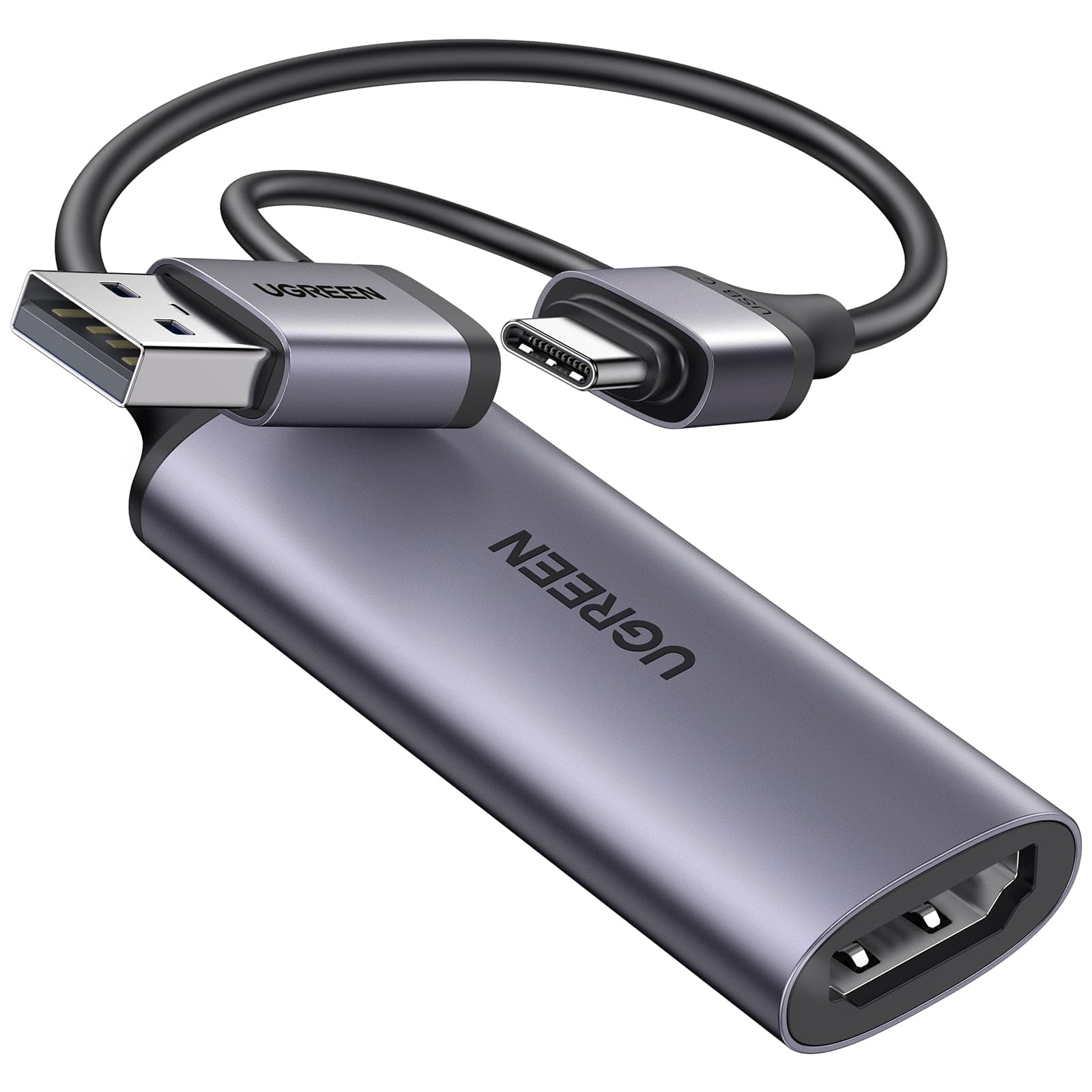
🎥 Capture Every Moment, Stream Like a Pro!
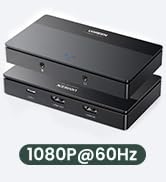
The UGREEN USB 3.0 4K HDMI to USB C Capture Card delivers professional-grade 1080P@60FPS video capture from up to 4K@30Hz HDMI sources. Compatible with major gaming consoles and operating systems, it offers ultra-low latency streaming via high-speed USB 3.0 transfer. Its plug-and-play design and lightweight form factor make it ideal for gamers, streamers, and content creators seeking reliable, portable, and high-quality video capture.




| ASIN | B0CFQ2BMPZ |
| Best Sellers Rank | #78 in Internal TV Tuner & Video Capture Cards |
| Brand | UGREEN |
| Color | grey |
| Customer Reviews | 4.2 4.2 out of 5 stars (1,462) |
| Date First Available | December 20, 2023 |
| Item Dimensions LxWxH | 3.06 x 0.93 x 0.4 inches |
| Item Weight | 1.06 ounces |
| Item model number | 25854 |
| Manufacturer | Ugreen Group Limited |
| Operating System | Linux, Mac OS, Windows 8 |
| Product Dimensions | 3.06 x 0.93 x 0.4 inches |
| Series | CM716 |
C**S
Excellent, works with OBS on PC as well as USB Camera Pro on Android
Excellent, very satisfied. This enables me to record, monitor, and/or livestream from my professional mirrorless cameras and camcorders using my Samsung S21 phone, or record from any non-HDCP HDMI output. This is a great value for money, good video quality, and a more modern alternative to a Camlink 4k if you don't need to pass a 4k30 signal. My Camlink doesn't play nicely with Android so I'm very happy to see that this UGreen capture card is compatible and can fill that need. The USB-C + A combo adapter is a nice touch. It works with OBS on PC as well as USB Camera Pro and nExt Camera apps on Android Both seem to do 1080p60 in MJPEG instead of YUY2, which is interesting since the included manual lists YUY2 as recommended. OBS didn't have a custom option for YUY2, even when attached over USB-C (has enough pins for USB3) instead of the USB-A (USB2.0) adapter. This is a minor difference and doesn't affect the final image much unless you're super technical. OBS appears to be able to accept rec2020 HLG and PQ color as well as rec709 and others. I modified the USB-C end so that it would fit in my Lifeproof Next case. Clamping the aluminum shell of the USB-C molded end with a table vise allowed me to pull that shell off as pictured.
J**A
So long as you get an HDMI splitter to go with this, it's a 10/10.
This is a high quality capture device for the price. If you know what you're doing and already have an HDMI splitter set up so you can use a TV or monitor to play on while you're recording, there's little or no lag. Aside from that, it's plug and play, so it's as easy to use as a not "fully featured" capture device gets. Video quality's great, audio sounds fantastic (I use listen mode on the mic source so there's no lag there either) through my USB sound card and headphones. As long as you've got this and an HDMI splitter, there's no need to spend over a hundred dollars on a high end capture device, and you get the same results.
J**S
OK
Not stable on MacBook. Sometimes stops working and need to unplug and reconnect.
B**.
Worth the money and hassle free
Not going to deep dive this review, just share the facts for those that need them. It does in fact capture Audio and Video seamlessly at 1080p 60hz. Incredibly easy to use, nearly plug and play but if capturing to OBS and you don't have audio, open the Source Settings and check the 'Use Custom Audio Device' box. I also set Audio Output Mode to Output Desktop Audio (WaveOut) because the other options had some static. I used this to video capture my Raspberry Pi running Batocera, and it worked perfectly for my needs, and I definitely plan to buy more.
R**S
It broke in under 90 days
I've used it a hand full of times since I bought it. Not sure what happen but I had it plugged into my computer and did something else, I came back and it stopped working. Gave it time to cool off, hit the reset pin and tried another PC. nothing. Tried another cheap capture card I had and it worked first try. I bought this July 17th and it's September 14 while writing this.
J**K
Overheats during long usage
Capture card works as intended, but gets too hot to touch when used longer than an hour. Wouldn't be comfortable leaving this unattended and am unsure if it'll keep working long term.
C**S
Fantastic, affordable option. Easy to use.
Out of several different options that cost way more than this little guy, finally found a winner. Works very well with Oculus’ HDMI link. Now only if you weren’t required to have that pesky surveillance account activated on the… But, I digress. Works great on other operating systems as well. Fantastic, affordable product!!! Highly recommend.
M**.
So far so good (Meta Quest 3)
I have currently been using the cable to run from my Genki switch dock (https://www.amazon.com/Global-Covert-Charger-Nintendo-Portable/dp/B0CRXZ6RM6/ref=asc_df_B0CRXZ6RM6?mcid=b00bbb505fa13de2aec2519a42fde8dd&hvocijid=17631672993447739026-B0CRXZ6RM6-&hvexpln=73&tag=hyprod-20&linkCode=df0&hvadid=721245378154&hvpos=&hvnetw=g&hvrand=17631672993447739026&hvpone=&hvptwo=&hvqmt=&hvdev=c&hvdvcmdl=&hvlocint=&hvlocphy=1012931&hvtargid=pla-2281435179778&psc=1) to my meta quest 3, and its been running smoothly; It works when directly connected to the quest, using both the Meta Quest HDMI Link app, and using the sideloaded USB Camera app. I have also tested with the LecLooc data and charge splitter (https://www.amazon.com/dp/B0D65RWDRB?ref=ppx_yo2ov_dt_b_fed_asin_title) and the Ugreen powered hub (https://www.amazon.com/dp/B0D9Q9WCLX?ref=ppx_yo2ov_dt_b_fed_asin_title) which has allowed me to play and charge, though I am looking into a hub with more power for peripheries, as I generally use the soundcore VR buds with my quest, and theres not enough power in the ugreen powered hub for more than one periphery device that uses watts. I could switch to wired headphones, since the quest 3 has a 3.5 jack on the right but I like my soundcore buds.
P**H
I remember when a game capture cost you way over £100. As a Ugreen buyer, I saw this and thought it couldn't be bad since Ugreen makes it. I was totally correct, the capture device works perfectly and is very easy to set up. Video quality is as it says, I had it running at 60fps in 1080p with zero lag. Would recommend for people on a tight budget.
J**C
Fácil de utilizar y da excelente calidad de video
H**N
Voortreffelijke beeldkwaliteit. Ik gebruik hem om het beeld van mijn fotocamera op een ipad weer tegeven
S**O
Works to capture video from my DSLR using HDMI to mini-HDMI converter
H**O
ótima qualidade
Trustpilot
4 days ago
3 weeks ago