We remain fully operational. Our teams are working around the clock to ensure your deliveries continue safely.

DOWNLOAD THE APP


Customer Services
Copyright © 2025 Desertcart Holdings Limited
DOWNLOAD THE APP
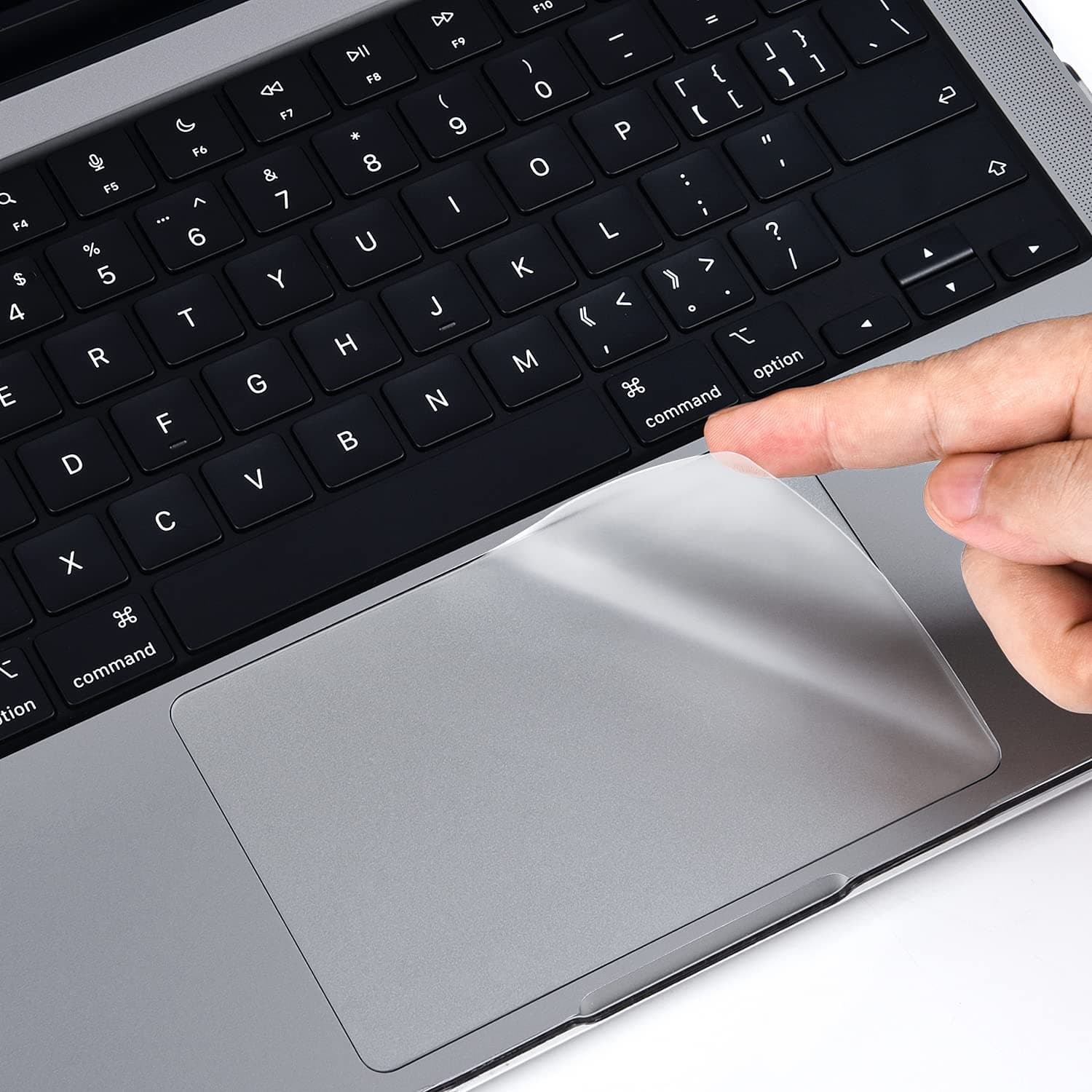


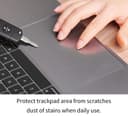
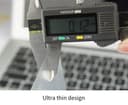
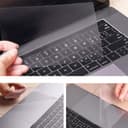
🖱️ Protect your trackpad like a boss—flawless feel, flawless look.
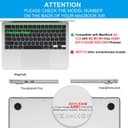
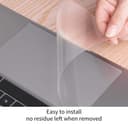
The CaseBuy MacBook Air 13.6 Trackpad Protector is a premium, triple-layer electrostatic cover designed exclusively for 2022-2026 MacBook Air models with M2 to M5 chips and Touch ID. It offers water and scratch resistance while maintaining the original trackpad’s smoothness and responsiveness. Easy to install with no residue or bubbles, it ensures your device stays pristine and protected, backed by a risk-free replacement warranty.





| ASIN | B0B7BGQ5Z2 |
| Additional Features | Dustproof, Slim Fit, Water Resistant, anti stratch |
| Best Sellers Rank | #3,211 in Electronics ( See Top 100 in Electronics ) #570 in Laptop Accessories |
| Brand | CaseBuy |
| Color | Clear |
| Compatible Devices | M5 M4 M3 M2 MacBook Air 13.6 inch Model A2681 A3113 A3240 A3449 (2026 2025 2024 2023 2022 Release) |
| Compatible Phone Models | MacBook Macbook Air 13.6 inch M2 Chip A2681 with Touch ID 2023 2022 Release |
| Customer Reviews | 4.3 4.3 out of 5 stars (4,358) |
| Enclosure Material | Polyethylene (PET) |
| Item Weight | 0.02 Kilograms |
| Manufacturer | CaseBuy |
| Model Name | MacBook Air 13.6 inch M2 A2681 |
| Pattern | Solid |
| Size | MacBook Air 13" M2 M3 M4 M5(2022-2026) |
| Theme | Leaf |
I**R
CaseBuy MacBook Air 13.6
Great trackpad protector! It fits my MacBook Air perfectly and does not affect the sensitivity of the trackpad at all. The surface feels smooth and protects against scratches and fingerprints. Installation was quick and easy. Very happy with this purchase and highly recommend it!
S**7
Amazing!
This trackpad protector was so easy to apply. No bubbles at all!! I love that while it protects my Macbook's trackpad, it is almost unnoticeable. It is true what other reviews say that the cut of the protector is not a 100% match, but I would say it's a 95% match and barely noticeable. I recommend it. Additionally, I've found that the protector doesn't interfere with the sensitivity or responsiveness of the trackpad, which was one of my main concerns before purchasing. It has a smooth texture that feels just like the original trackpad surface, allowing for seamless navigation and gestures. The installation process was straightforward, thanks to the clear instructions provided. Overall, this trackpad protector offers excellent value for the price, providing reliable protection while maintaining the sleek appearance of the Macbook. If you’re looking to keep your trackpad in pristine condition without compromising on functionality, this product is definitely worth considering.
L**Z
Great product.
Good product. It was easy to install.
A**I
Value for money
Fits my MacBook perfectly and it works great. Only thing I don't like about this is it is hard to apply and had a lot of bubbles when I tried to apply
C**T
Great product--just take your time fitting it.
After developing an irritation in my fingertips from using the MacBook’s trackpad (had to research this, and glad I’m not the only one!) I decided to purchase a cover for it. This one is relatively cheap, and works! There is a gap all around the edge of the cover about the thickness of my fingernail, which actually helped with the fitting of it. Note that the cover has two protective films, and these are labelled so that you know which to remove first. This would be my suggestion for fitting - Dry fit the cover, to get an idea of the placement. - Clean the trackpad, then clean it again. Even small dust particles will affect the overall finish. - Peel off the first protective film, and HOLD ONLY THE EDGES OF THE COVER. Keep your fingers away from the sticky surface to avoid fingerprints - Judge the distance from the edge of the trackpad (I used my fingernail, knowing that it would be the same distance from the edge on the other side of the pad, and as I am right handed, found it easier to work from the right) and lay down the first half inch or so, gently pressing into place. - Using the cardboard sleeve that the cover is packed in, smooth out the cover as you slowly lay it down onto the trackpad, working about a half inch at a time. This will help avoid large bubbles, but don’t press too hard at this point, - When the cover is in place, check for any small bubbles and squeeze them out to the edges. - Remove the second protective film, and use the cardboard to smooth over the cover, from the middle out, which will help stick it down, and also remove any remaining bubbles of air. - Enjoy! After reading through other reviews, I don’t understand why there are so many problems with air bubbles. Unless the product is flawed already, or the trackpad not completely clean, the bubbles are introduced during fitting, as the cover is just a thin, very flat sheet of plastic. It feels quite nice to the touch, with almost the same texture as the trackpad. The size and shape are pretty much spot on and, after fitting, I can’t even see that there is a cover in place. The thickness brings the trackpad about level with the palm rest. There is no change to the way the track responds, but I have the type that clicks when pressed—I don;t know how it reacts to the type you simply ‘tap to click’. Just take your time fitting it—it’s a great product (and no, I’m not getting anything for this review--it’s my own, unbiased opinion).
K**1
Doesn’t work
This is shiny, not matte as I anticipated, so my finger drags quite a bit while trying to use it. Also, no matter what I did, there were a ton of bubbles, and it didn’t apply smoothly. Plus, the sticker on the non-sticky side refused to come off, causing the protector to pull up and create even more bubbles, and there is now sticker residue on the “usable” side of the protector that I can’t get off. It’s going in the trash.
J**A
Happy
Haven't installed but looks great
C**T
Sticky surface, fingers drag!
The package came with instructions, a cleaning cloth, and a hard plasticy/paper card for smoothing out air bubbles during application. Also came with an additional cover, which was really nice especially because it can be hard applying a cover right the first time. It was hard not to get any air bubbles in it, I ended up with five small ones due to teeny tiny fibers that were still on the touchpad. Next time I apply one of these I'll make sure to be more thorough with cleaning off the touchpad before applying the cover. All of the above would've earned this cover 5 stars from me, but after using it for a week, I can say that the cover significantly decreases the smoothness of the touchpad function. I used the touchpad without the cover for a week prior to applying it so I really notice the difference. It makes my finger drag on the touchpad and it's so cumbersome. I'm not using my MacBook Pro for anything like photo-editing or design work right now but if I were I'd rip this thing off. Maybe there's a better one on the market. The thoughtfulness in the packaging was great, but overall I am disappointed in the performance of the product.
A**R
I love when a product is easy to use and great all around. There are instructions, and also little tabs that note when to remove them (before applying/after applying). It is sooooooo easy and I am usually horrible with this stuff. 10/10!
K**M
Thank you
A**R
No Special 、Good Product
E**O
No es tan fácil de instalar pero si sirve
D**T
Esta muy bueno, cubre perfectamente, no se siente, no cambia la velocidad del puntero. Cumple con lo que promete. Solo para colocarlo si hay que limpiar bien para que no se formen burbujas.
Trustpilot
1 week ago
2 weeks ago