Buy anything from 5,000+ international stores. One checkout price. No surprise fees. Join 2M+ shoppers on Desertcart.
Desertcart purchases this item on your behalf and handles shipping, customs, and support to Italy.
🖋️ Power your productivity with precision and style—because your ideas deserve the best.
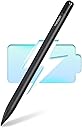
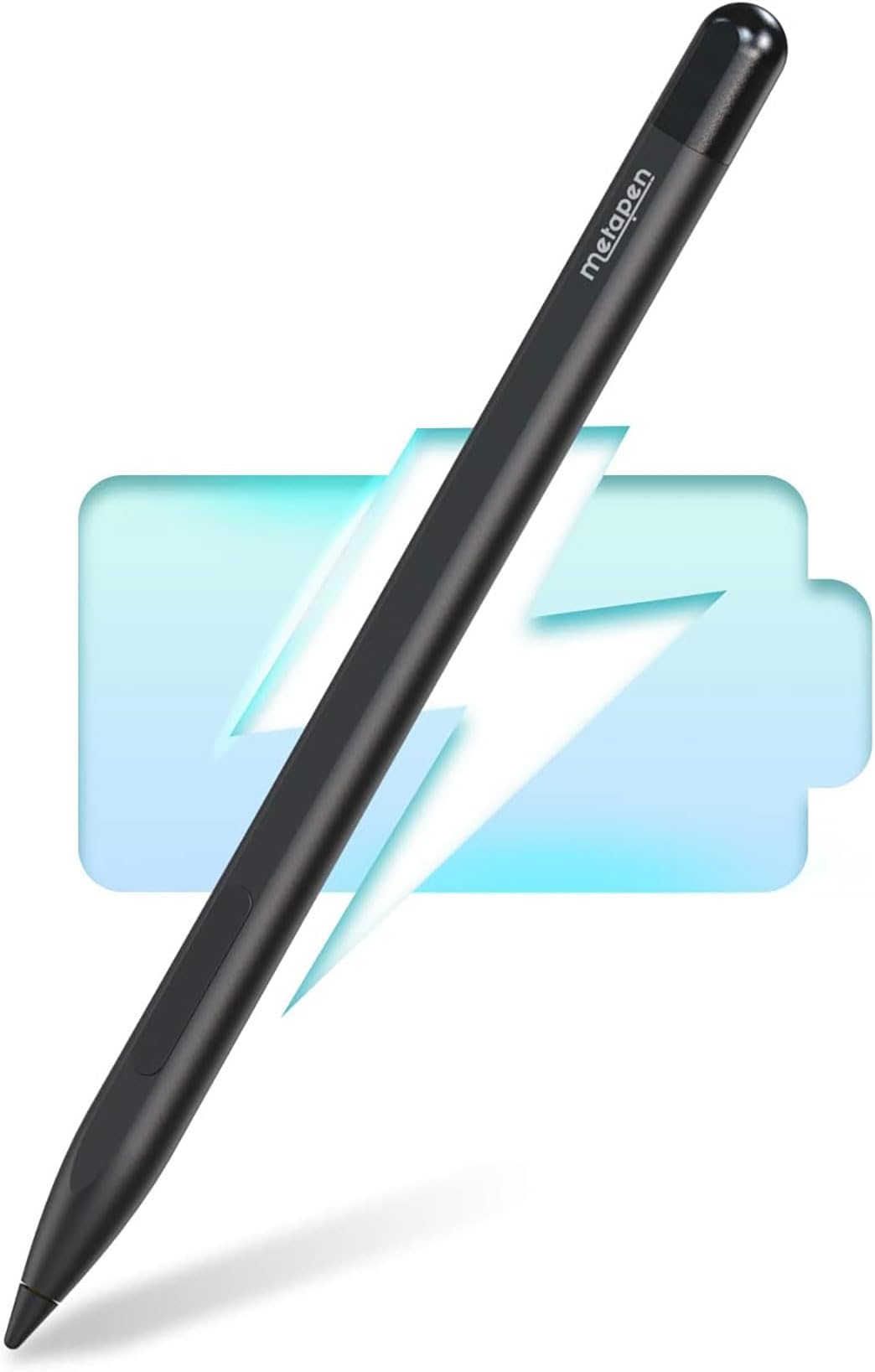
The Metapen Stylus Pen M1 is a high-performance digital pen designed for Microsoft Surface and select other devices, featuring rapid 40-minute Type-C charging, an impressive 75-day standby battery life, and 1024 levels of pressure sensitivity. Its advanced cone-shaped tip and ergonomic aluminum body ensure smooth, precise writing and drawing, while palm rejection and strong magnetic attachment enhance usability. Ideal for professionals, students, and creators seeking a reliable, stylish, and long-lasting stylus.


| ASIN | B0B1CS1XK2 |
| Are Batteries Included | Yes |
| Are Batteries Required | Yes |
| Battery Average Life Standby | 300 Hours |
| Battery Description | Lithium-Ion Polymer, Lithium-Ion |
| Best Sellers Rank | #1,854 in Cell Phones & Accessories ( See Top 100 in Cell Phones & Accessories ) #46 in Styluses |
| Brand | metapen |
| Charging Time | 40 minutes |
| Color | Classic Black |
| Compatible Devices | Tablets, Laptops |
| Compatible Tablet Computer Models | HP 7 Plus, HP Pro 8, Kobo Elipsa 2E, Kobo Libra Colour, Kobo Sage, Microsoft Surface 3, Microsoft Surface Duo, Microsoft Surface Go, Microsoft Surface Pro 11, Microsoft Surface Pro 3, Microsoft Surface Pro 8, Sony Tablet S |
| Customer Reviews | 4.4 4.4 out of 5 stars (5,595) |
| Enclosure Material | Aluminum |
| Item Weight | 12 Grams |
| Manufacturer | metapen |
| Mfr Part Number | ME-MPP712 |
| Minimum Required Operating System Version | Windows 10 |
| Model Number | ME-MPP712 |
| Number of Batteries | 1 Lithium Metal batteries required. (included) |
O**A
Works but slips off the holder easy.
Overall great stylus for my Surface. The main difference is the eraser which requires you to press the side button as opposed to using the other end (like the original pen). The stylus is a bit thin for the Surface cover I use and easily falls off in my backpack after a short walk. I suggest getting a padding sleeve (the ones for writing) or wrap some tape around it to make it a bit thicker.
I**N
Perfect quality product
Works perfect. Fits my needs for the surface pro 4 1724. Slick apperance and touch sensitive
W**H
Works great with my Microsoft Surface Duo 1
This works great with my Surface Duo 1-an obsolete device that I am having a hard time giving up. Only a fraction of the cost of the Surface Slim pen from Microsoft. As responsive and functional as the original pen that i got with Surface Duo. Would have been 5 stars had it been magnetic enough to attach firmly to the Surface Duo device.
S**S
Great stylus for a Surface tablet
This was only my second stylus after having my first work for almost 6 years. Charging is quick and the pen is so light. I have charged it once and still going. It writes great and connected immediately.
M**S
Nice Pen for Price
I loved that it instantly connected to my Kobo. Battery life is very long. I only wish the buttons were a little higher for how I grip a pencil. Highlights and writes seamlessly.
I**Y
Budget Stylus That Punches WAY Above Its Price
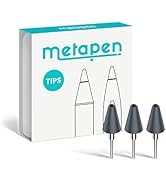
Alright, I’ll admit it—I wasn’t expecting much. Stylus pens outside of official Surface gear usually fall into two categories: "barely works" or "kinda okay but dies in a week." But the etapen M1? This thing came in like a dark horse and actually delivers. I paired it with a Surface Pro 7 and a Surface Go 2, and it synced instantly—no weird button combos, no lag, and no awkward calibration drift. It supports full pressure sensitivity, palm rejection, and tilt support—which means whether you’re sketching, annotating, or just trying to take notes without using your finger like a caveman, you’re covered. The build quality is surprisingly premium. It feels closer to the Surface Slim Pen than any off-brand knockoff I’ve used. The matte finish gives you grip without feeling chalky, and the pen tip glides smoothly on the Surface screen without any jitter. What I Like: Instant compatibility with Microsoft Surface line—no Bluetooth pairing needed Palm rejection actually works, which is a huge win for note-taking and sketching USB-C charging = no AAAA battery scavenger hunts Magnetic snap-on to the Surface (depending on model) is a nice touch Comes with replacement nibs and charges stupid fast What Could Be Better: No eraser end—there’s a button for that, but muscle memory had me flipping it like a pencil Doesn’t integrate with Surface Pen settings app (but honestly? I didn’t miss it) If you’re doing ultra-fine digital art, you might want something with more tilt nuance—but for everything else? Killer.
G**S
On my 3rd one - My fault
These are awesome after-market pens for the Surface Pro series, even the Pro 11. I am on my 3rd one, only because I keep breaking them. Which is hard to do. They have increased in price since I bought my last one, but they are still well under the cost of the OEM making it a value to buy. I wish it was a tad bit shorter to fit in the pen holder of the MS OEM KB, but that is only one drawback. If you want a pen that works great with the Surface Pro 11, this is a good one to grab. I can recommend it.
K**S
Did the job
I use my pen everyday to teach my math classes. I project my computer screen and fill out the notes with the pen. When my old Microsoft brand pen stopped working, I decided to try out a cheaper version. Here is my honest review. This product works well. For some reason it did not work the first time I tried to use it. After I removed the battery and put it back in, it worked great. I will be keeping an eye on that and update the review if I have any more issues. Note that it does not have Bluetooth, so you will not be able to pair it to your computer. However, it does not seem to need Bluetooth. This is probably because it does not have a shortcut button, which I never used anyway. There is no power button, it simply works when you put the battery in it. The side buttons do work well. I actually like the eraser being a side button better than it being on the back like my old pen from Microsoft. It is faster to click the button than to flip the pen upside down. The palm blocking does seem to work well, which is probably the most important feature of a pen. With out palm blocking, you may as well use an old school stylus which is just a piece of rubber on a stick. The pen itself seems rather light and cheaply made, so I am not sure how long it will last. The tip is just plastic. It does come with a second tip, but it is exactly the same. I was unable to remove the tip because it was so tight, but as the second one is the same, I am not too concerned about it.
O**L
Ich habe diesen Stift nun 2 Jahre im Einsatz und schreibe erst jetzt eine Rezension weil ich die praktische Erfahrung erst jetzt vollumfänglich beschreiben kann. Ich habe mir den Pen vor 2 Jahren für ein Surface Pro3 gekauft und ihn dort aber nicht so häufig verwendet. Jetzt habe ich ihn an einem Surface Pro6 im Einsatz und verwende ihn tatsächlich häufiger weil er einfach erst an diesem Gerät seine Vorteile zur Geltung bringen kann. Er reagiert Stiftähnlicher als jeder Original-Pen weil er diese Kegelförmige Spitze hat und deswegen natürlicher wirkt als andere Stifte. Auch das radieren mit Taste direkt im Griffbereich finde ich persönlich angenehmer, der Schreibfluss wird dadurch weniger unterbrochen. Das anbringen mit dem Magneten funktioniert hervorragend, genau wie beim Originalstift, vielleicht nicht ganz so fest, was aber den Vorteil hat das er sich auch leichter wieder lösen lässt. 'Wegfliegen' tut er aber nicht. Er ist auch nicht ganz so schwer wie das Original, ich empfinde das aber eher als angenehm, die Haptik ist ausreichend stabil, er wirkt nicht Plastikhaft. Insgesamt eine wirklich alltagstaugliche und günstige Alternative zum Original.
C**Z
Connected so fast and very light weight. I love it
I**N
Genuinely really liked it, and I’m quite a picky person. I have to add, I didn’t use it much for drawing or more professional stuff like that.
M**M
Me gusta como funciona la pluma en mi surfacepro y los tips me parecen de buena calidad y duraderos pues lo uso todos los días
T**T
Great product, and affordable.
Trustpilot
2 weeks ago
5 days ago