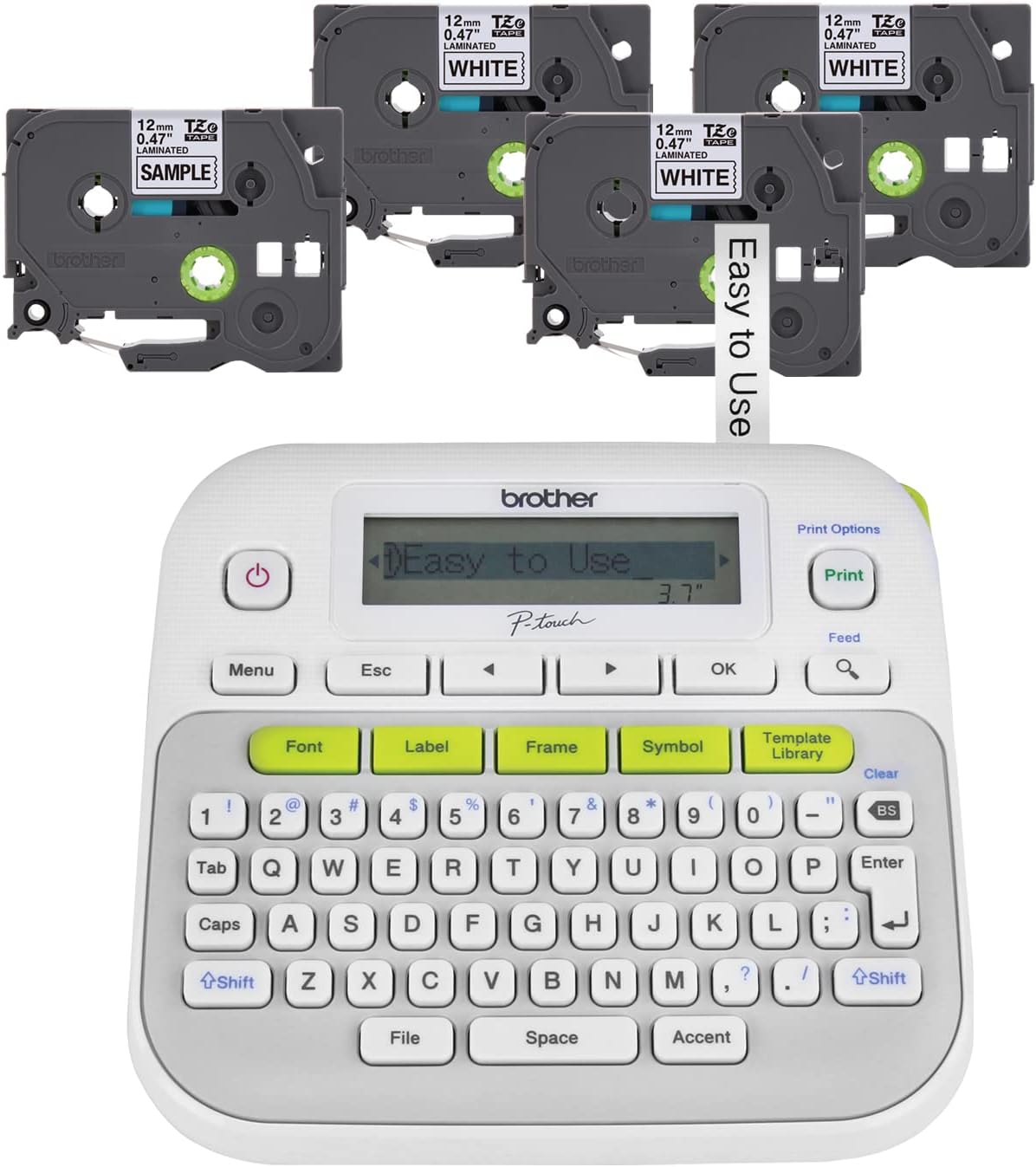
I love my labeller! I label everything now. Good thing I don’t have a pet. I bought a P-Touch several years ago and then promptly returned it after trying to decipher the manual... and then I breathed a sigh of relief. But I eventually reached a point where I knew I needed better organization. After some research and watching several youtube tutorials where users seemed to fly through the P-Touch interface with ease, I finally decided to give it another shot. I had originally contemplated buying the D400 — even though it was over twice the price — because it does wider labels and more lines, but then I realized I didn’t really need more than two lines. In fact, I usual only use one line. After buying this less expensive model (and learning how to use it!), I bought a case and additional cartridges (third-party) with the savings. I haven’t regretted it, but I can understand where those features may be more important for some people. I would not call the interface intuitive, but after a few sessions of labeling with the manual close at hand, I now rarely need the manual anymore — even after not using the labeller for several weeks. The only thing I need the manual for is to remind me how to use functions I don’t use often, like serial numbers. I like how there is a green button for each of the main settings to minimize scrolling and submenus. There are just enough buttons and they are sensible. The LCD isn’t as good as a backlit LED, but it’s fine for it’s purpose. If you label outdoors, you may run into some trouble. I don’t label outdoors. About the only thing I would like that the D400 has is a multi-line LCD. But since I don’t often need multi-line labels, it isn’t the end of the world. The one annoying thing is that, when you click the key sequence to clear formatting so you can type a new label, you have to choose between “Text & Formatting” or “Text Only.” The first option is the default, but I usually only want to clear text and use the same formatting. That means I have to click another key to get to “Text Only.” One click is no big deal, but sometimes I get ahead of myself and forget the extra click. Then I have to reset all the formatting, and that IS a big deal. It’s especially irritating if I didn’t realize I cleared formatting and end up wasting tape, too! I almost wish there were separate buttons to clear text and formatting since it is an oft-used setting. But I’m adapting. Practice, practice, practice. All in all, this has been the best $20 I ever invested in an organizational supply.