🚀 Elevate Your WiFi Game — Never Miss a Beat or a Byte!
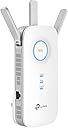
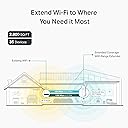
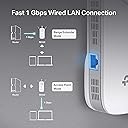
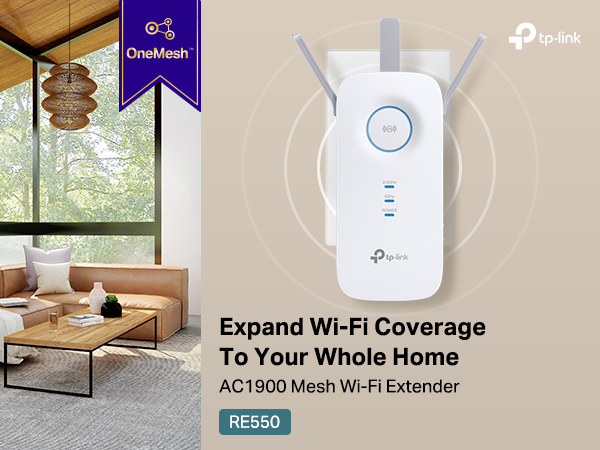
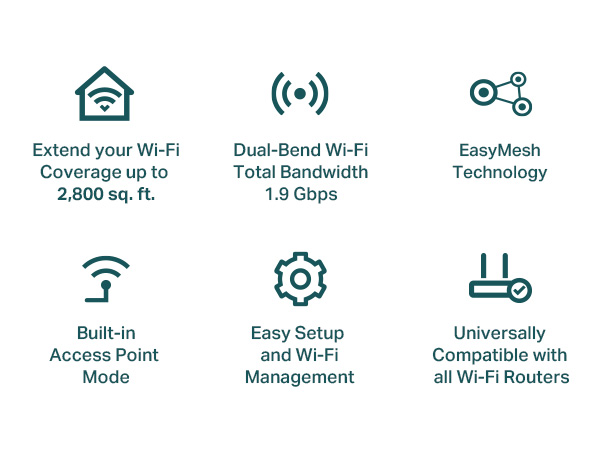
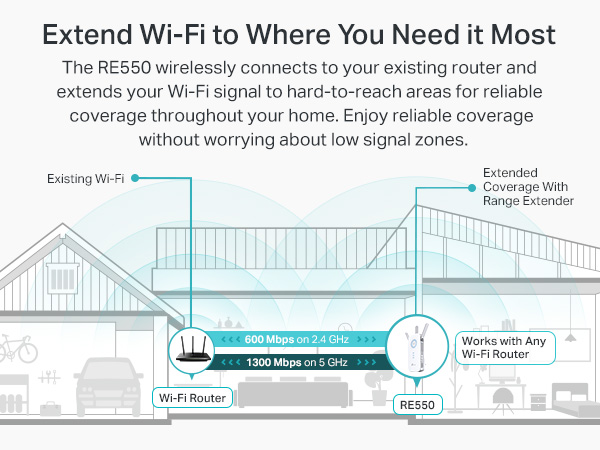
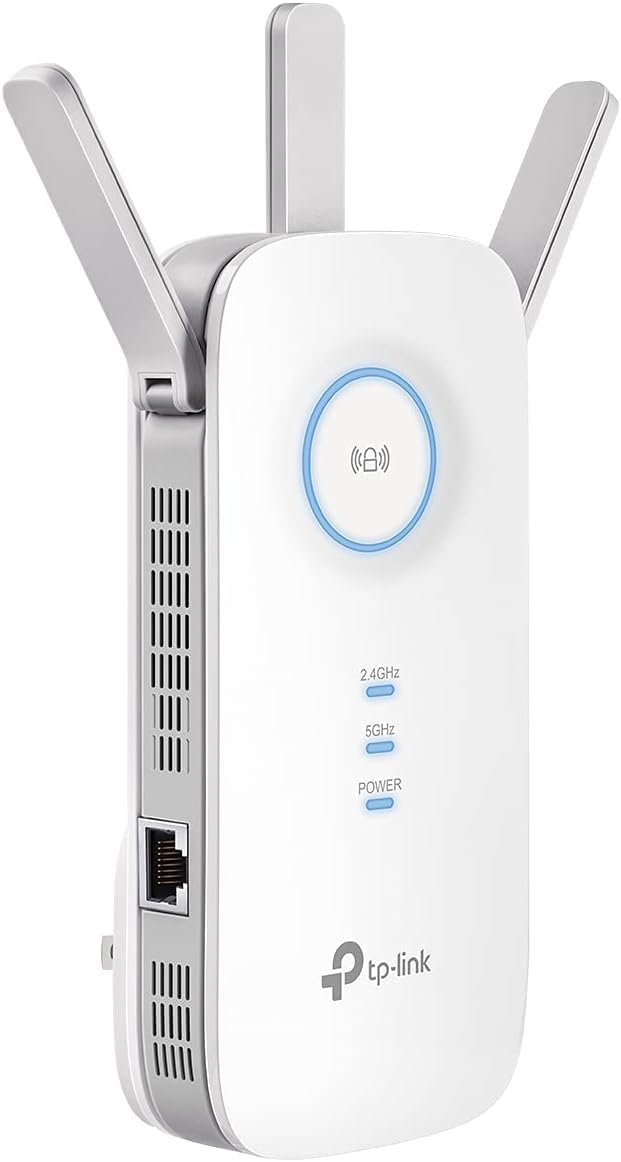
The TP-Link AC1900 WiFi Extender RE550 supercharges your home network by boosting dual-band speeds up to 1900Mbps and extending coverage up to 2800 sq.ft. Equipped with three external antennas and a gigabit Ethernet port, it ensures stable, high-speed connections for up to 35 devices simultaneously. Intelligent signal indicators and the intuitive TP-Link Tether app make setup and management effortless, eliminating dead zones and delivering seamless connectivity throughout your space.


| ASIN | B08TLT65WM |
| Best Sellers Rank | #995,404 in Electronics ( See Top 100 in Electronics ) #436 in Repeaters & Extenders |
| Box Contents | AC1900 Wi-Fi Range Extender RE550 |
| Brand | TP-Link |
| Brand Name | TP-Link |
| Compatible Devices | Extend the range of any Wi-Fi router or wireless access point |
| Connector Type | Wireless |
| Customer Reviews | 4.3 out of 5 stars 17,450 Reviews |
| Data Transfer Rate | 1900 Megabits Per Second |
| Frequency | 5 GHz |
| Frequency Band Class | Dual-Band |
| Frequency Bands Supported | 5 GHz |
| Item Type Name | WiFi Extender |
| Item Weight Unit of Measure | 0.51 Pounds |
| Manufacturer | TP-Link |
| Manufacturer Part Number | RE550 |
| Model Number | RE550 |
| Special Feature | Access Point Mode, Dual Band , LED Indicator |
| Special Features | Access Point Mode, Dual Band, LED Indicator |
| UPC | 840030701504 |
| Wireless Communication Standard | 802.11a, 802.11ac, 802.11b, 802.11g, 802.11n |
| Wireless Compability | 802.11a, 802.11ac, 802.11b, 802.11g, 802.11n |
J**.
Should've got this one to begin with.
This extender works great. I've read a lot in the reviews that it was difficult to set up. That wasn't the case at all, at least for me. If you download the app, it makes connecting it so simple. My wifi used to drop out in my room all the time along with my tv. Since installing, it hasn't dropped once. Even where I have it which is decently away from the router and up a flight of stairs and around a corner, it is in its "perfect" range from the router. The app will tell you how the connection to the router is, and also the device. If it is blue, it is in good range. If it turns red, it is to far from the router. I am more than happy with my purchase. I previously ordered another TP link extender but I had to return it due to it not connecting. This one connected almost immediately. You also do not need to use the app to connect it to wifi, but the app in my opinion is the way to go. It shows you everything you need and you can customize things. My download speeds connected to this extender is 190mb/s download and upload is 40mb/s with 19 ping. That seems pretty good to me.
K**R
Best purchase in awhile! It saved my marriage!
I live in a fairly small 3 floor (duplex) house, with a small front and back yard. My wifi router from my provider is in the basement. This left me with great reception in the basement, which I rarely spent time in. Medicore reception on the main floor and basically abysmal reception upstairs, where the bedrooms are. That means anytime I would try to use the wifi for anything upstairs I would get kicked to data. Which is immensely annoying and costly as compared to using my wifi, which I already pay for. Then when I got security cameras just outside my front and back door, the wifi is so trash that I would lose connection and be unable to view live feeds. I asked my provider how to improve this, and they sent me two eero wifi boosters, which I would rent from them at an additional $12/month. These boosters can be bought on Amazon for $100 each, but with a rental from a provider I would have paid infinite amounts for them in my lifetime. Anyway, those expensive boosters did not do one thing at all, and I had the provider take them back. When I got this booster, my whole life changed. With one unit, I paid $61 with tax to own. No forever rental fee... I immediately had amazing wifi connection. I had full bars wifi downstairs, main floor, upstairs, outside and I still had access to my wifi from 4 houses away! It was so simple to set up, I am totally unskilled in this tech but I did it in about 10 minutes. It walks you through it so easily and clearly anyone could set one up. It also seems the download speeds are much faster, although I cannot entirely confirm, this is just what I have noticed from Xbox downloads and personal opinion. The app shows you how many devices are connected to the booster, how the quality of the connection is, it has the ability to block devices from the booster and scans for safety and anti-virus. I was thinking you had to have it connected by that special cord but you don't. You can have everything connected and working properly just by plugging the machine into any outlet so long as it is close enough to pull a connection to your wifi. I put mine on the main floor when my router is in the basement and it connects everything dang near to Nantucket. Best sixty bucks spent recently, really thrilled with it. I would recommend this to anyone, especially people tricked into renting a booster from their providers. Do not spent a million dollars over your life, just spend sixty bucks and have something you own and that works. Before I couldn't get wifi upstairs or even if I stepped one foot outside. Now I can get wifi from places so far I won't even be. Buy it!
K**R
Rapidez
Exelente producto en mi casa tenia contratado un paquete de 600 megas y somos como 15 conectados a la red, en mi cuarto llegaban solo 9mb/s y con este repetidor ahorita voy aprox a 200mb/s y conectado por cable en mi lap llego hasta los 400mb/s
A**R
Bom produto
Melhorou muito a rede doméstica
R**I
Excelente produto
Produto conforme descrição e de qualidade
Trustpilot
1 month ago
1 month ago