We remain fully operational. Our teams are working around the clock to ensure your deliveries continue safely.

DOWNLOAD THE APP


Customer Services
Copyright © 2025 Desertcart Holdings Limited
DOWNLOAD THE APP
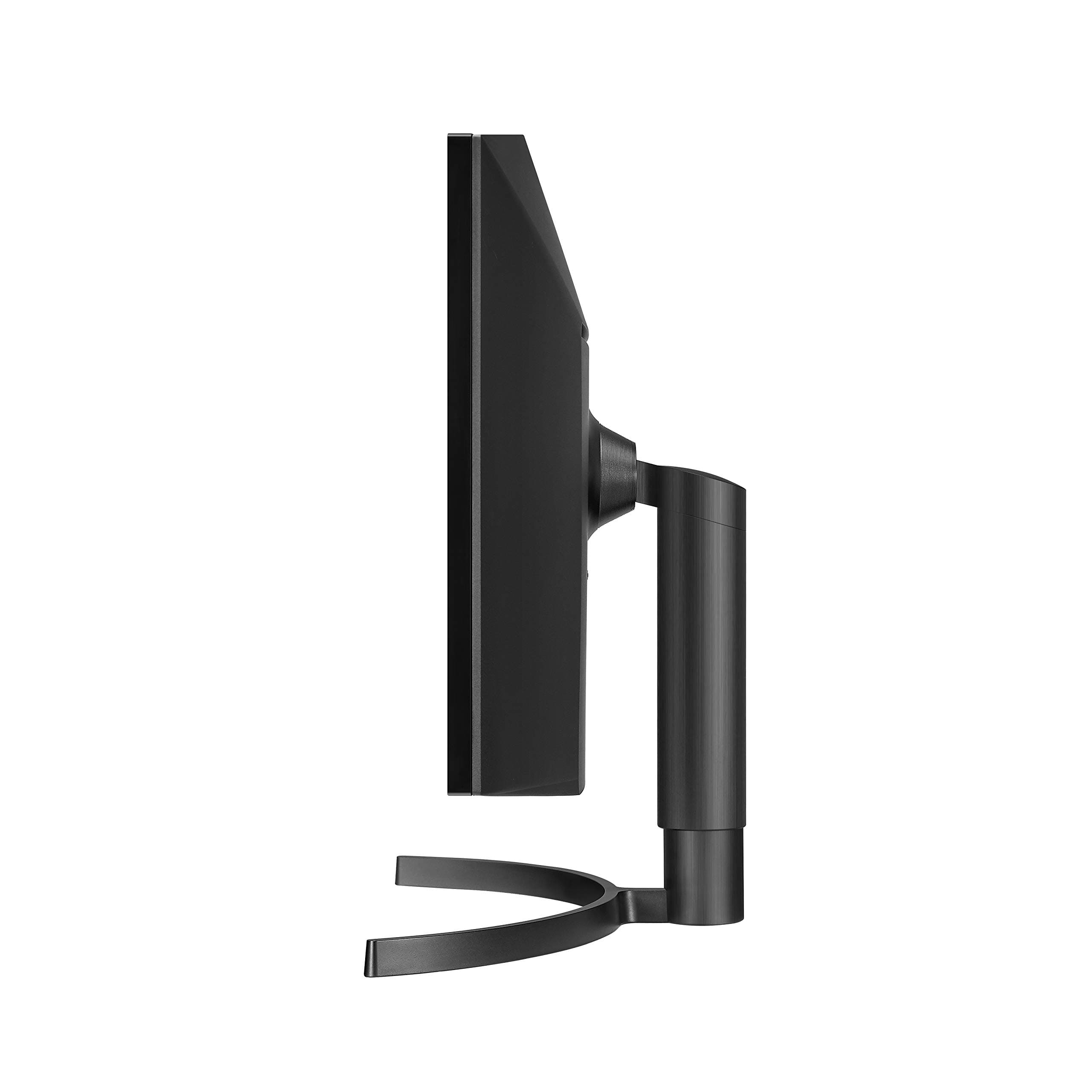
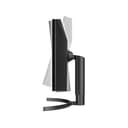
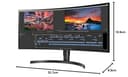
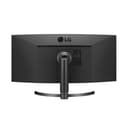
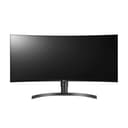
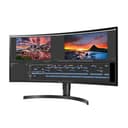
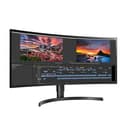

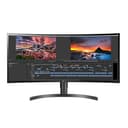

🚀 Elevate your workspace with panoramic precision and pro-level color — see more, do more, be more.
The LG 34WN80C-B is a 34-inch curved UltraWide WQHD IPS monitor designed for professionals and multitaskers. Featuring a 3440x1440 resolution with 21:9 aspect ratio, it delivers immersive visuals with 99% sRGB color accuracy and HDR10 compatibility. USB-C connectivity streamlines your setup by combining video, data, and power in one cable. Its ergonomic stand and anti-glare screen enhance comfort, while Screen Split 2.0 software boosts productivity by enabling customizable multitasking layouts. Ideal for creative work, home offices, and immersive entertainment.


| ASIN | B07YGZ7C1K |
| Are Batteries Included | No |
| Brand | LG |
| Color | Black |
| Customer Reviews | 4.4 4.4 out of 5 stars (3,675) |
| Date First Available | 28 October 2019 |
| Item Weight | 10.6 Kilograms |
| Item model number | 34WN80C-B |
| Manufacturer | LG |
| Number of HDMI Ports | 1 |
| Number of USB 2.0 Ports | 3 |
| Number of USB 3.0 Ports | 1 |
| Processor Count | 1 |
| Product Dimensions | 83.06 x 25.15 x 42.93 cm; 10.6 kg |
| Resolution | 3440 x 1440 Pixels |
| Screen Resolution | 3440x1440 |
| Series | 34WN80C-B |
| Standing screen display size | 34 Inches |
| Voltage | 240 Volts |
| Wattage | 60 watts |
R**A
I am writing this review after experiencing the monitor for couple of months to ensure that my review is well rounded and includes all the points one need to know of while making a decision to purchase this monitor. The context of my purchase: 1. The pandemic has ensured that a lot of people like me are working from home. At some point we all feel two things (at least I felt): a. The laptop screens are too small for multi screen working b. The switching between work and personal laptops becomes a spot of bother. 2. Depending on our pastime hobbies, we need a monitor that can help us work on a bigger screen as well as let us do our hobby related things on the same monitor. Photography is my hobby and and I process really large photographs on a regular basis besides constantly working from home. So an ideal scenario for me was to get a monitor that supports high resolution so I can see my large photos with decent clarity and also lets me work with multiple screens side by side. I went back and forth between a lot of monitors before deciding to buy this one. One reason I went for the ultrawide is that the height of the ultrawide monitors are less than the non-ultrawide due to the 16:9 ratio. This allows me to look straight into the monitor without craning my neck. Now specifics about the monitor: 1. IPS panel and hence really crisp display corner to corner, great colors and sharpness. 2. Supports high resolution laptops. I have a mac mini 2020 with dedicated graphics card. I love the way this monitor displays everything on the mac mini. 3. Unpacking and setting up was a breeze. 4. The screen splitting software is awesome. Allows you to split the screen in 2, 3 or 4 sections. Once installed on your laptops, you select the split you want and that's it. As soon as you drag a specific application, the split window borders immediately appear and let you just drop the screen into the section you want and the application snugly fits into that section. I love this part actually. Now the difficulties I had to achieve the setup I was looking for. 1. You can connect wireless keyboard and mouse straight into the monitor. Those devices get attached to the laptop you connect to the monitor without any issues. 2. However, the monitor only has 1 USB-C port. So if you have two high resolution computers to attach to the monitor, you can't connect simultaneously. You have to keep taking the cable off one and put on another to get the display. This is not the solution I was looking for. 3. The HDMI ports don't bring up high resolution display. My Mac Mini doesn't even show anything on the monitor when connected to the HDMI port. My work Windows laptop shows a display on HDMI port, but with resolution so low that it is not usable. 4. If you use a Display cable on the Display port, then you only throw the display to the monitor but you don't get the advantage of sharing the keyboard and mouse through the monitor. So, I tried all the permutations and combinations to make it work so I can have both my work and personal computers connected to the monitor and I can switch between the two with the display select button of the monitor. Alas, didn't work out. If only LG had two USB-C ports on the monitor. So after a lot of research, I bought this KVM switch that allows me to go back and forth between my two computers with the press of a button: https://smile.amazon.com/gp/product/B08F42NXGC/ref=ppx_yo_dt_b_asin_title_o06_s00?ie=UTF8&psc=1 It is a pricy solution, but it finally achieved the setup I wanted. Now my two computers are connected to the switch along with the wireless keyboard and the mouse and the switch sends the display to the monitor through a dedicated display (HDMI) cable. I switch between my two computers with the button on the switch. I know it is more than just reviewing the monitor. But I am sure a lot of you want to have a similar setup at home and I wanted to write this to ensure that you know what you are getting into. Hope this helps.
V**H
Bought this screen as a replacement for a VA panel that I returned due to blurry text. Installed this new monitor in my home office (programming & general use) and loving every moment I get to use it! I can quite honestly say I'm now enjoying my work from home more because of it. The text is super crisp, colors are gorgeous, and pixel density is perfect for viewing from 60cm. The curve is not excessive by any means and gives it a nice, high-tech look without creating any undesired artifacts. I am extremely happy with this monitor and strongly recommend it for home office use. I have not had a chance of testing this in gaming (which I plan to do occasionally) and may update my review later when I get around to it. Update: 3 months later and I'm VERY happy with this screen! Couldn't have asked for more!
P**Z
Para ser un monitor de gama media es excelente. El diseño y la construcción son muy buenos, y es muy cómodo trabajar en él por el gran tamaño. La imagen es suficientemente buena para uso común, pero definitivamente no para uso profesional de edición de fotografía o video: La nitidez es muy buena, y los colores son agradables. Sin embargo, la gradiente de negro a blanco no es consistente, y si se aumenta el contraste o se sube el brillo, rápidamente se pierde mucho rango dinámico, a pesar de ser HDR. También a pesar de tener 99% de sRGB, los colores están un poco desviados, principalmente los negros son algo rojizos, y no hay muchas opciones de ajustar manualmente el color. Además, por alguna razón al conectar el monitor por USB-C, algunos ajustes se desactivan, y solamente se pueden activar con conexión HDMI. Al comparar la imagen con la del Retina Display de una MacBook Pro de 15", la imagen de este monitor es claramente inferior tanto en color como en rango dinámico, contraste y nitidez. También a pesar de que el monitor puede cargar la computadora y transmitir imagen simultáneamente por el mismo cable USB-C, esto limita el rendimiento de la computadora, si planeas hacer uso intensivo que requiera muchos recursos del CPU, lo ideal es conectar la computadora a la corriente con su cargador, además del USB-C al monitor. Sin embargo, en este rango de precio no creo que haya un mejor monitor de 34", ofrece muchas más ventajas que desventajas.
J**A
Simplemente es el mejor monitor que podrás encontrar con estas características y precio. Es una pantalla con especificaciones de monitores más caros, a un precio de risa para lo que es: Es un panel Curvo IPS / tiene una resolución de 3440 x 1440 / Trae conectividad USB C con power delivery de 60Watts y trasferencia de video y conectividad USB para periféricos. Con un solo cable / además de 2 puertos USB, HDMI Y DisplayPort Lo único que deben tener en cuenta es que no viene con bocinas, que en lo personal siempre optaré por un sistema de sonido independiente así que eso no era un problema para mi.
B**N
I own a business in the professional/ commercial AV market, so I came into this expecting a decent display since it is an LG, but I can safely say this exceeded my expectations. I picked this up from Amazon as the price was less than what I was able to get from my normal supplier. I have worked with the highest end LG/ Samsung/ NEC/ Sony displays, and this thing holds up well. Haven't been able to meter it yet, but the color reproduction and accuracy is absolutely incredible. I have it plugged into my MacBook Pro via USB C for Thunderbolt display and it all just worked. The USB ports on the back are great for my external Time Machine HDD making it super easy to just unplug one cable and go with the laptop when I need to. The external power supply is a bit of an annoyance, but is far from a deal breaker. I don't game, so I can't speak to that, but the average gamer really shouldn't have issues with the latency. No regrets, will for sure be buying more in the future for projects and my own workstations. If you're on the edge of investing this much into a display like I was, just do it. You won't regret it. Nice job LG!
Trustpilot
2 months ago
2 months ago