


💼 Clone, erase, and dock like a pro—your ultimate IT sidekick!
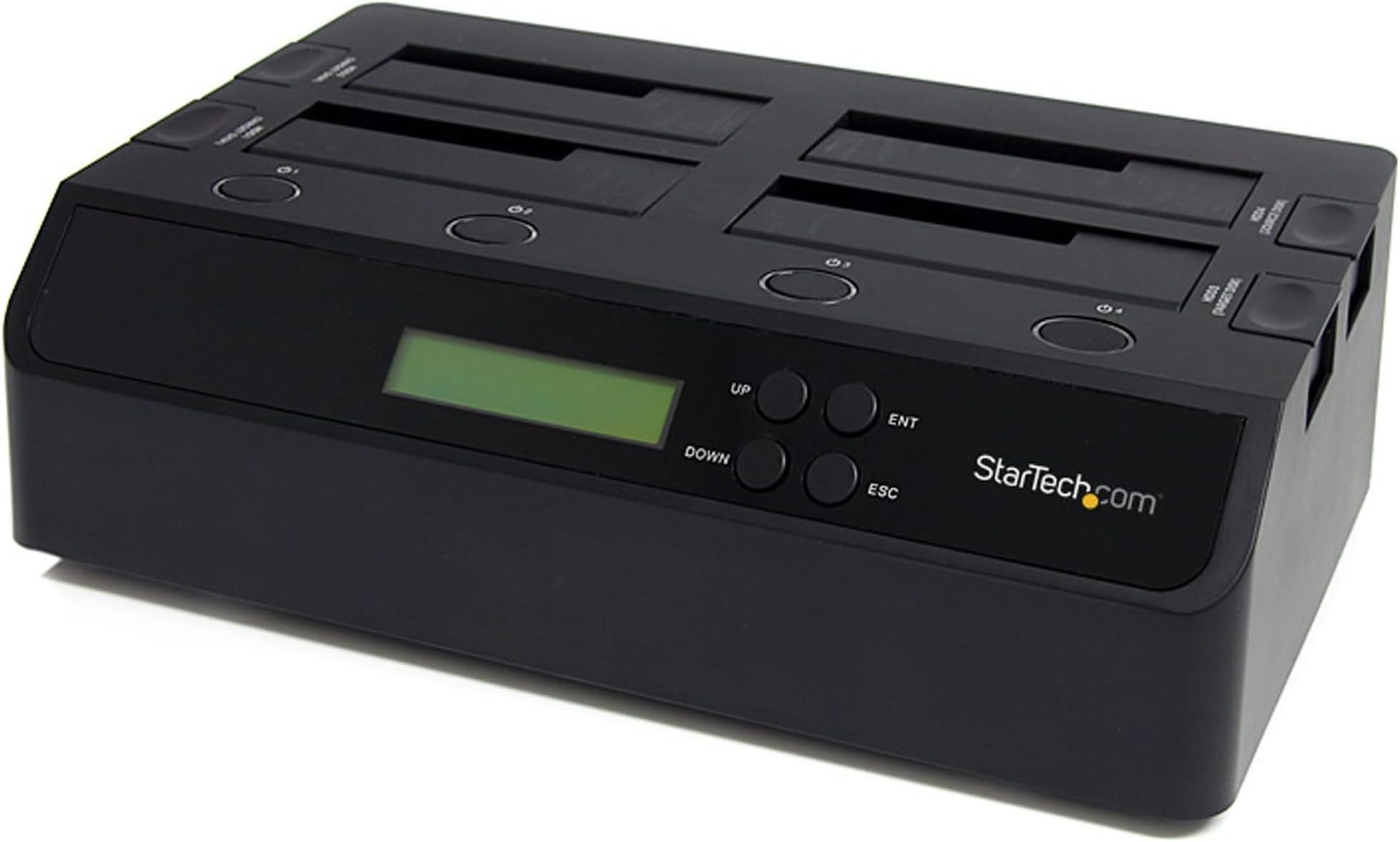
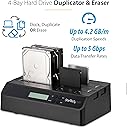
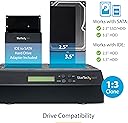
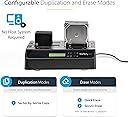
The StarTech.com 4-Bay Hard Drive Duplicator and Eraser is a professional-grade external docking station that supports simultaneous 1:3 sector-by-sector cloning and secure erasure of 2.5" and 3.5" SATA/IDE drives. Featuring USB 3.0 and eSATA connectivity, it delivers up to 4.2 GB/min cloning speeds and complies with NIST SP 800-88 Rev 1 for data sanitization. Designed for IT professionals, it operates standalone with an intuitive LCD interface and is backed by a 2-year warranty with lifetime technical support.




| ASIN | B005CQ12W2 |
| Batteries | 1 AAAA batteries required. |
| Best Sellers Rank | #47 in External Disc Duplicators |
| Compatible Devices | Laptop, PC |
| Connectivity Technology | Serial ATA/600, USB, USB 3.0 Type B |
| Customer Reviews | 4.5 4.5 out of 5 stars (1,017) |
| Data Transfer Rate | 573.44 Megabits Per Second |
| Date First Available | February 28, 2012 |
| Department | accessories general |
| Global Trade Identification Number | 00065030843881, 00172302685732, 00666670087606 |
| Hard Disk Form Factor | 2.5 Inches |
| Is Discontinued By Manufacturer | No |
| Item Weight | 2.39 pounds |
| Item model number | SATDOCK4U3RE |
| Language | English |
| Manufacturer | StarTech.com |
| Max Number of Supported Devices | 4 |
| Memory Storage Capacity | 4 TB |
| Product Dimensions | 11.2 x 6.8 x 3.8 inches |
| UPC | 650308438816 999996648641 172302685732 163120772483 934818656039 777785636006 029126821733 666670087606 806291854724 132017581842 763615974660 803982821645 012951717531 753030679073 999997081812 778889435717 065030843881 851975716362 012303193631 168141459382 012304316480 320127556564 |
E**M
Great tool for IT Pro
I've had this a few years now, use it occasionally as spinning hard drives aren't used as much any more. Good tool to erase a disk you're getting rid of (this is a basic erase, will deter most thieves, but there are more secure methods.) Also work with SATA SSD but make sure you understand SSD loss of performance issues before copying them with this device.
M**H
Standalone disk copier saved my PC first time! There are a few quirks
With a hard drive failing on a Windows 7 PC, scheduled backups had not completed for over a month and I hadn't noticed. SMART failures were increasing and old external USB2 SATA interface did no better than the PC in reading drive contents without failures. So I took a chance and got this StarTech standalone SATA drive copier and it worked like a charm! Took a 160GB drive Windows 7 image to a 500GB drive in about 75 minutes. Saved many hours of time fussing with restoring from old backups and recreating updates of user files! Here are my summary pros & cons: + core duplicator function works well if not very fast as a drive copier + erase function is a nice, relatively quick function, 1 pass only + works very well to allow one to upgrade from a small old SATA drive to a newer larger capacity SATA drive + verified function up to 3TB as target drive + % complete LEDs work well to indicate progress in disk copying or erasure Cons & quirks: - the copy function is not very fast. A 2TB drive took overnight, but the above 160GB clone took about 75 minutes - USB3 performance not up to other USB3 StarTech SATA drive adapters, but is 50-75% better than USB2 - disk erase is only a single pass erase, so does not suffice for meeting HITECH/HIPAA or other legal requirements for deleting data - entire interface MUST have a power reset to switch from duplicator to SATA to USB3 interface (found in user forum not in manual) - the USB chipset does not pass SMART commands through, so cannot use to validate either drive SMART status - wish this had the eSATA interface which usually can pass through SMART queries Bottom line: if you need a small number of hard drives cloned, it works well on Windows (NTFS, FAT32) and Linux (ext2, ext3, ext4) partitions. [minor updates to review 2016-01-21, fine unit, especially for the current price MS]
H**1
Great Unit.
I have several hard drives that I use periodically but don't have space inside of my desktop, I don't use all of them at every minute so being able to swap them in and out when needed is great. Just recently i wanted to transfer my work computer from a HDD over to a SSD to make it a little faster and thought that built in duplicating feature would make things simple. I thought I would be able to put the two drives start the clone and be done in an hour. This was not the case for me. I bought an Intel 530 series 240gb SSD, placed it in the destination slot (HDD 2), put my work HDD in the source slot (HDD 1), pressed and held the clone button until the all 4 LEDs turned orange but shortly after the #4 LED blinked red which meant the cloning process has a problem and won't start. Tried it several times and everytime came up with the same error. I first thought this may be due to the fact that my work drive was encrypted so i started looking for software to duplicate an encrypted HDD and found clonezilla. Well the docking feature did not show up on clonezilla. Then I stared to look at the HDDs again Since the drive copies everything over you need a target drive equal or larger than the source. My mistake since I didn't realize my work drive was 250gb I thought it was 200gb. I thought that this would copy everything it needed and nothing more but not the case it copies everything. Strike this up to operator error. I moved some things around from my laptop collection and pulled a very lightly used Crucial M4 256gb drive to install it on. I made it one partition and reformatted it. I tried the process again this time it started duplicating the drives and was working for about 30 minutes when it got to the 75% mark and then the #4 led lit red meaning the cloning failed. I tried it again one more time by wiping the M4 SSD with the docks erase feature. Same results. I started doing some testing on the HDD or SSD thinking there was a bad sector or some kind of damage but all the scans and tests came up negative. Fast forward to several hours later and much frustration I was able to complete the cloning of my HDD to SSD with Clonezilla, USB stick, & DVD HDD Caddy. I was not able to use the dock for either purpose since the dock wasn't recognized by clonezilla which is why I used the DVD HDD caddy. The included instructions (which are the same as on the mfg site) are very vague so its of very little help. They just explain the operation of the unit and what the LED indicators mean. They don't give any explanation of what would cause the errors, they just expect you to know. I still plan on keeping this for the docking ability of 3.5" and 2.5" HDDs. Maybe some day in the future i'll get a use out of the duplicating feature. 3/27/16 I had another chance to use this to clone my new work computer from a 128gb to 256gb ssd. This time the unit worked perfectly, was able to duplicate the drive over in about 20 minutes. Windows activation had to be redone because of the change in hardware but easily done.
M**.
Great Device with StarTech’s superior quality!
This is a great dock! Allows move to connect two SATA drives to my PC, also supports stand alone Duplicate and Erase. It’s built very well with high quality materials. It connects easily. It is fast and reliable. The stand alone cloning works with drives formatted and used with any Operating System. The cloning must be done to a drive that is the same storage size or greater than the drive being cloned. If cloning to a larger drive, the partition on the larger drive will be the same size as the cloned drive, so you will need participating software to either create another partition in the remaining, unused space or to expand the partition to use the space of entire new drive. It would be really nice if StarTech could provide an option when cloning, to have the device automatically expand the partition after cloning is complete to the full size of the drive. (A little hint to StarTech for a new feature!)
C**T
Conforme à la description, livraison dans les délais
R**N
He tenido otro duplicador más económico y después de la experiencia recomiendo este. -Los materiales son mejores que otros productos más baratos y da mas confianza. -Se pueden hacer copias entre dos discos iguales, cosa que no pasa con otros aparatos más baratos. -El usb3 va genial. Muy rápido. -Se puede desmontar una disco duro sin que se te desmonte el otro también. -Tiene tapas en las ranuras para que no se llenen los conectores de polvo. -Tiene unos botones en los lados que permiten sacar los discos duros con más facilidad. -Funciona perfectamente como duplicador y como dock para tener dos discos duros externos extra. Solo un aviso para gente sin experiencia duplicando discos duros. Si la unidad de destino es mayor la partición creada será del tamaño de la de origen (hace uno copia 1:1). Para utilizar todo el espacio hay que usar un programa para cambiar tamaños de particiones. Esto no es un defecto, es una consecuencia de hacer una copia exactamente igual. En resumen, es más caro que otros productos similares pero vale la pena. Lo recomiendo.
イ**ン
おもっていたことが普通に出来る。ハードディスクのコピー、ハードディスクの完全な削除など。少し時間はかかるがほっとけば作業をしてくれる。
M**A
Marvelous job has done with this great ( not cheap ) technical marvel. On the end, it copies all what I have wished without problems. I AM ONLY SORRY THAT I HAVE NOT BOUGHT THIS PRODUCT LONG AGO. Also they have fast and competent customers support. They are nice and specialists. Thanks to all from STARTECH company. Have a nice day and all good, Miro from Slowenia/Europe
L**I
semplice da usare, anzi direi intuitivo. Per il momento tutto funziona perfettamente. Ottimo per l'archivio e salvataggio dati. Usando esclusivamente il portatile ho cercato di alleggerire il suo HDD di dati per renderlo più performante. Tutto funziona alla perfezione. Ottimo prodotto
Trustpilot
1 month ago
1 week ago