We remain fully operational. Our teams are working around the clock to ensure your deliveries continue safely.

DOWNLOAD THE APP


Customer Services
Copyright © 2025 Desertcart Holdings Limited
DOWNLOAD THE APP
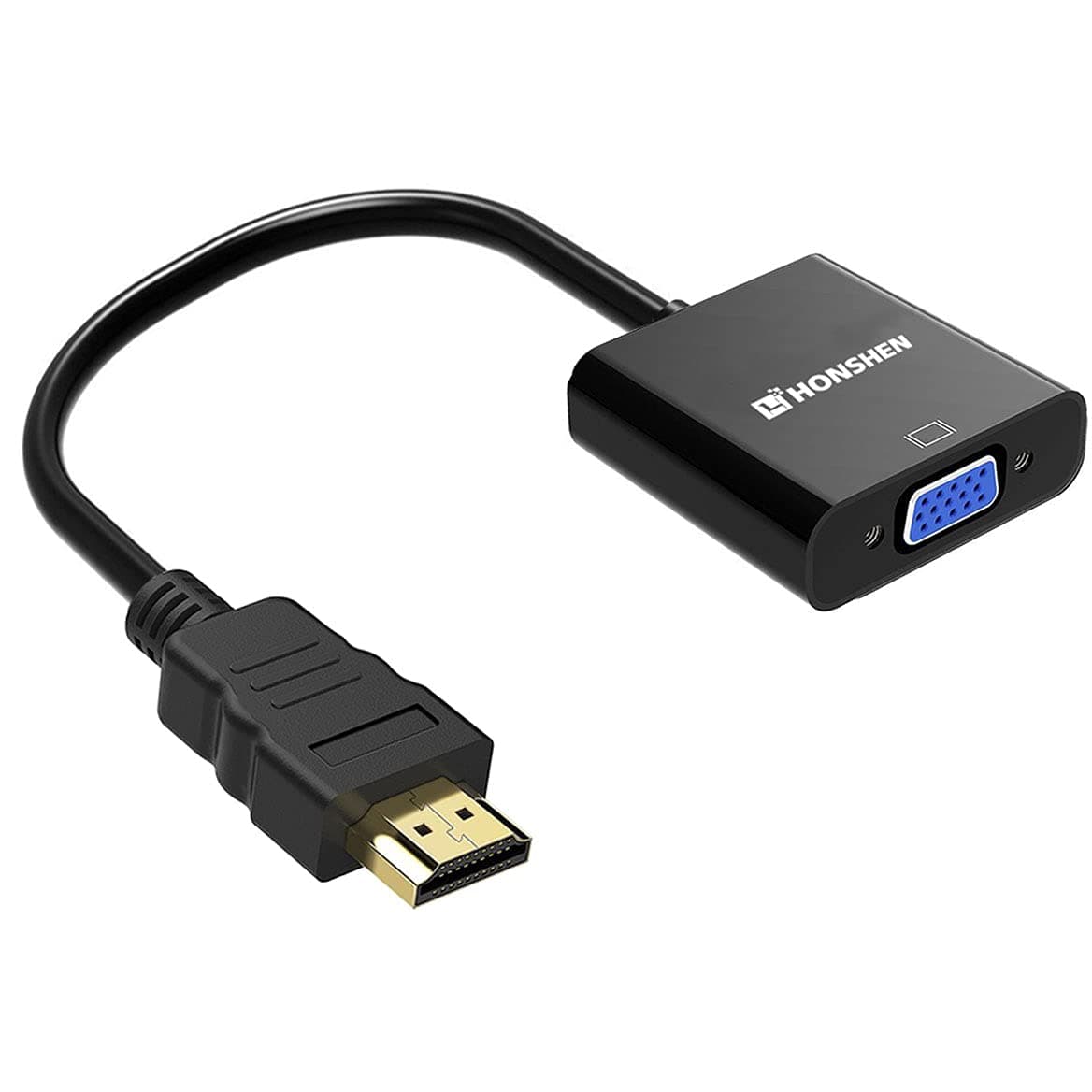
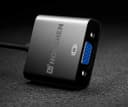
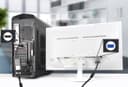
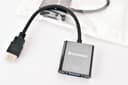
🔌 Upgrade your workspace—connect legacy with future-ready clarity!
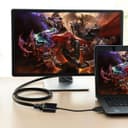
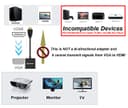
The HONSHEN HDMI to VGA adapter converts HDMI signals to VGA output at resolutions up to 1080p Full HD, featuring gold-plated connectors and a built-in active IC chip for enhanced compatibility and energy efficiency. It requires no external power or drivers, making it an ideal plug-and-play solution for connecting modern laptops, PCs, and streaming devices to VGA monitors or projectors—perfect for professionals needing seamless display integration.


| ASIN | B072SNVKDF |
| Item model number | 8541673673 |
| Manufacturer | HONSHEN |
| Package Dimensions | 15.9 x 13.1 x 2.2 cm; 30 g |
J**S
De mucha utilidad para utilizarlo en cualquier equipo
W**R
Good product. A great way to add a monitor. The only suggestion I have is it would have been nice for the converter to come with installation drivers. It is plug-and-play, and Windows finds and installs a driver that works. I had to play with the set-up, so it displayed the same as my other monitors. Good product, would not hesitate to buy again.
D**R
I needed this for gaming from my Switch to a VGA (PC Mode) from HDMI. So far I’ve tested on 4 TVs in my house and it doesn’t work on two of them but it does on the other two. Now on one of those supported TVs the image doesn’t adjust properly from the vertical space even when adjusting under settings etc but the other shows up perfect! So I know the cable works is what I’m getting at. What I really bought it for is so I can play my Switch on an actual Dell Monitor at work during my lunch hour and I can test that tonight. Our monitors don’t have HDMI but only VGA and DP. DP doesn’t work when going from HDMI to DP so that’s a no, and downside to VGA is it doesn’t carry audio but the headphone jack on the Switch still works in docked mode. During my 4 TV test and of the two that worked, I didn’t notice any input lag whatsoever. I’m using a 3rd party mini dock and HDMI to VGA Adapter on top of that and still no lag. That may differ when I test at work. Tested at work with no issues except the monitor only accepted 720p and showed “Mode not supported” until I lowered the output resolution on my Switch.
H**M
يستاهل
R**B
I have an older model Benq LCD projector that I use to conduct professional workshops, and display lessons for school and church. It's a great projector but it operates with an older monitor cable; it doesn't have an HDMI port, but I have a newer laptop computer that doesn't take the older monitor cable. I didn't want to purchase another projector because I consider my projector one of the best ever made. So, I purchased the HDMI to VGA video converter/adapter cable to solve this problem. When I first used it, my projector gave an error message; however, after searching for the remedy online, I found out that all I needed to do was lower the resolution on my computer to make it work properly. The change in resolution worked, and now I don't have to look for an older laptop computer to make my projector work. The converter/adapter cable did the job!
Trustpilot
3 weeks ago
2 days ago