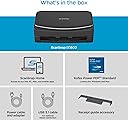
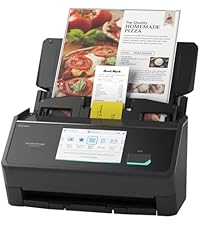
🚀 Elevate your workflow with the ScanSnap iX1600 — where speed meets smart scanning.
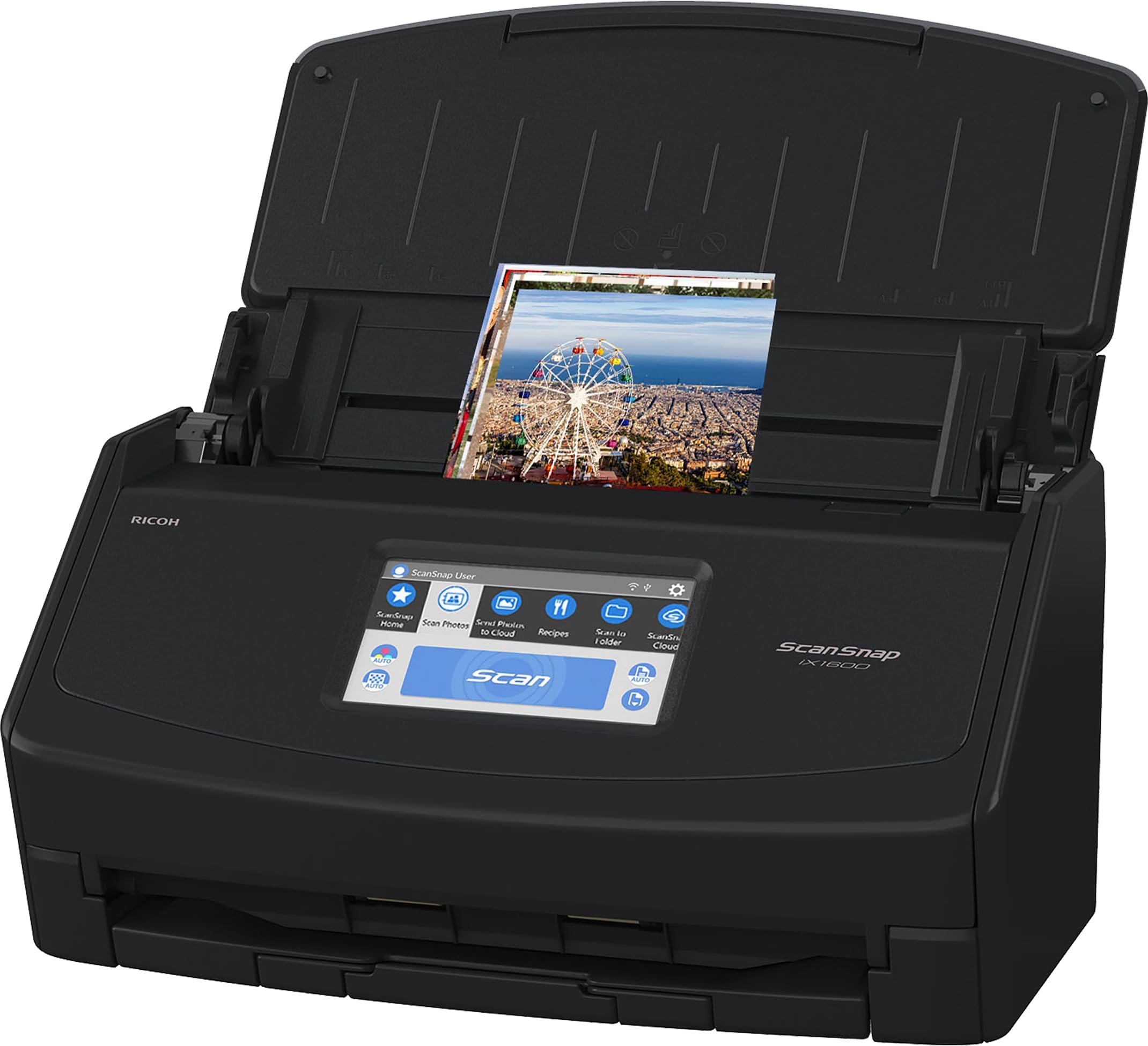
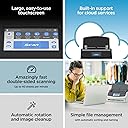
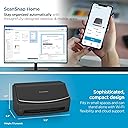
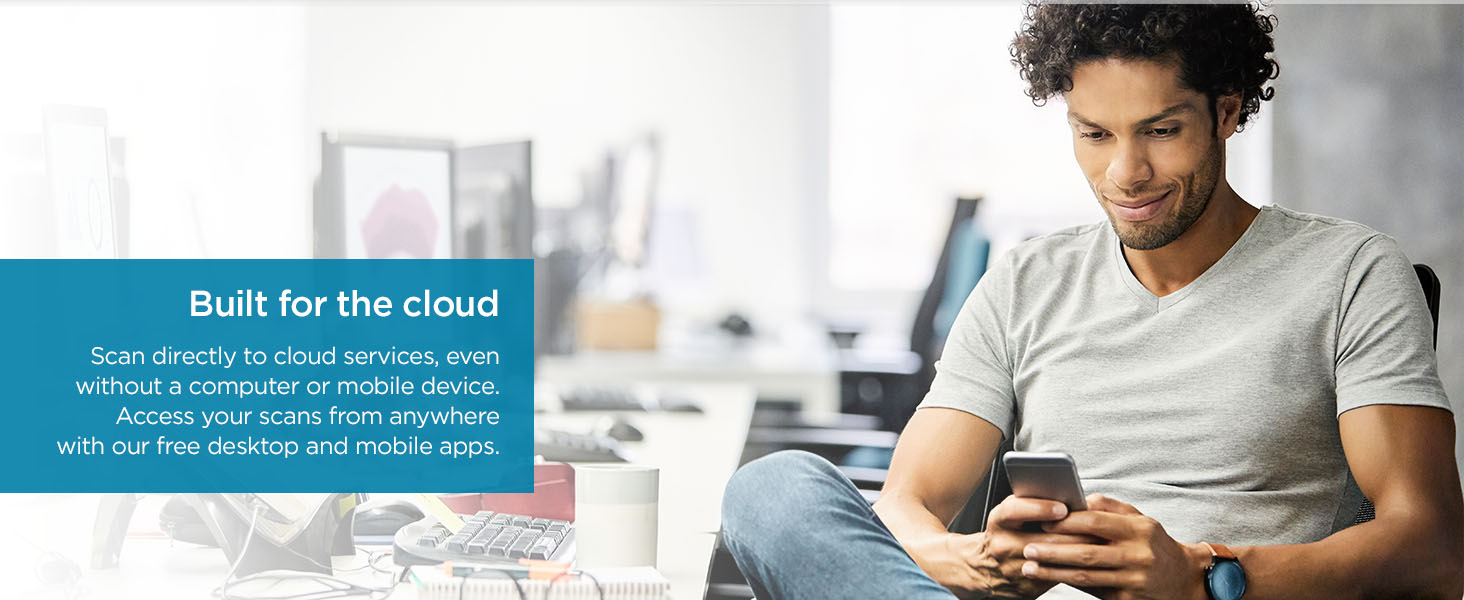
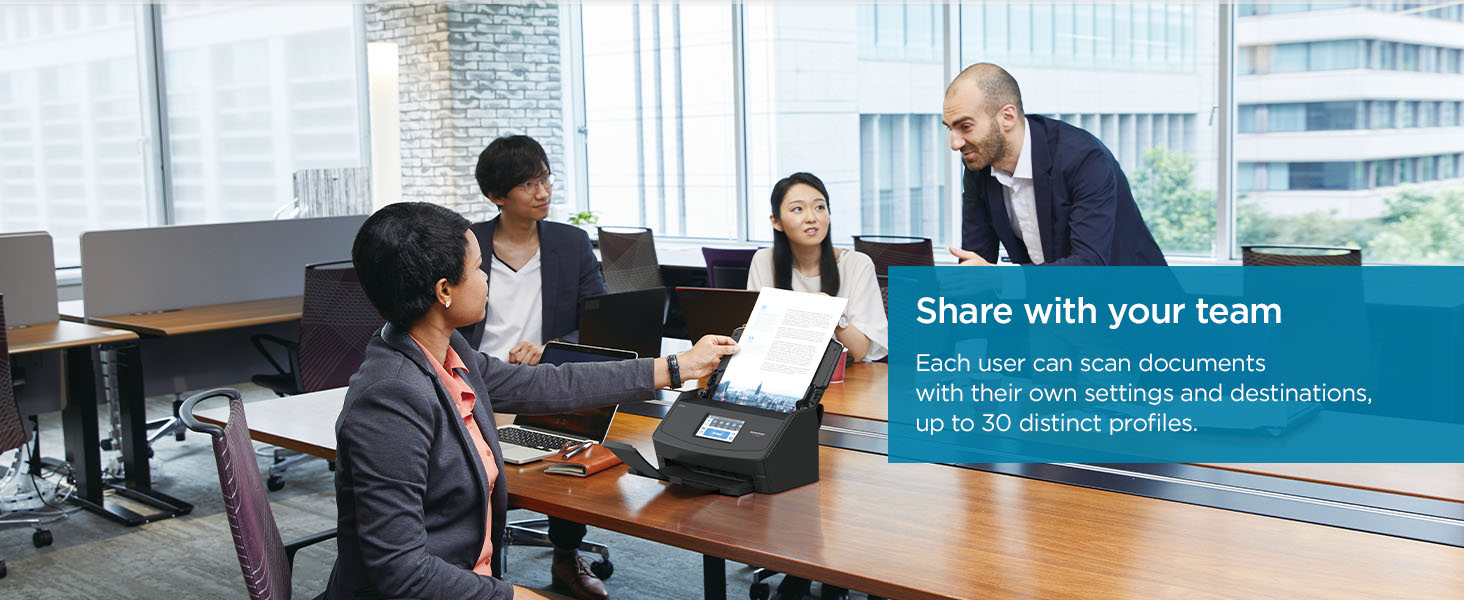
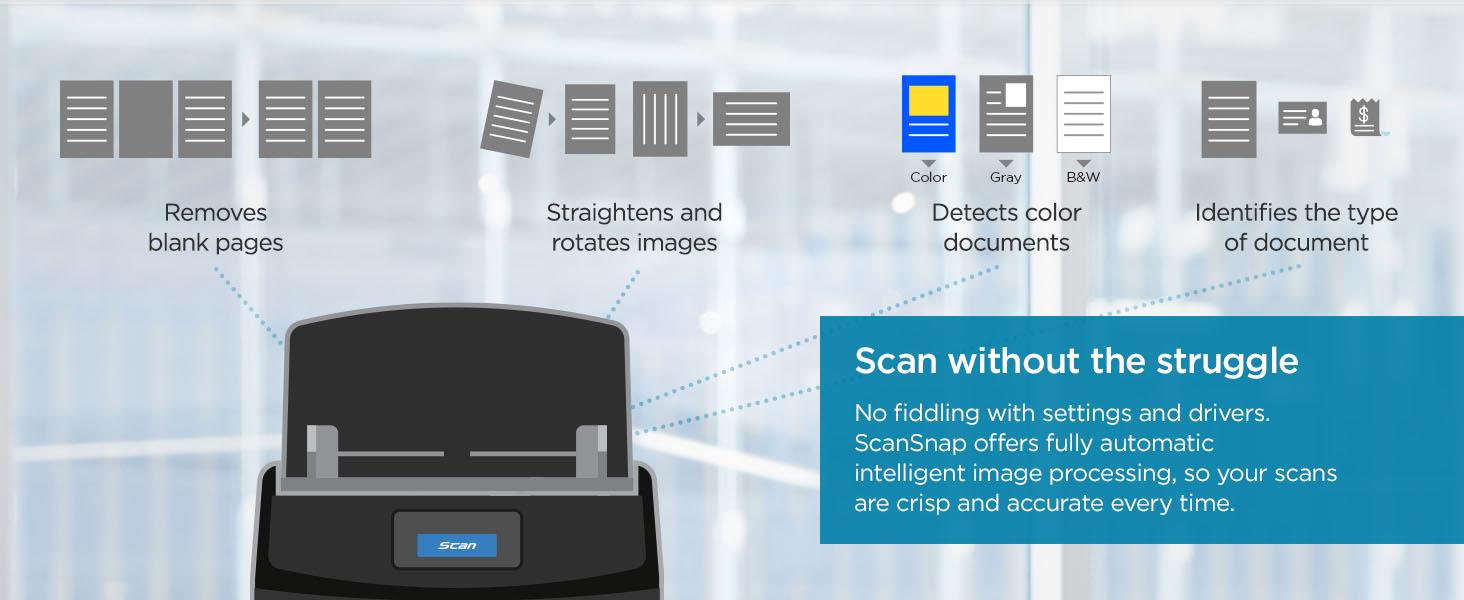
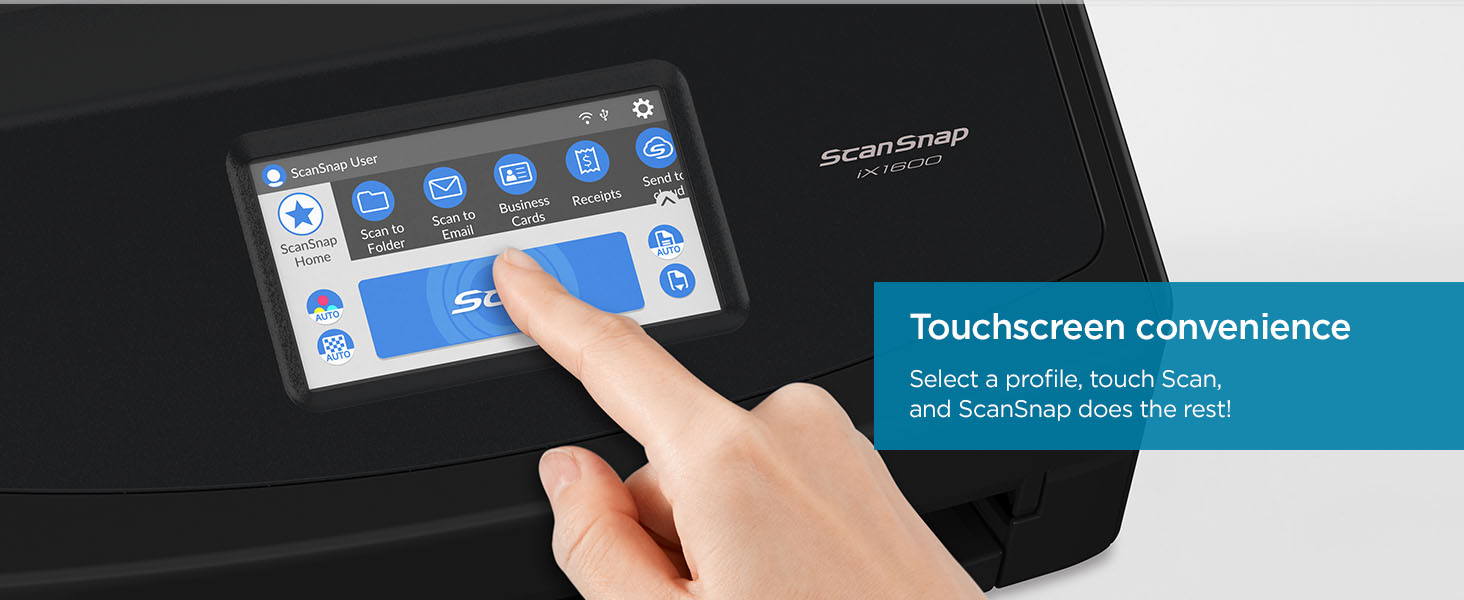
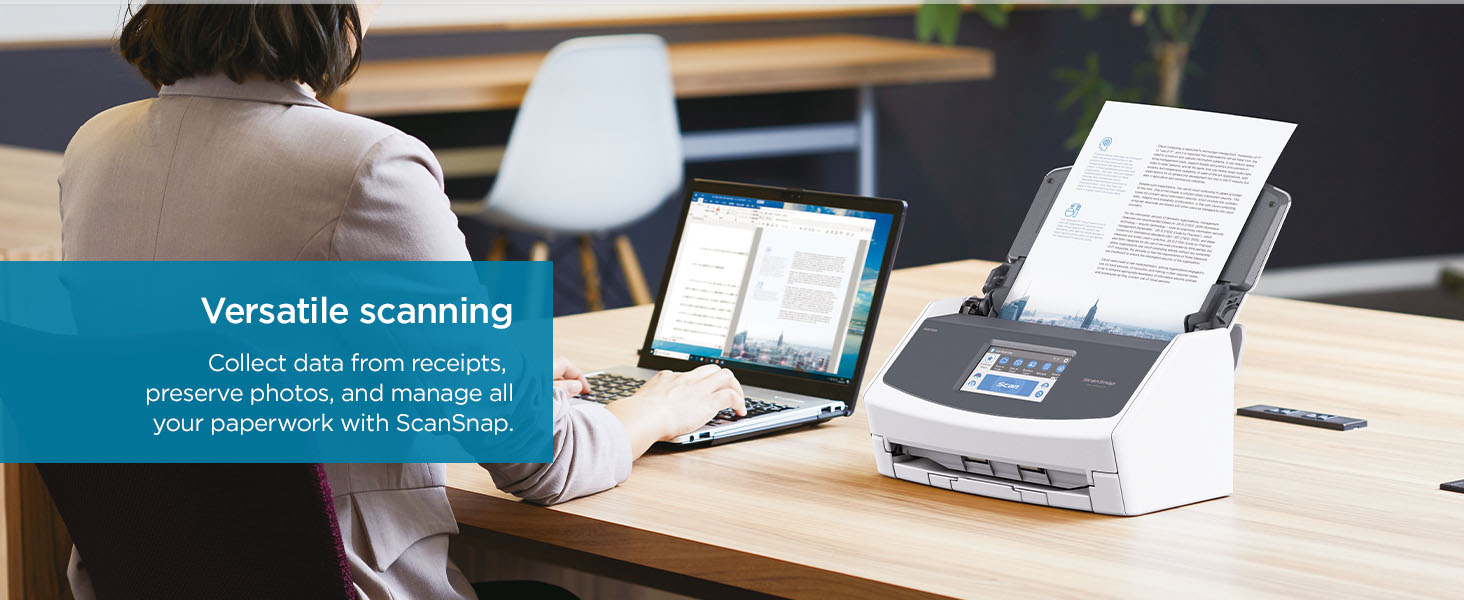
The ScanSnap iX1600 is a top-ranked, high-speed document scanner featuring 40 ppm duplex scanning, a large 7-inch color touchscreen, and versatile Wi-Fi plus USB connectivity. Designed for home and small business use, it supports up to 30 customizable scanning profiles and integrates seamlessly with multiple cloud platforms. Its advanced ScanSnap Home software streamlines document, photo, and receipt management, making digitization effortless and efficient.


| ASIN | B08PH5Q51P |
| Best Sellers Rank | #1,010 in Office Products ( See Top 100 in Office Products ) #1 in Document Scanners |
| Customer Reviews | 4.5 4.5 out of 5 stars (4,906) |
| Date First Available | January 19, 2021 |
| Item Weight | 7.5 pounds |
| Item model number | PA03770-B635 |
| Manufacturer | PFU Limited |
| Product Dimensions | 6.3 x 11.5 x 6 inches |
L**S
Excellent Choice
I bought the ix2500 Photo Edition to tackle a mountain of old photos, and the decision was straightforward. Most other batch scanners in this price range had troubling reviews—scratched prints, skewed images, and outdated designs. The ix2500 stood out as the newest model, and while Ricoh’s website and virtual assistant were no help in deciphering the four ScanSnap options, I went with the most expensive version and hoped for the best. Fortunately, it was the right call. After scanning over 1,000 photos, not a single one has been scratched or misaligned. The scanner handles up to 50 photos at a time with impressive speed, and it doesn’t flinch at mixed sizes or orientations in a single batch. Both the Wi-Fi and USB connections work without problem on Windows 11. While the 600 DPI resolution might not satisfy ultra-high-end needs, it’s perfectly suited for standard 20th-century photo prints and more than sufficient for viewing on modern screens and TVs. It’s also in line with what you’d expect at this price point for batch scanners. The software, however, leaves something to be desired. It’s functional, but the automatic color correction doesn’t quite match the quality of Photoshop Elements, so I use PSE for that step. It’s an extra click or two, but well worth it. My biggest gripe is the user interface—changing file names and folder destinations for each batch requires digging through four or five layers of menus on four different windows. Not ideal, but manageable. Also, the automatic orientation based on face recognition does not work. It is not a practical problem since I can orient the photos in the scan tray so that they are properly positioned. The one thing missing is the ability to scan slides. The 600 DPI resolution would be marginal for that application, but it is better than nothing.
P**W
Incredible Scanner
If I could give this scanner 6 stars I would. I have experience with Fujitsu scanners. Our company has had two humble ScanSnap S1500s in service for over a decade, each having scanned 50,000+ documents on all original parts (and still going). We also experimented with a Fujitsu N7100 network scanner (I think we paid $1700 for that scanner new). I like this scanner better than all of them. First of all, the old S1500s only worked with ScanSnap Manager and the older Fujitsu software. This one works with both the old software and their flagship ScanSnap Home software. I honestly thought I'd hate the new software and was planning to just use ScanSnap Manager again. I begrudgingly gave ScanSnap Home a chance and I must say, it's substantially better. First of all, the older software was made up of multiple parts that all had to work together. ScanSnap Home has one clean interface that acts as a document manager, a scanner config, and so on. The flexibility is where this thing really shines. At first glance the touchscreen appears to be laid out how they think you'll want it. In reality you can customize every button, change it's icon, change it's action, etc You can have ScanSnap Home manage the docs or have it scan elsewhere and not even show the document in ScanSnap Home. I have my scanner setup here at home in a dual role. I use the default ScanSnap Home button to scan to my local NAS (as a directory on my computer, not direct [more on that later]) . I have other buttons that scan to various OneDrive locations that sync with SharePoint. For those documents it just scans direct, and I don't have it showing on my computer. Everything just works perfectly. Setup was a breeze. I initially set it up with a USB cable then decided to put it on the Wifi just for fun. I figured I'd setup the mobile app but never got around to it. Then one day the USB cable was unplugged and I went to scan something, not even thinking about it, and it just worked. My computer found the scanner over the network without any additional configuration. Even over Wifi and uploading to either my NAS or OneDrive scanning is pretty much instant. I've scanned 50 page documents and after the last page went through it was fully OCR'd and available to open within about a second. Here's the only downsides (which I didn't dock points for because this is not an expensive scanner by comparison). Although you can (with a firmware update) scan direct to a network share without the use of a computer the scanner doesn't perform any OCR on it's own. Our expensive N7100 could perform OCR on it's own but honestly it was slower. To really leverage this scanner's true capabilities, you should use it with a computer. The ScanSnap Home software is able to perform OCR on the incoming documents faster than anything I've ever used. On that note, you do have to check a box in the settings for the PDF files to actually have it save the PDF as searchable. My suggestion for when you get it is to bypass the manual altogether and just dive in. Pretty much everything is self-explanatory. If you go to Settings / Scan Settings in ScanSnap Home you'll be pretty much good to go.
O**R
Es mi primer escáner de esta marca, eh usado otros de la misma marca pero ya modelos pasados, pero su versatilidad en su programa para escanear en muy sencillo de aprender, anteriormente escaneaba con mi impresora, gran cambio con este equipo, ahorras mucho tiempo.
P**A
Hi thnere is a problem with software and doeesnt work
J**R
Ordered from Amazon AU - came with US power plug.... ??
V**G
The scanner works perfectly well. Fast and simple to use.
L**�
Trustpilot
1 month ago
3 weeks ago