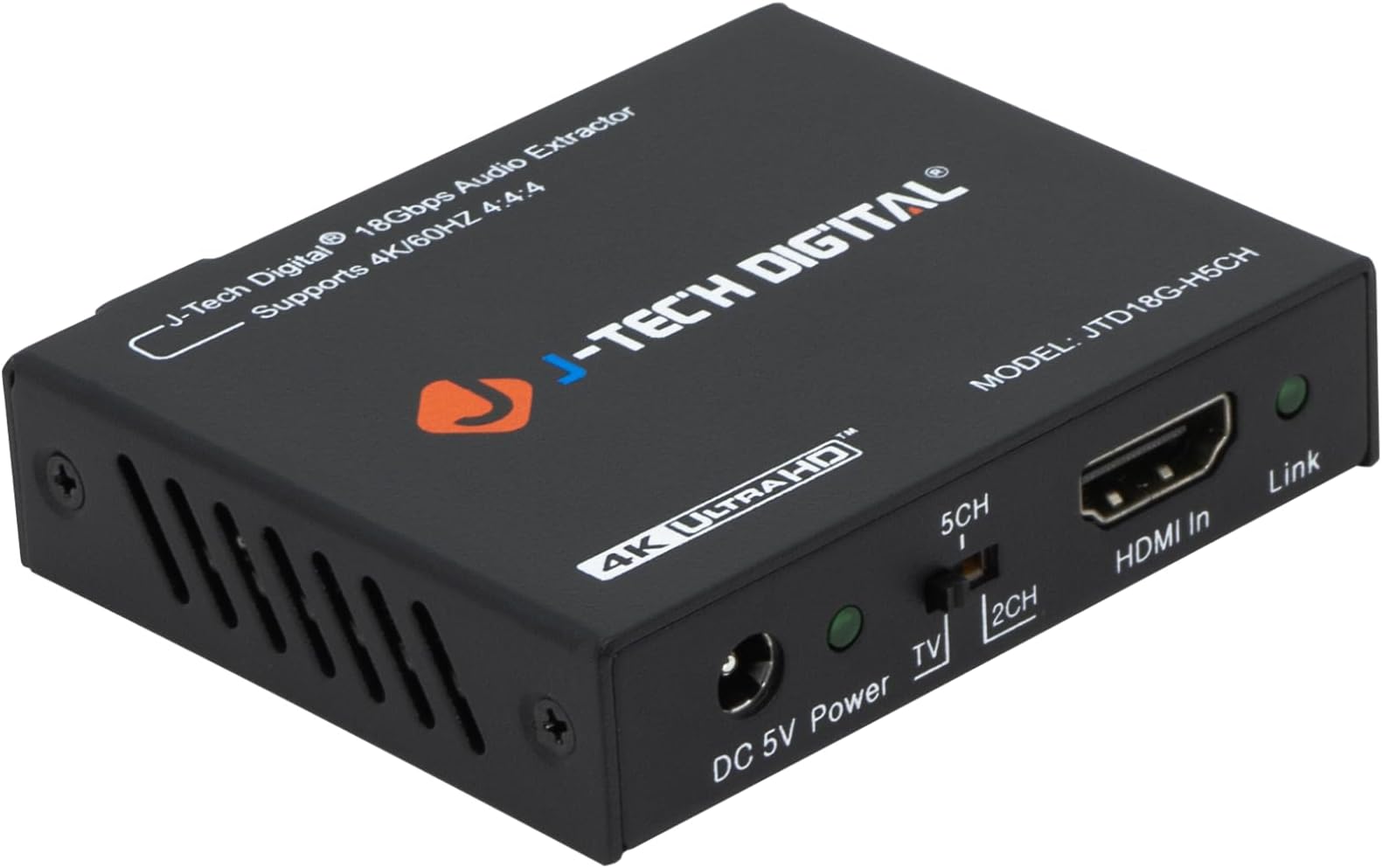
Update 2: Okay, so this review chronicles my learning what this thing/EDID actually does 🤦♂️ There’s no “downmix” happening in this machine - It simply extracts the audio and either tells the source what it requires or doesn’t. Judging simply on this functionality, I’m increasing my rating to five stars. It’s solid, inexpensive, and does its job with no harm to the data that I can tell. I think their “literature” could be clearer (for beginners anyway), but hey. The tradeoff with this component is though I avoid resampling by my television, I now rely on my Roku Ultra for PCM. Here’s the thing…There’s something about how Roku handles 5.1 that (at least for me) it assigns music to the right channel. The clearest example I have of this is the title-sequence of “Welcome To Derry” (via Max). However, if I stream it on Plex (which is already mixed down to stereo), the title music is perfectly centered to “the stage.” So I’m now shopping for a streamer upgrade, but I digress. My point is, in my experience, using this extractor puts more responsibility on your source. I don’t think that applies to everyone, but keep it in mind ✌️ Update 1: I’ve been experimenting, and came back to say… 1) I don't hear a strong difference, but I recommend setting the Roku Ultra to stereo and the J-Tech [JT] to passthrough/TV (photo taken with Roku in passthrough and JT in 2CH). 2) WiiM Pro currently can’t read DTS etc, so leaving both preceding components in passthrough got me no sound (but oddly displayed 24/192 on my DAC… weird) 3) I’d like to clarify the JT doesn’t change the Roku menu by default - It depends what order you adjust the EDID. All in all, decent product, but not sure it isn’t overkill in my scenario. Good build, no harm to video or audio, easy to use, and kind customer service that patiently answered my questions. 7/24/24 Original Review: Well, I’m glad I at least got the TV out of the audio path, but let’s rewind… I had made such strides with my system’s music handling, I wanted to bring the TV experience up to speed. That’s not to say the sound quality bad or that I was having connectivity issues, but I was aware (or at least under the impression) that the TV was resampling the audio output. I was also tired of 5.1 streams (which, up until fairly recently was standard) burying dialogue in my 2.1 system. For example, being able to hear a difference between surround and stereo settings on Netflix, I assumed the mix-down was likely happening in the TV and was as mediocre as its analog conversion. That said, I was unaware of (and would eventually learn) four important things: 1) The Roku Ultra’s audio can be set to “Uncompressed Stereo” (I am still kicking myself for not checking the source first). 2) Setting the Roku to Stereo changes your menu options *in the streaming services*, and the presence of the Extractor changes the Roku menu i.e I cannot be certain the mix-down sounds any better outside the TV’s path 3) You are not going to find audio above 24/48 being streamed by major services like Netflix, Max, Hulu etc. If you want 24/192, you’re going to need BlueRay discs or RIP’s. 4) I believe the Roku is doing its own resampling to match the common 24/48 stream - Higher bitrates on a Plex server will not come through. So, I’m not sure I did much 😅 It seems almost everything I suspected of the TV was happening in the Roku (or is beyond my control to begin with). That said, I can tell you the device feels solid, it was easy to set up, and has not diminished the audible experience. I’ve had success upgrading power supplies (and the one provided seems a little “dinky”) but I see no point in experimenting with that given the circumstances. The manual seemed to be for an older model, and was the bare minimum of info, but I was able to find a slightly better version online. To give the full picture, the path is Roku Ultra > HDMI to Extractor > optical to a WiiM Pro > optical to DAC (Denafrips) > Preamp. The next move will likely/eventually be switching the source to a NVIDIA Shield TV Pro and see if that opens up the experience at all. I admittedly have only used the 2.0 setting up to this point, and need to try different “orientations” with the Roku. I’ll come back if I learn anything more ✌️