🎬 Edit smarter, not harder — your creative edge in one sleek controller!
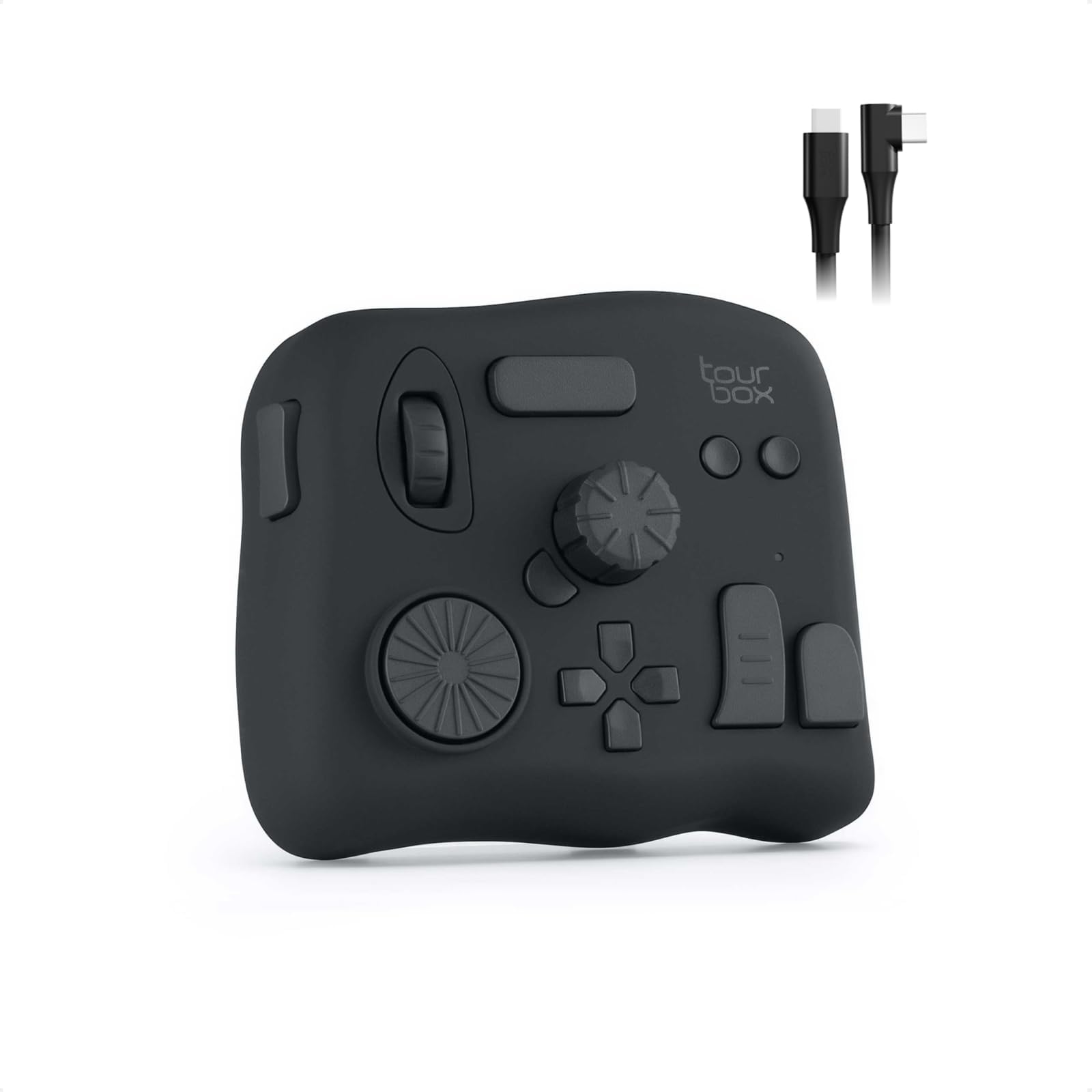
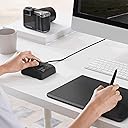
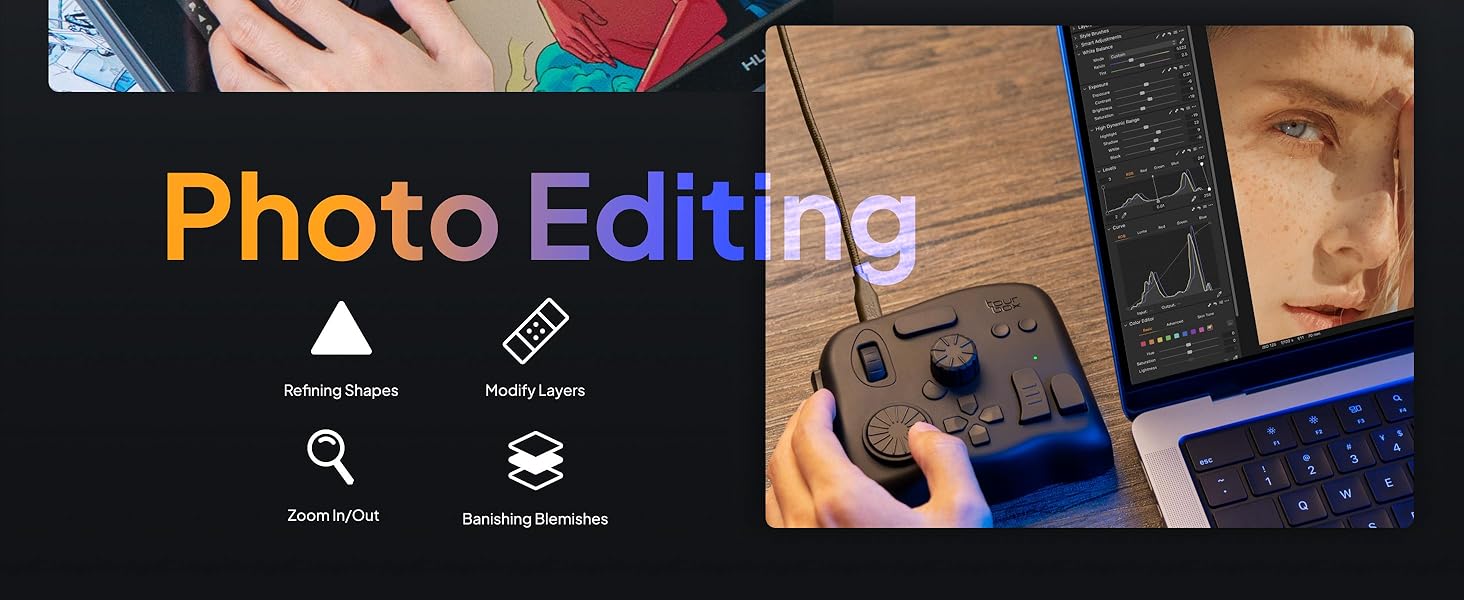
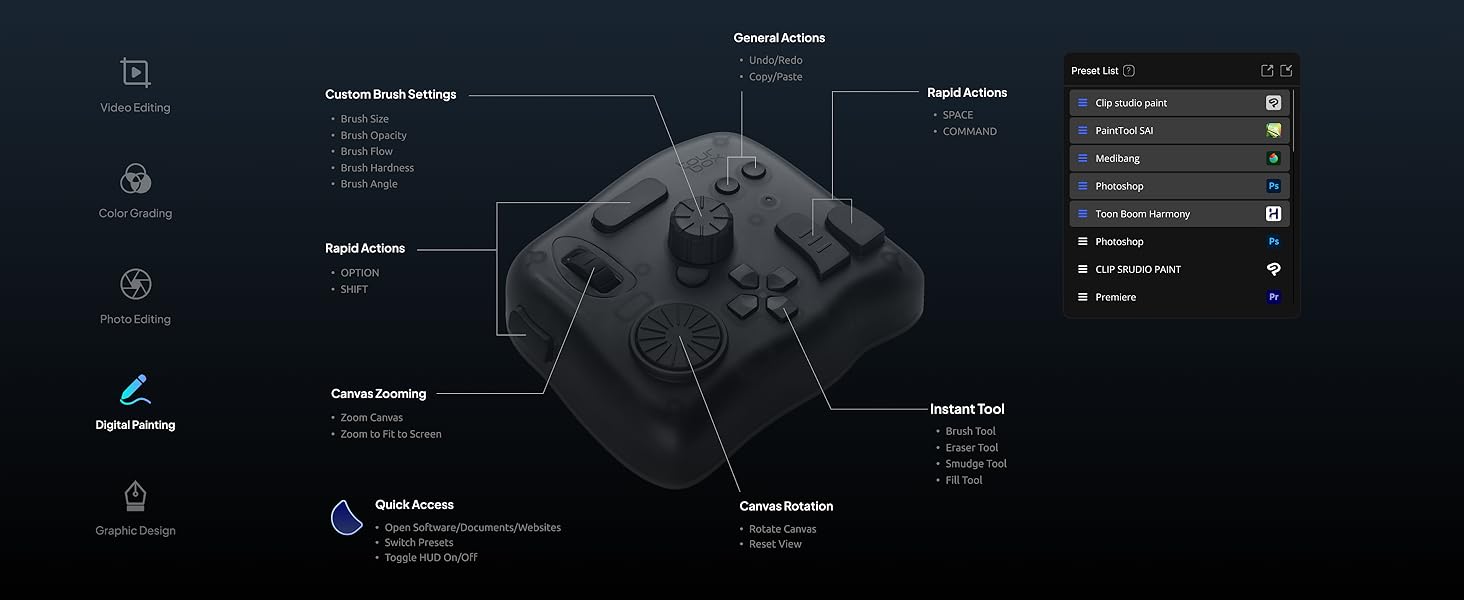
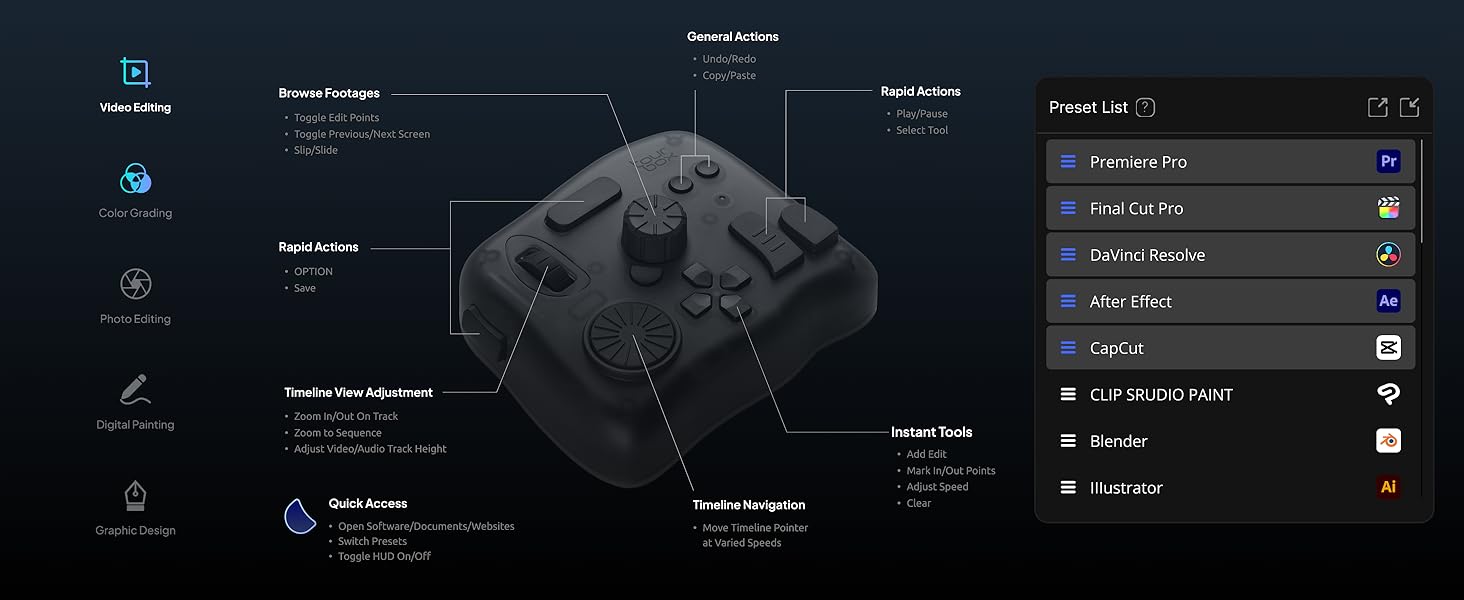
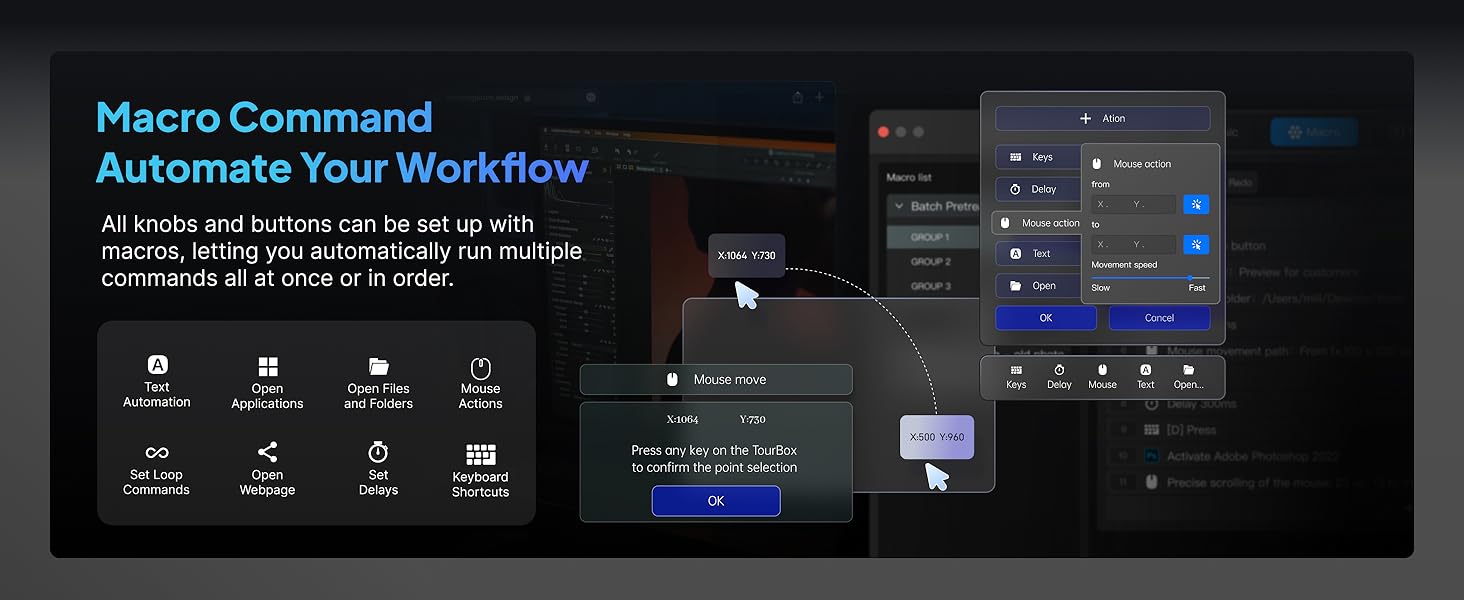
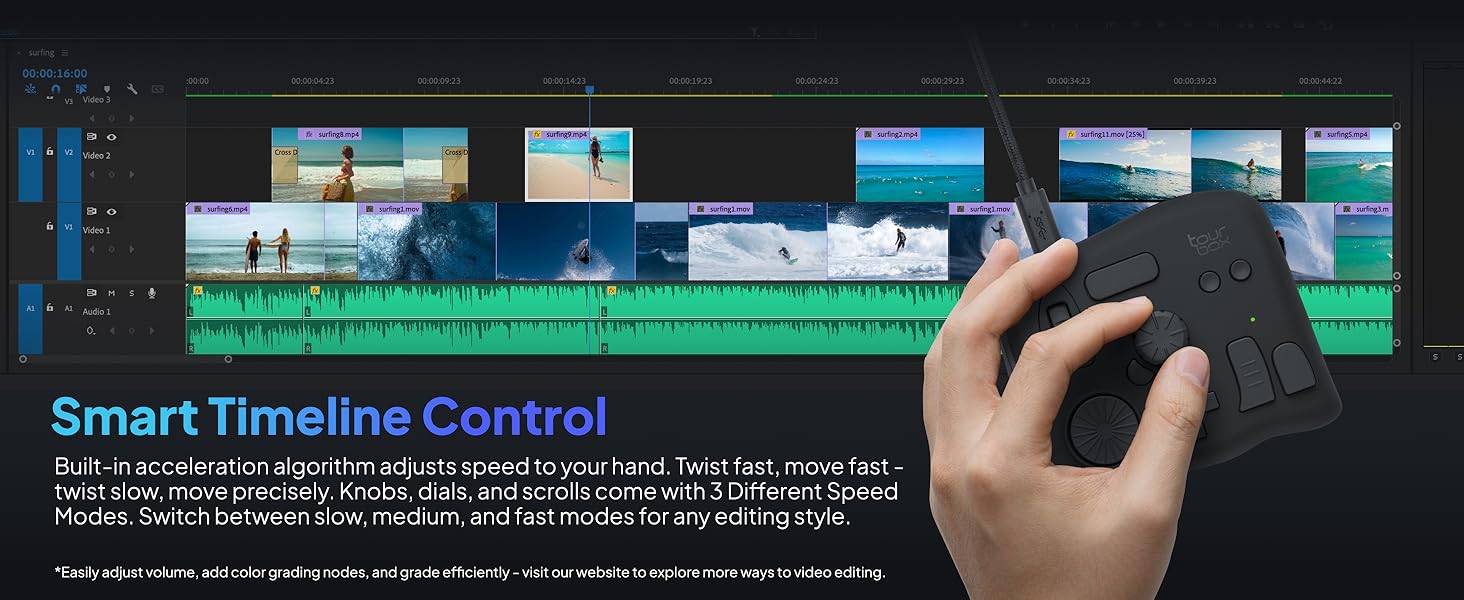
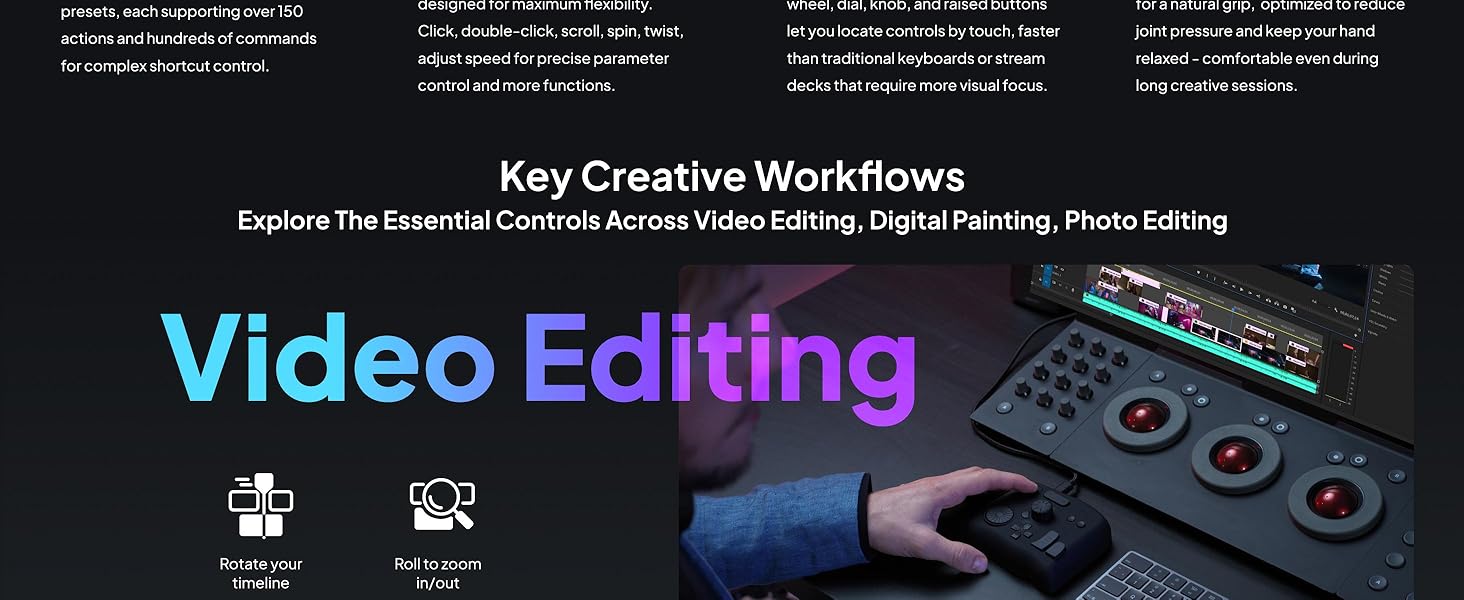
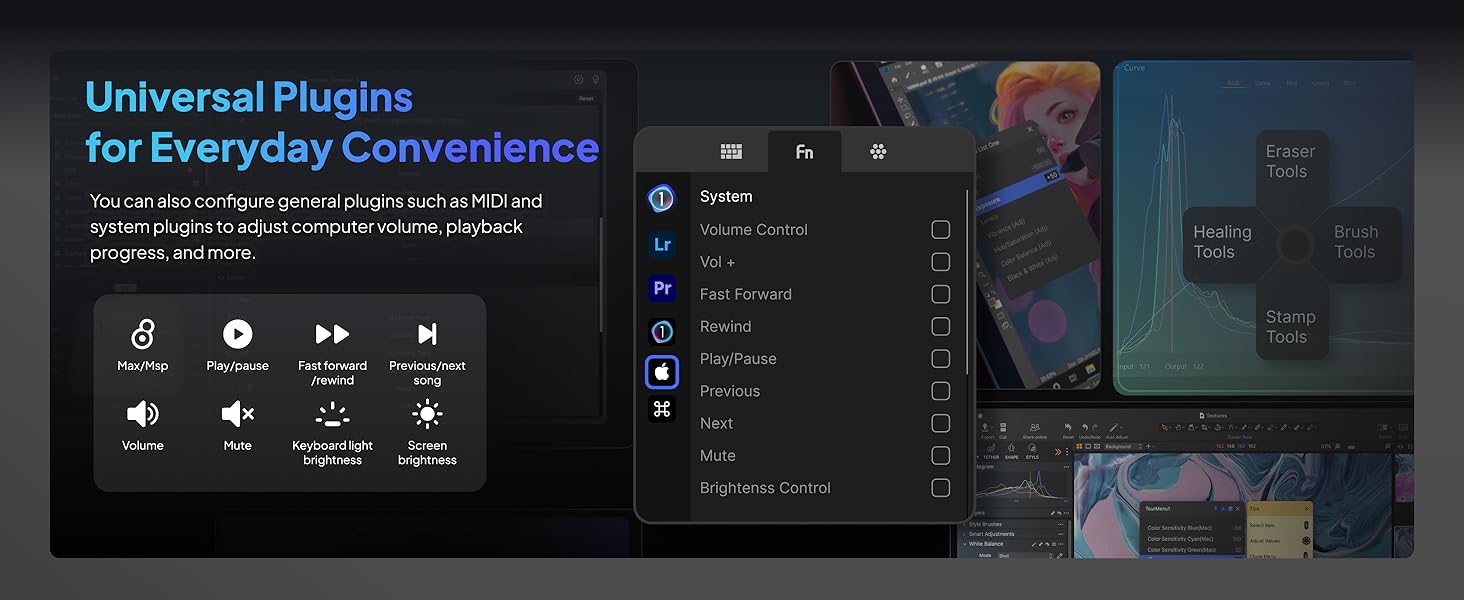
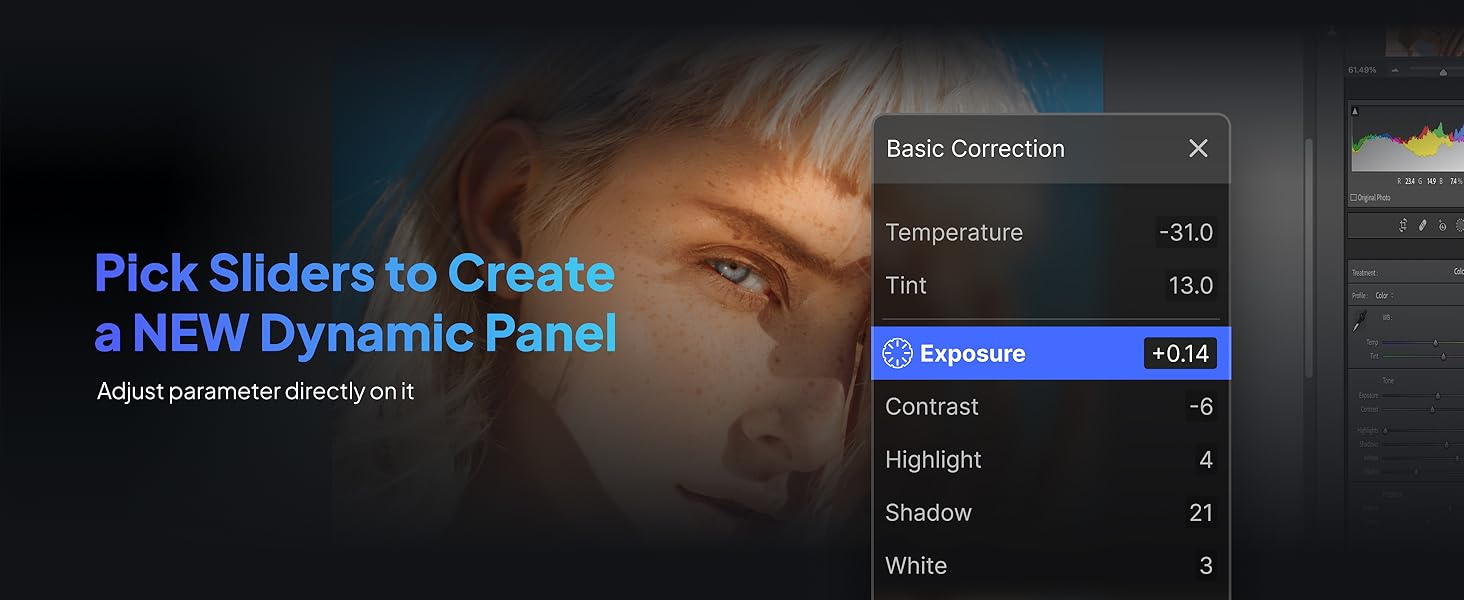
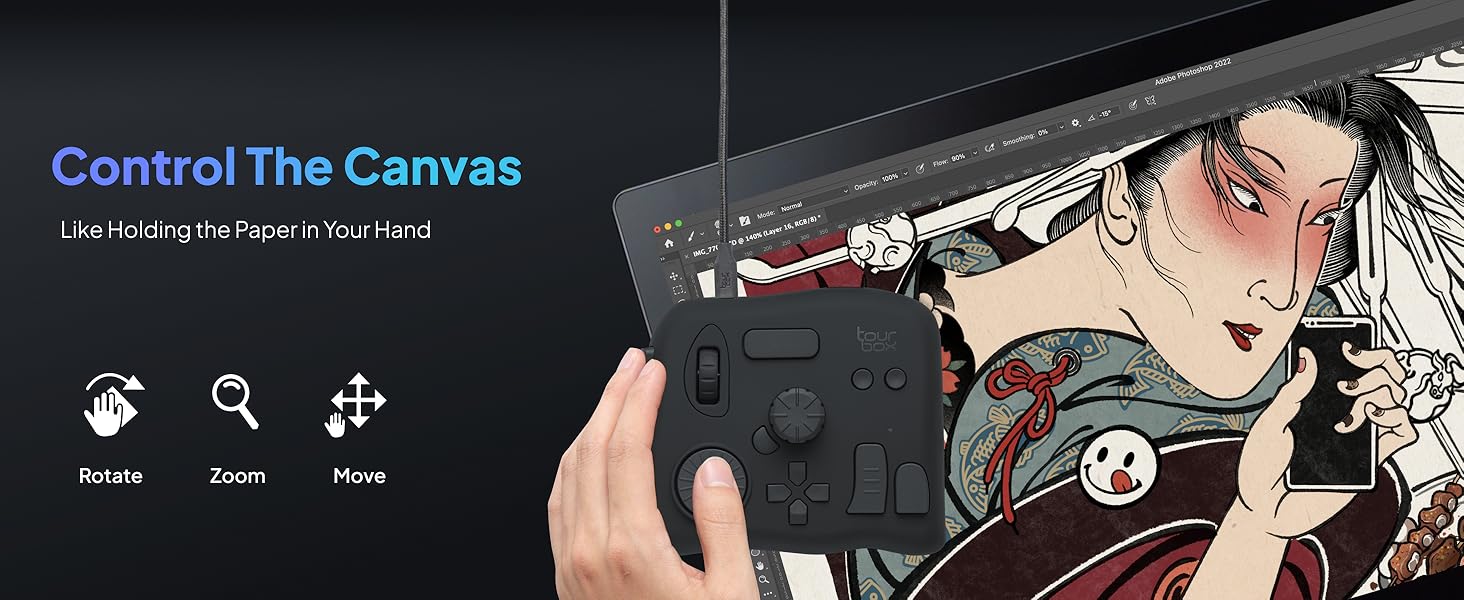
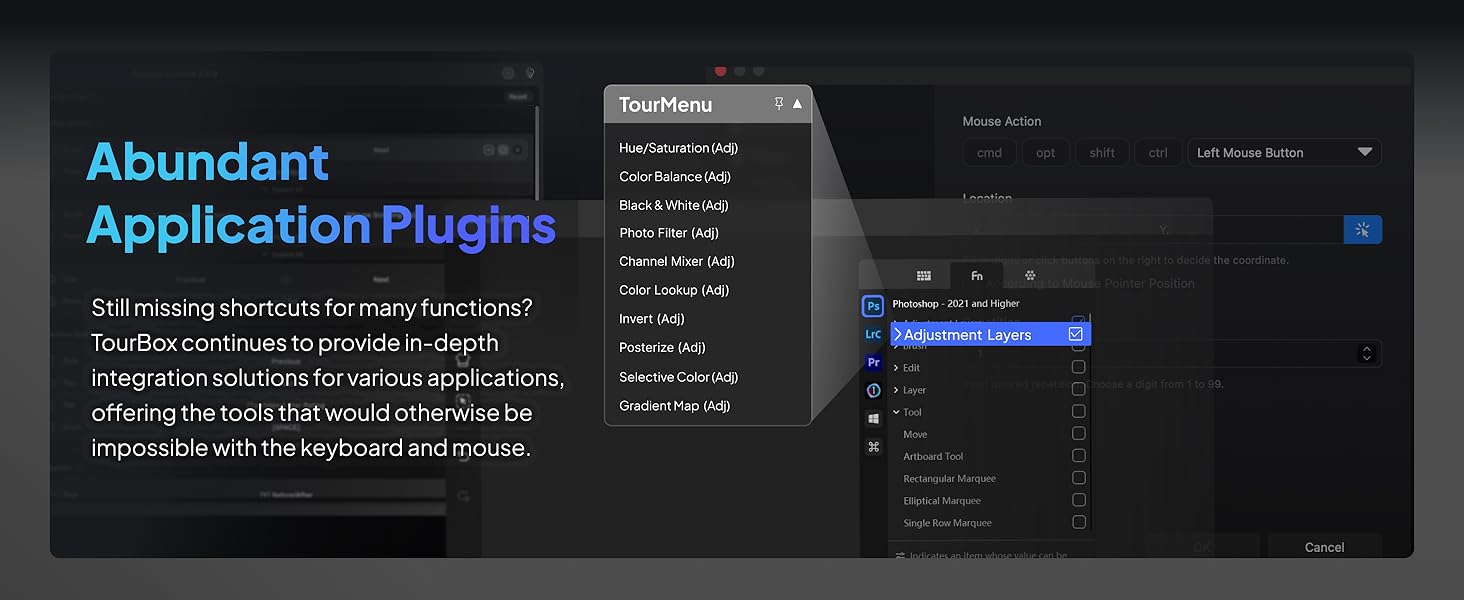
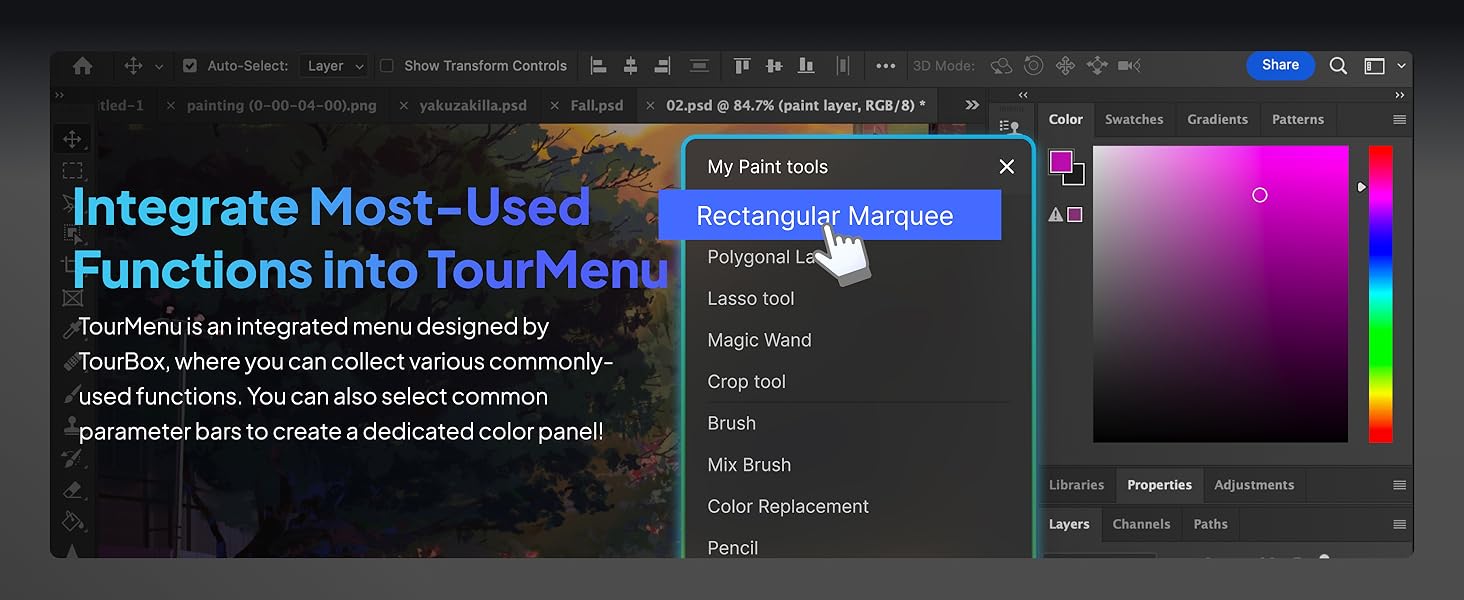
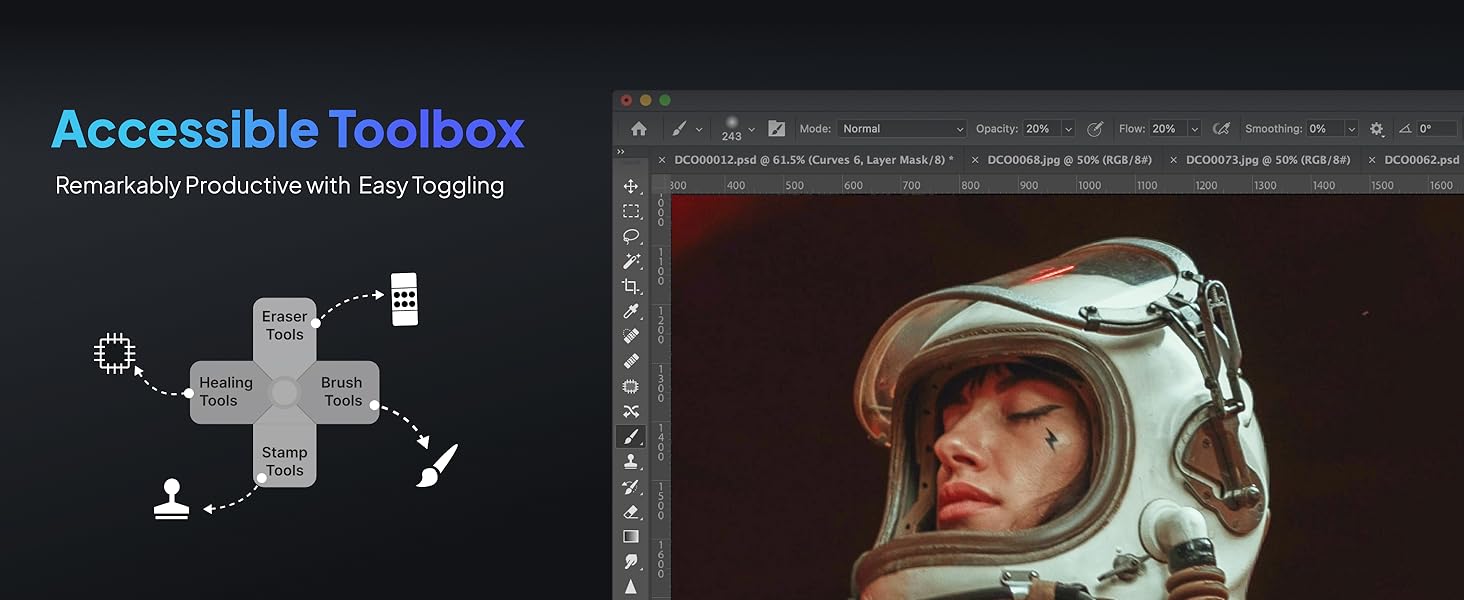
The TourBox NEO is a wired, zero-latency editing controller designed for Mac and Windows users. It offers over 150 programmable commands across 30 customizable profiles, supporting major creative software like Adobe Photoshop, Premiere Pro, Lightroom, and more. Engineered with professional-grade knobs, dials, and buttons, it enhances precision in photo editing, color grading, and video timeline navigation. Its ergonomic, soft-touch design reduces fatigue, making it an essential productivity booster for content creators seeking seamless, efficient workflows.


| ASIN | B08HCV1JGB |
| Best Sellers Rank | #572 in Computer Keyboards |
| Customer Reviews | 4.6 4.6 out of 5 stars (1,171) |
| Date First Available | September 3, 2020 |
| Item Weight | 13.1 ounces |
| Item model number | TourBox NEO AMTBG_H_L_N |
| Language | Spanish |
| Manufacturer | TourBox Tech Inc. |
| Product Dimensions | 6.69 x 1.57 x 5.51 inches |
P**L
Revolutionary
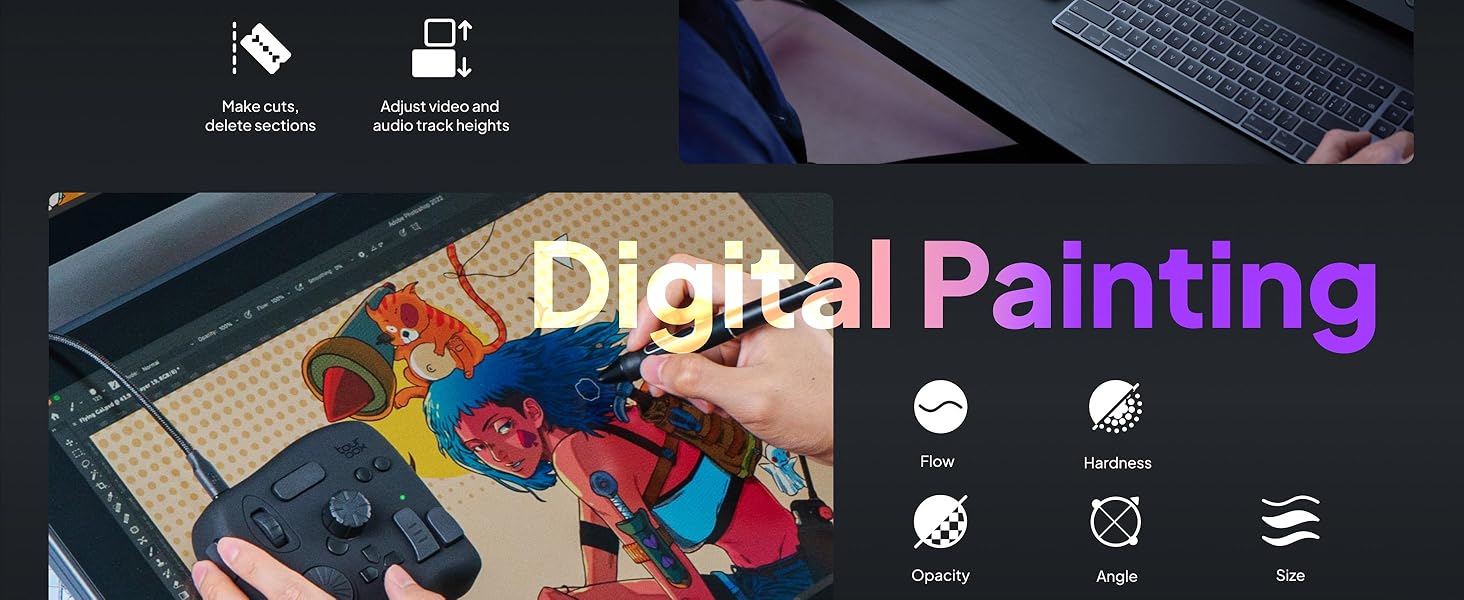
One of the most useful tools I've ever bought, I work with a few programs that require constant arm stretches from one side of the screen to the next, it's a hassle when drawing on the literal screen. Now most of my hand movements on screen are focused on smooth strokes and painting. It honestly feels like I'm back to drawing on pen and paper sometimes. 150 commands means my keyboard is now "nearly" obsolete. I can save 30 programs onto the TourBox programs, each with its OWN 150 preset. The only downside? You have to remember what all your button combinations are, but even that issue is quelled since the program can remind you quickly and easily what the button does. No lag since it's wire I expect the response to be way quicker than wireless. Buttons are nice and quiet, easy to press and not too close to each other where you might accidentally miss press. You can even adjust the way you place it for a more personal button format. Material is nice and soft, rubbery and sleeky. So far my productivity as an artist has increased and I'd like to try it out on other programs that aren't creativity centered like games and etc.
W**T
I love this thing!
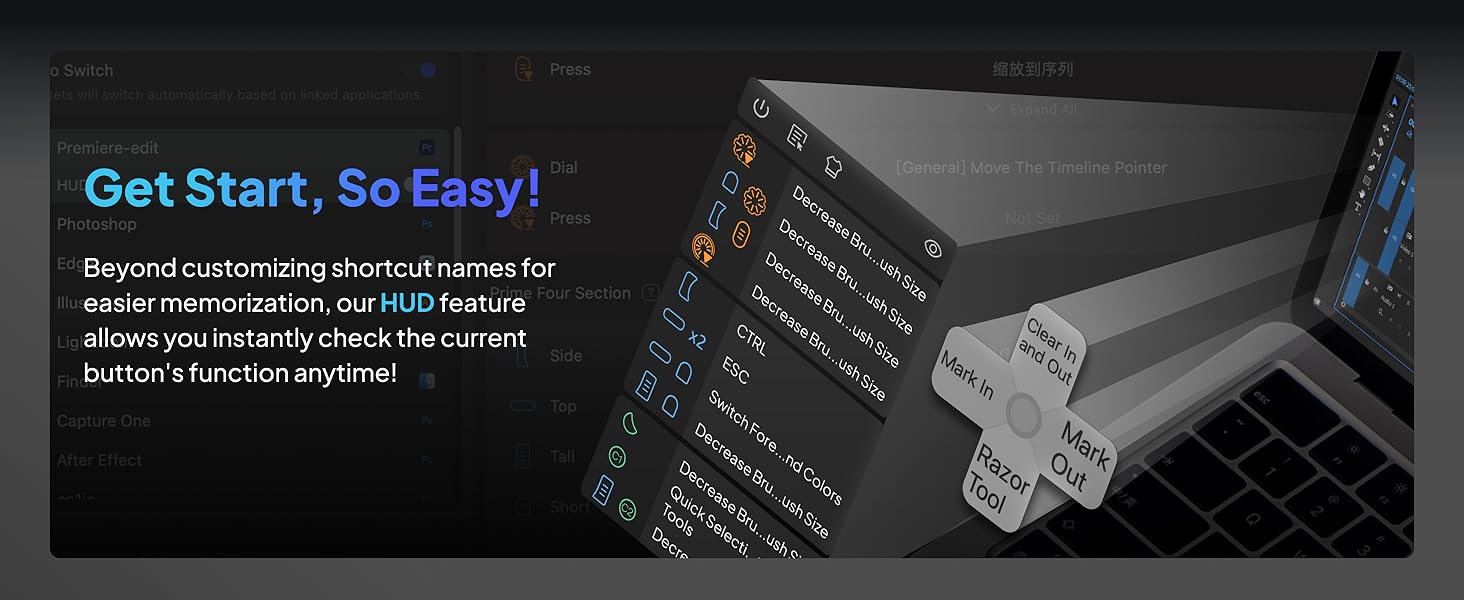
The tourbox is a solid device that helps me save time during video editing in Adobe Premier Pro. Once you get the muscle memory down basic functions like zooming in and out of the time line etc is efficient and effortless. I’m very satisfied with the overall quality of the device, the buttons and wheels functions as you would expect and after thousands of clicks and spins it still operates flawlessly. The software is easy to use and you can edit how you want each button to function or you can just use the pre made button configurations for several of the popular editing programs out there. Yes it came with a pre made setup for Adobe Premier Pro. The soft ware will also place a little widget (clickable area) that emulates the 4 of the buttons on the device. Neat. I love this device, I usually release 5 videos per week on YouTube each of whic are typically 10 to 15 minutes. That’s tons of scrolling, trimming etc I can’t imagine editing without this device. I would purchase another without hesitation if I needed to. The tourbox doesn’t have all the fancy buttons and appearance of some of its competitors devices, I can confirm it won’t make you a cup of coffee, but It will make your work flow more efficient and is a joy to use because it works! I love it!
R**D
It's a good product
Good service. The product came in perfect condition. It tested it with the software that Turbo Box provides and every button works well. It feels sturdy and it is a little heavy so it can not be drop easily. There are some presets that you can download, but I prefer to configure each application separately with the buttons I want to use. You can have as many apps as it is necessary. When confuring, you can associate each of the application's shortcut key to each button. You can combine buttons so you can have more functionality. It's functionalty depends on the shortcut key function providaded by your application.The carrying case it's just about the size of the device. Good for storage.
A**N
Exactly what I wanted with flaws
first, amazon wanted 3 'features' value for money, I hate how much this costs for what it is, its stupidly expensive, but its realisticly the only thing like it unless you want to roll dice on 30$ china things. ease of use, it took restarting and installing the software upwars 30 times each in total to get it to work, and then it locked the pc up till unplugged, another 30 restarts and installs to get it working and now its fine, this was a nightmare to get working. light weight, light weight is not a feature of this product, it's nice and heavy so where you put it down it stays while using the dial and knob. now, this sees more use outside of art programs than inside, its FAR nicer to use this than my mouse for scrolling websites, zooming in and out, among other commands. the software is very good, it recognizes that you will likely screw up on the dials which way you want things to go, so its a 1 button flip. half a turn of the dial or knob is I believe 16 button presses the bad, the software, when it works its good, had a habit of not seeing the device, despite the computer seeing it. also, you have full mapping for the wheel and for the knob, but there are no modifiers for the dial, which I honestly find weird how that was overlooked. I also wonder why not every key can be modified, take for instance the knob, turning it left and right is one set, then you have 4 more sets with the wide buttons, but pressing the dial only has one hotkey and no modifiers effect it. or the two circle buttons have the buttons below it to modify it, but the one above the knob or on the side don't. the tour button, the one on the side of the knob, that looks like it could easily be modified, is not modifiable. these limits don't bother me too much, as I can compartmentalize what im doing/using the tourbox for into hotkey sets, but I would love to see instead of what I assume being the developers/makers best idea for how the thing will be used and only making hotkeys for that, let me do whatever stupid hotkey set I want. I use this with both right and left hand I could more easily with my right hand use my pinky and hit those circle buttons with the side and top modifier than I can the ones to the right of the dpad. Overall, this is a product that once you use it, there is no going back, and there is for the most part no alternative for. possibly with a touch screen you would have a diminished use for this, but as far as im aware thats only on screens that cost in the neighborhood of 2000$ at the moment.
K**Y
Good for video!
Versatile for video editing. Programable. Check out their website for additional guidance. Very helpful!
M**0
What a great little gadget. I've been using it for a couple of weeks now with resolve,(edit and color page mostly.) photoshop, illustrator, and abelton. Works like a charm . I would buy again but maybe the upgrade with haptic feedback
E**I
افظل جهاز تحكمي ومريح عملا هو هذا الجهاز الجبار ، افادني كبرامج الرسم ، اشترها ولا تترددوا
A**9
I recently purchased the TourBox NEO Quick Key Tools for Creators and I am blown away by how much it has improved my workflow. With its 14 customizable shortcut keys, I can easily access my most-used tools and functions, saving me time and increasing my productivity. The TourBox NEO also offers over 100 customization options, allowing me to fine-tune the device to fit my specific needs. The software interface is user-friendly and intuitive, making it easy to set up and customize. One of the things I love most about the TourBox NEO is its compact size. It's small enough to fit comfortably on my desk without taking up too much space, but still provides all the functionality I need as a content creator. Overall, I highly recommend the TourBox NEO Quick Key Tools for Creators to anyone looking for a reliable and efficient way to streamline their workflow. It's a game-changer for anyone who wants to work faster and more efficiently. Cons - While the TourBox NEO offers a lot of customization options for creators, there are some cons that potential buyers should be aware of before making a purchase. Firstly, the device can take some time to set up and get used to. The customization options are extensive, but this can also make it overwhelming for some users. The device can also be bulky and take up a significant amount of desk space, which may be an issue for those with limited workspace. Additionally, the TourBox NEO may not be compatible with all software programs, which limits its versatility for certain creators. Some users have also reported issues with the device not functioning properly or disconnecting from the computer. Overall, while the TourBox NEO offers many customization options for creators, it may not be the best fit for everyone. Potential buyers should consider their workspace limitations and software compatibility before making a purchase.
B**Z
Comprei o TourBox Neo como uma alternativa mais barata ao SpeedEditor do Davinci Resolve. Mas estava preocupado se ele seria capaz de cumprir bem essa tarefa. E depois que consegui configurá-lo corretamente, ele não só conseguiu, como superou minhas expectativas! Ele é altamente personalizável através do software TourBox Console, permitindo a configuração de atalhos simples (com 4 opções de atuação) e também a combinação de teclas, mas principalmente possibilitando um ajuste fino (com 3 níveis de intensidade do Scroll, do Knob e do Dial), funcionando muito bem no Davinci Resolve, seja para navegar nas Timelines frame a frame ou um para um movimento mais acelerado, e ele consegue fazer isso de maneira fluida e natural. Ele também é capaz de exibir um HUD em overlay exibindo os atalhos configurados caso seja necessário. O tamanho é compacto, e o design é versátil, e o acabamento é agradável, podendo ser utilizado tanto com a mão esquerda quanto com a direita conforme a preferência. Além disso ele tem a vantagem de poder ser utilizado em diversos cenários não se limitando ao programa A, B ou C, e ainda tem a opção de alternar entre perfis automaticamente. Recomendo utilizar com um apoio de pulso para ficar nivelado e mais confortável para longos períodos de uso. Obs: estou utilizando no Win11 v.24H2 e a versão do TourBox Console é a v5.7.4 Pontos Negativos: os cliques não são silenciosos e são um pouco duros, mas nada demais. esse modelo não possui Bluetooth, ficando limitado a utilização com fio.
S**G
Habe mir das Teil gekauft, weil ich weder an der Tastatur, noch am Hotas Warthog (Joystick/Schubregler) Drehregler habe. Installieren ist problemlos und das Programm öffnet sofort in Deutsch. Die Belegung der Drehregler und Tasten ist simpel und selbsterklärend. Einsatzmöglichkeiten nahezu unbegrenzt: Höhenmesser einstellen, Beleuchtung des Cockpits, Lautstärke der Funkgeräte, Reichweite des Radars etc. Es gibt 3 Einstellungen für die Feinheit Drehregler. Falls man eine feinere oder gröbere Einstellung wünscht. Für die Höhenmesser in der A-10 und Hornet lässt sich der Luftdruck so präzise einstellen. Durch unterschiedliche Formen der Drehregler und Tasten ist das Gerät auch blind zu bedienen. Also ideal geeignet, wenn man den Feind nicht aus den Augen verlieren darf….. Eine ideale Ergänzung zum Elgato Stream Deck!
Trustpilot
2 weeks ago
1 month ago