We remain fully operational. Our teams are working around the clock to ensure your deliveries continue safely.

DOWNLOAD THE APP


Customer Services
Copyright © 2025 Desertcart Holdings Limited
DOWNLOAD THE APP


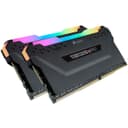

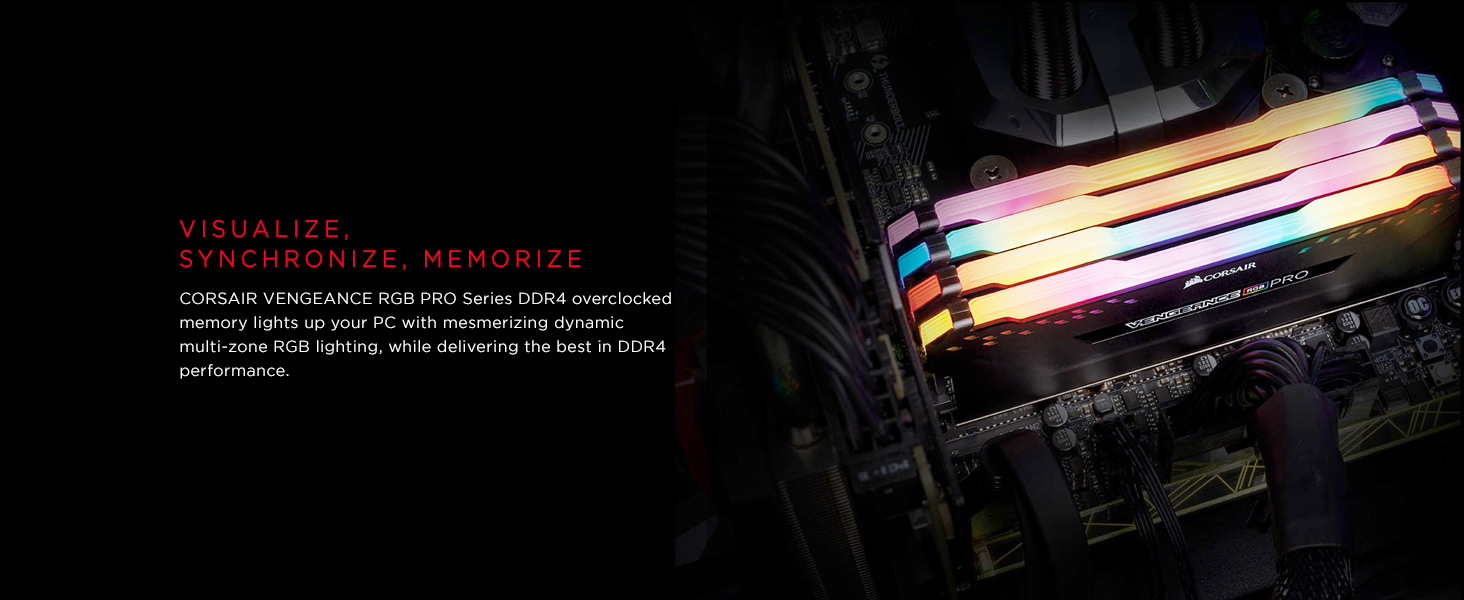
🌈 Light up your rig with power and style — because your setup deserves the best!
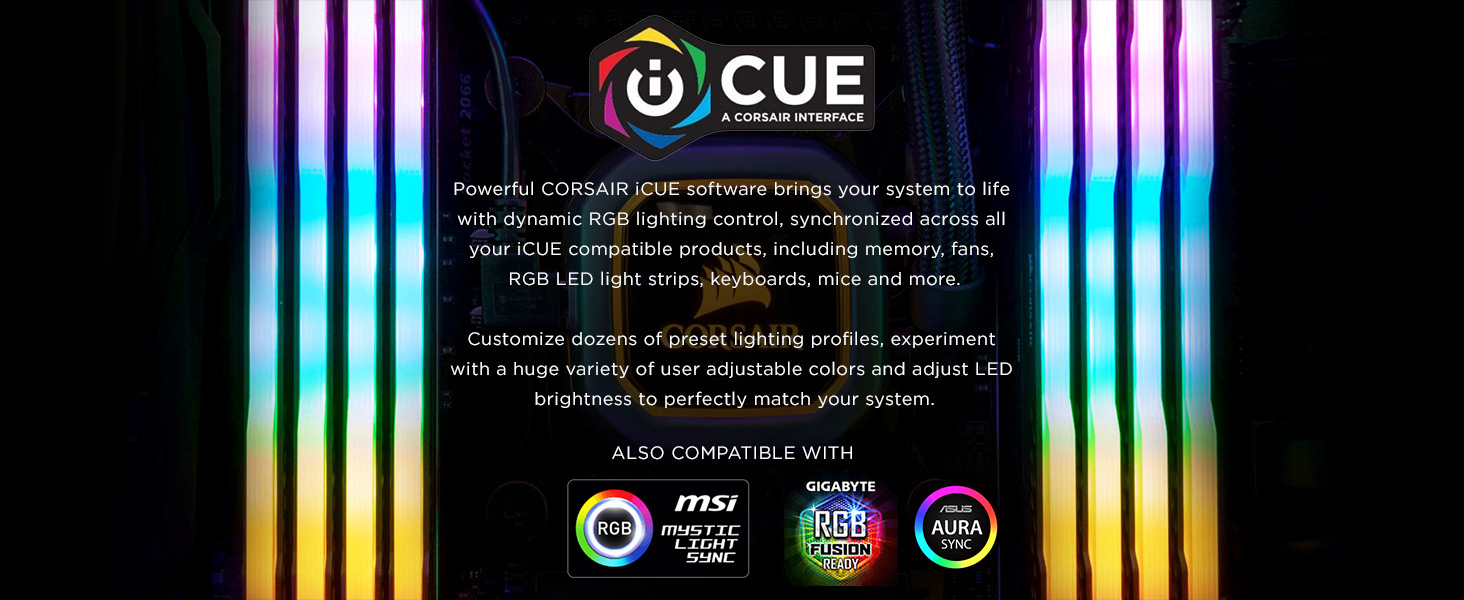
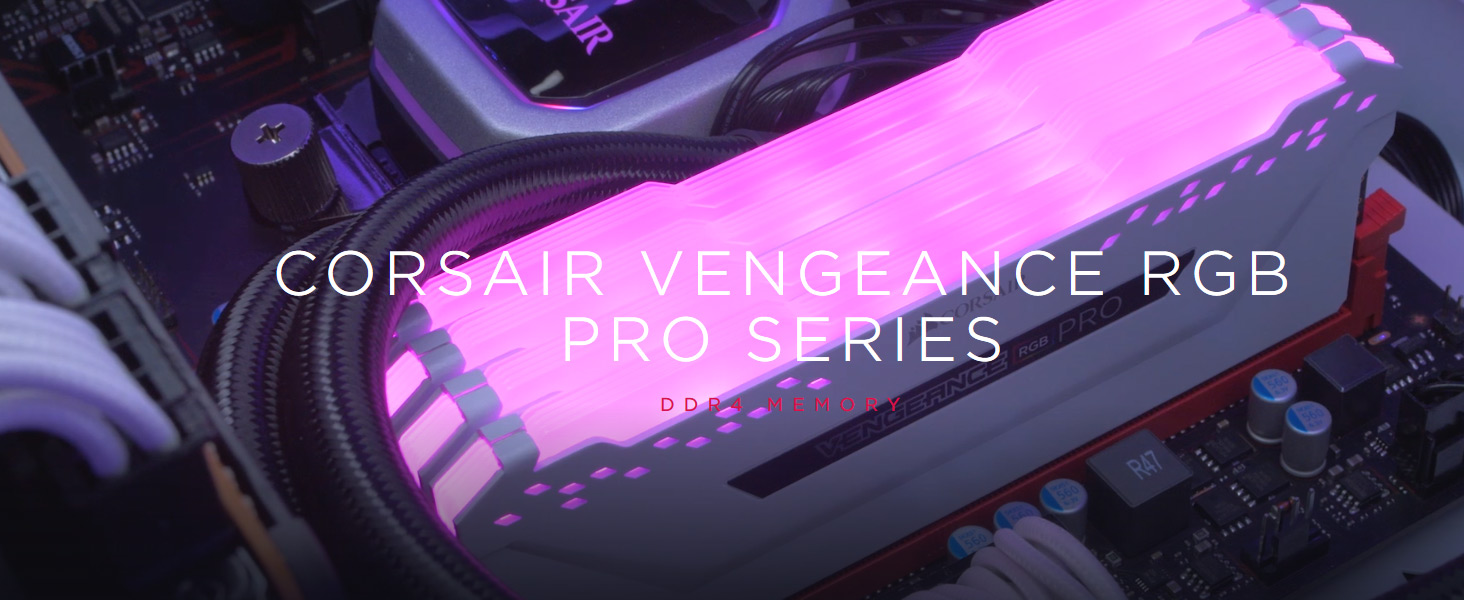
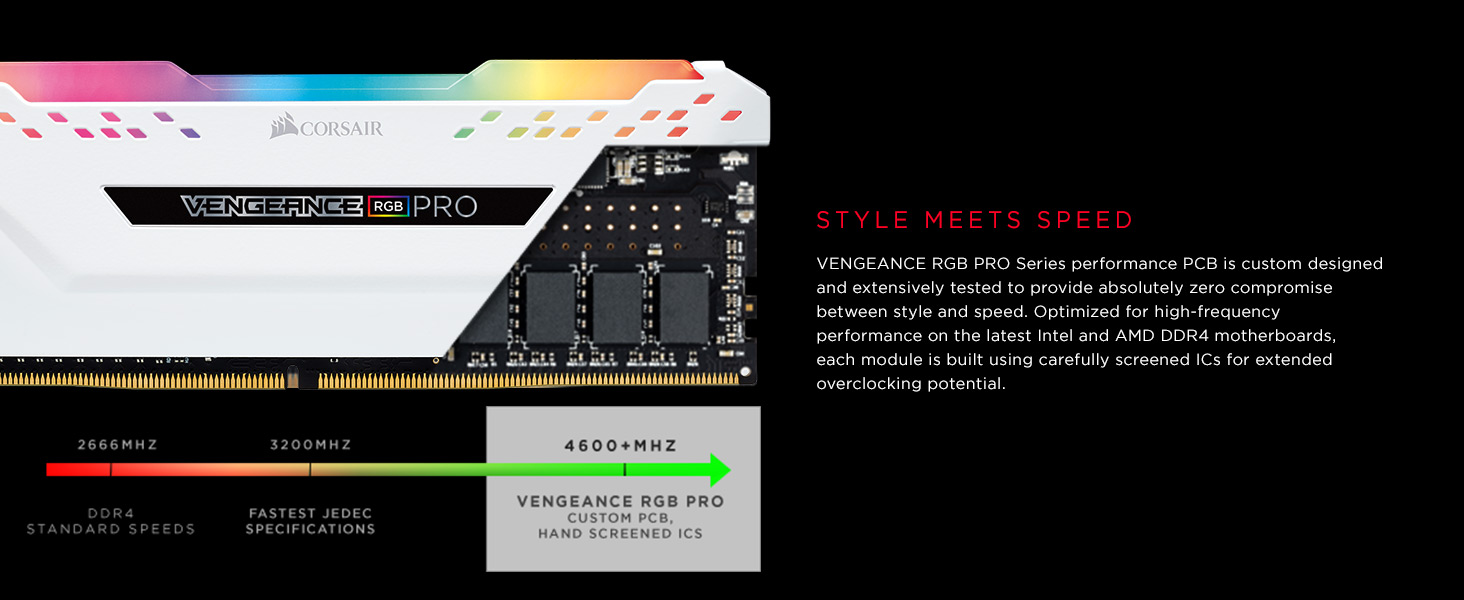
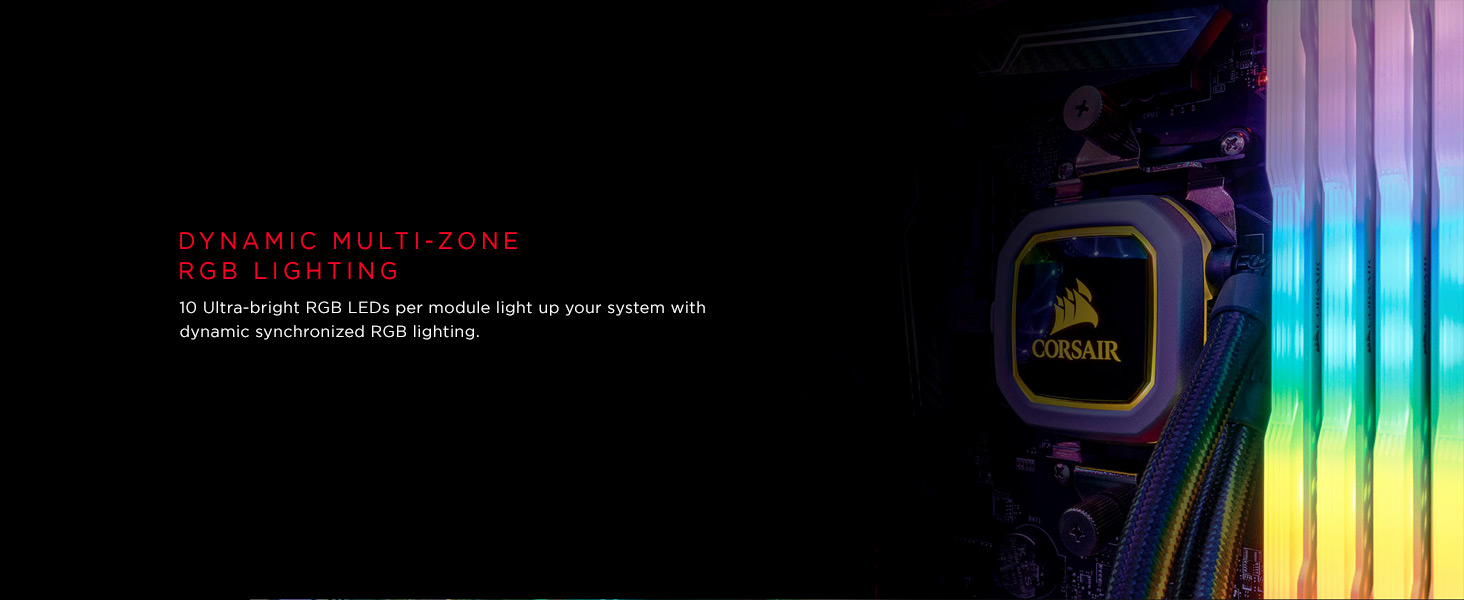
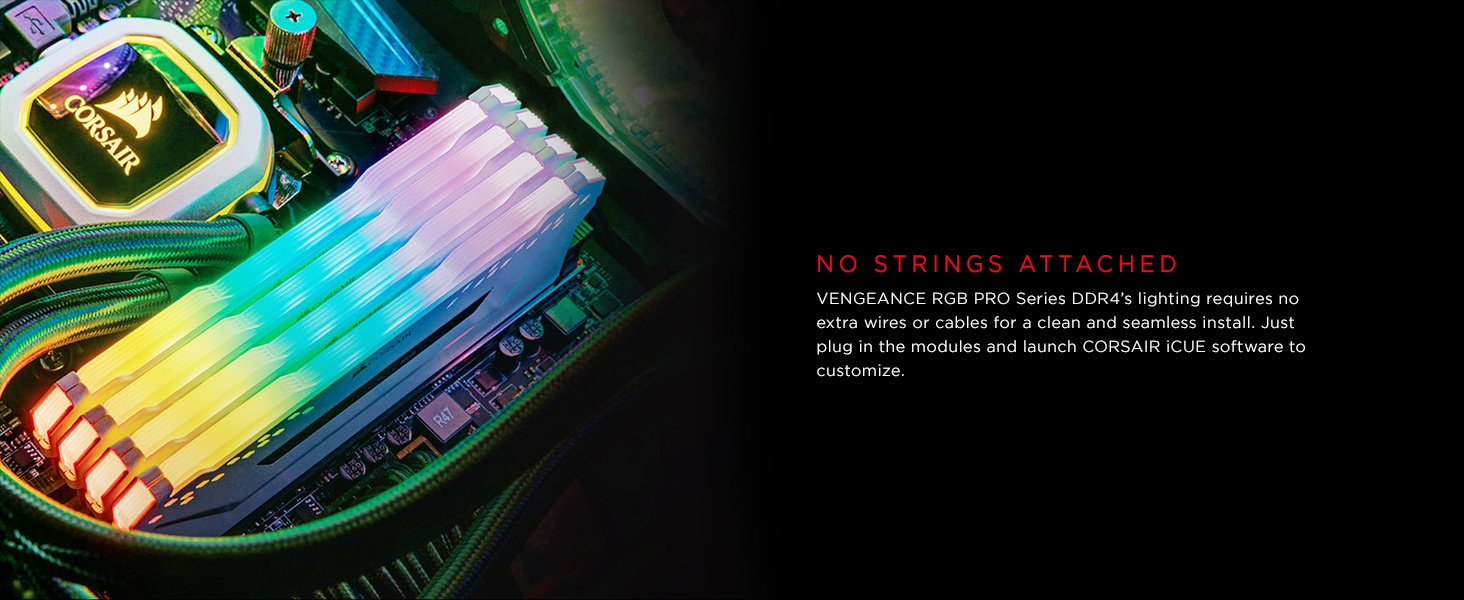
The Corsair Vengeance RGB Pro 64GB (2x32GB) DDR4 3200 MHz memory kit combines high-speed performance with stunning customizable RGB lighting. Designed for Intel and AMD platforms, it features premium heat spreaders and carefully screened ICs for reliable overclocking. Controlled via CORSAIR iCUE software, it offers seamless synchronization across compatible devices. Backed by a limited lifetime warranty, this kit is ideal for professionals and gamers seeking both power and aesthetics.
| ASIN | B081BTGNDW |
| Best Sellers Rank | #889 in Computer Memory |
| Brand | Corsair |
| Color | Black |
| Computer Memory Type | DDR4 SDRAM |
| Customer Reviews | 4.8 4.8 out of 5 stars (1,206) |
| Date First Available | November 11, 2019 |
| Department | Adults |
| Item Dimensions LxWxH | 5.44 x 0.3 x 2 inches |
| Item Weight | 4.3 ounces |
| Item model number | CMW64GX4M2E3200C16 |
| Language | English, English, English, English |
| Manufacturer | CORSAIR |
| Memory Speed | 3200 MHz |
| Product Dimensions | 5.44 x 0.3 x 2 inches |
| RAM | 64 GB DDR4 |
| Series | Vengeance RGB Pro |
| Voltage | 1.35 Volts |
E**J
Nothing like a 128GB of pretty colors, and it's fast.
Corsair Vengeance RGB Pro 64GB (2x32GB) DDR4 3200 (PC4-25600) C16 Pros: Compatible with an i9-10900K, Gigabyte Z490 Vision D, two sets of 64GB for a total of 128GB worked without any problems at 3200. I replaced 32GB (2 x 16GB) DDR4 3200 of Corsair Vengeance RGB with two sets of this 64GB DDR4 3200 and everything worked well together. Performance: I didn’t notice any significant changes going from 32GB to 128GB to justify the purchase. Workflow: I’m not surprise at the outcome because I did real world test of my personal workflow to use up the 32GB. I opened my heaviest Logic Pro audio session, Photoshop with about 20 hi res pics, Firefox, Chrome, and safari each with about 20 open tabs, Microsoft Word, and Excel. After a while the computer did swap some SSD resources for the lack of Ram, but it was very little, and I don’t normally have all these programs open at once. The ram was a good deal at the time, and I wanted to buy it just in case it does make a difference in a future program I use. Conclusion: If you’re running out of Ram resources, then you already know you need it. Most people will be good with 32GB or 64GB at the max, or if you just like maxing out things like I do, then go for 128GB.
J**S
Easy Install and Worka Great
Amazing product/products from Corsair have never been disappointed and any issues quickly fixed by support. Great price for the extra ram.
A**R
Fantastic Ram, beautiful RGB. Endless possibilities.
64GB Ram never looked so good. It looks great, temps are great, and no issues with cable management. Cost is perfect in this range. I had some trouble setting the RGB up with my Asus ROG Strix MITX motherboard, and this came down to an issue syncing Corsair CUE with Armory, ASUS’s new lighting solution. It’d be awesome if Corsair could look into that, because it was not an easy, googlable fix. I’ve relied on Corsair Vengeance for my last build which is still running eight years strong and I’ll rely on them here too for my new more powerful one. Great work.
C**A
Perfect
Great performance, arrived quickly, easy to install
R**N
Incredible Ram
I knew when I ordered this what performance difference I would have immediately. I've got a Ryzen 5 3600 and it really run well and looks real beautiful when it's all lit up. Worth the wait; and worth the price.
T**S
The RGB LEDs may cause unusual errors with iCUE
The last item I had with several blinking lights on it was my toy robot, ... when I was 4 years old. The RGB LED craze to put flashing lights on every computer component, for the most part seems absolutely asinine. I only purchased this particular model because I needed two 32GB sticks and I have used Corsair Vengeance in the past with good results. I mounted them properly and they work just fine in my Gigabyte Aorus Master Z390 motherboard. By default, the LEDs are set to a slow "breath" cycle that changes to another hue every 5 seconds or so. If you want to take full control of the LEDs, you need to use Corsair's monster bloatware program iCUE that will likely #### up more things than it fixes. I went into iBloat and set the LEDs to map to the dimms temperature sensor, so I could tell if they got too warm. Once I made this adjustment, the voltage regulator on my Corsair HX1200i PSU started clicking. Two days later, and I am still troubleshooting the LEDs (the HX1200i has been rock solid for more than 2 years). If the LEDs are set to off, the clicking disappears. I am still fooling with finding a compromise. Stay tuned ....
G**.
Muy buena memoria ram estable sin problemas
K**U
Good item
Excellent transaction
N**O
no probleems here!
キ**マ
とにかく光ってるのが良い!テンション上がります。 取り付けもスムーズでした。
I**T
I had 32GB 3200 AMD Optimized RAM ( and was worried that those won't be compatible due to slight difference in memory timings. With simple tweaks in the UEFI, I was able to run both kits together at 3200! You simply force all modules to use the "slower" timings of the kits. Great deal (as AMD optimized got discontinued and the ones available on Amazon are for 289+ CAD for 2x16GB kit!)
V**E
velocidade condiz com o apresentado, até o momento não apresentou nenhum problema recomendo
T**T
Bought these for future proofing as my rig can handle using XMP to push these to some pretty high numbers and I've been doing a lot of things lately that eat 32gb a bit too quickly for my liking. So far so good.
Trustpilot
2 days ago
4 days ago