We remain fully operational. Our teams are working around the clock to ensure your deliveries continue safely.

DOWNLOAD THE APP


Customer Services
Copyright © 2025 Desertcart Holdings Limited
DOWNLOAD THE APP
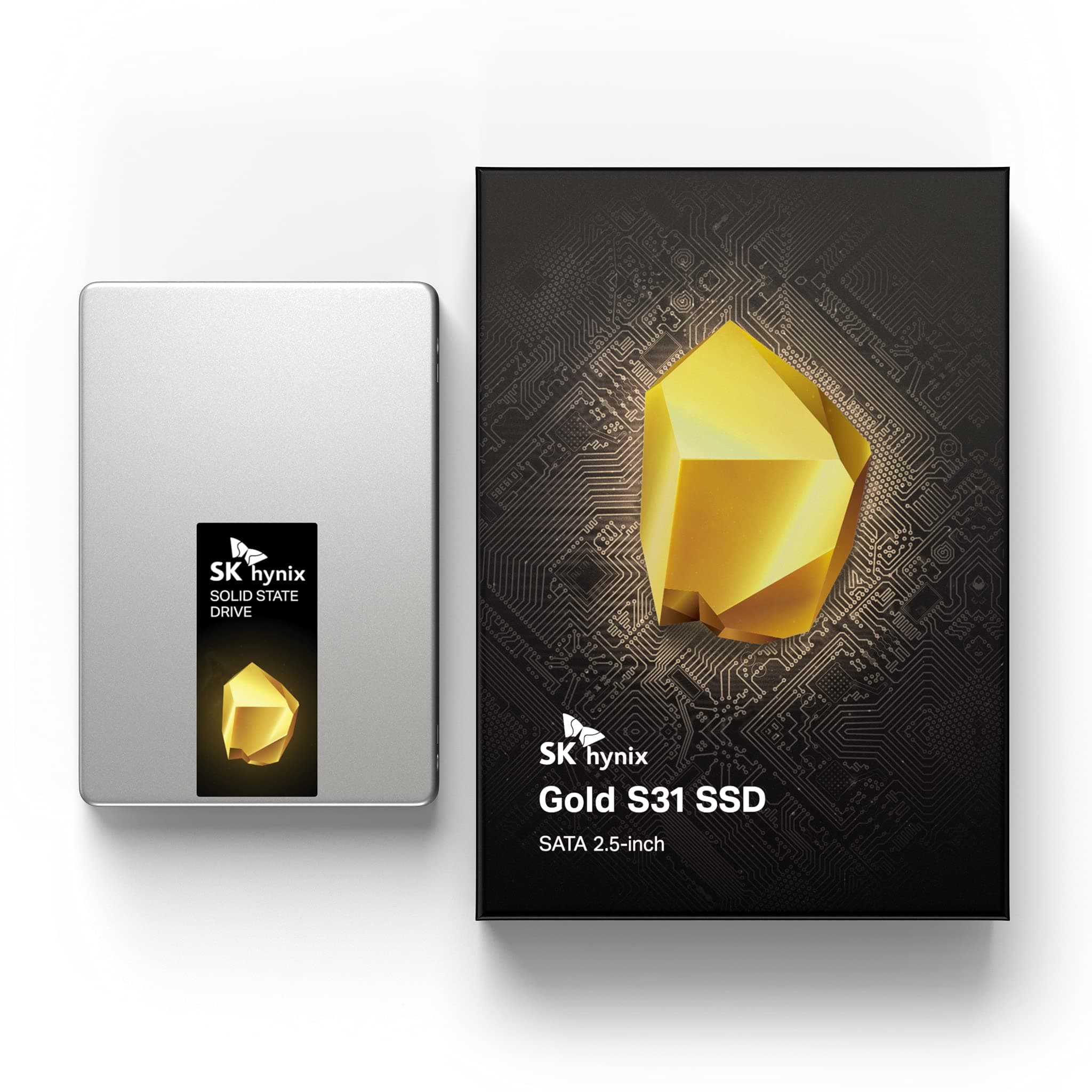

🚀 Upgrade your system, upgrade your life — don’t get left behind!
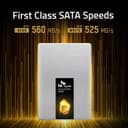
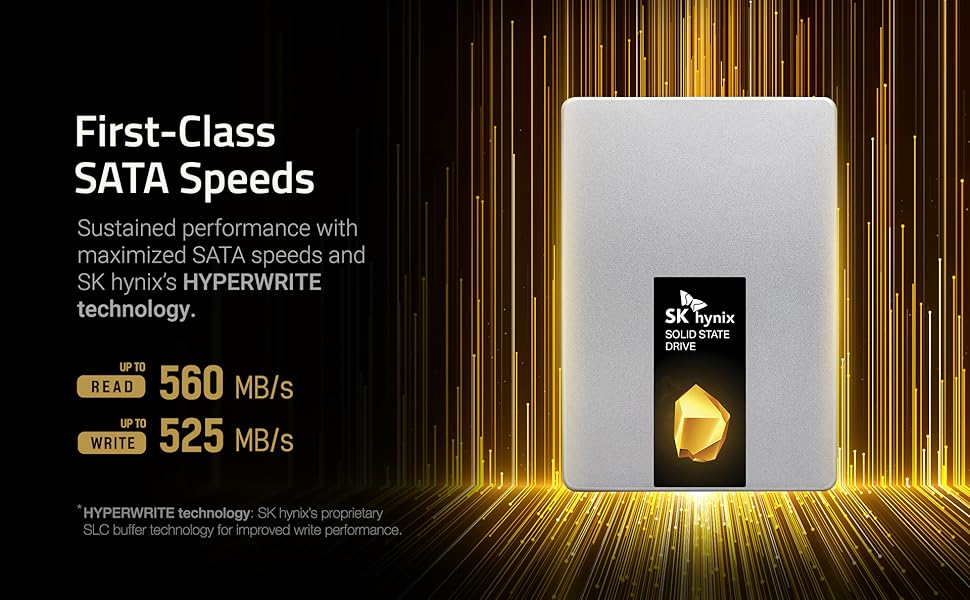
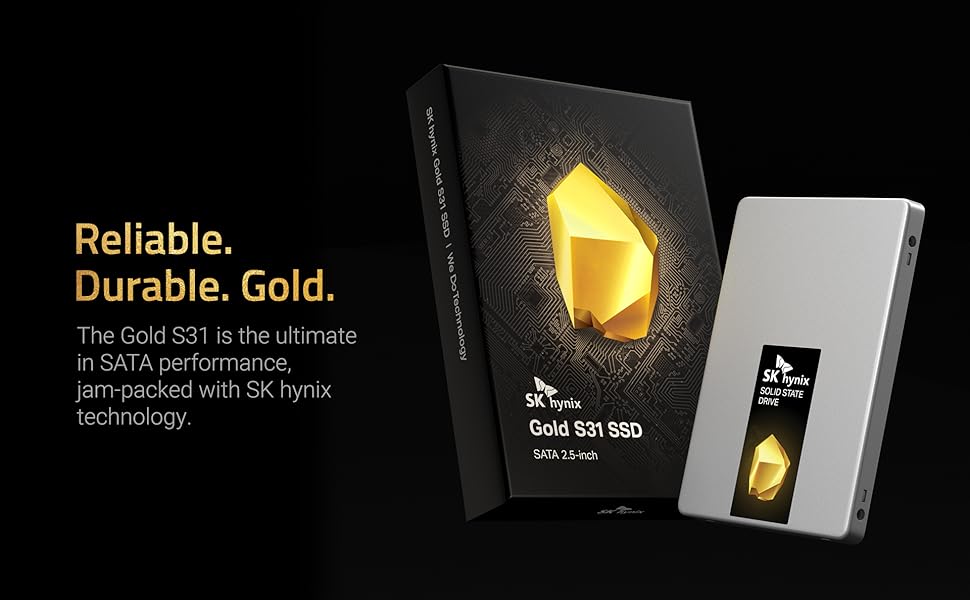
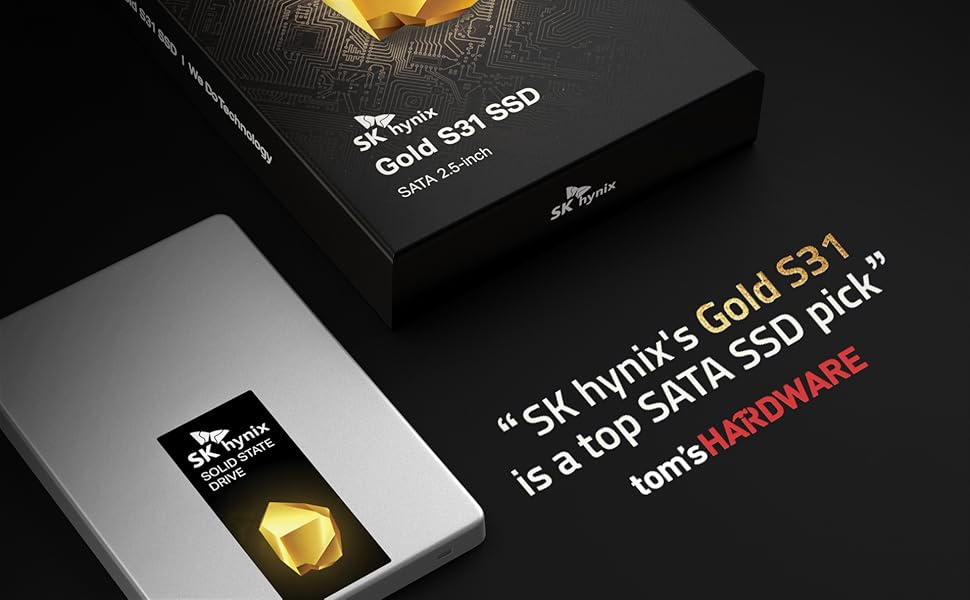
The SK hynix Gold S31 500GB SATA Gen3 SSD delivers premium performance with sequential read speeds up to 560MB/s and write speeds up to 525MB/s. Engineered with in-house 3D NAND, controller, and DRAM, it offers exceptional durability rated at 600 TBW and backed by a 5-year warranty. Its compact 2.5-inch SATA form factor ensures broad compatibility, making it the perfect upgrade for laptops and desktops seeking faster, more reliable storage.


| ASIN | B07SK5BNM1 |
| Additional Features | Portable |
| Best Sellers Rank | #1,399 in Internal Solid State Drives |
| Brand | SK Hynix |
| Built-In Media | Solid State Drive, User Guide |
| Cache Memory Installed Size | 500 |
| Color | Gold |
| Compatible Devices | This drive is compatible with desktops and laptops that accept 2.5" 7mm SATA drives |
| Connectivity Technology | SATA |
| Customer Package Type | Standard Shipping Protection |
| Customer Reviews | 4.7 out of 5 stars 16,259 Reviews |
| Data Transfer Rate | 4480 Megabits Per Second |
| Digital Storage Capacity | 500 GB |
| Enclosure Material | 3D NAND |
| Form Factor | 2.5-inch |
| Hard Disk Description | Solid State Drive |
| Hard Disk Form Factor | 2.5 Inches |
| Hard Disk Interface | Serial ATA-600 |
| Hard-Drive Size | 500 GB |
| Hardware Connectivity | SATA 6.0 Gb/s |
| Installation Type | Internal Hard Drive |
| Item Dimensions L x W x Thickness | 3.94"L x 2.75"W x 0.28"Th |
| Item Weight | 52.4 Grams |
| Manufacturer | SK hynix |
| Media Speed | 525 Megabytes Per Second |
| Model Name | SK hynix SuperCore Series - Gold S31 |
| Model Number | SHGS31-500GS-2 |
| Number of Items | 1 |
| Read Speed | 560 Megabytes Per Second |
| Special Feature | Portable |
| Specific Uses For Product | Computer |
| Unit Count | 1 Count |
| Warranty Description | 5 year manufacturer |
M**D
MY old Windows 10 Laptop now starts up in less than 30 seconds!!!
I have an older Lenovo Thinkpad as my work laptop. It did have a 1TB SSHD (Solid State Hybrid Drive) in it as it's main Hard Disk. Lately, from a complete power off state, when I pressed the power button it was taking upwards of 5 minutes before I could even login, then another 15-20 minutes before I could even attempt to try and start Google Chrome, which would take another 5 minutes or more. If, while it was taking so long to start up, I opened Task Manager and clicked on the PERFORMANCE tab, I could see my Hard Disk Drive running at 100%. Only after it dropped down to under 20% could I try and start Chrome. On Friday, April 29th, 2022, I was working on my laptop when I got a black screen with white text saying it could not find my Hard Drive. I immediately powered it off, removed the power cord and the battery. I ten removed the hard drive and re-inserted it. After powering it up it did finally restart Windows 10 and I finished my work day. That night I got on Amazon and searched through replacement, THIN laptop hard disk drives and found this SK Hynix Gold S31 1TB Solid State Drive (SSD). Most people are not familiar with the name HYNIX, but they have been making memory chips for a very, very long time and are in a lot of high-end Computer Graphics cards. They compete with Samsung as the 2nd if not the 1st largest high-speed memory chip manufacturers in the world. So, they are a good, trustworthy brand name. And since Solid State Hard dives, like this one are all memory chips and no moving parts, I knew I could trust it and the price was right for a 1TB SSD drive. It also has a 5 year manufaturers warranty and has a very impressive 600 Terra-byte of writing to the drive before even one bit of the memory failed in theirs tests. That's important because the main draw-back of solid state drives compared to mechanical, spinning disk drives, is that the memory chips have a limit to how many times you can write to the memory, erase it and write to the same place again. Eventually, the silicon chips start failing. So, a 600 TBWrite before failure is pretty good. I ordered it on Friday night and I am fortunate enough to live in one of the cities where I got it the next day with Amazon Prime next day shipping. SK Hynix has partnered with Macrium software to come up with a free data migration software download. Macrium has a good software program you can purchase from them that is a little pricey. It is nice because it can copy your old hard drive data (as long as your old drive can boot up into Windows) WHILE WINDOWS IS RUNNING!!! This makes it so easy. When you download the free data migration software, make sure to get the instruction file with it. YOU WILL ALSO NEED TO HAVE A SATA-toUSB adapter cable to use the software., so make sure to purchase one if you do not have one already. I bought one of those off of Amazon a long time ago, Mine is made by StarTech. Search Amazon for "StarTech SATA to USB adapter cable" and you should find it. I won't go into the details of how to use the software here. Just follow the well written instructions. It took several hours to completely copy all data from my older drive to my new SK Hynix Gold SSD drive. About 11 hours for me. That was for a 1 terabyte hard drive to a new 1 terabyte hard drive. MAKE SURE YOU HAVE YOUR AC ADAPTER plugged into your laptop if that is where your old drive is installed. Then, put in in a place where no one will come along and mess with the laptop while the migration software is running. No the good news. After it was all done migrating the data from my old drive to the new drive, i replaced the old drive in my laptop with this new SK Hynix one and restarted it. (Make sure you have AC power unplugged and the battery of your laptop removed while replacing your hard drive). Once I pressed the power button on my laptop, it took 15 SECONDS and then I was at my login prompt. I entered that and in another 20-30 SECONDS (!!!) I was at my main Windows 10 screen. I clicked the Google Chrome button on my task bar and in less than 15 seconds, Chrome was up and running (I have 6 tabs in Chrome that startup, including two Gmail accounts). Since this is a company laptop, they have installed a lot of very thorough security software that scans my laptop memory and Hard Drive at boot-up as well, so I can only say my experience with the old Hybrid (solid state cache memory on a spinning disk drive) with this new completely Solid State drive is NIGHT AND DAY! Now I have lots of Physical RAM installed on my laptop as well. If you don't have enough system RAM, just getting a SSD drive may not give you the same results as I have now. Both RAM and the Hard drive are key hardware components to fast performance. But if you laptop has plenty of RAM and is sluggish to start like mine was, I am pretty sure getting a new Solid State hard drive may very well be what you need. Also, a lot of junk malware could slow your computer down a LOT so have someone you trust clean all the crap software off of your laptop, verify that you RAM usage when you have most of your normal programs up and running . Your RAM usage should be 50% or less for best performance. If you have a "Clean" computer, and are using less than 50% of RAM, get one of these SK Hynix drives. I think you will be very pleased. I know I got amazing results.
A**A
Installed in 2010 Mac Mini - Don't Be Afraid to Upgrade
Revving up old Macs is like one of my favorite things. I don't do much of it anymore, because (a) arthritis in my hands has made the turning of tiny screws much more of a chore, and (b) I was running out of old Macs. The last one I had was a 2010 mini that was the first computer I'd bought new since probably 1993 (also a Mac). It had the last of the Core2Duo processors and a spin up hard drive and a couple of gigs of ram that I upgraded pretty much right away. It served as a DVR for a while, then a minecraft server, media streamer, then got put away. I resurrected it to bounce DATS to .WAV to mp3 when I learned that it had digital audio input and output. I had been researching all these expensive things to make that happen, and it turned out that my little friend was able to save me hundreds of dollars with something that had been built in all along. But it was slow because of the HDD. And upgrading looked really daunting. I'd done one of the earlier minis, and it had been an exercise in anxiety. But the other day, I decided to give it a try. Two bits of advice: if you can get through this without disconnecting the wifi connector (you can if you are really careful), do so, and (2) if you accidentally disconnect the wifi connector (I did), don't panic. Watch videos of people putting iPhones back together (the older, the better). These connectors are fussy. Do not force them. If they are seated correctly, a light press will connect them. You'll feel the click. But it's almost like threading a needle to get it seated correctly. And if you push too hard, you'll break it. Same with the fan. Just be careful. If you are pushing and it's not connecting right away, it's not lined up right. Okay, so deciding to do the drive replacement took awhile because the above two steps seemed very daunting. And the project took me several hours, because I had to stop and rest a few times (if your hands work and you keep your screws organized, it should take about 45 minutes). But it was worth every minute. This is an excellent drive. The form factor lines up exactly with the HDD I pulled from the mini (some of the drives I have used in old white MacBooks and older MacBook Pros have not). Not a millimeter off. The OS install flew. This drive is stellar in this context. If you need a 2.5" SSD, I highly recommend this one.
S**G
So reliable Ive slowly replaced all the HDDs in my life with SK hynix SSDs.
The SK hynix Gold S31 500GB SATA Gen3 2.5-inch Internal SSD is an excellent storage solution that balances performance, reliability, and affordability. Designed with SK hynix’s in-house NAND flash and controller technology, this drive delivers outstanding performance for everyday computing tasks, making it ideal for upgrading laptops or desktops. The sequential read and write speeds of up to 560 MB/s and 525 MB/s, respectively, ensure snappy system responsiveness and fast data transfer rates. Whether you’re booting up your system, launching applications, or transferring large files, the Gold S31 provides a noticeable improvement over traditional hard drives. One of its standout features is its reliability and durability, with an impressive 600 TBW (terabytes written) endurance rating and a 5-year warranty. This makes it a dependable choice for long-term use, even under heavy workloads. SK hynix's reputation as a leading memory manufacturer adds further confidence to its quality. The drive’s 2.5-inch SATA form factor ensures compatibility with a wide range of systems, from older desktops to modern laptops, and its plug-and-play setup makes installation straightforward. It’s also an excellent choice for extending the life of older devices by giving them a significant performance boost. Overall, the SK hynix Gold S31 500GB is a fantastic SSD that delivers solid performance, exceptional reliability, and great value. Whether you’re upgrading an existing system or building a new one, it’s a dependable and cost-effective storage solution.
J**E
fast and easy to setup (check edit for winload.efi boot error fix)
installed as main drive alongside my existing HDD for my PC. connected and booted, windows didnt recognize, which is fine because the sk hynix software (download directly from their site not macrium site) will recognize and format it within the software. cloning was actually fast (compared to other reviews i saw) i had both drives connected to the motherboard so the only bottleneck was the HDD speed of about 135 MB/s. i cloned a little less than 400 gigs which took around 47 minutes. after changing boot order to the SSD, i instantly saw a difference in booting into windows, about 10 seconds as opposed to the 1min+ from the HDD. gaming load times were basically cut in half, if not more. if the drive holds up as promised, this will be a great pick up. edit: had issues after a bit when i had to boot into safe mode to uninstall some GPU drivers which caused an issue where i couldnt boot back into windows from the ssd (winload.efi was missing or corrupted error). luckily i still had my old HDD which i was using as secondary storage, i hadnt wiped just in case i needed to boot into windows through it. basically after a day and a half of trying to troubleshoot and thinking i'd have to wipe the ssd and reclone it, i stumbled on a video with macrium reflect that fixed the issue. how to fix: download macrium reflect 7 home (not the trial, both are free) and at the top click "other tasks" and click "create rescue media" (i created it off the windows of my old hdd), plug in a flash drive and let it do it's thing. afterward, restart your computer and boot into the flash drive, it'll boot into a version of windows where macrium reflect opens automatically. click on "fix windows boot problems" check that you select the drive that needs to be fixed, click next and then click finish and let it run it's task. reboot, and if you had 2 drives with windows installed like i did, just change the boot order from inside windows by typing msconfig into the search bar and then under the boot tab, select the sdd and set it as default and then delete the other one, click apply, reboot and it should fix. the error apparently happens when you clone a drive and certain boot partitions dont show up or something. hope this helps you not waste a bunch of time. also be sure to do this step after cloning regardless of whether it works fine or not, otherwise you'll be like me and be confused as to why it stopped working later on. i'd also say keep the rescue media on a flash drive in case it happens again, although it shouldnt after you fixed it once.
J**N
Good performance and price. The absolute slowest clone software i've seen
I've upgraded 8 PC's with 1TB SSD's thus far. 1 Samsung 870 EVO, 1 SK HYNIX S31 and 6 Crucial MX500's. The SK Hynix had disk performance about equal to the Crucial, a price slightly higher than the Crucial and an easy to use and yet the slowest Macrium clone software(10+ hours). The Samsung had the best disk performance, highest price and the most troublesome clone software. Kept getting "Samsung Data Migration interrupted for an unknown reason". Eventually had to shrink the partition sizes to get it to clone in about 2 hours. I had cloned this same PC onto a Crucial MX500 1TB earlier that week quickly without issue. The Crucial MX500 had performance just behind Samsung, the best price and easiest and the fastest Acronis clone software(around 1 hour). The Crucial Acronis software puts a lot of extra software on your PC and you may want to uninstall if you don't want it on your system.I've upgraded 8 PC's with 1TB SSD's thus far. 1 Samsung 870 EVO, 1 SK HYNIX S31 and 6 Crucial MX500's. The SK Hynix had disk performance about equal to the Crucial, a price slightly higher than the Crucial and an easy to use and yet the slowest Macrium clone software(10+ hours). The Samsung had the best disk performance, highest price and the most troublesome clone software. Kept getting "Samsung Data Migration interrupted for an unknown reason". Eventually had to shrink the partition sizes to get it to clone in about 2 hours. I had cloned this same PC onto a Crucial MX500 1TB earlier that week quickly without issue. The Crucial MX500 had performance just behind Samsung, the best price and easiest and the fastest Acronis clone software(around 1 hour). The Crucial Acronis software puts a lot of extra software on your PC and you may want to uninstall if you don't want it on your system. I am the IT manager for a manufacturing company and maintain around 40 Windows PC's.
E**D
It's fine
Bought this when it was on discount at $105 to be used as a secondary storage drive for games. It's a pretty standard 2.5-inch 7mm sata ssd, gets decent performance that's comparable to big name drives like the Crucial MX500 or Samsung 860 EVO. I have the latter of those two, and in my experience the Gold S31 is less powerful, but unless Samsung drops the price on theirs, this is the better value in my opinion. It is TLC and has LPDDR3 as its DRAM, which means that it will be one of the more power-efficient drives out there; something to consider if you intend to use it in a laptop. Warranty for the 1tb Gold s31 is very good for a consumer drive, being at 5 years or 600TBW. Supporting software comes from the manufacturer's website, which you'll have to do on your own. Since this is not my boot drive, I did not need their cloning software, and as such cannot attest to how well it runs. Write speeds are slower than advertised, but it's within a 10% difference. That may change based on your system's hardware; mine was tested on Windows 10, Ryzen 5 3600X, 32gb ram at 3200C16D, Asus TUF x570 plus wifi motherboard, and a 1tb WD Black sn750 to transfer files from. If you're worried about the reputation of the manufacturer, be at ease. SK Hynix is one of the largest semiconductor companies in the world, and are based in South Korea. The Gold S31 is one of their first moves into the western consumer market for solid state drives, which is probably why you've never heard of them over Samsung. They recently announced new consumer NVMe drives at CES 2020 with some impressive performance figures, so expect those to hit the market later this year.
T**T
Reliable, good investment in a hard drive.
I could not test or review this properly until now. This has been an excellent buy. It is super slim fitting, never heats up, and has been my workhorse of a hard drive for quite some time now. Hardly much more to say, it's pretty lightweight, and functions still after years of use.
B**R
I feel like I indeed struck Gold with SKHynix Gold S31 1TB internal SATA SSD...
There are a few people that have not heard of SK Hynix. However, they will soon know that they have been using their products for years. SK Hynix is the 2nd largest memory chipmaker, and the 3rd largest semiconductor company in the WORLD !! I have seen and used their products in my computers and electronic devices for over 30 years. It seems that instead of just being a OEM supplier of processors and memory to many major electronics manufacturers, they are now producing SATA-based internal SSDs with their in-house controllers and NAND memory chips, for the retail market. It is a logical progression for this massive company. The metal encased 1 TB SSD is well constructed, installation was a snap. I installed this SSD in my Apple MBP, replacing a smaller sized SSD. I used SuperDuper to clone the old drive contents to the new drive. Initially when comparing the size of the data cloned, it appeared to be smaller amount of data. However, I soon realized the difference was due to the amount of data shown in the old drive (255GB), was the same as in the new 1TB drive, just different scales! A lot bigger! Boot times now seem a bit slower (it certainly isn't a NVME SSD), but still much faster than an old spinning HDD, and I doubt that I will be running out of storage space on my laptop anytime soon. The price on the SK Hynix is a real bargain for a 1TB drive of this quality, with a 5-year warranty. I am not a super-techie, but one can compare the specs and see it is about a middle of the road SSD (not a plain vanilla model, rather likely a French vanilla drive), but then again the price, name and quality speak volumes. Looking forward to using in the years to come. I will be purchasing more of these SK Hynix drives for my other computers. I certainly appreciate the speed of Amazon Prime service and delivery.
Trustpilot
4 days ago
2 weeks ago