Buy anything from 5,000+ international stores. One checkout price. No surprise fees. Join 2M+ shoppers on Desertcart.
Desertcart purchases this item on your behalf and handles shipping, customs, and support to Italy.
🎨 Unlock your digital masterpiece with precision and speed!
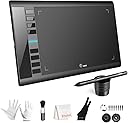
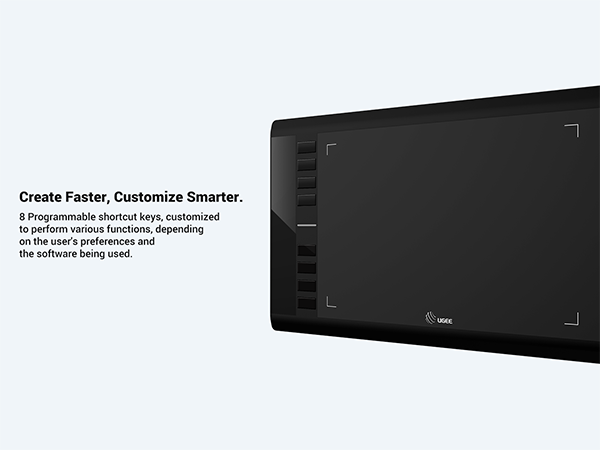
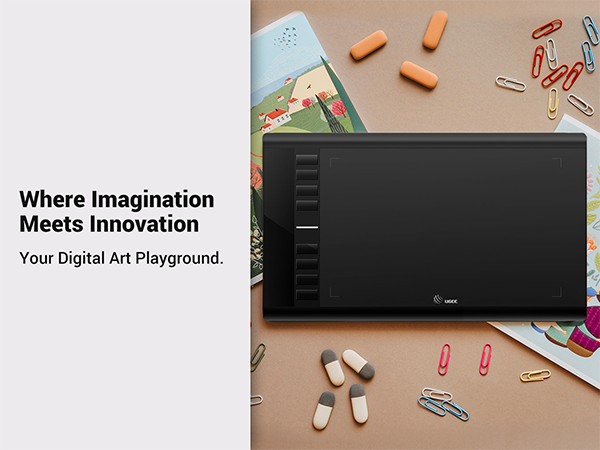
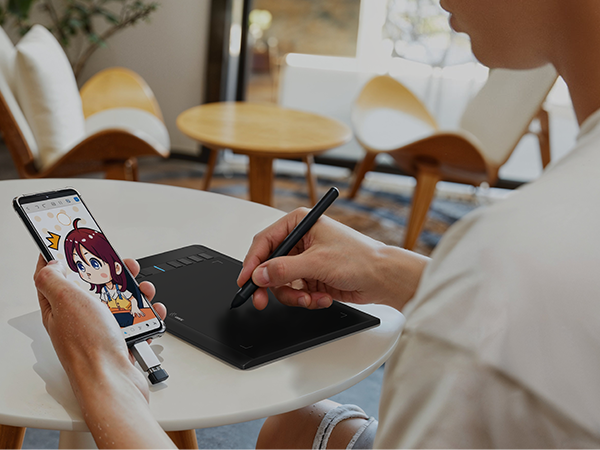
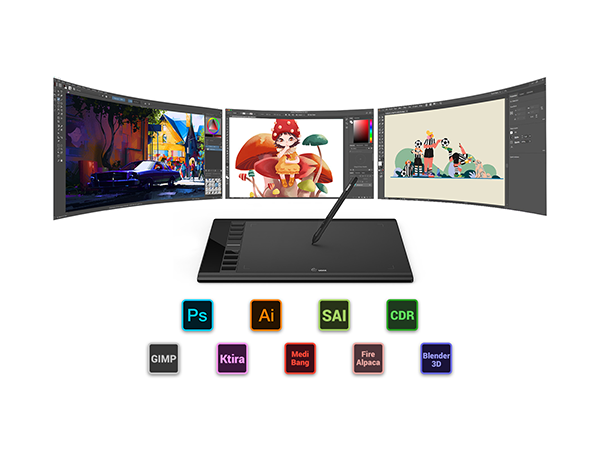
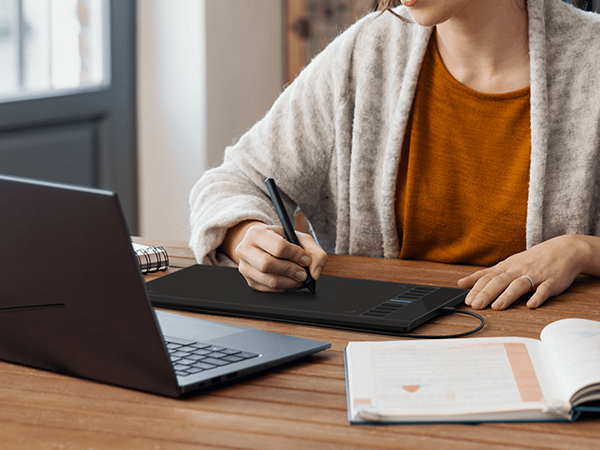
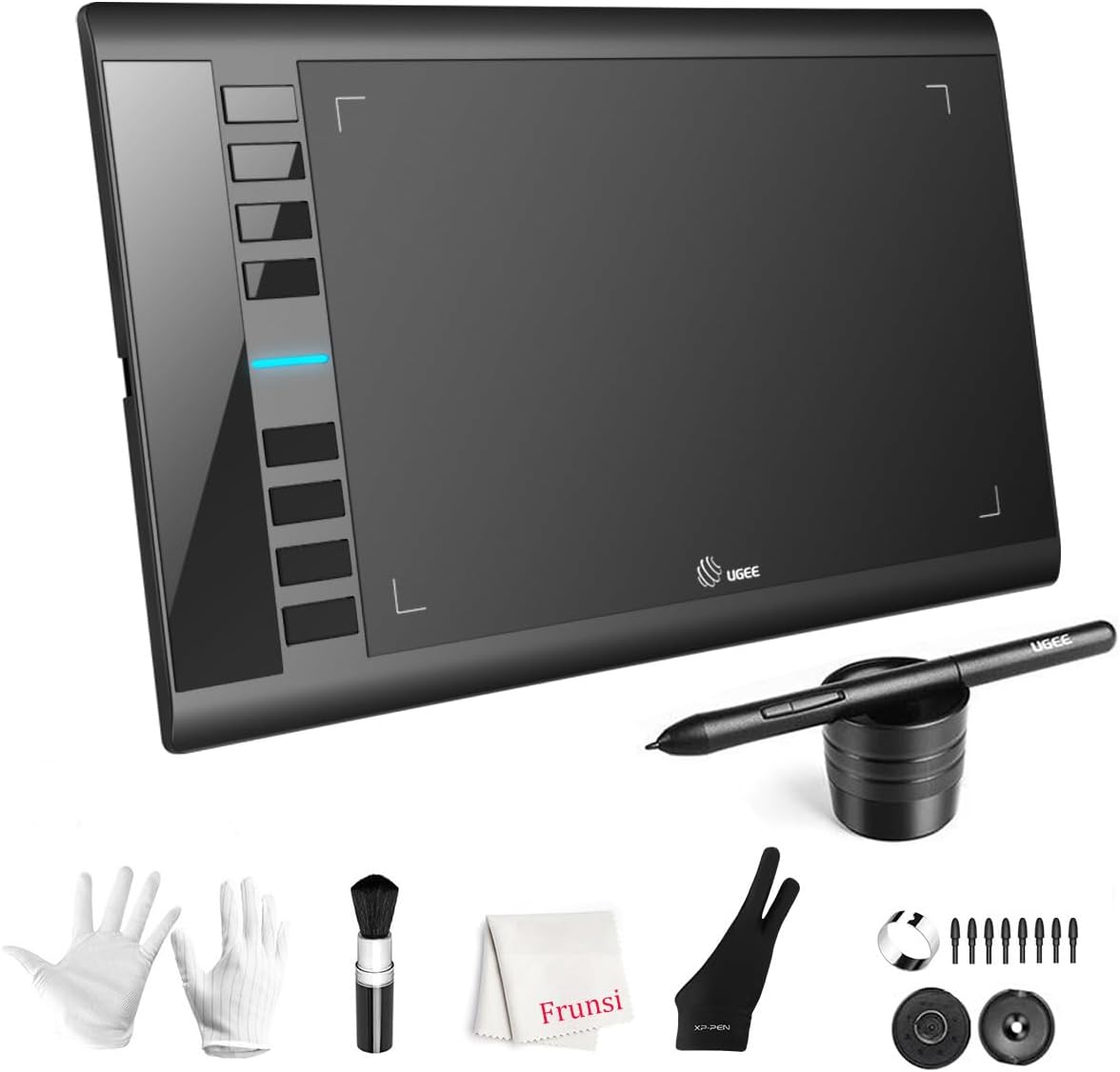
The UGEE M708 V3 is a professional-grade digital drawing tablet featuring a large 10x6 inch active area with a textured surface for natural drawing feel, 16384 levels of pressure sensitivity via a passive stylus, and 8 customizable hotkeys to streamline your creative workflow. Compatible across multiple operating systems and major design software, it offers easy USB-C connectivity and ergonomic design, making it ideal for both beginners and seasoned artists seeking precision and efficiency.


| ASIN | B07P82FSFW |
| Active Surface Area | 10 inches x 6 inches |
| Additional Features | ['60° Tilt Support', 'Programmable Press Key', 'Extra-Slim'] |
| Best Sellers Rank | #8 in Computer Graphics Tablets |
| Brand | UGEE |
| Built-In Media | Glove, Pen Holder, USB Cable |
| Color | Black |
| Compatible Devices | Personal Computer |
| Connectivity Technology | USB |
| Customer Reviews | 4.4 4.4 out of 5 stars (6,227) |
| Global Trade Identification Number | 00703363411864 |
| Item Dimensions L x W | 8.3"L x 14.2"W |
| Item Weight | 1.08 Kilograms |
| Manufacturer | Frunsi |
| Mfr Part Number | F-UGEE-M708-old |
| Model Name | M708 |
| Model Number | UGEE M708 V3 |
| Native Resolution | 1920x1080 |
| Operating System | MAC OS 10.10 or above, Windows 7 & above |
| Pressure Sensitivity | 8192 Levels |
| Screen Size | 6 Inches |
| Specific Uses For Product | Designing, Drawing, Painting |
| Target Audience | Student, Teacher |
| UPC | 703363411864 |
| Unit Count | 1.0 Count |
| Warranty Description | 2 |
A**N
Great for use in online instruction
Wonderful tablet. I use it for my online classes. Works well in Zoom on the whiteboard and with pdf and Word documents. Easy to use, good value for money. Pen is easy to use.
R**O
Great drawing tablet on a budget
Product arrived in a safe and secure manner. Arrived on time and in great condition. Device works properly and was easy to install. It preforms great! Cost was manageable - not outrageous. Recipient loved it and was able to use it hassle free. Do recommend to others and would buy again, should this one get damaged at any point. Great product! 👍😄
V**E
It's a good basic-tier drawing pad.
One of the things I'm inclined to say about this pad as my only real negative is that I wish it could detect the stylus from a bit further away than it does for the purpose of moving the mouse-cursor. These screenless drawing pads work by detecting the stylus-point when they're not-quite-touching the work-space and moving the cursor around the space based on where you've defined the "work-space" to be on your screen, and it definitely makes for an effective drawing method on a budget if you can't afford a drawing tablet with a screen (and to repair/replace said screen once it inevitably wears out), but the learning curve is perhaps a bit sharper than it needs to be because of how precise the distance between stylus and pen has to be to position the cursor before drawing. Other than that, the manual's a bit overly basic (it doesn't even tell you what the extra items included are) and you naturally have to download some software to configure the specifics of the pad (whether it's oriented for right- or left-handers, what portion of which monitor(s) the workspace covers, what functions are assigned to what buttons, and so on). This comes with a pair of full-fingered gloves with non-slip palms/inner fingers, as well as a single hand-interchangable glove that leaves the thumb, index, and middle fingers uncovered. There's a stylus-holder that you can stick your "pen" in point-first to balance it straight up vertically, an easy place to stow it during drawing; and there's a cloth for wiping down the pad of dust and such. Also included is the pen-stylus, which requires no battery but has two buttons for triggering mouse functions by default or any mapped functions you'd like to customize, and there's a brush (presumably for cleaning/dusting). There are also replacements for the stylus pen-nib, oddly stored inside the stylus-holder alongside the metal ring clip tool to help with replacing them. The drawing pad uses a USB-A cable to charge, although the specific cable it comes with is also fitted to the surrounding slot in the side of the tablet and designed to hold the cable steady while it's plugged in. It might not fit stock-standard USB-A cables, and even if it does, it may not remain as steady. Depending on what you find comfortable, a sturdy and non-slip angled tablet stand may be preferable to laying the tablet flat on your desk, although the tablet itself does have non-slip pads on the rear for when you do that. All in all, it's not a bad drawing tablet for the price; good for getting some practice in before you commit to something more expensive.
W**G
Lightweight, just works art tablet with _sweet_ pressure sensitivity.
TLDR; Great low cost intro tablet at a great price (bought mine during sale for $40) Great sensitivity and decent construction. Detailed review: The USB Parts So tested this tablet on a MacBookPro via the provided USB A to USB C adapter. The adapter snaps into place in the USB C port!!! <<< OMG!!!! THIS!!!! Really, why aren't ALL USB C connecters snap in place!? It's in the design spec but most of the time... USB C connectors tend to be... loose. Not this. Speaking of USB... the Micro USB connection on the tablet side is sized so that the cable will fit snugly, avoiding strain on the Micro USB port itself. The space has a slight taper so downward pulling won't cause it to fail. Nice. The Build It's built like a thin keyboard with partial folded metal and plastic components. It is SUPER light and if you put the effort in, it will flex. (So will a Wacom, actually... ) The surface is smooth. One LED to indicate whether the stylus is within range of the sensor field. It is well lit and isn't super bright. The writing surface is smooth. To be honest, I think that for the price, UGEE puts out a pretty amazing tablet using the induction technology that Wacom pioneered. The buttons on the tablet itself are nice. There is a clear button click, but it is slightly dampened once it bottoms out. Am guessing a tactile micro-switch is under the button. Still, clean button press. Sensitivity Okay, this thing has 266 pps for sampling rate and 8192 levels of sensitivity in the sensor. The only tablets I've had experience with are Wacoms from pre-2018. So the sensitivity levels of those are in the 2048 range. I have found that Wacom sensors tend to max out super quick and requires a more managed level of pressure or a curve adjusted nearly to the point of skewed de-sensitivity to avoid bottoming out. With the UGEE 10x6, I found that the lightest touch can produce a very fine line and applying pressure to the stylus while sketching I did not bottom out. When I did a pressure calibration, I was more or less leaving it along the midline, which was a surprise for me. Used it in Clip Studio Paint and at first, I had this thing where the cursor froze for a moment after I lifted the pen at the end of the stroke. Turns out this is due to having set 200 undo levels.... Dropping it down cleared that up. Drawing with this stylus and tablet feels very much pencil and sketch pad. The stylus is about the thickness of a slightly thicker pencil... maybe a pastel? Smaller? Larger? Guess it depends on the brand. But overall, I like it. That 8192 levels and 266 pps REALLY captures my strokes. dang. Software Unlike Wacom's driver software.... UGEE's is VERY minimal and straightforward. But it retains what's important: - customize keys, buttons, and actions per Application. - can easily customize any button on the stylus or tablet. - doesn't induce lag, which Wacom's drivers have for me.
K**U
Smooth, Reliable, and Easy to Use!
I’m really impressed with this graphic drawing board! The sensitivity balance is spot-on, making every stroke feel natural and precise. The pen itself is well-balanced and comfortable to hold, allowing for long drawing sessions without fatigue. Even though it doesn’t use a USB-C port, the connection is surprisingly fast and stable. Absolutely no lag at all. One of my favorite things about this product is how easy it is to set up. There’s no need to deal with complicated driver installations. It just works right out of the box on any platform! At first, the buttons on the board were hard to use, but I’ve already gotten used to them. My kid also loves playing with it. On top of that, the customer service team is outstanding. They are responsive, friendly, and truly helpful. Overall, this drawing board offers a smooth, hassle-free experience and fantastic value for any artist or designer. Highly recommended!
K**I
very Good
U**A
A mesa foi para minha mulher, ela disse que atende perfeitamente todas as necessidades dela. Nosso único problema foi com a transportadora. Mas isto não é o caso aqui.
P**A
I was looking for a dedicated drawing device after getting into digital art recently, and the UGEE M708 caught my eye. At £39.99, it looked like a solid way to test the waters without spending a fortune. Just to be clear, this isn’t a standalone tablet that you draw directly on. It needs to be connected to your computer or laptop via USB, and you draw on the tablet surface while your artwork appears on your screen, so this does NOT have it's own screen. The good news is that you can connect this to either a Windows machine or an Apple MAC desktop or laptop. Once connected, it feels natural very quickly. The 10x6 inch drawing area gives you plenty of room to work, and the slightly textured surface gives a pleasant paper-like feel. The pen doesn’t need charging, which is a big plus, and it responds instantly with no lag. The 8192 levels of pressure sensitivity make sketching, shading, and detailing smooth and accurate, reacting beautifully to light or heavy pressure. The eight programmable shortcut keys on the side make the workflow much faster. I set mine for undo, zoom, and brush size, which saves a lot of time once you get used to it. Installation was simple on my Windows laptop, and it works with all the main creative software I’ve tried so far, including Photoshop and Krita. The beauty of it is that you’re not tied to one app - it works with pretty much any drawing or design software that supports these devices. That means you can pick the right software for the person’s age or skill level, and just change the software as your skills progress rather than having to buy a new tablet. Overall, this is a brilliant option for beginners looking to explore digital art seriously without breaking the bank. The build quality feels sturdy, it performs far better than expected for the price, and it’s made digital drawing genuinely enjoyable.
1**E
Es la primera vez que uso una pero esta es muy buena
P**L
I recently picked this drawing tablet for my 13yr old daughter who is getting into drawing and I’m so impressed! The 10x6-inch active area gives her plenty of space to draw, and the textured surface feels really similar to paper—it makes sketching and painting feel super natural and smooth. The 8192 levels of pressure sensitivity are fantastic. The pen responds beautifully to how much pressure she seems to apply, which makes it easy to control line thickness and add details. It feels really accurate and satisfying to use. Setup was way easier than I expected! As a beginner, I was a little nervous, but the USB to USB-C connection made it simple to plug into my laptop and start drawing almost immediately. No frustration, just plug and draw. The 8 customisable express keys are a huge bonus, I’ve got them set up for most-used shortcuts like undo and zoom, and it makes it easier and faster. If you’re just getting into digital art, I can’t recommend this tablet enough. It’s beginner-friendly, super responsive, and feels like a premium tool. Great value for the price! I bought a Frunsi tablet earlier last year and still have it and love it, good quality products.
Trustpilot
1 month ago
2 weeks ago