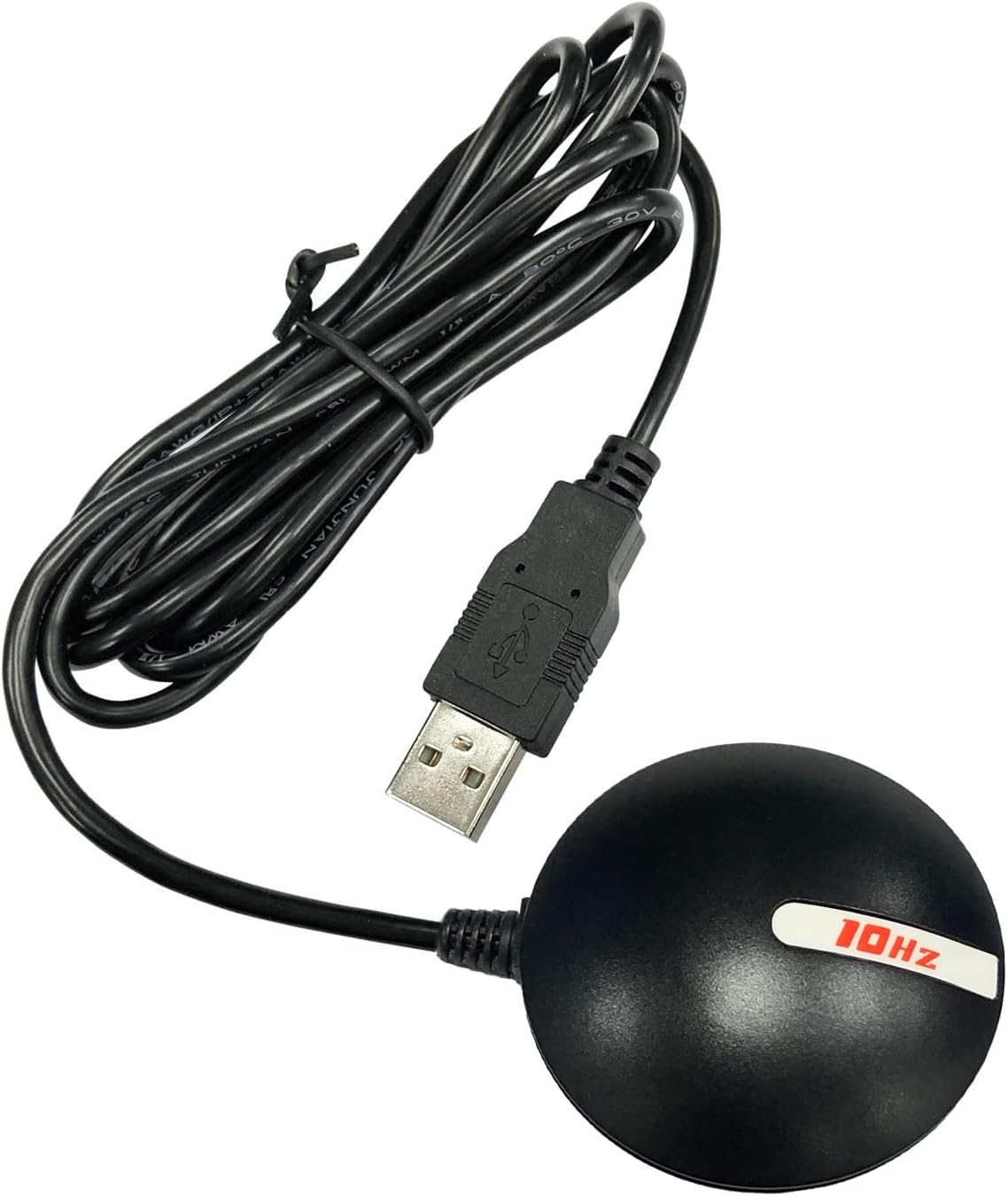
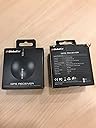
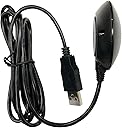
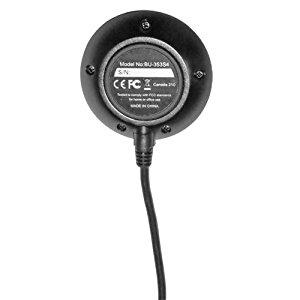
I bought this GPS receiver to complement my serial Garmin GPS 18x LVC receiver (to which I will compare the BU-353-S4) as having a USB-based receiver like the BU-353-S4 is more convenient in certain situations -- the 18x requires both a serial port (or serial-to-USB adapter) and (in my configuration) a USB port for 5V power while the BU-353-S4 requires only a single USB port. Caveat: the Garmin 18x LVC is a "bare wire" unit designed for Original Equipment Manufacturers or advanced users who are comfortable fabricating their own end-of-cable connectors -- it does not come with any sort of connectors like a serial or USB connector. The 18x line of receivers also has a version with a serial connector and a 12V car power cord and a USB version that only communicates using the Garmin binary data format instead of standard NMEA-0183 sentences. The BU-353-S4 is designed for ordinary users who want a simple plug-and-play USB-based GPS receiver that speaks NMEA-0183 out of the box (this is nearly everyone). In that regard, it's quite good but with a few quirks. ********** General Overview The unit is compact and easy to use. The magnetic base and waterproof construction make it suitable for use on a vehicle roof and it is sensitive enough to receive signals through most car windshields (though ones with heat-rejecting metal films may block the signal). Simply plug it into a computer with the appropriate drivers (see below), place it where it can see the sky, and it works exactly as expected and delivers standard NMEA-0183 formatted sentences to compatible software (essentially all GPS-related computer software) over a virtual serial port (again, nearly all GPS-related software expects to connect to the receiver using a serial connection, so this is great). ********** Pros - Easy installation. - Only one USB port needed. - Quick acquisition of satellites when presented with a clear view of the sky. - Shows up as a serial device, and so works great with nearly all GPS software. - I've verified that it works with Windows 7 32 and 64-bit as well as Ubuntu 12.10 and Linux Mint 14 using gpsd. - Satellite information is retained when unplugged for a few days so it can reacquire signal very quickly after being powered down for a bit so long as it hasn't moved much. - Rubber ring on the bottom prevents scratching whatever surface it's attached to, such as the roof of a car. - A small LED indicates if the device has power and, if flashing, has locked onto satellites and calculated a position. This is useful, particularly for troubleshooting. Cons - No success with SBAS augmentation at this point in time. I'll update this if it becomes available. - Available "GPSinfo" software from the Globalsat website is terrible, and the documentation/manual available from them is very basic. - By default, GPRMC, GPGSA, and GPGGA sentences are emitted every second while GPGSV sentences are emitted every 5 seconds. Most comparable receivers emit all four sentences every second. This is weird but not a major issue: it just means that information about the satellites (such as their position in the sky overhead as well as the measured signal strength from them) is only updated every 5 seconds instead of every second. - My navigation software is reporting that the GPGSV sentences are malformed in some way, even with default settings. I'm still looking into this. - In order to make any configuration changes (such as what and how often sentences are transmitted) you need to use the SiRFDemo software which is not included. While Amazon won't let me link directly to it, you can find it in topic ID# 3562.0 on the user forum on the USGlobalsat website. This is a major hassle for ordinary users. - Useful information for navigation, such as the estimated uncertainty in horizontal position, vertical position, and velocity is only available in SiRFDemo while using the SiRF binary protocol. This information is not available in the NMEA-0183 output. - Configuration information is not saved to non-volatile memory. The device has a supercapacitor to power the internal volatile memory (which contains the configuration changes) but this will discharge over time. The discharge time is not specified in the manual, so if the device is idle for some time it will reset back to the default configuration. The Garmin 18x stores this data in non-volatile NVRAM and so can retain settings indefinitely without power. - Magnet in base is not as strong as the Garmin 18x. It hasn't been a problem for regular driving up to around 60mph but may be an issue at very high speeds. (Potential issue: The puck, when viewed from the side, has an interesting shape: it's curved on top, wide in the middle, and tapers towards the base. This looks like it could have moving air apply upward force, potentially lifting the receiver off the roof at very high speeds. I haven't actually observed this to happen, but it's something to note.) - The only mounting option is the magnet. The Garmin 18x has a screw receptacle on the bottom that allows for a more permanent mounting but the BU-353-S4 does not. ********** Technical Details The BU-353-S4 "puck receiver" is slightly smaller than the 18x and has a diameter of roughly 5.4cm (not including the USB cable, which emerges from the side of the unit). It has a single USB cable which serves to supply power and transmit/receive data. The receiver includes a built-in serial-to-USB adapter and uses the Prolific PL2303 chipset for this purpose. Drivers are available on the US Globalsat website and from Prolific's site. Windows 7 32-bit offers a completely automatic, plug-and-play installation of the drivers from Windows Update. Windows 7 64-bit requires that you manually download the drivers and conveniently directs you to the exact page on the Prolific site where you can download them. After the drivers are installed, the receiver appears as a standard COM port to which most GPS-related software can connect. I don't have a Mac or Windows 8 system but other reviews indicate it works well. The device is completely plug-and-play with Ubuntu Linux 12.10 and Linux Mint 14 using gpsd: no additional drivers are needed. Simply plug in the device, configure gpsd to connect to it on /dev/ttyUSB0 (the exact device may vary, but that's the default one) and it works perfectly. The device claims that it is WAAS/EGNOS-capable (WAAS and EGNOS are, respectively, the North American and European systems for augmenting GPS to provide additional accuracy and integrity checking). In general, such systems are called "Satellite Based Augmentation Systems" or "SBAS". Standard GPS provides an accuracy of around 10 meters while SBAS-augmented position fixes can be as accurate as 2 meters. While the BU-353-S4 works perfectly with standard GPS signals, I have not been able to get this receiver to work correctly with EGNOS even though it appears to have the SBAS feature enabled: it has a clear view to the EGNOS satellites and strong signals (SNR is in the 35-45 range) but neither locks onto them nor uses them in the navigation solution even after more than 24 hours of continuous operation. Sometimes it will track one EGNOS satellite for hours but never lock on, while other times it will hop between different EGNOS satellites. As a comparison, my Garmin 18x LVC will get EGNOS signal within about a minute or so. It is unclear if this is an issue with this product line in general or only with the specific unit I received. I have been in contact with Globalsat and will post and relevant updates below. SBAS augmentation is useful for more accurate position fixes but isn't terribly important when used for road navigation as most software will "lock" the car to the nearest road even if the computed position is slightly off the road. For most vehicular uses, even off-road ones, there's no real advantage to having 2m position fixes compared to 10m position fixes. With a SiRFstarIV GPS chipset, the receiver works very well under a clear sky (such as when positioned on a car roof). It acquires and locks onto satellites very quickly. It's able to recover from momentary loss of signal (e.g. driving through a tunnel which blocks the signals) within a second or so. It is essentially equal in sensitivity to the Garmin 18x and works great with a clear sky view, though it seems to lose lock more easily in marginal conditions (such as inside my apartment window) than the 18x even when both are reporting similar signal levels. With a good sky view and a suitable number of satellites, the accuracy of the fix seems to be comparable to the Garmin 18x. The SiRFDemo application, which is not provided but can be acquired as described above, allows for a lot of useful options and technical information, but its usefulness is limited because the data is only available in the SIRF binary data format, not as NMEA-0183 standard sentences. ********** Bottom line: for the (current at the time of this post) price of less than $36 you get a simple little GPS receiver that's perfectly suitable for most vehicle navigation. For that purpose, I recommend it. If it weren't for the SBAS issues it'd get a solid four stars. The 5-second default for GPGSV sentences is weird but not a big deal, though combined with the atrocious GPSinfo software, limited documentation, and lack of more configuration options prevent me from giving it that fifth star. That said, I prefer the Garmin GPS 18x series (particularly the LVC model due to its pulse-per-second output being useful for timekeeping) because it has a better lock in marginal signal conditions, working SBAS support, includes the option for more permanent screw mounting, better configuration software and documentation, sensible defaults, and a stronger magnetic base. The BU-353-S4 has the advantage over the Garmin 18x USB in that the Garmin 18x USB model outputs data only in the proprietary Garmin data format and requires software on the computer to convert the data to NMEA standard sentences to work with common navigation software (this limitation only applies to the Garmin 18x USB model; the serial and LVC models can output data in either NMEA or Garmin binary). The BU-353-S4 outputs data by default in the standard NMEA format, and so is a bit more "plug and play" than the 18x USB. My uses and expectations may vary somewhat from the average user, so please bear that in mind. Still, if you're in the market for an inexpensive, simple, USB-based GPS receiver for a computer in your vehicle, the BU-353-S4 will likely be quite satisfactory. ********** Update 2013-01-09: After some communication with USGlobalsat, they confirm that this model has a firmware bug in the SiRF receiver chipset that prevents it from using WAAS/EGNOS signals. Evidently SiRF is investigating the problem. It's not clear if SiRF/USGlobalsat will release a firmware update that will fix the issue nor if only a subset of the receivers have the bug. More as I get it. According to USGlobalsat, if one needs WAAS/EGNOS support and is not concerned with Windows 8 compatibility then one should consider the BU-353 (the non-S4 version) as that has the slightly older SiRFstarIII chipset and is not affected by the bug affecting the SiRFstarIV chip.